Getly
Getly
Want your next photography and graphics listing to look premium without burning your budget? This guide gives you 35 practical, listing-ready mockup and photo resources, plus a workflow for turning them into scroll-stopping product pages. Use them for social media graphics free campaigns, photo editing presets, and cleaner “sell photos online” assets.
Below you will also find packing checklists for mockups, a quick quality bar for stock photos, and a template structure that reduces refunds. If you sell digital photography or design files, these steps help you present your work as “ready to use,” not “maybe useful.”
- Use free mockup templates to standardize previews so buyers understand scale, style, and output fast.
- Choose free stock photos that match your niche color temperature and lighting, then recolor with consistent presets.
- Create social media graphics free variants by changing only one variable per version (format, copy, or layout).
- Write product pages like a buyer will download the file today, not “someday.”
- License clarity prevents chargebacks and reduces disputes.
What are free mockup templates for photography listings?
Free mockup templates help you show your photography or graphic files in a realistic presentation format, like a poster on a wall, a phone wallpaper preview, or a coffee brand identity on social tiles. They reduce buyer uncertainty because you demonstrate scale, typography placement, and how the image looks in context.
For creators who sell photos online, mockups also function like a “quality translator.” Your raw file might look good in a folder, but buyers decide based on previews. A consistent mockup set makes your listings feel like a complete kit, not a single image.
How mockups improve conversion for photo products
Buyers scan quickly. A good mockup turns “one image” into a use-case. For example, a mobile wallpaper mockup answers: “Will this fit my screen and look sharp?”
If your page includes multiple angles (portrait, dark mode, close-up crop), buyers spend less time guessing. That also helps reduce refunds tied to expectations, because the preview matches the deliverable.
What to avoid when using free mockups
Some free mockups look good in marketing images but break when you replace layers. You want templates that actually swap the photo cleanly without cropping surprises, stretched aspect ratios, or unreadable text overlays.
Also watch for “branding lockups.” If the template includes watermarked brand names inside the editable area, you may end up shipping an output that conflicts with your niche or the buyer’s brand. Pick templates with clearly separated smart objects or editable layers.
Avoid downloading mockups that cannot be edited safely. If you cannot replace the artwork without manual rebuilding, you lose the main benefit of free resources: speed.
How to choose free stock photos that match your niche
Free stock photos should match your niche lighting, color temperature, and subject matter so your product previews feel cohesive. If you sell Golden Hour landscape wallpaper photos, stock images with harsh noon lighting will make your work look inconsistent, even if your file is excellent.
Use free stock photos like “texture references” for composition, not like replacements for your own imagery. The goal stays the same: help buyers visualize final outcomes and reduce uncertainty.
Pick stock by color temperature and mood
Decide on a mood first. Golden hour sunsets push warm highlights and soft shadows. Urban night photography pushes cooler shadows and stronger contrast. Then choose your stock set to match that palette.
If you sell anime posters, select stock that supports your layout theme. For example, dark gradient backdrops and neon lighting stock photos make bold characters pop without distracting from your design.
Use stock to build social media graphics free variants
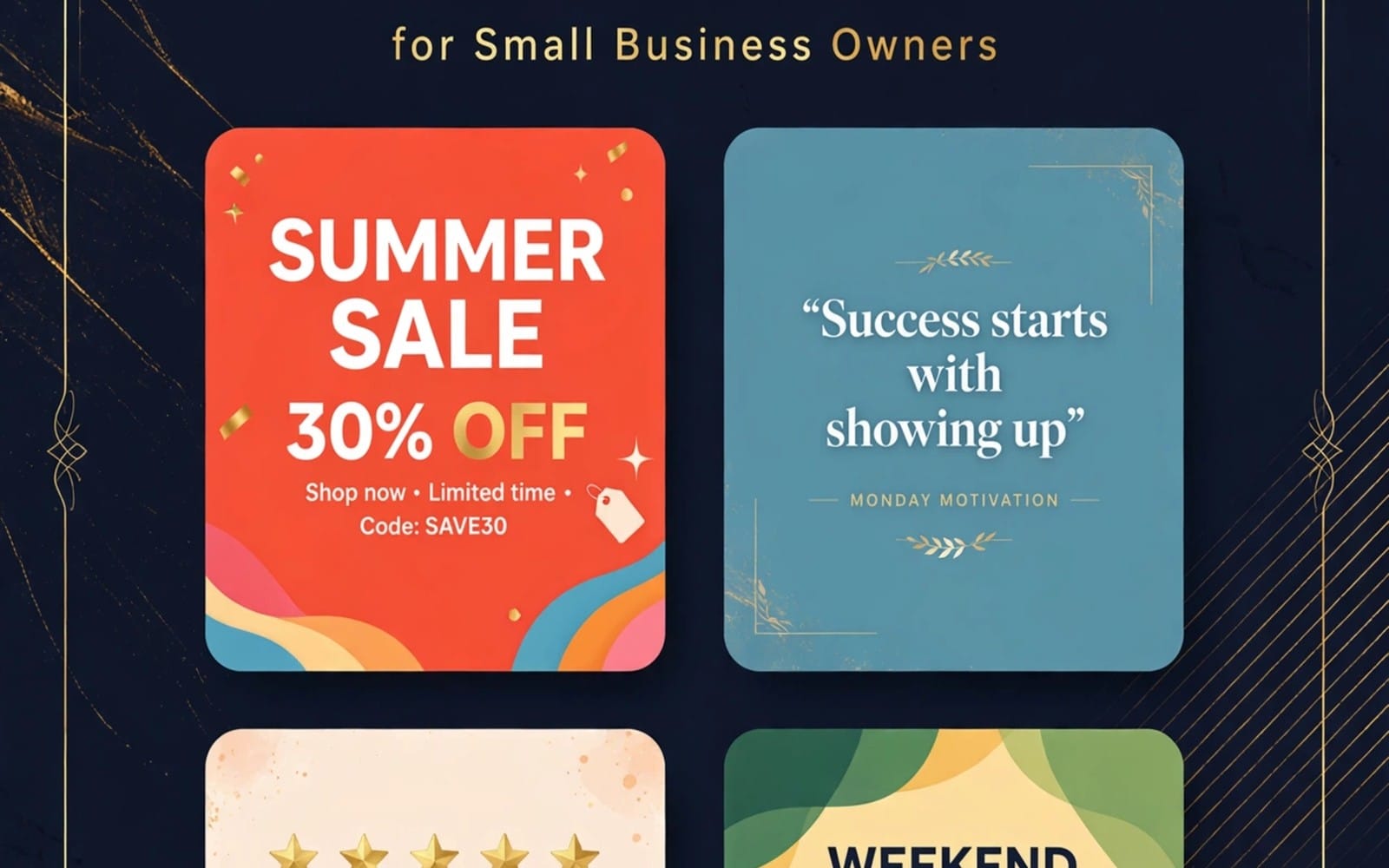
Social media graphics free templates (or stock scenes that you can quickly recolor) work best when they mirror your target platforms. Create multiple ratios: feed square, portrait, and story background.
Then keep the design system stable: same font pair, same highlight color, same shadow strength. Consistency turns separate posts into a brand-like set, which sells better.
Pro tip: build one “preview style pack” first. Pick a preset, a text style, and a background treatment. Reuse those settings across every listing image so your store looks intentional.
35 free mockup templates you can use for August 2026 listings
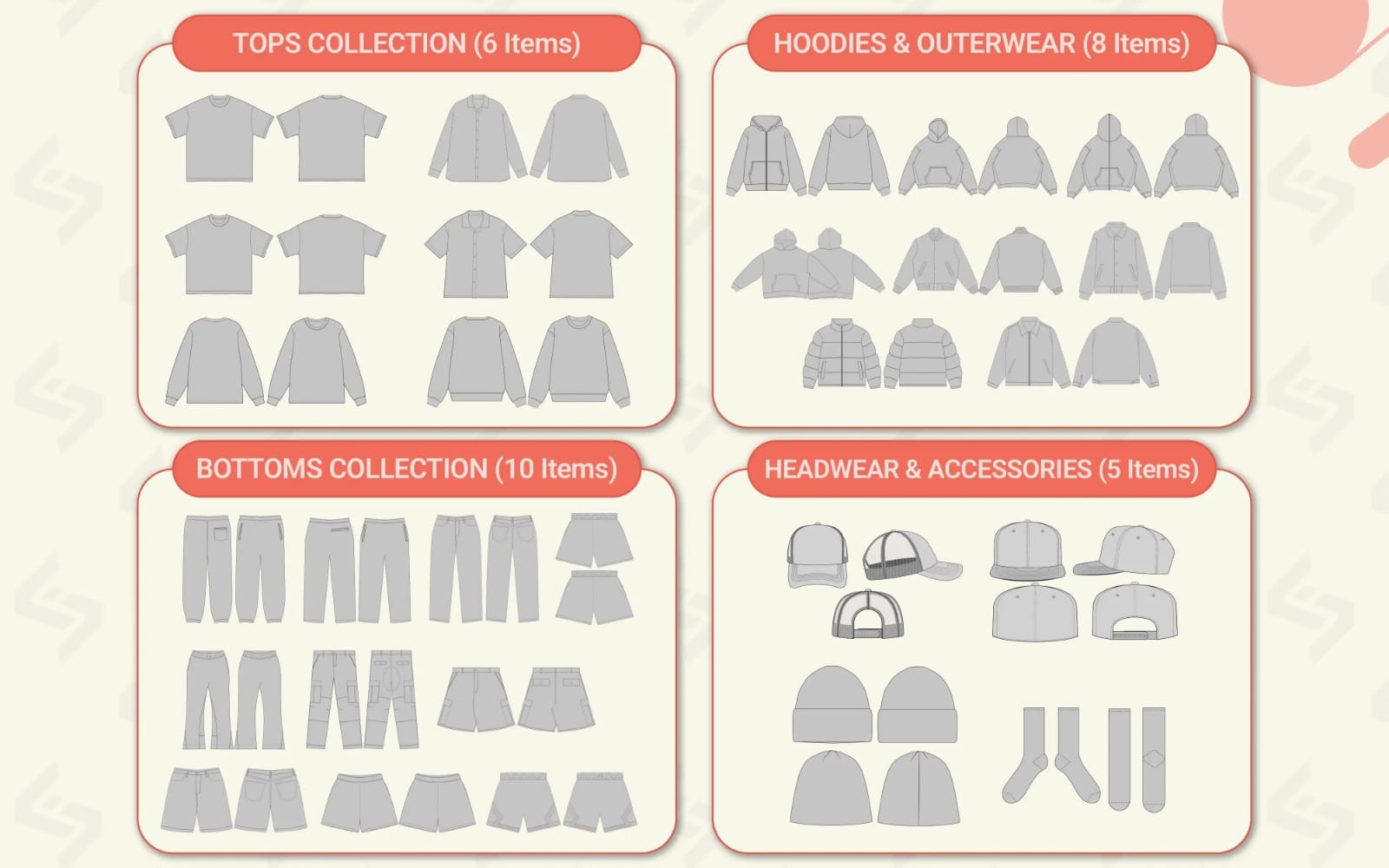
Below is a practical set of 35 mockup template ideas you can search for and adapt for your photography and graphics listings in August 2026. Each item maps to a common buyer question, so you choose the right preview for the product type you sell.
Don’t treat this as a scavenger hunt. Treat it as a checklist. Pick 8 to 12 mockups that cover: format, use-case, and at least one “detail” view.
Poster, print, and wall art mockups (1-12)
If you sell posters, prints, or curated photo collections, these previews communicate size and placement fast.
- A3 wall poster mockup (front view)
- A3 wall poster mockup (angled)
- Frame mockup with matte border
- Floating frame wall mockup
- Canvas print mockup (hand-painted texture)
- Photo print mockup with soft shadows
- Desk flat-lay print mockup
- Poster corner clamp mockup
- Gallery wall grid mockup (3 or 4 frames)
- Stacked print mockup (depth preview)
- Wallpaper border mockup (small repeat)
- Close-up “paper grain” mockup
Mobile, wallpaper, and screens (13-22)
For mobile wallpaper listings, buyers care about fit and readability. These mockups answer “will it look good on my device?”
- Smartphone home screen mockup (light mode)
- Smartphone home screen mockup (dark mode)
- Lock screen mockup with time area
- Phone camera roll mockup
- Phone preview in hand mockup
- Tablet wallpaper mockup
- Desktop monitor mockup (2-screen setup)
- TV screen mockup (living room glow)
- Website hero mockup background (full bleed)
- Minimal phone wallpaper overlay mockup
Brand identity and social graphics previews (23-35)
If you sell brand identity kits or social media packages, show structure. Use mockups for grid layouts, templates, and deliverable clarity.
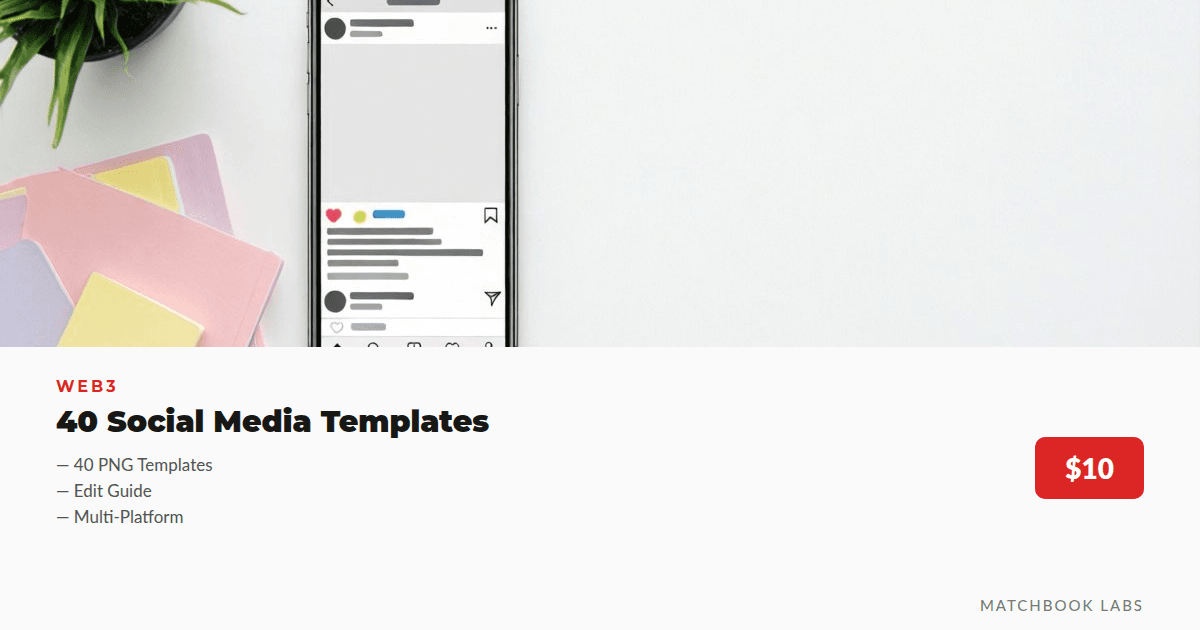
- Instagram post template mockup (feed)
- Instagram story template mockup
- Carousel mockup (4 slides)
- Twitter/X banner mockup
- Cover image mockup (YouTube channel style)
- Business card mockup (front/back)
- Coffee menu mockup (for café kits)
- Packaging label mockup
- Sticker mockup (die-cut)
- Letterhead mockup
- Email header mockup
- Color palette strip mockup
If you want a shortcut, pick 3 mockups for each listing: one hero image, one context image, and one detail image. That sequence creates confidence without overwhelming the buyer.
Success story pattern: creators who update only 5 images per listing often see better click-through because buyers instantly recognize the deliverable format. Mockups do that job.
How to turn free templates into sellable previews fast
You can transform mockups and stock assets into listing-ready previews in one repeatable workflow. The winning formula looks boring: consistent canvas sizes, a stable preset, and a strict export checklist.
This workflow works for photo collections, anime poster art, and brand identity kits. It also fits a busy creator schedule because you can batch-export multiple preview variants in one session.
Workflow: from template layers to export-ready images
Start with a single working file that defines your preview rules. Then reuse it for every product update.
- Create one master PSD or layered document with smart object placeholders.
- Apply your preset treatment before you place typography overlays.
- Export a hero preview and a detail preview in the same session.
- Export at least one “context” preview where the image sits in a scene.
- Keep text consistent. If the listing contains style words, match them visually.
When you reuse a master template, you avoid inconsistent colors and mismatched contrast that confuse buyers.
Export checklist that reduces returns
Returns often happen because the buyer expected one thing from the preview. You prevent that by exporting previews that mirror the real output.
- Match aspect ratio to the downloadable file dimensions.
- Match safe margins. If your file bleeds, show it clearly.
- Keep font size readable. If the mockup is tiny text, buyers think it will be tiny in the deliverable.
- Show at least one zoomed-in detail export when the artwork has texture.
- Use one master preview template and export in batches.
- Match preview dimensions and crop rules to the downloadable files.
- Keep one preset treatment across the whole listing set.
Best photo editing presets for consistent mockups
Photo editing presets help you keep a unified look across free templates and stock photos. Your preset controls color temperature, contrast, highlight roll-off, and saturation so your previews feel like the same collection.
For August 2026 listings, you want presets that handle two problems fast: warm sunset highlights and crisp detail in wallpaper textures.
Preset categories that sell in photography
Pick presets by outcome, not by software brand names. Then apply them the same way every time.
- Golden hour warmth preset: warm highlights, soft shadows, gentle saturation
- Moody cinematic preset: deeper blacks, lifted midtones, controlled contrast
- Anime poster clarity preset: stronger edges, controlled skin tones, less haze
- Soft film preset: grain, lower contrast, warmer color bias
Once you pick your categories, you can build a “preview pipeline” that turns raw photos into consistent listing imagery.
How to test presets without guessing
Don’t rely on eyeballing. Test presets against the same stock scene and the same export size. Compare three things: highlight clipping, shadow noise, and skin tone shift.
Then choose the preset that holds detail in both bright and dark zones. Buyers notice when skies turn flat or when textures look smudged.
Common mistake: using different presets for every image. Your listing then reads like unrelated assets, not a single package.
How to sell photos online with mockups, previews, and clear licensing
To sell photos online, you need more than a nice image. You need a buyer-friendly preview set, clear usage terms, and consistent presentation across formats. Mockups make the product understandable, but licensing makes it trustworthy.
When your listing shows what the buyer can do with the file, you reduce friction and support fewer refund requests.
Write product pages that buyers can scan in 15 seconds
Buyers skim. Put the most important details near the top: what the file is, what formats they receive, and what use they can make of it.
Then reinforce it with visuals. If your preview shows a “phone lock screen” look, your downloadable file should match that framing.
Use category-appropriate preview sets
Different photo products need different preview sets. Anime and poster work benefits from wall and frame mockups. Wallpaper products need phone and dark-mode screens. Brand identity kits need layout grids.
Build a set that matches the buyer’s job to be done. That approach increases the chance they think, “This fits my project,” not, “This might fit.”
To see how creators structure photography and graphics catalog items, you can review example listings like a mobile wallpaper product, an anime collector poster, or a themed brand identity kit:
- Solo leveling (poster) listing
- Jujutsu Kaisen collector poster listing
- Velora Coffee House social kit listing
If you sell wallpapers, also check examples such as: Solo leveling mobile wallpaper (0xlt) and Golden hour sunset landscape 4k wallpaper photos.
Pro tip: include one “use-case” mockup per format. If you sell wallpapers, show home screen and lock screen. If you sell prints, show wall placement and close-up texture.
FAQ: free mockup templates, free stock photos, and photo presets
Where can I get free mockup templates for photography?
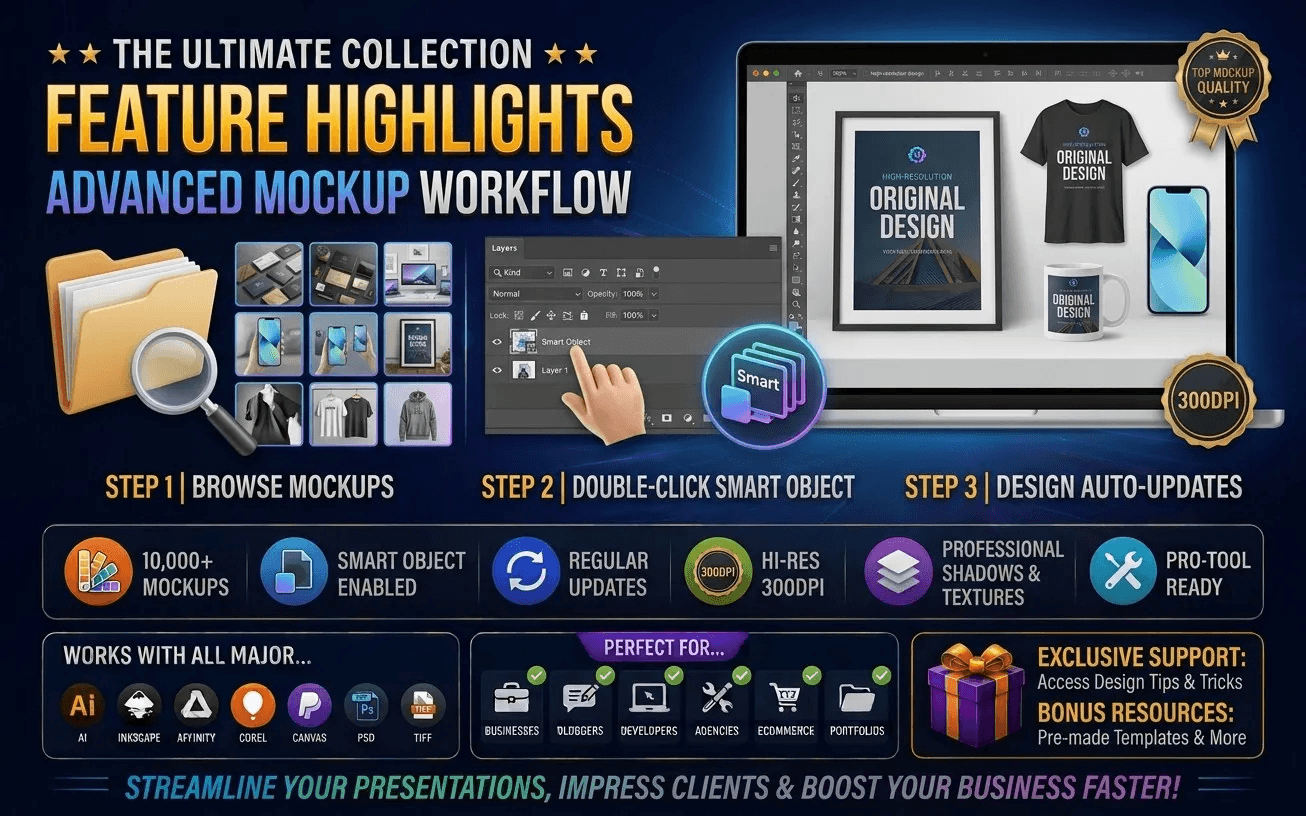
Look for templates that support layer replacement and smart object workflows, then verify that aspect ratios remain correct when you swap images. Focus on mockups that cover your product formats: wall art, mobile screens, and social tiles.
A good template saves time, but it should also preserve sharpness and color consistency when you export.
Are free stock photos enough to sell photos online?
Free stock photos can improve your previews and help you build marketing scenes, but your listing should deliver original or clearly defined creative work that matches the downloadable files you provide. Buyers want the result, not a mood board.
Use stock as support. Use your downloads as the product.
What photo editing presets should I use for sunsets and golden hour?
Use a golden hour warmth preset that protects highlight roll-off and keeps shadows smooth. Then add a gentle contrast curve so the scene looks vivid without crushing detail.
Test the preset on your mockup canvas size so export matches what buyers see.
How do I create social media graphics free versions from one design?
Start with one master layout, then generate variations by changing only one variable: platform ratio, headline text, or background tone. Keep font choices, spacing rules, and color treatment consistent.
This keeps the set coherent and helps buyers treat it as a bundle.
What prevents refunds when selling photography and graphics?
Refunds usually connect to mismatched expectations. You reduce them by aligning previews with the real deliverable dimensions, showing at least one detail view, and writing clear usage terms.
When your listing makes the product understandable at a glance, you avoid “I thought it would work differently” disputes.
Want to level up your listing images this month? Pick 8 mockups from the checklist, apply one preset pipeline, and export a consistent preview set. When your products look coherent at first glance, buyers browse longer and convert faster.
Soft call-to-action: If you want an efficient way to explore what polished photography and graphics listings look like, browse recent example items in your niche and model your preview sequence on what already performs.
Getly Sellers Team