Getly
Getly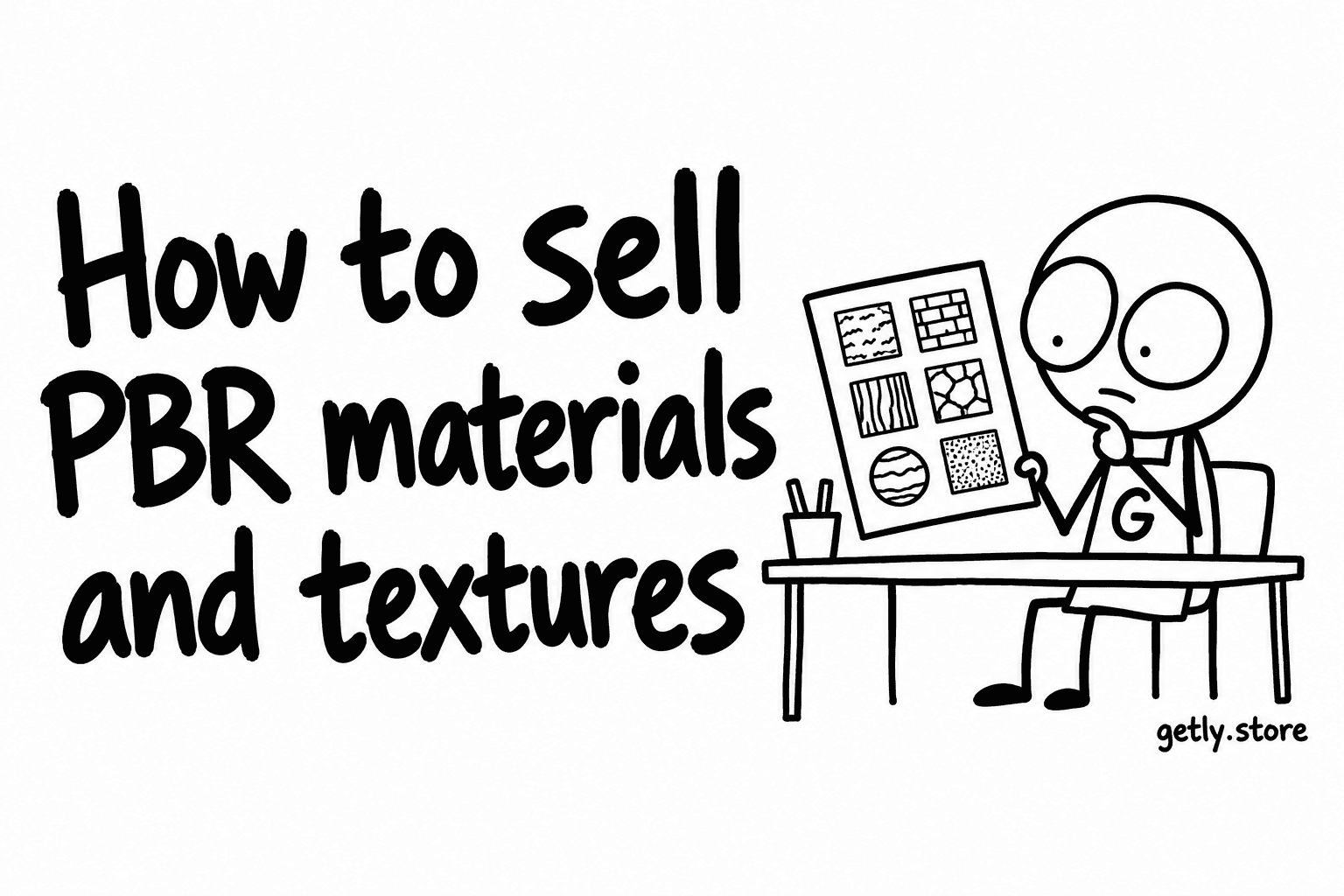
PBR materials are the largest category on Getly. Measured 19 September 2026 the shelf holds 535 active listings — 8.21% of everything live, the single biggest concentration of work in a catalogue of 6,519 listings across 425 populated categories.
That is the opportunity and the problem at once: proven demand for the format, and a wall of near-identical neighbours between a buyer and your version of a brick.
What a complete set actually contains
A PBR material is a set of maps that a renderer reads together, not a picture of a surface. A buyer opening your archive expects to find, at minimum:
- Albedo / base colour — the surface colour with lighting information removed. Baked-in shadows are the most common defect in this category and the easiest one to spot in a preview.
- Normal — and say which convention, OpenGL or DirectX. Getting this backwards inverts every bump in the material and the buyer will blame your file, correctly.
- Roughness — or gloss, if that is what you shipped. Say which; they are inverses and they are not interchangeable.
- Metallic — even when it is a flat black image, because its absence makes a buyer wonder whether the set is incomplete.
- Height / displacement — state the bit depth. A 16-bit height map is a different product from an 8-bit one.
- Ambient occlusion — optional in a modern workflow, expected by buyers on older ones.
Two things belong in the description rather than the archive: the resolution (2K and 4K are different purchases, and "high resolution" is not a resolution) and whether the material is seamless and tileable. A texture that does not tile is a photograph, and a buyer who finds that out after paying has a reasonable complaint.
The tags are already settled, so the title is your only lever
This shelf has the most standardised tag vocabulary in the catalogue. The most-used tags on it:
- blender — 539 uses
- textures — 537
- pbr texture — 535
- 3d material — 535
- seamless — 535
- tileable — 464
- nature — 277 · architecture — 235 · building — 231 · brick — 229
A few counts run a shade above the listing count because the same vocabulary spills onto neighbouring shelves. The pattern matters more than the arithmetic: the first six tags sit on essentially every listing here, so they do no work at all in separating you from anyone. They are the price of admission.
The tags that carry information are the subject tags — nature, architecture, building, brick — on roughly half the shelf or less. That is where a buyer's search lands, and the only part of your tag list worth thinking about.
Naming, when your neighbours all start the same way
Near-duplicate titles are a real hazard on this shelf. Across the catalogue the largest group of listings sharing their first 25 characters inside one shop runs to 46 listings — and a material series is exactly the shape that produces it.
The rule is to put the distinguishing word before the shared one. "Brick, red weathered — PBR 4K" is legible in a column of its own siblings. "PBR Material Pack Vol. 12 — Brick Red Weathered" is not, because a product card truncates and every sibling looks the same up to the cut.
Your series name, your volume number and the letters "PBR" are things the buyer already knows by the time they are on your shop page. Spending the opening of the title on them is spending the only space you have.
Size band and price
Price on this shelf moves with payload, and the catalogue medians by band are worth knowing before you set a number:
- under 1 MB — $9.99
- 1–10 MB — $4.99
- 10–100 MB — $5.00
- 100 MB – 1 GB — $11.00
- over 1 GB — $22.48
A single 4K set lands in the 10–100 MB band; a multi-resolution set with 8K maps lands in 100 MB – 1 GB. The step between them is roughly double the price — the cleanest pricing decision in the category: shipping 8K alongside 4K moves you a band up for one export.
Below a gigabyte, do not split the download to look smaller. Above it, do split — a failed download at 80% of 1.4 GB starts again from zero.
Ship a second file
85.76% of listings in the catalogue deliver exactly one file, and listings with two or three files carry the highest median price of any attachment count — $9.99. That is not magic. A second file is usually the thing that answers the questions a buyer would otherwise ask before paying.
For a material set, the second file is a short text or PDF that states the map list, the resolution, the normal-map convention, the height-map bit depth, the software the set was built and tested in, and the licence. It takes ten minutes once and applies to every set afterwards.
The licence, which matters more here than almost anywhere
Materials end up inside other people's products — a game, an archviz render, a client deliverable. Across the catalogue 22.29% of listings declare commercial use, 19.16% personal, 4.91% extended and 0.83% CC0. The majority declare nothing at all.
On this shelf silence is expensive, because the buyer's real question is not "may I use it" but "may I ship it in something I sell". Setting the licence takes one click and removes the most common pre-purchase message here. It also lets you charge the studio an extended rate and the student a personal one — the only way out of the five-dollar band that does not involve making more maps.
Getting started
Publish one complete 4K set, name it subject-first, attach a one-page spec as the second file, set the licence, and price it at the band your payload actually falls into. Then publish the second one. The shelf is large because it rewards a series — but a series only works when a buyer can tell its members apart. Open a shop and the first listing takes about an hour.