Product Description
♡ Plan your whole wedding in one beautiful spreadsheet, with no subscription and no Office 365 required. ♡
The Wedding Planner Spreadsheet keeps your budget, guest list, RSVPs, seating chart, vendors and checklist in one place. Everything updates automatically. Type your names and wedding date once, and the planner is personalized on every tab.
✔ Works in Excel 2016+ (Windows & Mac), free Google Sheets AND Apple Numbers
✔ No macros, no Microsoft 365-only formulas
✔ Every category and dropdown is editable. Make it truly yours.
✔ Formulas are tested with 300 guests and odd inputs (text in number cells, blank rows, renamed options), so you won't get formula errors.
✔ Includes a SIMPLE MODE version for couples who want fewer tabs
━━━━━━━━━━━━━━━━━━━━
WHAT'S INSIDE THE FULL PLANNER (9 tabs)
━━━━━━━━━━━━━━━━━━━━
① START HERE: your names, wedding date, currency symbol picker (with an optional second currency for destination weddings) and total budget. It also has a live "days to go" countdown.
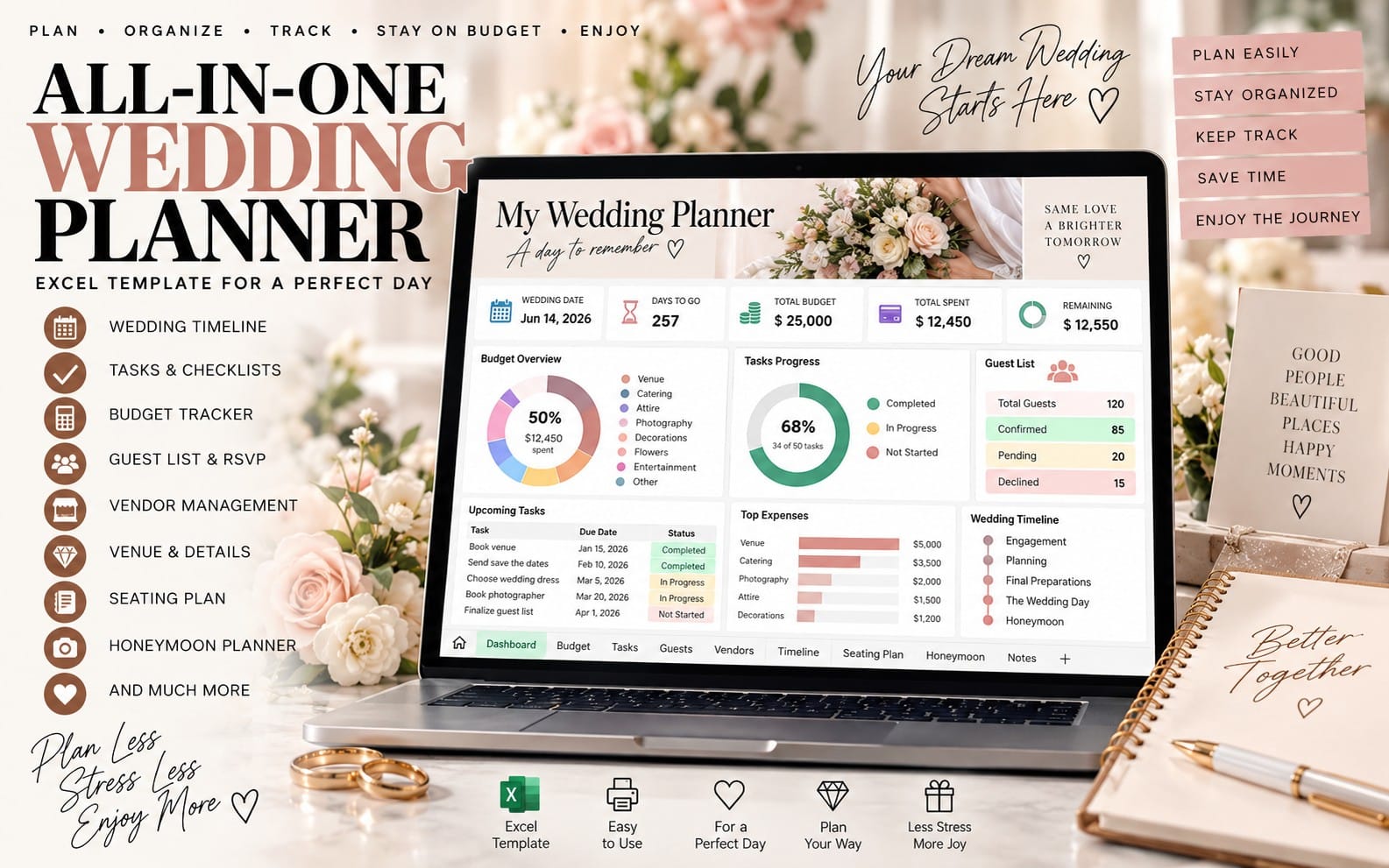
② DASHBOARD: your whole wedding on one screen:
• Total budget, projected spend, paid, still to pay, remaining, % used
• Invited, attending, awaiting reply, declined, guests without a table
• Checklist % done, overdue tasks, vendors booked, payments due in 30 days
• Charts: estimated vs actual by category, RSVP donut and budget split
• Meal counts for your caterer, your next 5 payments and next 6 tasks
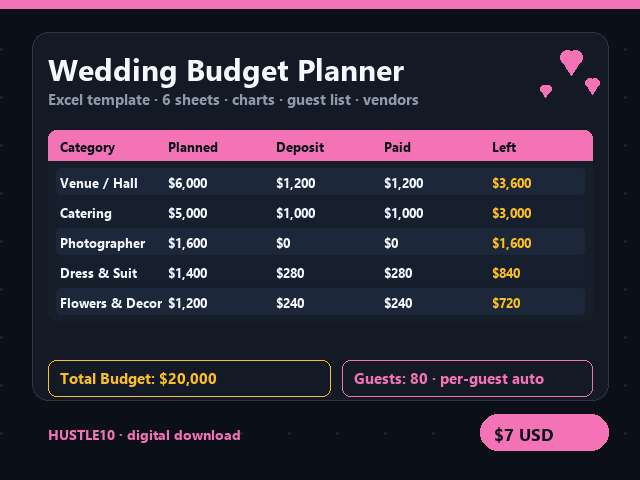
③ BUDGET: 23 ready categories plus blank rows, all renameable. Columns for Estimated, Actual, Paid, Balance due, due date, auto status (Unpaid / Partly paid / Paid in full), vendor and link. A suggested budget split is calculated from your total. You get over-budget and overdue alerts.
④ GUEST LIST: up to 300 households with side, group, party size, RSVP (Yes / No / Pending), meal choice, dietary needs, table #, contact, address, gift received and thank-you sent ☑.
⑤ SEATING: 30 tables with capacity vs seats assigned, plus a seating chart that fills itself from your guest list. It flags "Over capacity!" so you can rebalance fast.
⑥ VENDORS: contacts, quotes, deposit plus a 3-part payment schedule, contract signed, total paid, balance and next payment due.
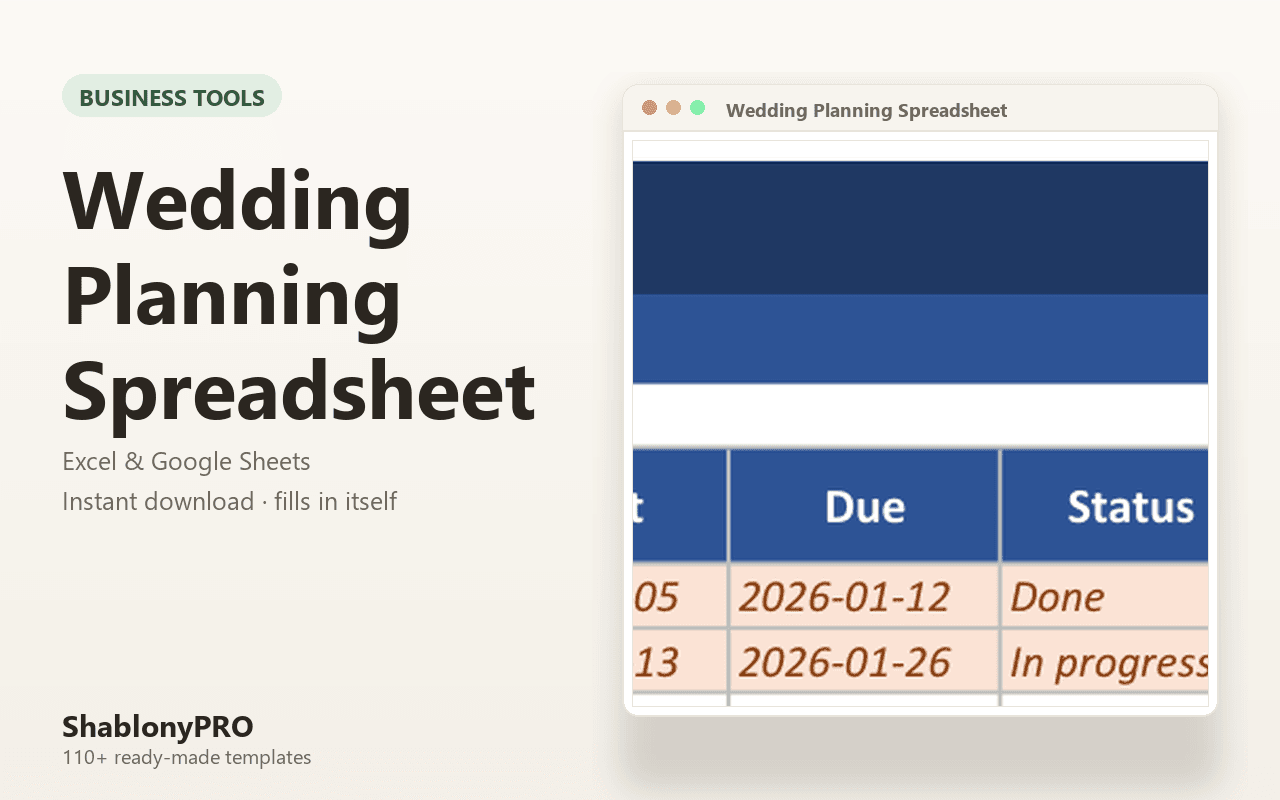
⑦ CHECKLIST: 88 tasks from 12+ months before to after the wedding. Each is automatically dated from your wedding day, with status dropdowns, % complete and overdue highlights.
⑧ DAY-OF TIMELINE: a 22-step wedding-day schedule, key contacts and an emergency-kit list.
⑨ LISTS: edit every dropdown (groups, meals, statuses, owners, currencies). You can even rename "Yes" to "Sí", and the counts still work.
━━━━━━━━━━━━━━━━━━━━
WHAT YOU'LL DOWNLOAD
━━━━━━━━━━━━━━━━━━━━
• Wedding-Planner-Full.xlsx (9 tabs)
• Wedding-Planner-Simple.xlsx (Start Here, Budget, Guest List, Checklist)
• 13-page PDF User Guide
• Google Sheets & Apple Numbers instructions (PDF)
━━━━━━━━━━━━━━━━━━━━
COMPATIBILITY
━━━━━━━━━━━━━━━━━━━━
• Microsoft Excel 2016, 2019, 2021, Microsoft 365, Excel for Mac, Excel Online
• Google Sheets (free): upload, then File → Save as Google Sheets. Works on phone and tablet, and you can share it with your partner.
• Apple Numbers (Mac / iPad / iPhone): all calculations work. Some color highlights and chart styles may look simpler than in Excel or Google Sheets.
━━━━━━━━━━━━━━━━━━━━
FAQ
━━━━━━━━━━━━━━━━━━━━
Q: Do I need Microsoft 365 / Office 365?
A: No. It uses only classic formulas that work in Excel 2016+, Google Sheets and Numbers.
Q: Can I personalize it?
A: Yes. Your names and date appear on every tab. You can rename any budget category, add your own, and edit every dropdown list (meals, groups, statuses, currencies).
Q: Can my partner and I plan together?
A: Yes. Upload it to Google Sheets and click Share, or keep it in a shared OneDrive or iCloud folder.
Q: What currency does it use?
A: Any currency. Pick $, €, £, ¥, ₹, A$, C$, CHF and more, or type your own symbol.
Q: Will it work on my phone?
A: Yes, in the free Google Sheets, Excel or Numbers apps. A computer is easiest for the first setup.
Q: I'm overwhelmed by big spreadsheets. Is this for me?
A: Yes. Use the included Simple Mode file with just four planning tabs.
Q: Is anything shipped?
A: No. This is an instant digital download. The product photos show fictional sample data, and your file starts blank and ready to fill.
Q: Can I resell or share the file?
A: It's for personal use only. Please don't resell or redistribute it.
Questions? Message me anytime and I'll gladly help. ♡
What you get
1 file · 2.97 MB
- Wedding-Planner-Spreadsheet.zipZIP · 2.97 MB
 Getly
Getly