Getly
AI Tools & Scripts
pnpm Workspace Config Check
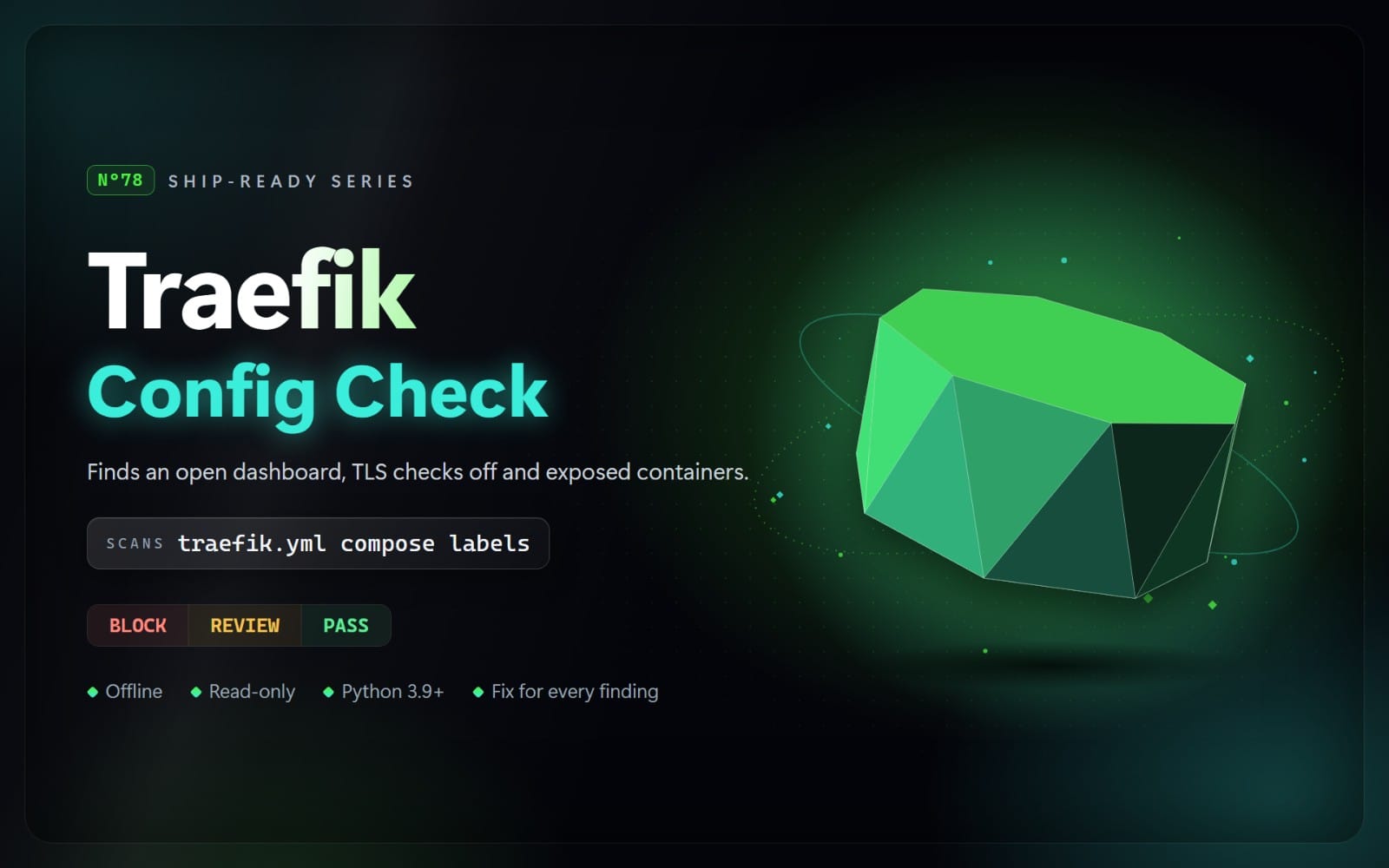
Check pnpm-workspace.yaml, .npmrc, package.json and pnpm-lock.yaml before you install: install scripts allowed for all, committed registry tokens, http registries, TLS off, the release delay off, and settings pnpm 11 no longer reads.
What you get: 1 file · 41.09 KB · ZIP
See purchase optionsProduct description
One line, dangerouslyAllowAllBuilds: true, lets every dependency you will ever install, transitive ones included, run code on your laptop and your CI runners during pnpm install. Upgrading to pnpm 11 drops the overrides you kept in the package.json "pnpm" field to patch vulnerable versions, with only a warning: pnpm 11 no longer reads that field. And since pnpm 10.34.2 and 11.5.3, a ${NPM_TOKEN} line in the project .npmrc is no longer expanded, so installs fail and someone pastes the real token into the file. This skill finds those and the other pnpm mistakes below, and tells you how to fix each one.
Your agent runs a scanner on pnpm-workspace.yaml, every .npmrc, package.json files that belong to a pnpm project, and pnpm-lock.yaml. It knows what changed between pnpm versions (scripts blocked by default in pnpm 10; a one-day minimumReleaseAge, blockExoticSubdeps and allowBuilds in pnpm 11) and uses the project's packageManager pin to report only what applies to the pnpm version you use. It skips comments, accepts loopback registries, does not report a token in a .npmrc that .gitignore covers, and never runs pnpm or installs anything. It returns BLOCK, REVIEW, or NOT FLAGGED, with the file, line, reason, and a safer approach. Secrets are never printed.
What it checks
BLOCK (fix before shipping)
- P01: dangerouslyAllowAllBuilds: true, or an empty neverBuiltDependencies list on pnpm 10, so every dependency runs its install scripts
- P02: a plain http:// registry, scoped registry, publish registry, override, catalog entry or lockfile tarball (localhost is fine)
- P03: registry tokens, _auth or _password values, passwords in URLs, or npm, GitHub and GitLab tokens in committed pnpm files
- P04: strict-ssl=false or strictSsl: false
REVIEW (check before release)
- P11: build approvals for git or tarball sources with no pinned commit, a neverBuiltDependencies deny-list, or a pin to pnpm 9 or older that runs every install script
- P12: the release-age delay turned off (minimumReleaseAge: 0, an exclude of '*'), or pnpm 10 with no minimumReleaseAge (and why to set it explicitly on pnpm 11 too)
- P13: overrides or catalog entries that point at git repositories or URLs, or blockExoticSubdeps: false
- P14: shamefully-hoist, a publicHoistPattern of '*', or the hoisted node linker (phantom dependencies)
- P15: lockfile turned off, no pnpm-lock.yaml at the workspace root, or the lockfile listed in .gitignore (example, template and fixture apps are left out)
- P16: catalog versions that move on their own: '*', latest or another dist-tag, '>=' with no upper bound
- P17: settings pnpm 11 and later do not apply: the package.json "pnpm" field, pnpm settings in .npmrc, and onlyBuiltDependencies and the other settings removed in pnpm 11 (pnpm 12 fails on them when the version pin matches)
- P18: ${VAR} placeholders in the project .npmrc auth, registry, proxy or client-certificate lines (or workspace registry and proxy URLs) that current pnpm no longer expands
What's included
- The scanner (Python 3.9+, standard library only)
- A rules guide with the reason, safer approach and official source for each rule
- A risky and a safe example monorepo (pnpm-workspace.yaml, .npmrc, package.json files and a lockfile), and the real report the scanner produces on the risky one
Limits
It reads the project's files only: settings in the user-level ~/.npmrc, pnpm's global config.yaml and auth.ini, environment variables and command-line flags are not known. Lockfiles larger than 1 MB are skipped. A file named on its own is checked without its folder's lockfile and version pin. .pnpmfile hooks, configDependencies, patches and the packages themselves are not inspected, and dependency versions are not checked against vulnerability databases. NOT FLAGGED is not a guarantee.
Contents
One ZIP file with 20 files: SKILL.md, the scanner in scripts/ (5 Python files), references/rules.md (every rule with its reason and safer approach), and examples/ (12 example files plus report.md, the real scanner output on the risky example).
How to use: This is an agent skill: a folder with a SKILL.md file and Python scripts that an AI coding agent such as Claude Code, Cursor, or Codex CLI can run. Unzip it into your agent's skills folder (for Claude Code: ~/.claude/skills/), then ask your agent to check your project. The scripts also run on their own with Python 3.9 or newer, with nothing to install. They read your files only: no network access, and nothing is sent anywhere.
What you get
1 file · 41.09 KB
- pnpm-workspace-config-check-1.0.0.zipZIP · 41.09 KB
AI Tools & Scripts
pnpm Workspace Config Check
Check pnpm-workspace.yaml, .npmrc, package.json and pnpm-lock.yaml before you install: install scripts allowed for all, committed registry tokens, http registries, TLS off, the release delay off, and settings pnpm 11 no longer reads.
Getly opened the uploaded files and found nothing that would stop them opening. It is not a virus scan or a quality rating.
Tags
Frequently asked questions
Do I get access instantly?
Yes. This is a digital product - you can download it right after checkout, straight from your library.
Can I use it for commercial projects?
Yes. Commercial use is allowed: use it in your own business and in things you sell. You may not resell or redistribute the file itself.
What's your refund policy?
You can request a refund within 30 days. If something isn't right, request it from your order and the Getly team reviews it.
What file formats and sizes will I get?
You'll download 1 file - ZIP - 41.09 KB in total.
Do I get free updates?
Yes - when the seller ships a new version, you can re-download the latest files from your library at no extra cost. Check the changelog for recent updates.
Price
$5.00