 Getly
Spreadsheets & Calculators
Plant Ledger — Houseplant Collection & Care History Workbook
Track plant names, locations, sources, photo links and your entered care history, with filters and elapsed-days formulas—not care schedules.
What you get: 1 file · 46.86 KB · ZIP
See purchase optionsPreview
Product description
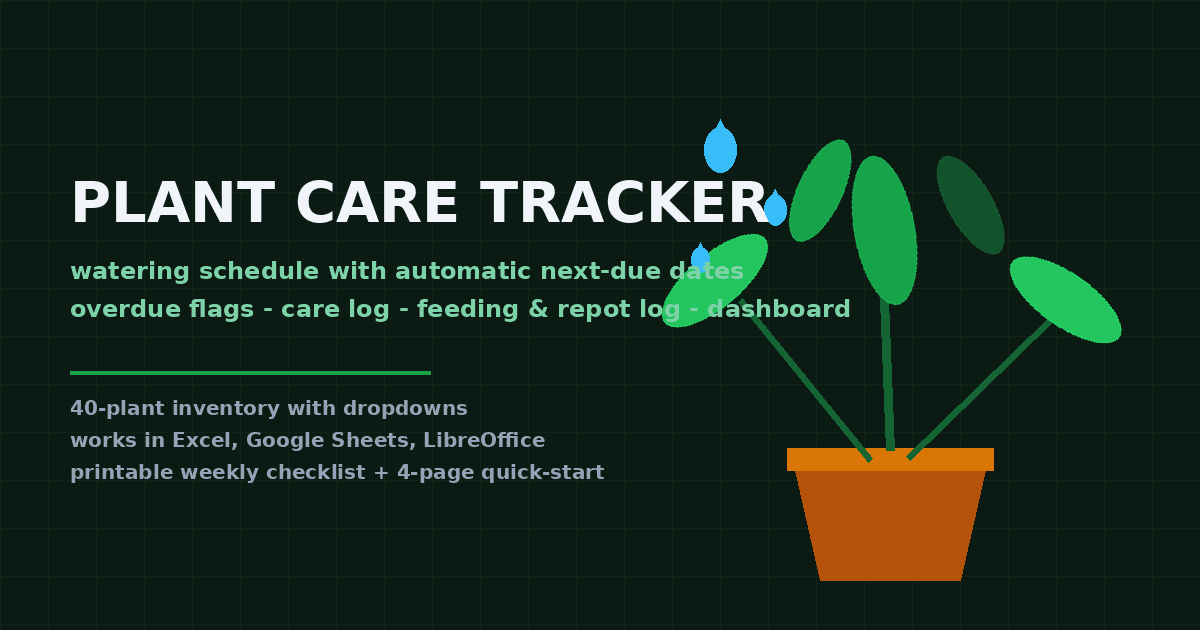
Keep your houseplant collection details and the care history you choose to enter in one sortable workbook. Plant Ledger shows elapsed calendar days since your latest logged watering or fertilizing event. It records time; it does not prescribe care.
What is included
One editable XLSX with four sheets: Start Here, Collection, Care Log and Lists.
Six illustrative plant records and twelve illustrative dated events, ready to replace or delete.
Collection fields for Plant ID, name, optional botanical name, location, acquisition date, source/seller, photo/reference URL and notes.
Care Log fields for date, Plant ID, event type, optional detail/amount, observations and photo/reference URL.
Formulas prepared for 100 plant rows and 200 log rows, plus filters and dropdowns.
Two header-only CSV starters: Collection_Starter.csv and Care_Log_Starter.csv.
Original editable plant_sprig.svg accent source, README, end-use LICENSE and INVENTORY.
How to use
Unzip and open Plant_Ledger.xlsx, then read Start Here. Replace/delete marked examples. Keep Plant IDs unique and use matching IDs in Care Log. Add a dated event when you want to record something you did. Sort/filter either table to find entries. Read elapsed-days columns only as the time since your latest matching logged event, not as a due date.
Formats and compatibility
XLSX is designed for current Excel and import into Google Sheets; LibreOffice Calc can open it too. It uses COUNTIFS, SUMPRODUCT/MAX and TODAY formulas. Recalculation was tested in LibreOffice Calc; Microsoft Excel and Google Sheets were not directly tested. After import, verify recalculation, date/locale settings, dropdowns and formatting yourself. CSV starters have headers only: no formulas, formatting or dropdowns. SVG source needs a compatible vector editor if you wish to edit it.
Who it is for
Houseplant owners who want one practical place for inventory details and their own dated watering, fertilizing and other event history.
Important limits
This is recordkeeping, not botanical advice. It does not prescribe watering/fertilizing intervals or amounts, identify plants, assess health, recommend action, predict outcomes or guarantee results. Sample names/dates are placeholders, not schedules. There is no care-reminder or automatic scheduling service. Photo fields store URLs; images are not embedded. Extend related formulas and validation yourself beyond 100 prepared plant rows or 200 log rows. Keep backups of your records.
License
Use/edit for your personal collection or within your own business/organization and use finished outputs you create. Do not resell, sublicense, share or distribute the supplied workbook, CSV starters, SVG source or documentation as reusable source files/templates, modified or not. See LICENSE.txt for full terms.
FAQ
Does it tell me when to water? No; it calculates elapsed days from dates you entered.
Can I add more plants? Yes, but extend formula/validation ranges when needed.
Can I attach a photo? Paste a photo/reference URL; it is not an embedded image.
Is Sheets import verified? No; verify your imported copy before relying on it.
What is the free demo? A read-only PDF content sample, not an editable workbook.
What you get
1 file · 46.86 KB
- Plant_Ledger_Download_v1.0.zipZIP · 46.86 KB
Spreadsheets & Calculators
Plant Ledger — Houseplant Collection & Care History Workbook
Track plant names, locations, sources, photo links and your entered care history, with filters and elapsed-days formulas—not care schedules.
Free demo, no purchase needed
Included in Getly ProGet Pro
Tags
Frequently asked questions
Do I get access instantly?
Yes. This is a digital product - you can download it right after checkout, straight from your library.
Can I use it for commercial projects?
The seller sets custom terms, spelled out in the description above. Read them before you buy.
What's your refund policy?
You can request a refund within 30 days. If something isn't right, request it from your order and the Getly team reviews it.
What file formats and sizes will I get?
You'll download 1 file - ZIP - 46.86 KB in total.
Do I get free updates?
Yes - when the seller ships a new version, you can re-download the latest files from your library at no extra cost. Check the changelog for recent updates.
Price
$6.50