Getly
AI Tools & Scripts
OpenTelemetry Collector Check
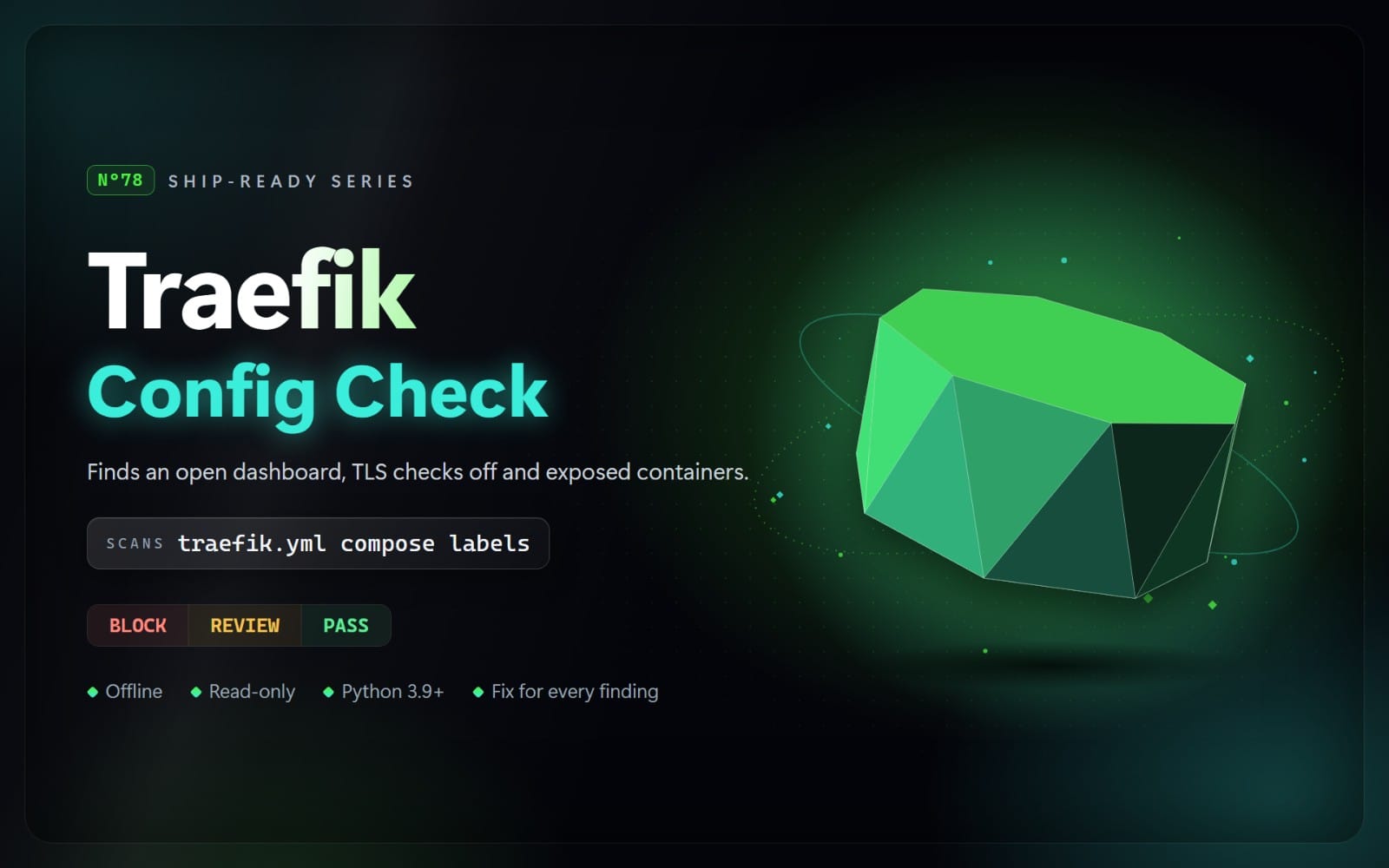
Check OpenTelemetry Collector configs, Helm values and OTEL_* settings before you deploy: vendor keys in headers, keys sent without TLS, pipelines that stop the Collector starting, open receivers and risky defaults.
What you get: 1 file · 45.26 KB · ZIP
See purchase optionsProduct description
A vendor API key pasted into an exporter's x-honeycomb-team or Authorization header, or into OTEL_EXPORTER_OTLP_HEADERS in a Compose file, ends up in git, in the ConfigMap and in every image built from it. A pipeline that lists otlphttp/vendor when the exporter is defined as otlp_http/vendor stops the Collector from starting at all, and a header written as $API_KEY is sent as that literal text, because the Collector no longer expands bare $NAME values. This skill finds those and the other Collector mistakes below before you deploy, and tells you how to fix each one.
Your agent runs a scanner on Collector config files, values for the opentelemetry-collector Helm chart, OpenTelemetryCollector operator resources, ConfigMaps that embed a config, SDK config files, and OTEL_* settings in Compose files, Kubernetes manifests, Dockerfiles, shell scripts, .env and .properties files. It knows the Collector's defaults (servers on localhost since v0.104.0, TLS on for the gRPC exporter unless insecure: true), accounts for the chart's own default config when it reads Helm values, treats ${env:NAME}, secretKeyRef and SOPS values as references, skips the docs' own placeholders such as YOUR_API_KEY, treats files that one command loads with several --config flags as parts of one config, and never runs the Collector or contacts a backend. It returns BLOCK, REVIEW, or NOT FLAGGED, with the file, line, reason, and a safer approach. Secrets are never printed.
What it checks
BLOCK (fix before shipping)
- O01: API keys, tokens and passwords written into a Collector or SDK config: exporter headers, auth extensions (bearertokenauth, basic_auth, oauth2client, headers_setter), fields such as api.key or access_token, ${env:NAME:-fallback} defaults and passwords in endpoint URLs
- O02: credentials in OTEL_EXPORTER_OTLP_HEADERS, the otel.exporter.otlp.headers property or -D flags, and secret-named variables on Collector containers (Compose, Kubernetes, Helm extraEnvs, operator spec.env)
- O03: credentials sent to a remote host over plain text (insecure: true, http:// endpoints, OTEL_EXPORTER_OTLP_INSECURE) or with certificate checks off
- O04: configs the Collector refuses to start: pipelines or service.extensions naming undefined components, authenticators or middlewares naming extensions that are not enabled, pipelines with no receivers or exporters, one-sided connectors
REVIEW (check before release)
- O11: receivers on 0.0.0.0, :: or an empty host with no auth
- O12: the debug exporter with verbosity: detailed in a pipeline
- O13: pipelines without memory_limiter, or with memory_limiter not first
- O14: removed components (logging exporter, jaeger exporters, memory_ballast, opencensus, routing processor, SAPM)
- O15: pprof, zPages or remotetap on every interface
- O16: telemetry to a remote host without TLS or certificate checks, TLS 1.0/1.1, insecure cipher suites
- O17: $NAME or $(NAME) values the Collector does not expand
- O18: credentials written as short words such as changeme or supersecretapikey (weak, or a placeholder never replaced)
What's included
- The scanner (Python 3.9+, standard library only)
- A rules guide with the reason, safer approach and official source for each rule
- A risky and a safe example setup (Collector config and Compose file), and the real report the scanner produces on the risky one
Limits
Helm templates are not rendered, configs split over several --config files are recognised only when the command that loads them is in the scanned files or a part has no receivers section, and values filled in from the environment at run time are not known. A host counts as remote when it is a public IP or ends in a public top-level domain. The default config in the official Collector images binds to 0.0.0.0 and gets REVIEW findings by design. JSON configs, Service and Ingress exposure and network policies are not checked. NOT FLAGGED is not a guarantee.
Contents
One ZIP file with 14 files: SKILL.md, the scanner in scripts/ (7 Python files), references/rules.md (every rule with its reason and safer approach), and examples/ (4 example files plus report.md, the real scanner output on the risky example).
How to use: This is an agent skill: a folder with a SKILL.md file and Python scripts that an AI coding agent such as Claude Code, Cursor, or Codex CLI can run. Unzip it into your agent's skills folder (for Claude Code: ~/.claude/skills/), then ask your agent to check your project. The scripts also run on their own with Python 3.9 or newer, with nothing to install. They read your files only: no network access, and nothing is sent anywhere.
What you get
1 file · 45.26 KB
- opentelemetry-collector-check-1.0.0.zipZIP · 45.26 KB
AI Tools & Scripts
OpenTelemetry Collector Check
Check OpenTelemetry Collector configs, Helm values and OTEL_* settings before you deploy: vendor keys in headers, keys sent without TLS, pipelines that stop the Collector starting, open receivers and risky defaults.
Getly opened the uploaded files and found nothing that would stop them opening. It is not a virus scan or a quality rating.
Tags
Frequently asked questions
Do I get access instantly?
Yes. This is a digital product - you can download it right after checkout, straight from your library.
Can I use it for commercial projects?
Yes. Commercial use is allowed: use it in your own business and in things you sell. You may not resell or redistribute the file itself.
What's your refund policy?
You can request a refund within 30 days. If something isn't right, request it from your order and the Getly team reviews it.
What file formats and sizes will I get?
You'll download 1 file - ZIP - 45.26 KB in total.
Do I get free updates?
Yes - when the seller ships a new version, you can re-download the latest files from your library at no extra cost. Check the changelog for recent updates.
Price
$5.00