Getly
GetlyWordPress Plugins
Nexora Campaigns – UTM Builder & Campaign Manager
Build, organize, and manage UTM campaigns directly inside WordPress. Create reusable presets and templates, generate channel-specific tracking URLs, import/export campaigns via CSV, and optionally integrate with SmartLink Pro and Nexora Analytics.
Product Description
Nexora Campaigns is a complete UTM Builder and Campaign Manager for WordPress designed to make marketing links easier to create, organize, reuse, and manage.
Build consistent tracking URLs directly from your WordPress dashboard, manage multiple channels under a single campaign, save reusable presets, and keep all your marketing links organized in one place.
🎯 Complete Campaign Manager
Create and save marketing campaigns directly inside WordPress.
Each campaign can contain multiple channel links while sharing the same campaign identity.
For example, one campaign can include:
- Telegram
- Email Newsletter
- Google Ads
- YouTube
Every channel can have its own source, medium, term, content, and optional destination URL.
🔗 Quick UTM Builder
Need a tracking link without creating a full saved campaign?
Use the built-in UTM Builder to generate a tagged URL instantly. Enter your destination, choose a preset or manually enter your UTM values, preview the final URL live, and copy it with one click.
⚡ Built-in Channel Presets
Create common campaign links faster with ready-to-use presets.
- Telegram
- X / Twitter
- YouTube
- Email Newsletter
- Google Ads
Presets automatically fill common source and medium values, reducing repetitive work and helping keep campaign naming consistent.
💾 Reusable Custom Templates
Create your own UTM templates for channels and campaign types you use frequently.
For example, save a Telegram Organic template once and reuse the same UTM structure in future campaigns.
✅ UTM Normalization & Validation
Nexora Campaigns helps reduce inconsistent campaign data caused by capitalization, spaces, and formatting differences.
Campaign and tracking values can be normalized into consistent, URL-friendly formats before links are generated.
🗂️ Multiple Channels per Campaign
Manage all promotion channels for the same campaign from one screen.
Instead of creating unrelated tracking links manually, group Telegram, Instagram, Email, Facebook, and other channels under one campaign.
This makes large campaigns easier to maintain and analyze.
🌐 Individual Destination URLs
Use one base destination for an entire campaign or assign a different destination URL to individual channels.
This is useful when different audiences need to reach different landing pages while still belonging to the same campaign.
📚 Campaign Organization
Keep your campaign library manageable as it grows.
- Search campaigns
- Filter campaigns
- Duplicate campaigns
- Archive old campaigns
- Edit campaign channels
- Reuse existing campaign structures
📄 Duplicate Campaigns
Quickly copy an existing campaign instead of rebuilding the same channel structure from scratch.
Duplicate an existing setup, change the campaign details, and launch the next promotion faster.
📦 Archive Old Campaigns
Keep completed or inactive campaigns without cluttering your active campaign list.
Archived campaigns remain available when you need to review or reuse them later.
📤 CSV Export
Export your campaign data to CSV for spreadsheets, reporting, backups, or offline management.
📥 CSV Import
Import valid campaign data from CSV and quickly add campaigns without manually recreating every entry.
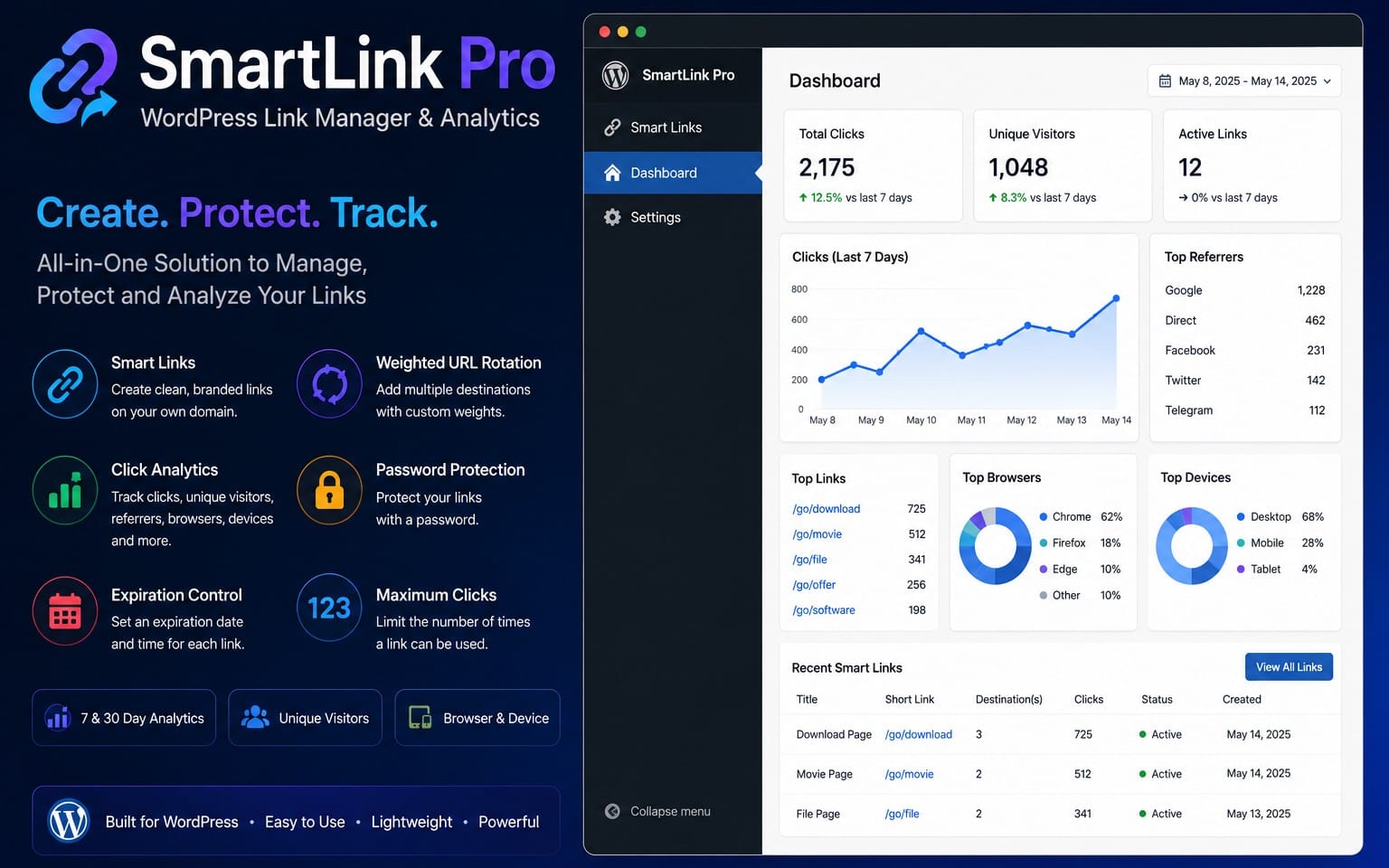
🔄 Optional SmartLink Pro Integration
If SmartLink Pro is installed, Nexora Campaigns can turn generated UTM URLs into clean Smart Links directly from the campaign screen.
For example:
yourwebsite.com/go/summer-telegram/
The public link stays clean while the destination keeps all of its UTM tracking parameters.
SmartLink Pro is optional and sold separately.
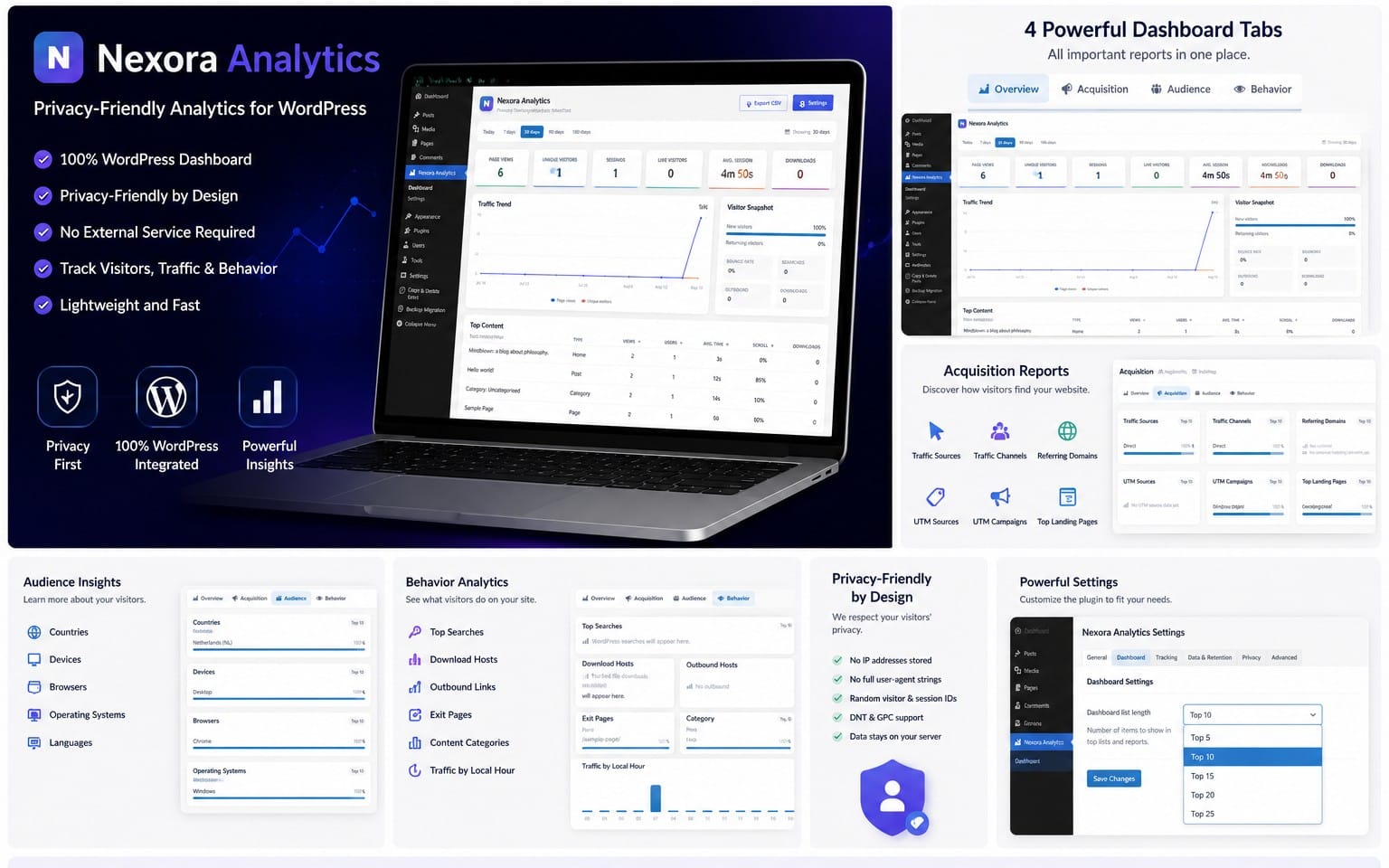
📊 Optional Nexora Analytics Integration
If Nexora Analytics is installed on the same WordPress website, matching UTM campaign performance can be displayed directly inside Nexora Campaigns.
Campaign reporting can include:
- Views
- Visitors
- Sessions
- Downloads
- Outbound interactions
- Performance by campaign source
This creates a complete workflow:
Create Campaign → Share Link → Track Results
Nexora Analytics is optional and sold separately.
🧩 Works as a Standalone Plugin
Nexora Campaigns does not require SmartLink Pro or Nexora Analytics.
The Campaign Manager, UTM Builder, presets, custom templates, CSV tools, duplicate tools, archive system, and URL generation all work independently.
✅ Great For
- Affiliate marketers
- Digital marketers
- Content creators
- WordPress website owners
- Social media campaigns
- Email newsletters
- Advertising campaigns
- Marketing agencies
- Download websites
- Small businesses
📦 Easy Installation
- Download the purchased product package.
- Extract the included nexora-campaigns.zip file.
- Open your WordPress dashboard.
- Go to Plugins → Add New → Upload Plugin.
- Upload nexora-campaigns.zip.
- Activate Nexora Campaigns.
- Open Nexora Campaigns from the WordPress admin menu.
Full documentation is included with your purchase.
Requirements: WordPress 6.0+ · PHP 7.4+
Getly Release: 1
Plugin Version: 1.0.2
What you get
1 file · 22.35 KB
- Nexora-Campaigns-Getly-Release-1.zipZIP · 22.35 KB
WordPress Plugins
Nexora Campaigns – UTM Builder & Campaign Manager
Build, organize, and manage UTM campaigns directly inside WordPress. Create reusable presets and templates, generate channel-specific tracking URLs, import/export campaigns via CSV, and optionally integrate with SmartLink Pro and Nexora Analytics.
Tags
Frequently asked questions
Do I get access instantly?
Yes. This is a digital product - you can download it right after checkout, straight from your library.
Can I use it for commercial projects?
Yes. Commercial use is allowed: use it in your own business and in things you sell. You may not resell or redistribute the file itself.
What's your refund policy?
You're covered by a 30-day money-back guarantee. If something isn't right, request a refund from your order and the Getly team reviews it.
What file formats and sizes will I get?
You'll download 1 file - ZIP - 22.35 KB in total.
Do I get free updates?
Yes - when the seller ships a new version, you can re-download the latest files from your library at no extra cost. Check the changelog for recent updates.
Price
$7.99