Getly
AI Tools & Scripts
llms.txt and AI Crawler Check
Check llms.txt and the AI crawler rules in robots.txt before you publish: missing H1, localhost or staging links, pages robots.txt blocks for every AI crawler, several bots on one User-agent line, misspelled bot names.
What you get: 1 file · 50.04 KB · ZIP
See purchase optionsProduct description
User-agent: GPTBot, ClaudeBot looks like it blocks two AI crawlers, but Google's parser reads only the first name and stricter parsers match neither. An llms.txt that lists your /docs/*.md pages while robots.txt says Disallow: /*.md$ to everyone advertises pages that AI tools are told to skip, and a group that only says User-agent: ClaudeBot plus Crawl-delay: 1 quietly opens every path your * group closes. This skill finds those and the other llms.txt and AI crawler mistakes listed below before you publish, and tells you how to fix each one.
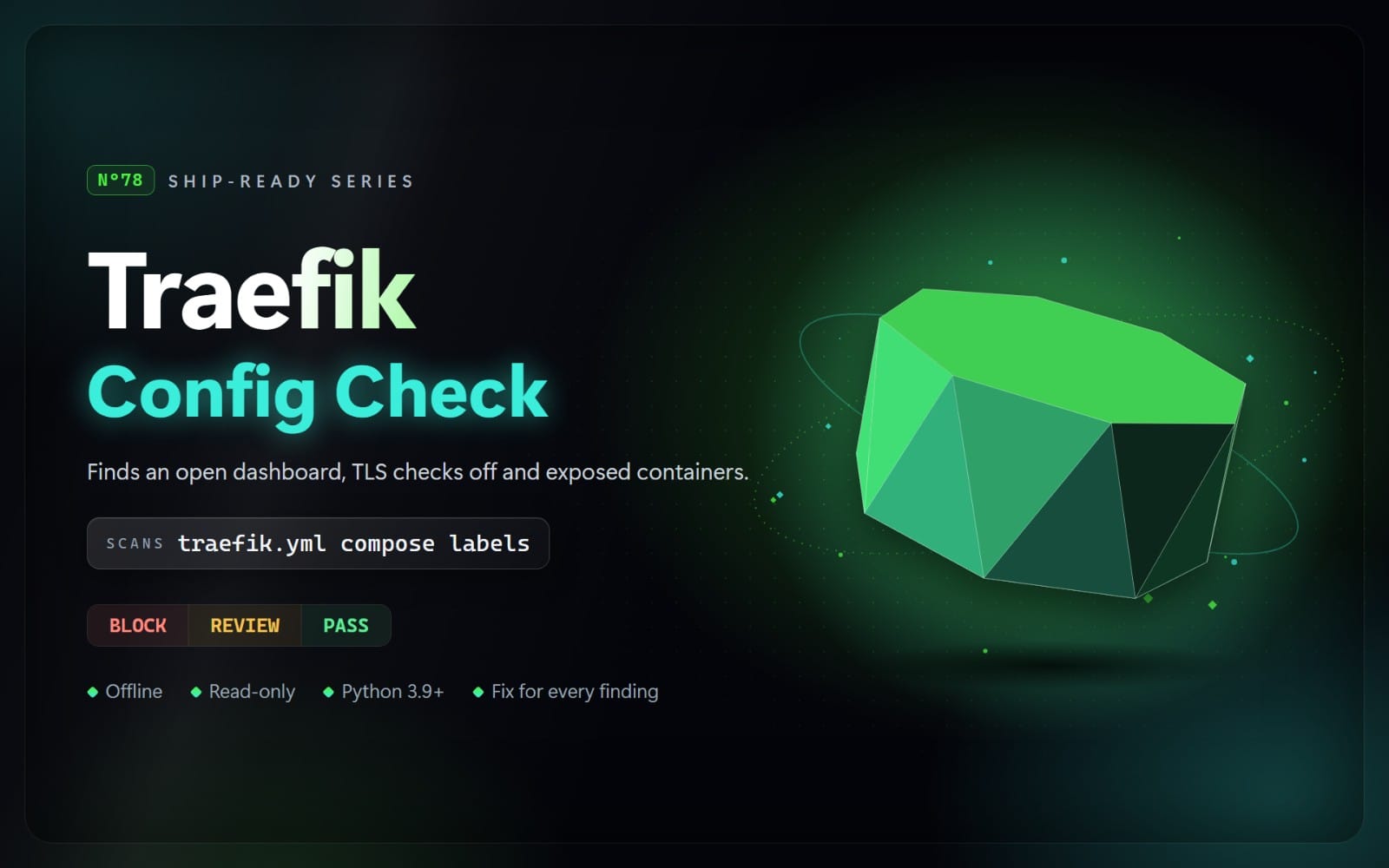
Your agent runs a scanner on every llms.txt, llms-full.txt and robots.txt in your project's source folders (public/, static/, .well-known/ and the like). Build output folders are skipped in a project scan, so for an llms.txt that a Docusaurus, VitePress or Astro plugin generates, your agent builds the site and scans the output folder too. It reads llms.txt the way the llms.txt format describes it (H1 title, summary, sections of [name](url): notes links), skipping code blocks and front matter, and reads robots.txt the way RFC 9309 describes it: one group per crawler, the longest matching rule wins, the * group only for crawlers no group names. When llms.txt and robots.txt sit in the same web folder (or Next.js app/robots.txt next to public/), it checks each llms.txt link against robots.txt for the AI crawler tokens of OpenAI, Anthropic, Google, Perplexity, Common Crawl, Apple, ByteDance and Meta. It never fetches your site. It returns BLOCK, REVIEW, or NOT FLAGGED, with the file, line, reason, and a safer approach, and each rule links to the llms.txt format, RFC 9309 or the crawler operator's page behind it. Secrets are never printed.
What it checks
BLOCK (fix before shipping)
- L01: llms.txt without its H1 title (it starts with a section, plain text or an HTML page, or is empty)
- L02: file-list links to localhost, private IP addresses, .local/.test/.internal names, staging hosts, Netlify deploy previews, Vercel branch URLs, ngrok or Cloudflare tunnels, or placeholder domains
- L03: llms.txt links (or llms.txt itself) that robots.txt disallows for every known AI crawler and fetcher
- L04: several AI crawler names on one User-agent line, or a full browser user-agent string
- L05: links in llms.txt with a password, API key, token, JWT or signature in the URL, and real-looking passwords in database URLs in code examples
REVIEW (check before release)
- L11: AI search and answer agents (OAI-SearchBot, Claude-SearchBot, Claude-User, PerplexityBot, meta-webindexer) blocked from the whole site while llms.txt is published
- L12: misspelled, versioned or outdated AI crawler names (GPT-Bot, Google-Extend, GPTBot/1.1, ChatGPT, anthropic-ai without ClaudeBot)
- L13: AI crawler groups that do not repeat the * group's Disallow rules, so those paths are open to them
- L14: blocks on ChatGPT-User, Perplexity-User or meta-externalfetcher, which their operators say may not follow robots.txt
- L15: list items without a link in an llms.txt section of links, or many links and none with a description
- L16: the same URL listed twice in llms.txt
- L17: http:// links in llms.txt
- L18: llms.txt over 100,000 characters or llms-full.txt over 1 MB
What's included
- The scanner (Python 3.9+, standard library only)
- A rules guide with the reason, safer approach and official source link for each rule
- A risky and a safe example project (a shop and a docs portal), and the real report the scanner produces on the risky one
Limits
It reads the files as written. Build output folders (build/, dist/, .next/ and similar) are skipped when it scans a project; scan the output folder directly to check a generated llms.txt. robots.txt generated at build time (such as Next.js app/robots.ts), CDN or host settings and X-Robots-Tag headers are not read, and links are not fetched, so broken pages are not found. Whether a crawler obeys robots.txt is up to its operator, and new AI crawlers appear often. Classic search-engine rules in robots.txt are out of scope. NOT FLAGGED is not a guarantee.
Contents
One ZIP file with 15 files: SKILL.md, the scanner in scripts/ (5 Python files), references/rules.md (every rule with its reason and safer approach), and examples/ (7 example files plus report.md, the real scanner output on the risky example).
How to use: This is an agent skill: a folder with a SKILL.md file and Python scripts that an AI coding agent such as Claude Code, Cursor, or Codex CLI can run. Unzip it into your agent's skills folder (for Claude Code: ~/.claude/skills/), then ask your agent to check your project. The scripts also run on their own with Python 3.9 or newer, with nothing to install. They read your files only: no network access, and nothing is sent anywhere.
What you get
1 file · 50.04 KB
- llms-txt-ai-crawler-check-1.0.0.zipZIP · 50.04 KB
AI Tools & Scripts
llms.txt and AI Crawler Check
Check llms.txt and the AI crawler rules in robots.txt before you publish: missing H1, localhost or staging links, pages robots.txt blocks for every AI crawler, several bots on one User-agent line, misspelled bot names.
Getly opened the uploaded files and found nothing that would stop them opening. It is not a virus scan or a quality rating.
Tags
Frequently asked questions
Do I get access instantly?
Yes. This is a digital product - you can download it right after checkout, straight from your library.
Can I use it for commercial projects?
Yes. Commercial use is allowed: use it in your own business and in things you sell. You may not resell or redistribute the file itself.
What's your refund policy?
You can request a refund within 30 days. If something isn't right, request it from your order and the Getly team reviews it.
What file formats and sizes will I get?
You'll download 1 file - ZIP - 50.04 KB in total.
Do I get free updates?
Yes - when the seller ships a new version, you can re-download the latest files from your library at no extra cost. Check the changelog for recent updates.
Price
$5.00