 Getly
Web Elements (Badges, Banners)
Legends Black and Green Stream Overlay Package
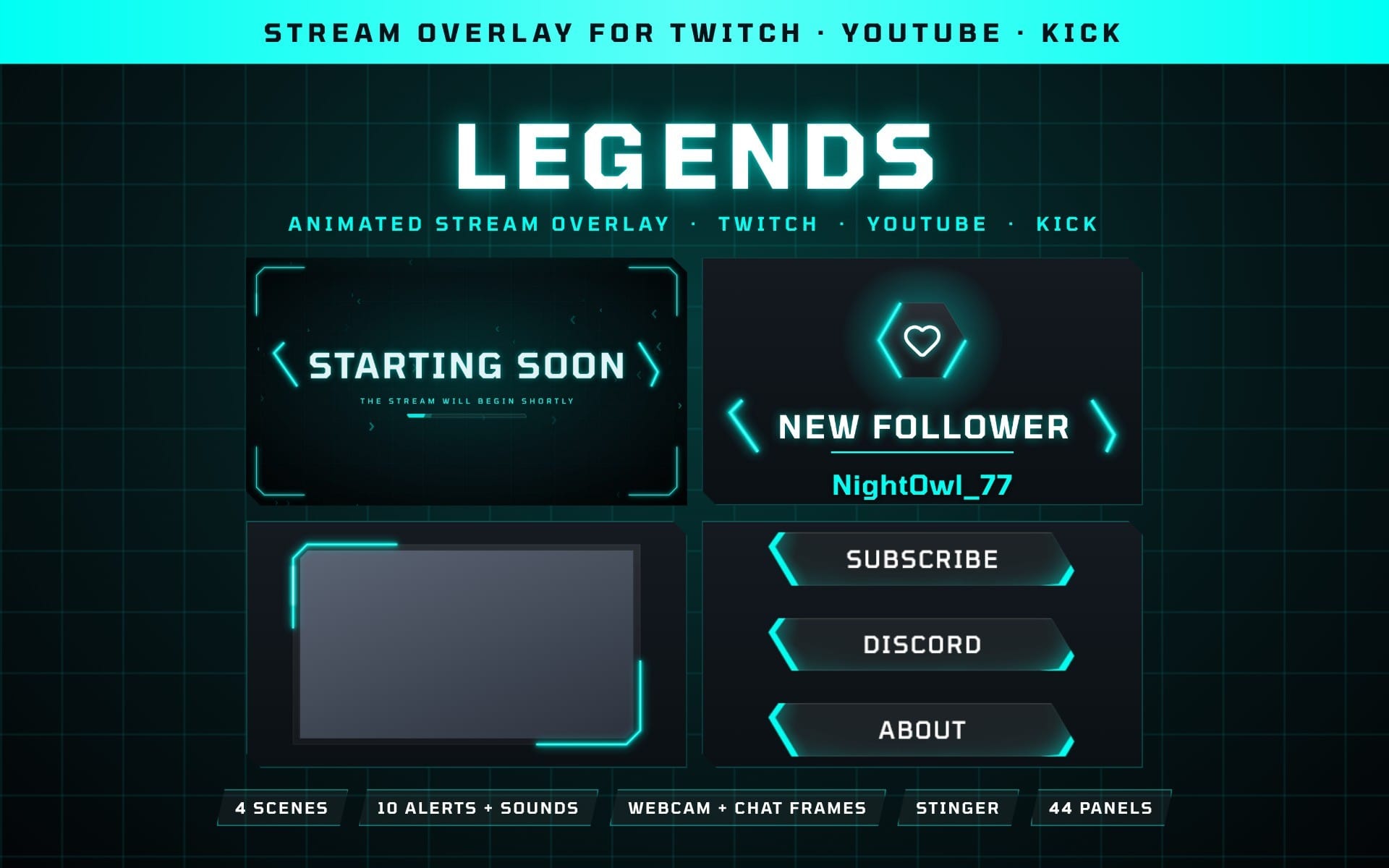
Animated neon green and black stream overlay package for Twitch, YouTube & Kick: scenes, 10 alerts + sounds, 20 frames, 2D stinger, 27 panels
What you get: 2 files · 75.48 MB · ZIP
See purchase optionsProduct description
LEGENDS BLACK AND GREEN STREAM OVERLAY PACKAGE
A neon green and black esports package in the style of our Legends Black and Green panels: slanted black plates, neon brackets, a neon ring round each icon, game-style sounds and a flat 2D stinger of two plates locking on a seam.
Works with
- OBS Studio and Streamlabs Desktop: scenes, frames, overlays and the stinger
- StreamElements and Streamlabs: the alerts and their sounds
- Twitch, YouTube and Kick
What you get
- 4 animated scenes: Starting Soon, Be Right Back, Stream Ending, Offline (+ a background with no text) on a big Legends panel
- 10 animated alerts: Follow, Subscriber, Gift Subs, Bits, Raid and Donation, plus YouTube New Member, Gifted Memberships, Super Chat and Super Sticker, each with its own icon and move
- A matching sound for each alert (10 MP3s): game-style sounds with a heavy hit
- Your viewer's name and the amount (months, gifted subs, bits, raid viewers or tip) under each alert, added live by StreamElements or Streamlabs
- 20 webcam and chat frames: black or neon, square or rounded, portrait too
- Two full-screen overlays: HUD corners and rising energy
- A flat 2D stinger with its own sound (plus a silent copy)
- 27 matching panels: the Legends Black and Green set (transparent PNG, 320 × 50)
- Still PNG/JPG versions of the scenes, alerts, frames and overlays
- A 2-page setup guide (PDF) for OBS Studio, Streamlabs Desktop, StreamElements and Streamlabs
How to set it up
- Scenes, frames and overlays: add them as a Media Source in OBS Studio (Streamlabs Desktop: Media File) and tick Loop.
- Stinger: Scene Transitions › Stinger, transition point 800 ms.
- Alerts: in StreamElements or Streamlabs, upload the matching WebM for each alert, pick the MP3 with the same name as the sound, and set the duration to 6 seconds and the layout to image above text.
- Paste a message like {name} · {amount} bits and your alert app fills in the viewer's name and the amount live.
- Add your alert box to OBS as a Browser Source (Streamlabs Desktop: Add Source › Alert Box).
The 2-page setup guide (PDF) in the download walks you through every step, with the exact message for every alert.
License: use on your own channels, including monetized ones. No reselling or redistributing.
What you get
2 files · 75.48 MB
- Legends_Black_Green_Stream_Package_Getly.zipZIP · 37.74 MB
- Legends_Black_Green_Stream_Package.zipZIP · 37.74 MB
Web Elements (Badges, Banners)
Legends Black and Green Stream Overlay Package
Animated neon green and black stream overlay package for Twitch, YouTube & Kick: scenes, 10 alerts + sounds, 20 frames, 2D stinger, 27 panels
Included in Getly ProGet Pro
Tags
Frequently asked questions
Do I get access instantly?
Yes. This is a digital product - you can download it right after checkout, straight from your library.
Can I use it for commercial projects?
Personal use only. Use it for yourself - not in work you sell or hand to a client - and do not resell or redistribute the file.
What's your refund policy?
You can request a refund within 30 days. If something isn't right, request it from your order and the Getly team reviews it.
What file formats and sizes will I get?
You'll download 2 files - ZIP - 75.48 MB in total.
Do I get free updates?
Yes - when the seller ships a new version, you can re-download the latest files from your library at no extra cost. Check the changelog for recent updates.
Price
$4.69