 Getly
Plugins & Add-ons
Export / Import text from / to Adobe Illustrator
Export and import text in Adobe Illustrator — without losing fonts, colors, or layout.
What you get: 1 file · 974.21 KB · ZIP
See purchase optionsProduct description
Export-Import text for Illustrator is a CEP panel for Adobe Illustrator that streamlines localization and translation workflows.
Export all text from your Illustrator document to structured XML or XLIFF 1.2, translate in your CAT tool or editor, then import the translated file back — with paragraph formatting, fonts, and colors restored.
KEY FEATURES • Export to XML or XLIFF 1.2 from the active document
• Import translated XML/XLIFF back into the same layout
• Batch export and batch import for folders of AI, EPS, and SVG files
• BCP47 language lists for XLIFF (full list and favorites)
• Preserves paragraph alignment, indents, tab stops, fonts, and CMYK colors
REQUIREMENTS • Adobe Illustrator CS6 (17.0) through 2026+
• Windows or macOS
AFTER INSTALLATION
Window → Extensions → Export-Import text for Illustrator
FREE DEMO
A limited demo (5 text frames / 5 batch files per job) is available on GitHub:
https://github.com/SergeyNT2006/illustrator-text-export-import/releases/latest
SUPPORT
UPD — free companion editor
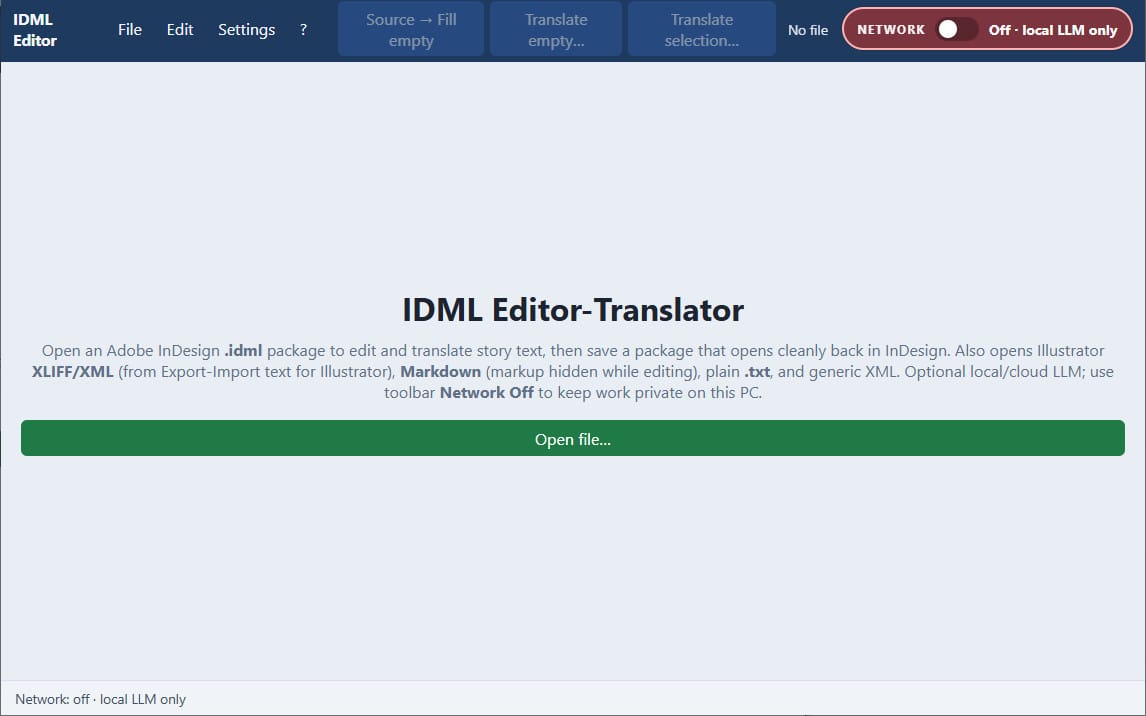
Need to edit exported XLIFF/XML outside Illustrator? Use XliffDesk — a free portable Windows app (single .exe) that opens plugin exports, lets you translate/edit Targets (manual or optional LLM), then save a file ready to import back.
What you get
1 file · 974.21 KB
- Text_Export_Import_for_Illustrator.zipZIP · 974.21 KB
Plugins & Add-ons
Export / Import text from / to Adobe Illustrator
Export and import text in Adobe Illustrator — without losing fonts, colors, or layout.
Included in Getly ProGet Pro
Tags
Frequently asked questions
Do I get access instantly?
Yes. This is a digital product - you can download it right after checkout, straight from your library.
Can I use it for commercial projects?
Yes. Commercial use is allowed: use it in your own business and in things you sell. You may not resell or redistribute the file itself.
What's your refund policy?
You can request a refund within 30 days. If something isn't right, request it from your order and the Getly team reviews it.
What file formats and sizes will I get?
You'll download 1 file - ZIP - 974.21 KB in total.
Do I get free updates?
Yes - when the seller ships a new version, you can re-download the latest files from your library at no extra cost. Check the changelog for recent updates.
Price
$45.00