Getly
AI Tools & Scripts
Dev Container Safety Check
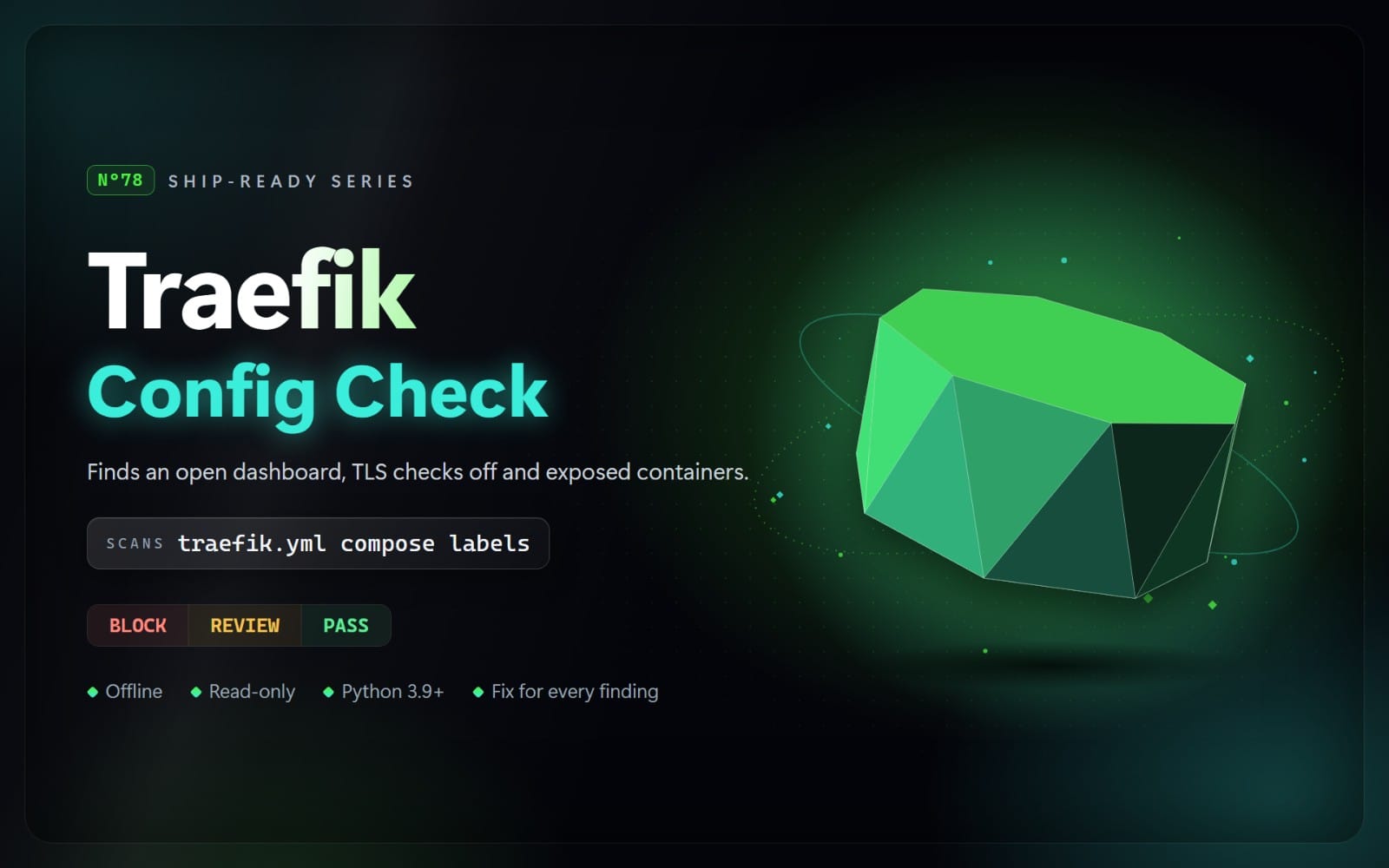
Check devcontainer.json before anyone opens it: privileged containers, host commands that pipe curl into bash, secrets in env, ~/.ssh and ~/.aws mounted, the Docker socket, unpinned Features, root users, open ports and broad Codespaces access.
What you get: 1 file · 36.44 KB · ZIP
See purchase optionsProduct description
"initializeCommand": "curl -fsSL https://... | bash" does not run in the container: it runs on your own machine, every time anyone opens the repository in a dev container. And a mount of ${localEnv:HOME}/.ssh hands your private keys to every package install script inside it. This skill finds those and twelve other dev container risks before anyone opens the folder, and tells you how to fix each one.
Your agent runs a scanner on .devcontainer/devcontainer.json, .devcontainer.json and the per-folder configurations under .devcontainer/ (VS Code Dev Containers, GitHub Codespaces, the devcontainer CLI). It reads JSON with comments and trailing commas, knows the ${localEnv:NAME} and ${containerEnv:NAME} variables, the string, array and object forms of lifecycle commands, mount strings and mount objects, the docker run options in runArgs, that runArgs, appPort and workspaceMount do not apply to Docker Compose configurations, that numeric appPort values stay on localhost, and that a devcontainer-lock.json pins Features. Local development passwords (postgres, devpass, rootpass), settings about a secret (PASSWORD_HASHER) and placeholders (your-token, django-insecure-...) are not reported as secrets. It never runs docker, the devcontainer CLI or any command it finds. It returns BLOCK, REVIEW, or NOT FLAGGED, with the file, line, reason, and a safer approach. Secrets are never printed.
What it checks
BLOCK (fix before shipping)
- D01: an initializeCommand (it runs on the host) that downloads a script and runs it: curl | bash, bash <(curl ...), iwr | iex
- D02: passwords, tokens and keys written in containerEnv, remoteEnv, build args, runArgs -e, lifecycle commands (also docker login -p, az login -p, sqlcmd -P and a literal echoed into docker login --password-stdin), ${localEnv:NAME:default} defaults, the secrets property or any setting (secret names, passwords in URLs, known token formats)
- D03: your home folder, ~/.ssh, ~/.aws, cloud CLI and Docker logins, GnuPG, .npmrc, .netrc and other credential files, the host's root folder or /etc mounted into the container
REVIEW (check before release)
- D11: privileged containers ("privileged": true, --privileged in runArgs, or the docker-in-docker Feature, which turns it on)
- D12: the Docker or Podman socket mounted, or the docker-outside-of-docker Feature, which mounts it
- D13: onCreateCommand, postCreateCommand and the other setup commands that pipe a download into a shell
- D14: images without a tag or with :latest, and Features without a version, with :latest or given as a tarball URL (unless a devcontainer-lock.json pins them)
- D15: capabilities beyond Docker's defaults (SYS_PTRACE alone is fine), host devices, and seccomp, AppArmor or SELinux turned off (the SYS_PTRACE plus seccomp=unconfined debugger setup is not reported)
- D16: host network, PID, IPC, UTS, user or cgroup namespaces
- D17: remoteUser, containerUser or runArgs --user set to root
- D18: an initializeCommand that runs a program or script on the host (mkdir, touch, cp, docker pull and similar simple steps are fine)
- D19: ~/.kube, ~/.minikube, /proc, /sys, /dev, /var/lib/docker, /run, /boot or /lib/modules mounted from the host
- D20: ports published on every network interface (runArgs -p or -P, appPort strings without 127.0.0.1)
- D21: Codespaces repository permissions with write-all, write access on owner/*, or workflows write
What's included
- The scanner (Python 3.9+, standard library only)
- A rules guide with the reason, safer approach and official source for each rule
- A risky and a safe example project (an API dev container and a cluster-tools dev container), and the real report the scanner produces on the risky one
Limits
It reads devcontainer.json files only: the Dockerfile, the Docker Compose files named in dockerComposeFile, Feature install scripts, settings that images and Features add through their own metadata (other than the Docker Features in D11 and D12) and scripts that commands call are not read. Commands are matched as text, so a script downloaded to a file and run in a later step is not reported. Major version tags such as :1 count as pinned although the publisher can move them; only a digest or devcontainer-lock.json pins a Feature exactly. Privileged mode and the Docker socket are REVIEW, not BLOCK: both hand the Docker host to code in the container, but both are deliberate, documented ways to run Docker in a dev container (the official docker-in-docker and docker-outside-of-docker templates use them), so privileged mode gets the same level whether it is written out or turned on by the Feature. Mounting the whole home folder (an example in the VS Code docs) is BLOCK because every key in it becomes readable in the container. NOT FLAGGED is not a guarantee.
Contents
One ZIP file with 11 files: SKILL.md, the scanner in scripts/ (4 Python files), references/rules.md (every rule with its reason and safer approach), and examples/ (4 example files plus report.md, the real scanner output on the risky example).
How to use: This is an agent skill: a folder with a SKILL.md file and Python scripts that an AI coding agent such as Claude Code, Cursor, or Codex CLI can run. Unzip it into your agent's skills folder (for Claude Code: ~/.claude/skills/), then ask your agent to check your project. The scripts also run on their own with Python 3.9 or newer, with nothing to install. They read your files only: no network access, and nothing is sent anywhere.
What you get
1 file · 36.44 KB
- devcontainer-safety-check-1.0.0.zipZIP · 36.44 KB
AI Tools & Scripts
Dev Container Safety Check
Check devcontainer.json before anyone opens it: privileged containers, host commands that pipe curl into bash, secrets in env, ~/.ssh and ~/.aws mounted, the Docker socket, unpinned Features, root users, open ports and broad Codespaces access.
Getly opened the uploaded files and found nothing that would stop them opening. It is not a virus scan or a quality rating.
Tags
Frequently asked questions
Do I get access instantly?
Yes. This is a digital product - you can download it right after checkout, straight from your library.
Can I use it for commercial projects?
Yes. Commercial use is allowed: use it in your own business and in things you sell. You may not resell or redistribute the file itself.
What's your refund policy?
You can request a refund within 30 days. If something isn't right, request it from your order and the Getly team reviews it.
What file formats and sizes will I get?
You'll download 1 file - ZIP - 36.44 KB in total.
Do I get free updates?
Yes - when the seller ships a new version, you can re-download the latest files from your library at no extra cost. Check the changelog for recent updates.
Price
$5.00