Getly
GetlyPlugins & Add-ons
BrandAudit — Brand Compliance Scanner for Canva
Solo developer building brand compliance tools for Canva designers. BrandAudit catches off-brand colors and fonts before they go live.
Product description
BrandAudit — Catch Off-Brand Designs Before They Go Live
A Canva app that scans your design for off-brand colors and
fonts in one click, right inside the editor — before you export.
Not a brand kit. An audit tool.
Canva's native Brand Controls only prevent edits — they don't
audit designs already made. BrandAudit does what Canva can't:
check what's actually in your design against your saved brand rules, and show you exactly what's wrong and what to fix it to.
---
Free Tier — No Purchase Required
Install from the Canva Apps Marketplace and use the core
scanner free:
- Save up to 10 brand colors per profile
- Up to 2 brand profiles
- Full color scan with delta-E color distance
- Font name compliance check
- Clean / violation results view
[→ Install Free from Canva Apps Marketplace]
---
Pro License — $19 One-Time
Unlocks the full system:
- Unlimited brand profiles
- Color auto-fix — one tap replaces an off-brand color with the nearest approved alternative, directly in your design
- Ignore neutral colors — exempt near-black, near-white, and greyscale tones so they're never flagged as off-brand
One payment. No subscription. All future updates included.
---
How It Works
1. Open BrandAudit in the Canva editor
2. Save your brand hex codes and approved font names once
3. Click Scan design — BrandAudit reads every element on current page and compares against your rules
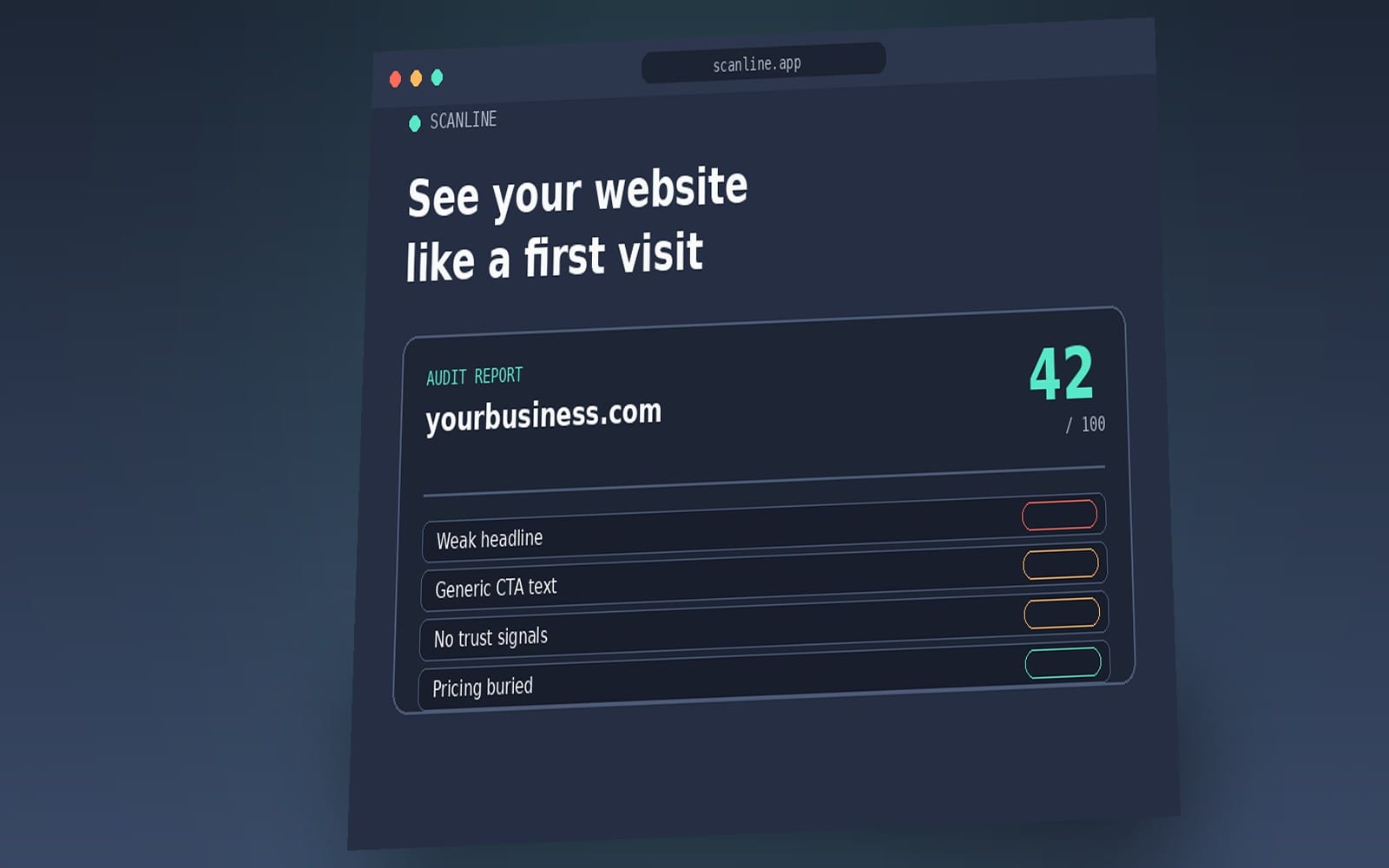
4. See a violation list: element type, page number, actual value, nearest approved color with color distance (ΔE)
5. For Pro users: click Fix to replace the color instantly
---
Who Uses This
- Freelance designers managing 3–10 client brand kits
- Social media managers publishing branded content daily
- Marketing coordinators at SMBs using Canva for team content
- Brand designers doing pre-delivery QA before client handoff
---
How License Delivery Works
After purchase, email your Transaction ID and your Canva account email to the address in your delivery PDF.
You receive a personalized license key within 24 hours.
Enter it in BrandAudit → Settings → License Activation.
All Pro features unlock instantly.
Your key is generated specifically for your email address — it is not transferable to a different account.
What you get
1 file · 31.04 KB
- BrandAudit_License_Activation.pdfPDF · 31.04 KB
Plugins & Add-ons
BrandAudit — Brand Compliance Scanner for Canva
Solo developer building brand compliance tools for Canva designers. BrandAudit catches off-brand colors and fonts before they go live.
Included in Getly ProGet Pro
Tags
Frequently asked questions
Do I get access instantly?
Yes. This is a digital product - you can download it right after checkout, straight from your library.
Can I use it for commercial projects?
License terms are set by the seller. Check the product description before you buy - it states any limits on personal, commercial or client use.
What's your refund policy?
You can request a refund within 30 days. If something isn't right, request it from your order and the Getly team reviews it.
What file formats and sizes will I get?
You'll download 1 file - PDF - 31.04 KB in total. The PDF has 1 page.
Do I get free updates?
Yes - when the seller ships a new version, you can re-download the latest files from your library at no extra cost. Check the changelog for recent updates.
Price
$19.00