Getly
Photo Templates & Effects
Bit Press — Photo to Pixel Art Tool (HTML, runs in your browser)
Turn photos into pixel art in your browser. Auto palette, 9 dither styles, presets, per-colour PNG export.
What you get: 1 file · 1.06 MB · ZIP
See purchase optionsProduct description
Bit Press turns photos and illustrations into pixel art. It is a single HTML file (about 1.4 MB). Open it in your desktop browser and start. Nothing to install, no account.
What you get
• 1 ZIP file containing 3 files: BitPress.html (the tool, English version), README.txt and LICENSE.txt
What it does
• Auto palette: builds 2 to 32 colours from your picture
• 10 ready-made palettes: 1-bit, Green 4, Grey 4, Sepia, Sunset, Ocean, Neon, Arcade 8, Pastel 8, Retro 16
• Change any colour, add or remove colours
• Hue shift: recolours the picture without changing its shapes
• Width from 32 to 400 pixels
• 9 dither styles: none, ordered 2×2 / 4×4 / 8×8, clustered dots, lines, noise, diffusion (soft / crisp)
• Clean-up of stray pixels, outline, pixel gap
• Presets: 5 starter looks, plus your own saved settings that you can export and import as a file
• Before/after compare slider, and undo (Ctrl+Z)
• Drag and drop, and convert many images at once (ZIP)
• Save enlarged up to 4096 px, or at true ×1 size (one pixel per dot)
• Save each colour: one transparent PNG per colour, in a ZIP
• Save the palette in use as a PNG
How it differs from Dot Press
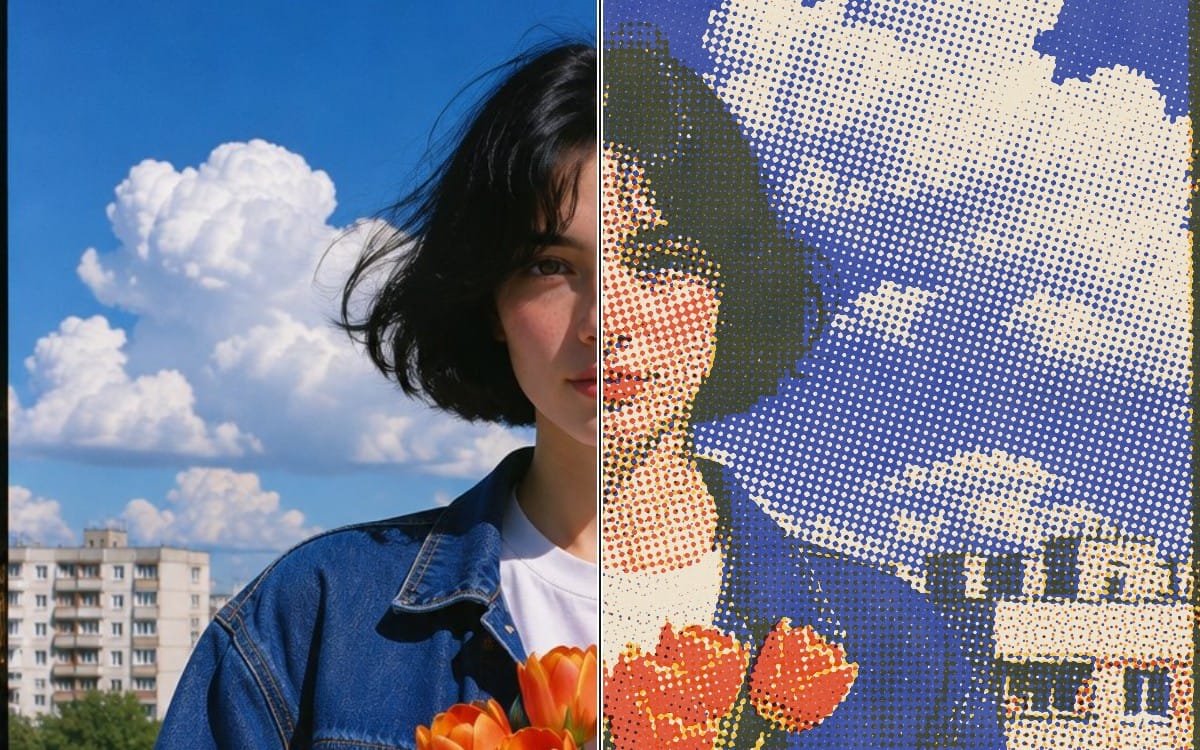
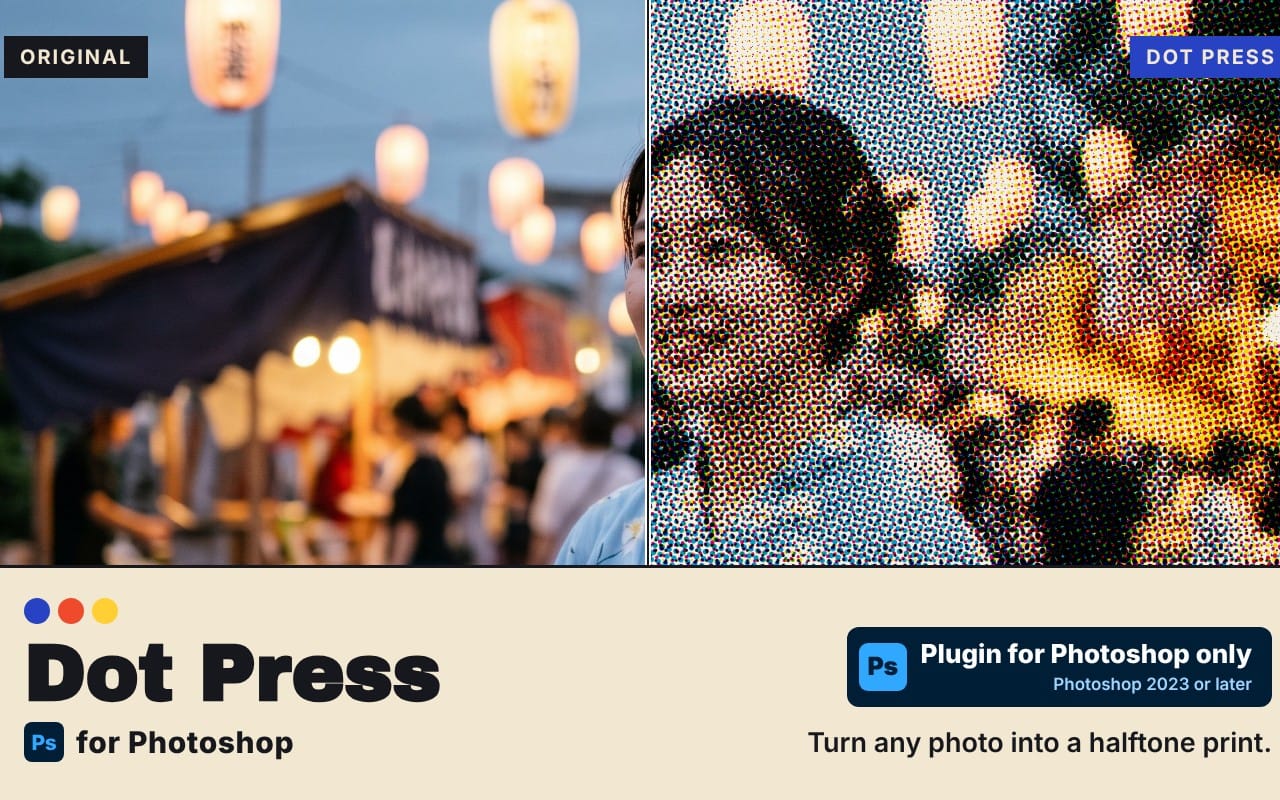
Dot Press, from the same shop, gives photos a halftone print look (inks printed over paper). Bit Press turns photos into pixel art (a grid of square pixels in a limited palette). The controls are similar; the pictures they make are different.
Good for
• Thumbnails, icons and social images
• Title backgrounds and transition assets for video (layer the colour PNGs and move them)
• Rough game backgrounds and items (save at ×1)
Requirements
• A desktop browser (tested in Chrome)
• Images are processed inside your browser and are never uploaded
• Works offline
• Still images only. For video, export an image sequence and use "Convert many images"
Terms
• Use the converted images in personal and commercial work. No credit needed
• You may not redistribute, resell or publish the tool itself
Notes
• The product images and the bundled sample pictures are AI-generated
• Your own presets are kept inside your browser. Export the ones you want to keep
What you get
1 file · 1.06 MB
- BitPress_v1.0_EN.zipZIP · 1.06 MB
Photo Templates & Effects
Bit Press — Photo to Pixel Art Tool (HTML, runs in your browser)
Turn photos into pixel art in your browser. Auto palette, 9 dither styles, presets, per-colour PNG export.
Included in Getly Pro
Download this and 8,200+ other products with one subscription, from $9.99 a month.
Join Getly ProTags
Frequently asked questions
Do I get access instantly?
Yes. This is a digital product - you can download it right after checkout, straight from your library.
Can I use it for commercial projects?
Yes. Commercial and client work are both allowed, including products with unlimited sales. You may not resell the file itself.
What's your refund policy?
You can request a refund within 30 days. If something isn't right, request it from your order and the Getly team reviews it.
What file formats and sizes will I get?
You'll download 1 file - ZIP - 1.06 MB in total.
Do I get free updates?
Yes - when the seller ships a new version, you can re-download the latest files from your library at no extra cost. Check the changelog for recent updates.
Price
$1.99