 Getly
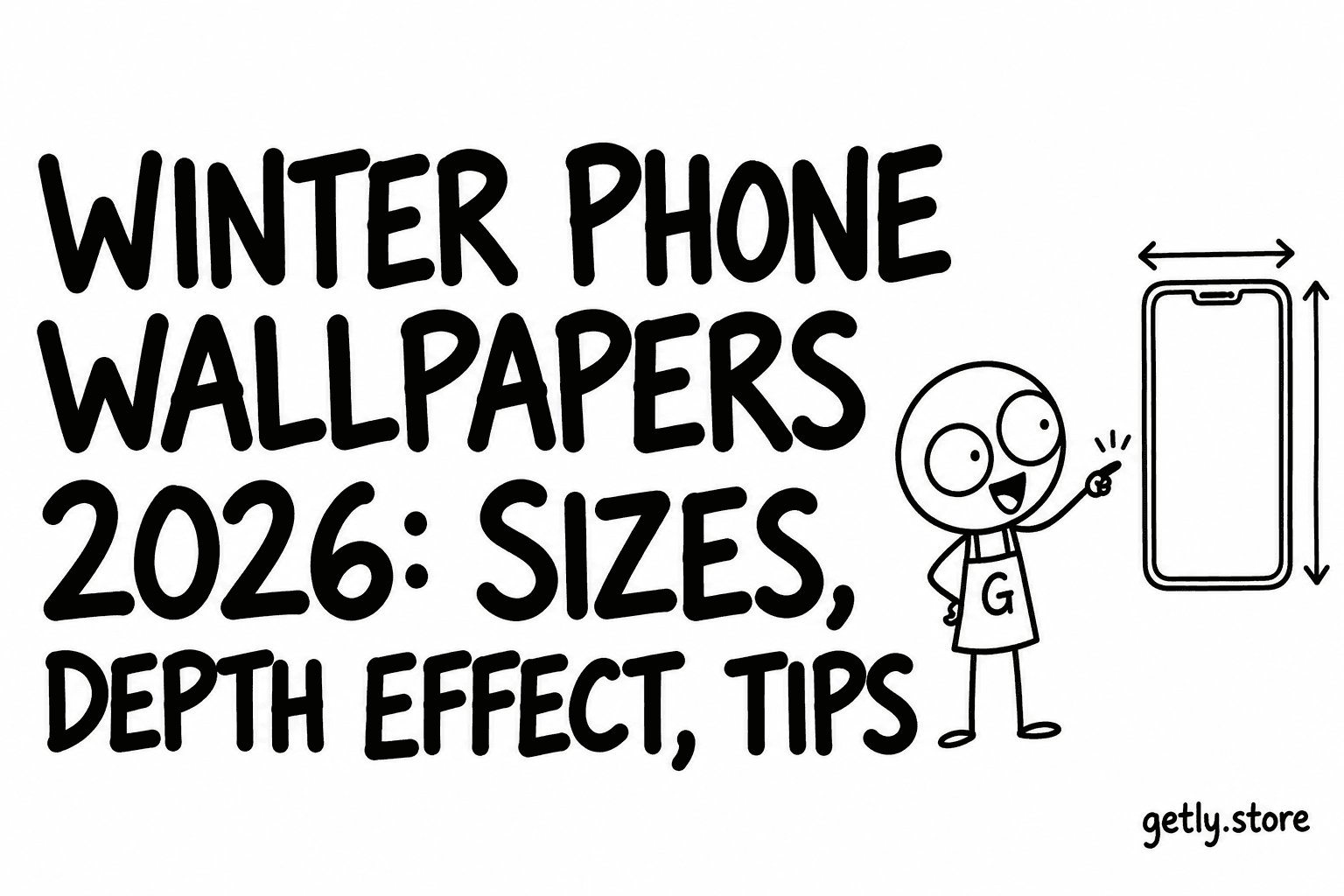
Every November the lock screen changes before anything else in the house does. Snow, pine, warm window light, a cat in a scarf. A winter wallpaper is a small thing, but it is also the image you look at a hundred times a day, so a blurry or badly cropped one is irritating in a way a bad poster is not. This guide covers what makes a holiday wallpaper look good on a current phone: the size, where the subject sits, how the lock screen depth effect works, and when it is worth paying a dollar or two.
We measured the two wallpaper shelves on Getly, Digital Wallpapers and Backgrounds & Wallpapers, in October 2026: 586 active listings with a median price of $1.99, and 2.4% of them free. Listings that mention winter, snow, Christmas, the holidays or the new year make up 5.8% of the shelves. The file sizes quoted below come from reading the image files attached to those listings.
The size your phone actually needs
A phone wallpaper should be portrait and at least as tall as the screen. Current native resolutions, width by height:
| Phone | Pixels (W x H) |
|---|---|
| iPhone 15, 15 Pro, 16 | 1179 x 2556 |
| iPhone 16 Pro, 17, 17 Pro | 1206 x 2622 |
| iPhone 15 Plus, 15 Pro Max, 16 Plus | 1290 x 2796 |
| iPhone 16 Pro Max, 17 Pro Max | 1320 x 2868 |
| Typical mid-range Android (20:9) | 1080 x 2400 |
| Flagship Android (QHD+) | 1440 x 3120 to 1440 x 3200 |
A file around 1440 x 3200 or larger works on almost every recent phone, because the phone only has to shrink it. Smaller files get stretched, and stretched snow looks like grey noise.
Here is the honest part. On the two Getly shelves, the median image file is 1672 pixels on its long side, measured October 2026. Only 22.9% of image files reach 2556 pixels, the height of the smallest current iPhone in the table, and 9.6% reach 2868. 58.2% of files are portrait. Put together, about one image file in nine (11.4%) is both portrait and at least 2556 pixels tall. Many listings on these shelves are desktop backgrounds or social media backdrops, which is fine, but it means "wallpaper" in a title does not tell you it fits a phone. Look for the pixel size in the description.
Where the subject should sit
Winter images tend to have one clear subject: a cabin, a tree, a fox, a mug. On the lock screen the clock and widgets take the top third. On the home screen icons cover most of the middle. Two rules follow:
- Keep the subject in the lower half, with calm sky, snow or blur above it. A star on top of the tree will end up behind the clock.
- Choose low detail for the home screen. A busy Christmas market scene looks great on the lock screen and turns into clutter behind twenty app icons. Many packs include a matching simpler version for the home screen; that is worth more than an extra five designs.
The lock screen depth effect
On iPhone, iOS can place the subject of a photo in front of the clock, so a snow-covered roof or a dog's ears overlap the time. It works when the image has a clearly separated subject (person, animal, building, object) against a simpler background, when the subject is roughly where the clock is, and when no widgets sit under the clock. If the option to use the depth effect is greyed out in the wallpaper editor, move or pinch the image so the subject sits lower, or remove the widgets under the clock. Recent iOS versions can also turn a photo into a spatial scene that shifts slightly as you move the phone; the same kind of image, one subject with space around it, works best for that too.
Flat illustrations, patterns and text-heavy designs usually do not get the effect. That is not a fault of the file. If the depth effect matters to you, pick a wallpaper with a single subject and an even background, the kind many "cozy winter" sets are built on.
Android launchers handle this differently by brand. Some Samsung and Pixel builds offer their own lock screen styles and clock positions, so check where your clock sits before choosing.
How to set it
iPhone: save the image to Photos. Settings, then Wallpaper, then Add New Wallpaper, then Photos. Pinch to place it, tap Done, and choose lock screen, home screen or both. You can make a separate winter lock screen and switch back to your usual one in January by long-pressing the lock screen.
Android: save to your gallery, long-press an empty spot on the home screen, choose Wallpaper and style (wording varies), pick the image, and set it for home, lock or both.
If a pack arrives as a zip, open it in the Files app or a file manager and save the images you want to Photos or the gallery first.
Winter and holiday wallpapers on Getly right now
A few active listings we looked at today, with what we could measure:
- 5 Christmas iPhone Wallpapers, Cozy Winter Collection, $1.50: portrait files, the largest 1792 pixels tall. Sharp on smaller phones, slightly soft on a Pro Max.
- Northern Lights Alaska Wallpaper Pack, four designs, $1.99: portrait, up to 2240 pixels.
- Winter and Christmas Phone Wallpapers, 20 designs, $3.00: phone and tablet PNG versions in one pack.
- Free Cozy Christmas Wallpapers and Free Cozy Christmas Cats: both free, for phone and desktop.
- For a laptop rather than a phone: New Year 2027 Wallpapers ($5.00, landscape 1920 x 1088 plus animated GIFs) and Nordic Christmas, 12 designs ($2.99, 1920 x 1080).
The full shelves are at Digital Wallpapers and Backgrounds & Wallpapers.
Free or paid?
For one wallpaper on your own phone, free is often enough. Paying makes sense when you want a matched set (lock and home versions, phone and tablet, light and dark), a guaranteed size, or a licence that lets you do more than look at it. On these shelves most listings with a licence set are personal use, which covers your own devices. If you want to use a design in a shop, on printed cards or in your own content, look for a commercial licence on the product page, and remember that fan art of films or brands is not the artist's to license.
Quick checklist
- Portrait file, at least as tall as your screen (2556 to 2868 for current iPhones, 2400 to 3200 for Android).
- Subject in the lower half, calm space where the clock goes.
- For the depth effect: one clear subject, simple background, no widgets under the clock.
- A simpler variant for the home screen.
- Licence that fits what you plan to do.
If a listing does not state the pixel size, message the shop before buying. Purchases on Getly come with a refund window of at least 30 days if the files are not what the listing describes, and you can pay by card or with USDT/USDC.