Getly
Getly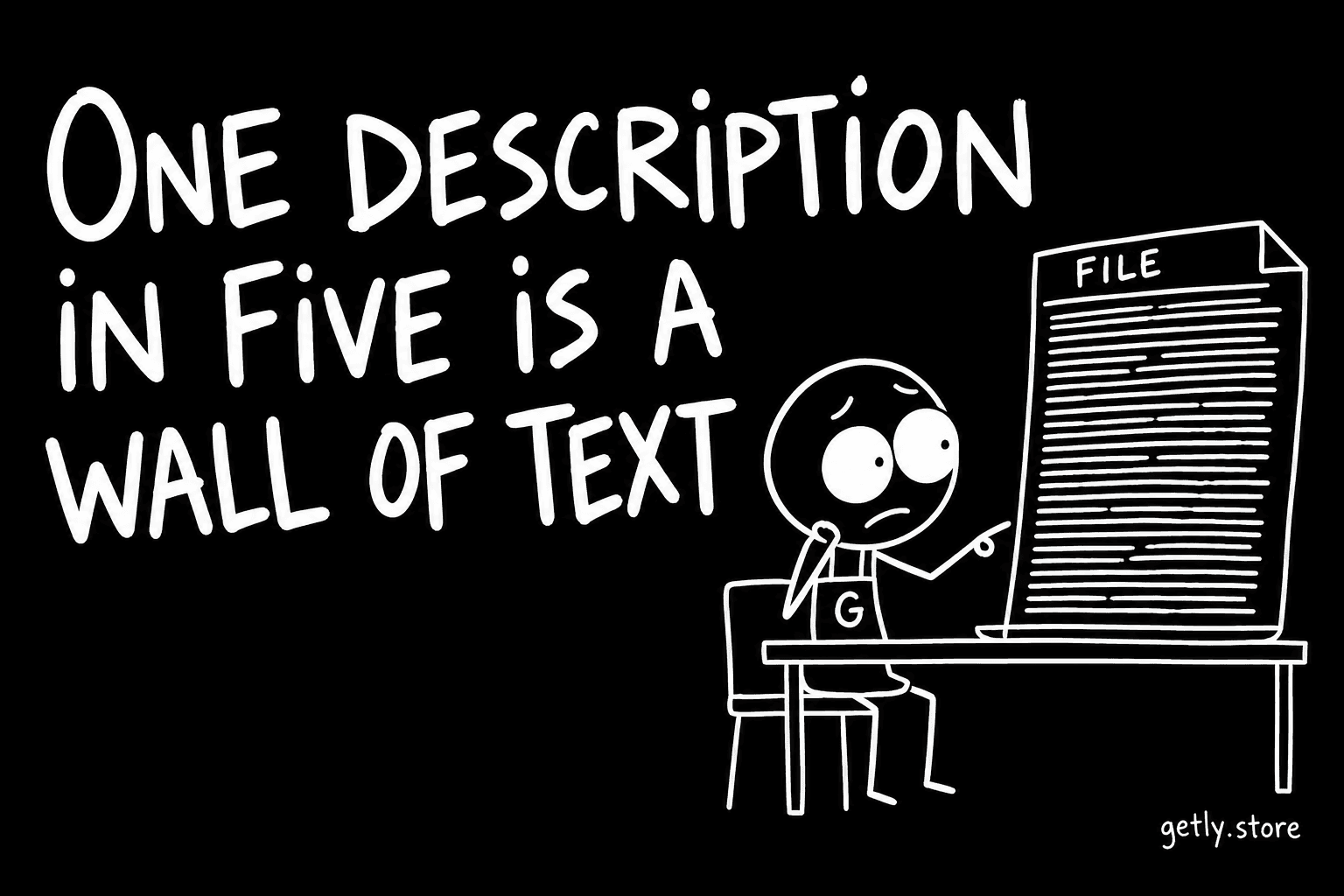
A product description is read in a particular way. The buyer has already seen the title and the image, and they open the description to answer two or three questions quickly: what is inside, will it work for me, what am I allowed to do with it. They scan for the answer. They do not read from the top.
On 26 September 2026 we measured the formatting of every description in the active catalogue of 7,143 listings. In 20.94% of them there is nothing to scan: no heading, no bullet list, no bold text. One description in five arrives as a single block of prose.
How descriptions are formatted today
The three tools a seller has for structure are used unevenly. Measured 26 September 2026, share of active listings:
| Formatting | Share of descriptions |
|---|---|
| Uses bold text | 36.83% |
| Uses a bullet list | 32.49% |
| Uses headings | 26.85% |
| Uses none of the three | 20.94% |
| Contains a link | 2.30% |
Bold is the most common tool and headings the least common, which is the reverse of how useful they are for a scanning reader. Bold marks a phrase inside a paragraph. A heading tells the reader the paragraph exists at all, and that is what lets them skip to it.
These shares overlap, so they do not add up to 100%. Plenty of listings use bold without a list, or a list without a heading. The figure that matters is the bottom one: a fifth of the catalogue uses none of them.
What a wall of text hides
A wall of text is not usually short. It is often a perfectly good description that happens to be written as an essay. The facts a buyer needs are in there, somewhere in the third paragraph, after the story of how the product was made.
The problem is that the buyer's questions are specific and the wall does not signal where the answers are. Two of those answers are already rare across the whole catalogue, formatted or not:
- 23.60% of descriptions spell out what is included.
- 16.16% mention a licence.
When a listing does have that information and buries it in prose, it pays the cost of writing it and loses most of the benefit. A buyer who scans for "what's included" and does not see those words in a heading or at the start of a list will often assume the answer is not there.
What we can and cannot say about price
We have not published a price comparison between formatted and unformatted descriptions here, and we are not going to imply one. Structure tends to travel with other habits: sellers who add headings also tend to write longer descriptions, add more images and fill in more fields. Any difference in price or interest between the two groups would be a correlation with all of that, not an effect of the headings.
What formatting does is simpler and does not need a statistic: it makes the facts you already wrote findable in the few seconds a buyer gives the page. You can check whether that is working on your own listing, without our numbers.
A check you can run on your own listing
Open your product page on a phone, scroll to the description and give yourself five seconds. Then close it and answer, from memory:
- What exactly does the buyer receive (files, formats, number of items)?
- What software or device is needed to use it?
- What is the buyer allowed to do with it?
If you could not answer one of these from the five-second pass, a stranger will not either. That question needs a heading or a list item of its own.
A simple structure that works for most listings
You do not need a design. Three short blocks cover most digital products:
- A first paragraph of two or three sentences: what it is and who it is for.
- A "What's included" heading followed by a list: file names or item counts, formats, sizes if they matter.
- A "How to use it" or "Requirements" heading followed by a short list: the software that opens the files, the version if it matters, and the licence in one line.
Keep the story of how you made it if you like it, but put it after these blocks, not before them. The reader who wants it will scroll. The reader who does not has already found what they came for.
Use bold sparingly inside that structure. When every second phrase is bold, nothing stands out, and the page reads as louder rather than clearer.
What to do today
Open the edit page of your best-selling or most-viewed listing. If the description is one block of prose, cut it into the three blocks above: a short opening, a "What's included" list and a "Requirements" list. Do not add new claims, just move the facts you already wrote into places a scanning reader will see them. It takes about ten minutes per listing, the description editor already supports headings, lists and bold, and it is the one change on this list that costs nothing but attention.