Getly
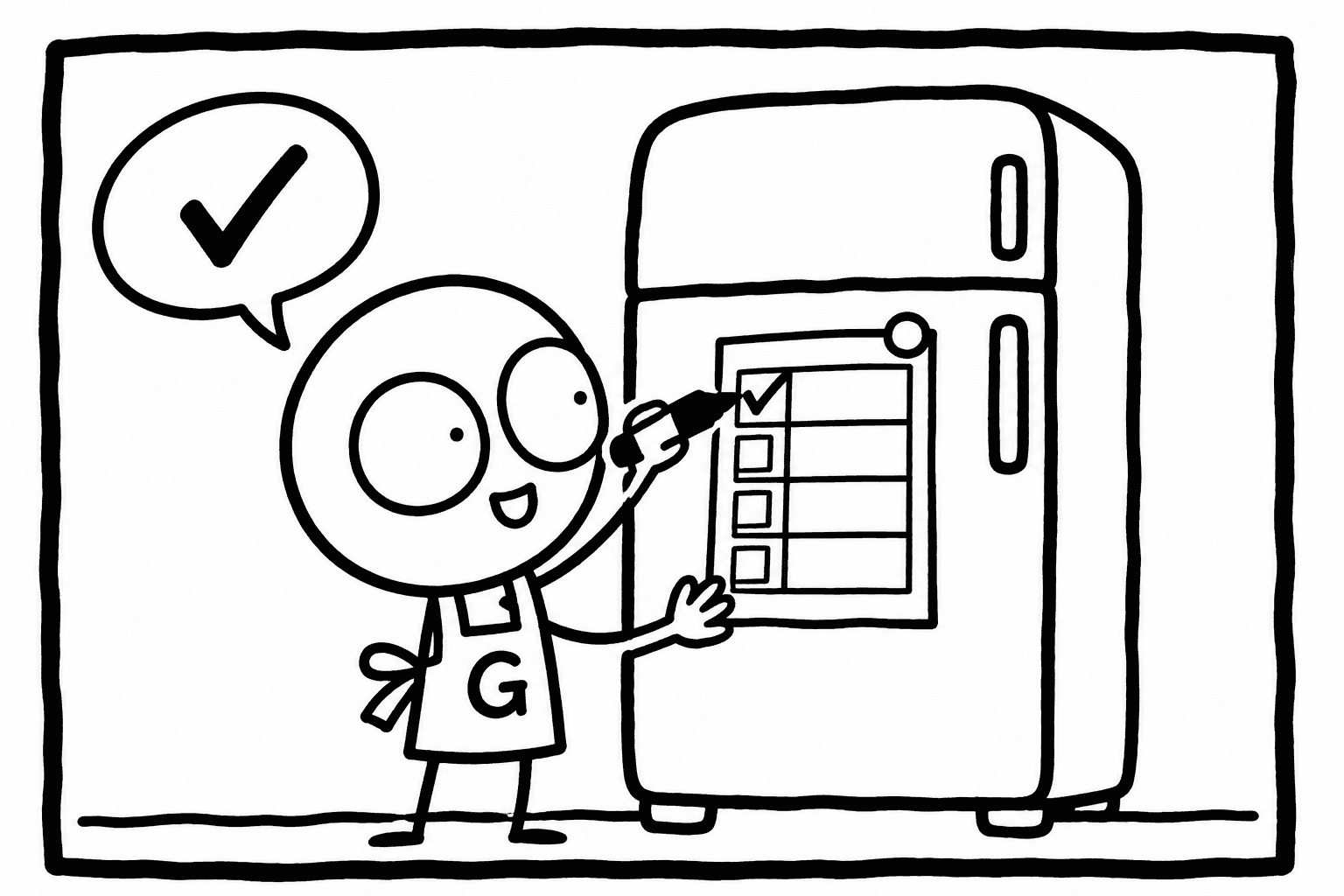
A habit tracker printable is a sheet with your habits down one side and the days across the top. You tick a box each day you did the thing. The good ones are undated, fit your paper size and leave room for more than three habits. Most cost a few dollars. This guide covers the choice between monthly and weekly layouts, PDF and spreadsheet versions, and what to check before you pay, so the tracker you print in December is still on the fridge in March.
What habit trackers cost on Getly
We measured the catalogue on 6 November 2026. Two numbers matter here, and they describe different things.
- Listings with "habit" in the name: 21 listings. The middle half costs between $3 and $9.50, the median is $6, and 9.5% are free.
- The whole shelf they sit on (Lifestyle and personal plus Business and finance, which holds planners, budgets and trackers of every kind): 1,779 listings, a median of $5, the middle half between $2.99 and $10, and 2.7% free.
So a dedicated habit tracker costs about what a coffee costs. Paying $15 or more only makes sense when the file is part of a full planner bundle, or a spreadsheet with charts and formulas already built.
Licences on the habit listings split three ways: 38.1% personal use, 19% commercial and 38.1% with no licence stated. For printing at home, personal use is all you need. If you want to print copies for a class, a coaching group or a shop, look for a commercial licence or ask the seller first.
Monthly or weekly: which layout to pick
This is the choice that decides whether you keep using the tracker. The two layouts suit different habits.
| Monthly sheet | Weekly sheet | |
|---|---|---|
| Grid | 28 to 31 columns, one row per habit | 7 columns, often with notes under each day |
| Habits per page | Usually 10 to 20 | Usually 5 to 10 |
| Best for | Daily habits you want to see as a streak: water, steps, reading, no sugar | Habits that change week to week, or a few big ones with room for notes |
| Paper per year | 12 sheets | 52 sheets |
| Weak spot | Small boxes, hard to tick on A5 | You lose the month-long picture |
A useful rule: if you can describe the habit with yes or no, a monthly grid works. If you want to write a number or a short note (how many pages, how long you ran, what got in the way), take a weekly sheet. Many packs include both, and that is worth a dollar or two more.
What to check before you buy
- Undated or dated. A sheet printed with "January 2027" is useless if you start on the 9th or skip a month. Undated sheets with blank month and day fields stay usable all year, and the next one too.
- Paper size. Look for both A4 and US Letter in the file list. If you use a ring binder or a planner insert, check for A5, Half Letter or Classic size. Scaling A4 down to A5 makes the boxes too small to tick.
- Box size. On a 31-day grid, each box on A4 portrait is only a few millimetres wide. Landscape monthly sheets give you bigger boxes and longer habit names.
- Number of rows. Count how many habits you actually plan to track, then add two. Most people add habits after the first week.
- Ink. Dark full-page backgrounds look nice in previews and empty a colour cartridge in a month. Line art with a white background prints cleanly on any home printer.
- Extra pages. A monthly review page, a mood tracker or a year-at-a-glance page is useful. Thirty decorative cover pages are not.
- File list. The product page shows the real number of files, their formats and the page count when it is a single PDF. Read it before you pay, so a "100-page bundle" is what you think it is.
PDF, spreadsheet or digital planner
Habit trackers come in three forms, and the format decides how you use it.
- PDF to print. The classic. You print it, stick it on the wall or in a binder, and tick with a pen. Nothing to set up, nothing to charge. Check that the PDF is vector (sharp at any size), not a blurry image saved as PDF: zoom the preview if the seller provides one.
- PNG or JPG. Fine for printing one page, but you have no control over margins. A PDF is better if both are offered.
- Spreadsheet (XLSX or Google Sheets). You type 1 or tick a checkbox, and the sheet counts streaks and percentages for you. Good spreadsheet trackers use conditional formatting, so a done day turns green. Check whether it works in Google Sheets as well as Excel, because some formulas behave differently.
- Digital planner PDF with links. Made for GoodNotes, Notability or similar tablet apps. Tabs jump between months. These are great on a tablet and awkward on paper, so read which one you are buying.
Many people end up with a printed sheet for daily ticks and a spreadsheet for the monthly review. If the pack includes both, you get that for one price.
How to make a tracker last past January
A tracker is a tool, not a promise. These habits of use keep it on the wall longer than the first two weeks.
- Start with three to five habits. Fill the other rows later. An empty row is easier to look at than a row full of missed days.
- Write the smallest version. "Read 10 pages" gets ticked. "Read more" does not.
- Put it where you already look. Next to the kettle, on the bathroom mirror, inside the cover of your notebook.
- Do not restart when you miss a day. Leave the box empty and tick the next one. Undated sheets help here, because nothing reminds you that the month "went wrong".
- Review once a month. Count the ticks, drop a habit that did not stick, add one that matters now. This is where a review page earns its place.
Licence: what you can do with the file
A printable is a file you download, and the licence says what you may do with it. On Getly each product page answers the licence question from the listing's own data: personal, commercial, extended, CC0 or the seller's own terms.
- Personal use: print as many copies as you like for yourself and your household.
- Commercial use: usually covers printing for clients, students or a group you run. It rarely lets you resell the file itself.
- No licence stated: the seller sets the terms in the description. If you plan anything beyond personal use, send a question before you buy.
Buying and downloading
You can pay by card (with Apple Pay or Google Pay where your device supports it) or with USDT or USDC stablecoins. PayPal is not accepted. You do not need an account: guest checkout takes an email address, and card orders deliver the files right after payment. The default refund window is 30 days from purchase, and each store can set its own window, never shorter than that.
Browse trackers and planners in Lifestyle and personal, and budget or finance trackers in Business and finance. If you want a printable that also covers meals, cleaning or a reading list, the lifestyle shelf is the place to start.