Getly
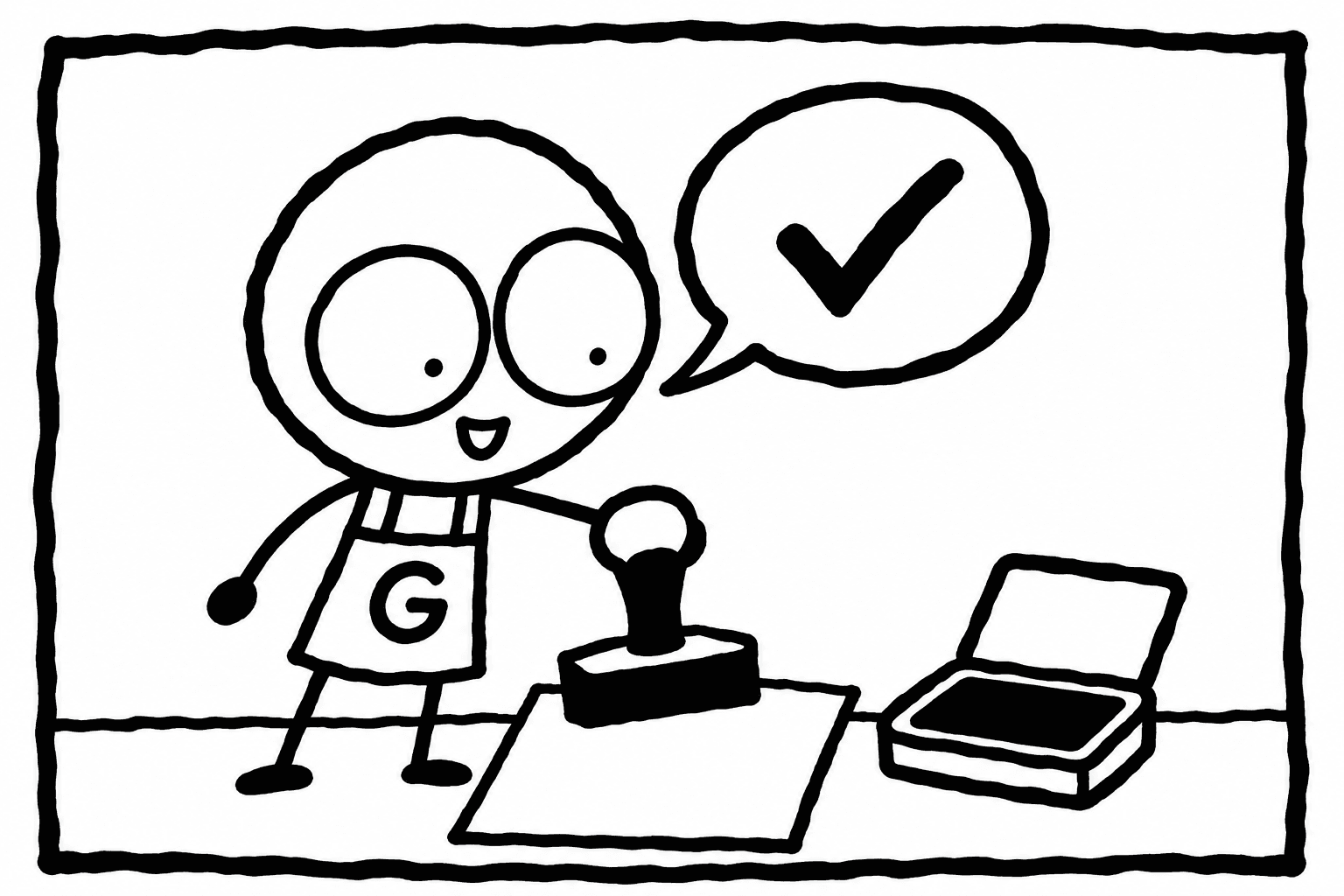
If you want to know how to protect PDF from sharing when you sell it on Getly, the answer is PDF stamping. It is a per-product option, off by default. When you turn it on, every download is stamped with the buyer's name, email and order ID, plus a diagonal "LICENSED COPY" watermark. A copy that leaks is no longer anonymous: it points back to the order it came from.
This guide walks through the setup step by step, the two hard limits (50 MB and 1,200 pages), and what stamping can and cannot do. Read the limits section before you rely on it: above either limit, the file goes out unstamped.
What PDF stamping does
Stamping happens at download time, not at upload time. You upload one clean PDF. Each time a buyer downloads it, Getly makes a copy for that buyer and prints their details on it. Two buyers of the same ebook get two different files.
Each stamped copy carries:
- the buyer's name;
- the buyer's email address;
- the order ID;
- a diagonal "LICENSED COPY" watermark across the page.
Your original file is never changed. If you turn stamping off later, buyers get the clean file again on their next download.
Why this works as protection: most sharing is casual. Someone forwards a guide to a friend or drops it in a group chat. A file with their own name and email printed on it is a file people think twice about posting. And if a copy does turn up somewhere, the order ID tells you which purchase it came from.
What stamping does not do
Be clear with yourself about the limits before you count on it. Stamping deters and traces. It does not lock the file.
- It is not DRM. The buyer can open, print and copy the PDF like any other PDF.
- A determined person can remove a watermark with editing software, take screenshots, or retype the text.
- It does not stop someone from sharing. It makes sharing traceable and less comfortable.
- It does not apply to files over 50 MB or PDFs over 1,200 pages. Those are delivered unstamped.
For most ebooks, workbooks, planners and guides, that trade is a good one. Buyers get a normal PDF that opens anywhere, and you get a name on every copy.
The limits, in one table
| Limit | Value | What happens above it |
|---|---|---|
| File size for stamping | 50 MB | The PDF is delivered unstamped |
| Page count for stamping | 1,200 pages | The PDF is delivered unstamped |
| Compress tool, max input | 200 MB | The tool will not take the file |
| Tool operations per day | 10 free, 100 with Getly Pro | Wait for the next day |
| Receipt download links | Valid 30 days | The buyer downloads from their library instead |
The two stamping limits are real refusals, not a best effort. Stamping a very large document does not fit in the memory of the function that does it, so above either number the buyer gets the plain file. The seller-facing text in the editor quotes the same two numbers. Do not tell buyers their copy is stamped if your file is above either limit.
Step by step: turn on PDF stamping
- Check the file size and page count. Open the PDF on your computer and look at its properties. You want it at or under 50 MB and at or under 1,200 pages.
- Compress it if it is too big. Go to the Tools page in your seller dashboard (/dashboard/tools) and run Compress on the PDF. It takes files up to 200 MB. The original stays untouched; the tool produces a new file. Image-heavy PDFs often shrink a lot, text-only PDFs much less, so it may or may not get you under 50 MB. Check the result before you upload it. A failed operation costs nothing from your daily allowance.
- Split it if it is too long. A PDF over 1,200 pages cannot be stamped at any size. If you want stamping, split it into volumes and attach each one as its own file.
- Open the product in your seller dashboard editor. Use an existing listing or create a new one, and attach the PDF in the files step.
- Turn on the PDF stamping option. It is off by default for every product. If your editor looks different from what you expect and you cannot find it, write to support and they will point you to it.
- Save. On a listing that is already live, the change takes effect on the next download. A new listing goes to review first, which usually takes a few hours.
- Check a stamped copy. There is no separate test mode. If someone you know buys the product, ask them to send you a screenshot of the first page. Or ask support how to see a copy as a buyer would. Look for the name, email, order ID and the diagonal watermark.
Before you publish: let the PDF pass its checks
Getly opens every PDF at publish time. Nothing to install, nothing to press. A few problems stop a listing, others are only advice. Fix them before you rely on stamping.
- Refused: a password the buyer does not have, a file with zero pages, a truncated file. The buyer could not use any of these.
- Advice: fonts that are not embedded, permission restrictions, embedded JavaScript or launch actions, and a path from your own machine left in the metadata.
Do not try to protect the file with a password. A buyer who cannot open what they paid for will ask for a refund, and the publish check refuses that file anyway. Stamping is the protection that leaves the file usable.
The product page also shows the page count and whether the text is selectable, as plain facts. Buyers see that before they pay.
Look inside: the preview is watermarked too
A worry many sellers have is the preview. If you show pages, people may take them. Getly handles this on its own: a product whose file is a PDF of ten pages or more shows buyers a watermarked excerpt on the product page. It is 15% of the document at most, five pages at most, and never the whole file. You do not switch it on.
A shorter PDF gets no excerpt at all, because any useful excerpt would be a quarter of the goods. If your PDF is short, your cover images and description have to do the selling.
Do not use the image Watermark tool for this. It tiles your store name across an image, works on images up to 25 MB, and does not touch PDFs. It is meant for preview images and pictures you send in chat.
Tell buyers their copy carries their name
Stamping works best when buyers know about it before they buy. Say it in one plain line in your description. For example:
Each copy is stamped with the buyer's name, email and order ID. Please keep it for your own use.
Two reasons to say it up front. First, the deterrent only works if people know their details are on the file. Second, nobody likes a surprise: a buyer who finds their email printed on every page without warning may feel watched. Said in advance, it reads as a normal part of buying a licensed copy.
Also say what the buyer may do with the file: personal use, classroom use, printing for their own team. A licence line answers the question before it becomes a dispute. Our listing standards explain why stating what the buyer may do with the file is one of the five rules we follow ourselves.
Privacy: whose data is printed where
The stamp shows the buyer's own name and email on the buyer's own copy. It is not shown to other buyers and does not appear on the product page. Your email address as a seller is never shown to buyers, stamping or not.
This matters only if the file leaks. Then the buyer's details travel with it. That is the point of stamping, and it is one more reason to say it in the description.
What happens after a refund or a leak
On a full refund, the buyer's access is revoked: the download stops working. Refunds are reviewed by a Getly admin, not decided by the seller. The default refund window is 30 days.
If you find a stamped copy of your PDF posted somewhere, note the order ID printed on it and write to support with the link. The stamp tells you which order it came from. What happens next is a case for support, not an automatic action, so do not promise anyone a specific outcome.
Quick checklist
- PDF at or under 50 MB, at or under 1,200 pages.
- Compressed or split in Tools if it was over.
- No password, all pages present, fonts embedded.
- PDF stamping turned on for the product, then saved.
- One line in the description saying copies are stamped.
- A licence line saying what the buyer may do with the file.
Stamping costs you nothing extra: Getly charges only a commission when a sale happens, and you keep 80-90% of it. The tiers are on the pricing page.