Getly
Getly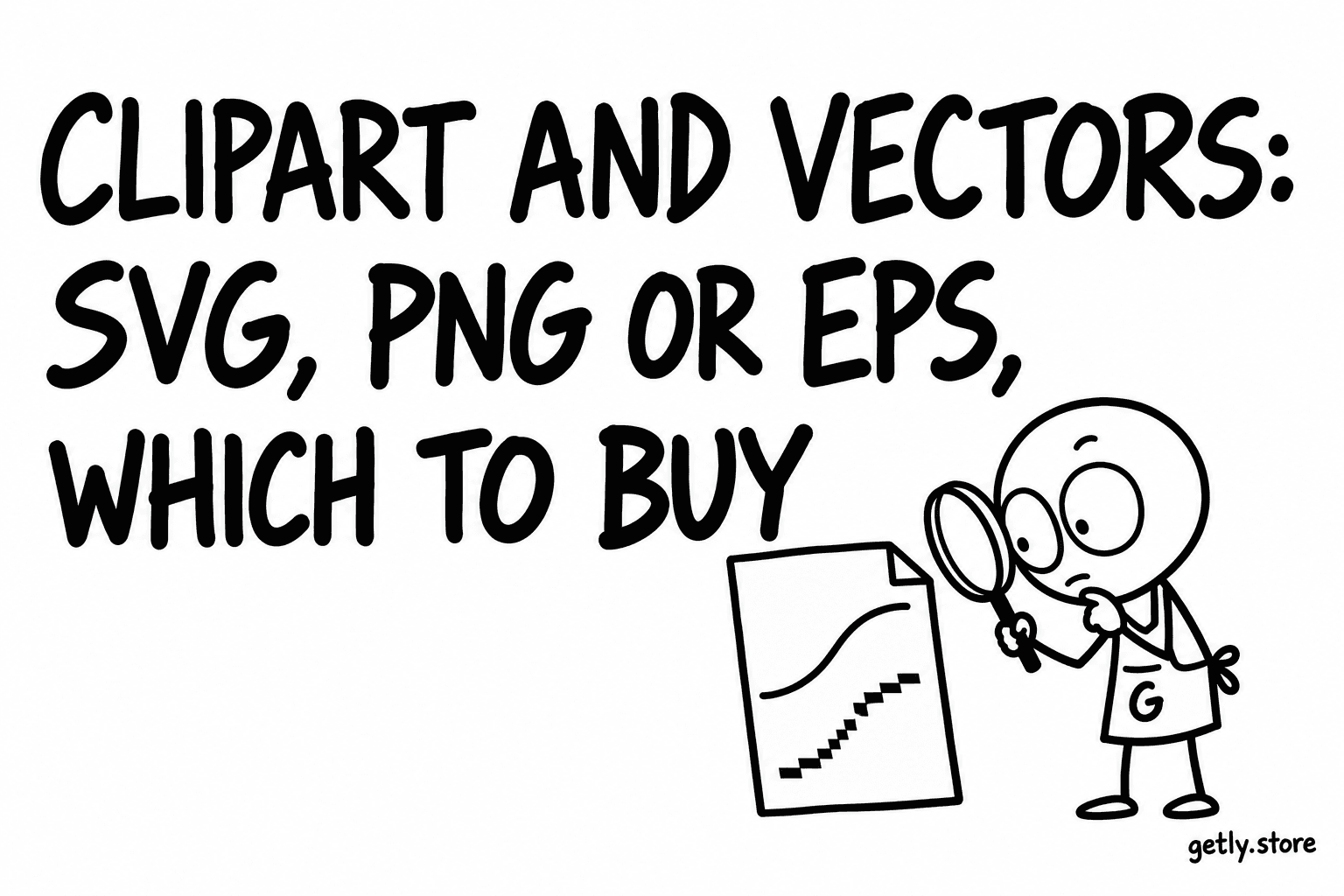
Clipart looks like the simplest digital product there is: a picture you drop into something else. Then you open the file and find the background is white instead of transparent, the image is too small to print, or your cutting machine will not read the format. Almost every disappointment with clipart comes down to two questions asked too late: which format, and which license.
We read the Clipart & Vectors shelf on Getly, measured October 2026. It holds 94 active listings with a median price of $4.99. More than half (about 55%) deliver a zip archive, so the format question is usually answered inside the zip, and the listing text is your only way to know before you pay. Here is how to read it.
Raster or vector: the one distinction that matters
Every clipart file is one of two kinds.
- Raster files (PNG, JPG) are grids of pixels. They have a fixed size. Enlarge them past that size and edges turn soft or blocky.
- Vector files (SVG, EPS, AI, PDF from a vector program, CDR) are drawn with shapes and curves. They scale to any size without losing sharpness, from a sticker to a banner.
If you only ever place clipart at small sizes on a screen, a good PNG is enough. If you print large, cut with a machine or need to change colors, you want a vector.
Which format for which job
| Job | Best format | Why |
|---|---|---|
| Cricut or Silhouette cutting | SVG (DXF for older Silhouette software) | The machine follows the vector paths |
| Web, slides, documents | PNG with transparency | Opens everywhere, no software needed |
| Print on demand (shirts, mugs) | Large PNG at 300 DPI, or a vector | Print shops want pixels at full size |
| Editing in Illustrator | AI or EPS | Keeps layers and editable paths |
| Editing in CorelDRAW | CDR (or EPS) | Native format of that program |
| Free editing tools | SVG | Inkscape, Figma and browsers read it |
On this shelf the formats you can see as separate files are spread thin: roughly one listing in ten ships a loose PNG, the same share ships SVG, a little under one in ten ships EPS, and AI and CDR files appear on about 6% and 5% of listings. The rest hide their formats inside a zip. So the listing text has to tell you what is in the archive.
Five checks before you pay
- Is the background really transparent? 56.4% of listings on this shelf say "transparent". A JPG can never be transparent, whatever the description says. A PNG can be, but only if it was saved with transparency. Look for a preview on a checkerboard or a colored background.
- How many pixels? DPI alone is just a label inside the file (more on that below). 37.2% of listings mention 300 DPI. Ask for the pixel size of the largest image. Among the image files we could read on this shelf, the median long side was 3,048 pixels, and half reached 3,000 pixels or more.
- Which vector formats exactly? 22.3% of listings mention SVG. If you cut with a machine, SVG is the one to look for. If you edit in Illustrator, AI or EPS. A "vector pack" that only contains PNGs is not a vector pack.
- Machine-ready? 16.0% of listings mention Cricut or Silhouette. Cut-ready SVGs have closed paths and grouped layers. A traced, messy SVG cuts hundreds of tiny fragments.
- What does the license allow? 31.9% of listings mention commercial use in the text. Of listings that set a license type, 82.9% allow commercial use. That is good news for print on demand, but read the limits: many commercial licenses cap the number of physical items or forbid reselling the clipart as clipart.
The 300 DPI math, in one minute
DPI means dots per inch. It only means something together with a print size. The rule:
Pixels needed = inches × DPI.
- A 4 inch wide sticker at 300 DPI needs 1,200 pixels across.
- An 8 by 10 inch print at 300 DPI needs 2,400 by 3,000 pixels.
- A 12 inch wide shirt print at 300 DPI needs 3,600 pixels across. Many print-on-demand shops accept 150 DPI, which halves that to 1,800.
Turn it around to check a file: divide the long side in pixels by 300. That is the largest size in inches you can print at full quality. A 3,000 pixel image prints sharply up to 10 inches. A 1,000 pixel image labeled "300 DPI" still prints sharply only up to about 3.3 inches. The label did not add pixels.
Licenses: personal, commercial and print on demand
Three questions cover most cases:
- Can I use it in things I sell? Only with a commercial license. Personal use covers your own cards, school projects and home decor.
- Is there a limit? Some commercial licenses allow unlimited digital use but cap physical items, or the other way around. If you sell on print-on-demand sites, check that the license names them or allows unlimited prints.
- Can I sell the clipart itself? Almost never. You can sell a shirt with the design, not a file of the design. Redistributing clipart as clipart is the most common license breach.
If a listing has no license section at all, ask the seller before you buy. On Getly every purchase has a refund window of at least 30 days, but asking first is faster than a refund.
How to open the files you get
- Zip: extract it first. Opening a file from inside the zip preview often fails or opens a temporary copy.
- SVG: any browser shows it; Inkscape (free) or Figma edits it; Cricut Design Space uploads it directly.
- EPS and AI: Illustrator opens both. Inkscape opens many EPS files. Affinity Designer opens both.
- CDR: CorelDRAW. Without it, ask the seller for an SVG or EPS version.
- PNG: anything. Check transparency by placing it over a colored background.
A short buying rule
Decide what you will do with the clipart first, then buy the format that job needs, then check pixels and license. For cutting: SVG. For print on demand: large transparent PNG or vector plus a commercial license. For slides and the web: a clean PNG is enough.
Browse the Clipart & Vectors shelf. Buyers currently pay in USDT or USDC stablecoins. If you draw clipart yourself, you can sell it on Getly with no listing fee; sellers keep 80% of each sale by default.