Getly
Getly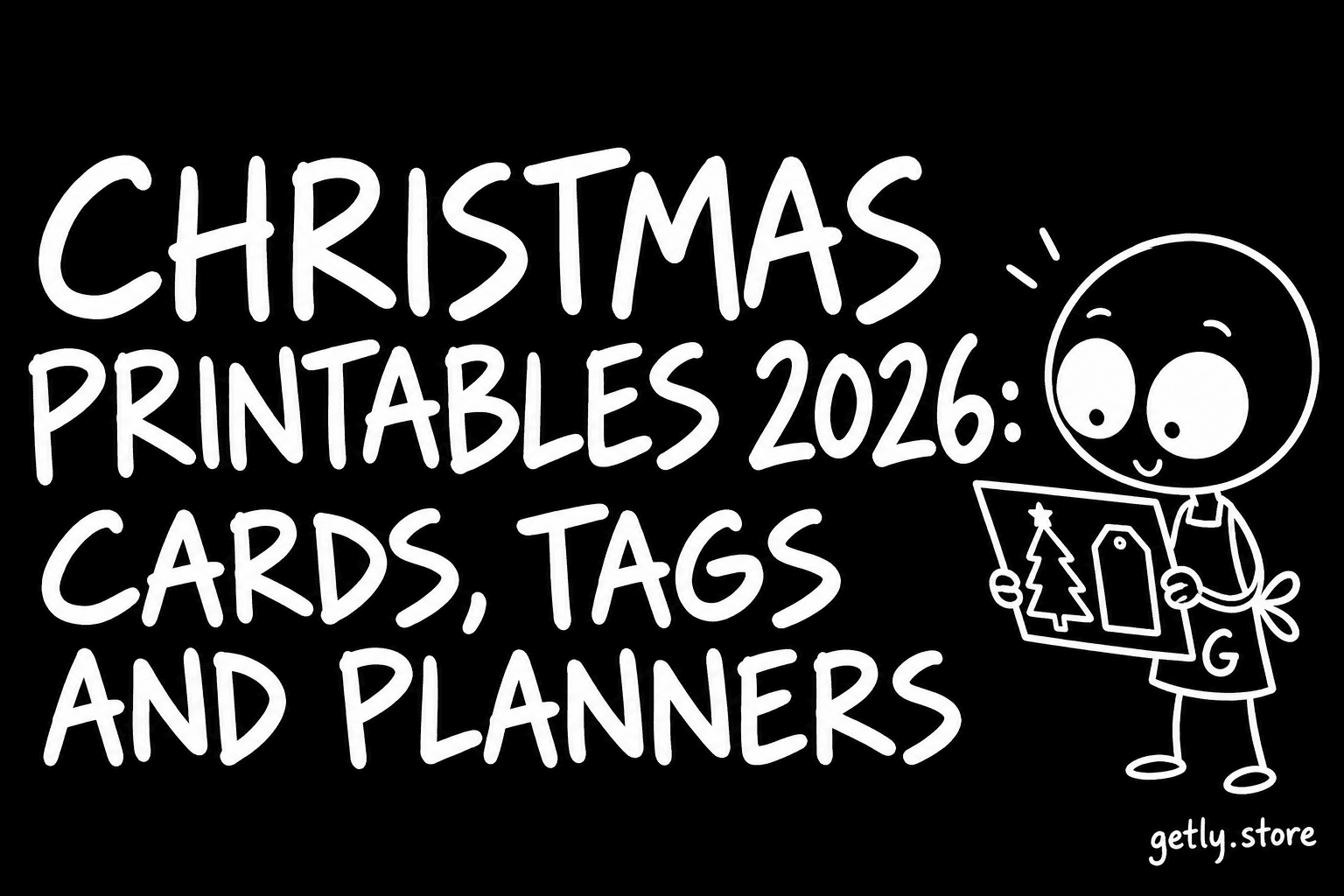
Christmas printables are the cheapest part of the season and the easiest to get wrong. The file costs a few dollars. The card stock, the ink and the evening you spend cutting are the real cost, and a file that prints blurry or lands off-center wastes all three. This guide covers what to buy, what to check in the listing, and how to print so the result looks like it came from a shop.
We read the Christmas listings on Getly, measured October 2026, to see what sellers actually offer. There are 92 active listings with Christmas or Xmas in the name. The median price is $3.00. About two in three ship a zip archive and most of the rest ship a single PDF; the median download is around 16.5 MB, which tells you many of these packs carry several high-resolution sheets, not one page.
What people print, and what the shelf offers
Cards lead the shelf: 45.7% of Christmas listings mention cards. Gift tags come next at 25.0%. Then come pieces for children (19.6% mention kids), coloring pages (13.0%) and planners (8.7%). A single shop holds 35.9% of the shelf, so browse past the first page before you decide the style you want is missing.
- Cards. Folded 5x7 inch cards are the standard. Two fit on one US Letter sheet when printed flat and cut, or one folded card when the design sits on half the sheet.
- Gift tags. Usually 6, 8 or 12 per sheet. Check the tag size against your gifts: a 2 by 3 inch tag is fine on a box and lost on a large bag.
- Coloring pages. The best value for children and classrooms. Look for thick, closed outlines and one design per page.
- Planners and checklists. Gift lists, budget pages, baking schedules and card lists. A planner earns its price only if the pages are things you would actually fill in.
- SVG cut files. For Cricut or Silhouette owners. These are a different product from a printable: you cut them from vinyl or paper, you do not print them.
Five checks before you pay
A printable listing should answer these without making you message the seller.
- Paper size. US Letter and A4 are not the same shape. A4 is taller and narrower. A file made for Letter and printed on A4 either shrinks or loses its edges. Good listings include both, or say which one they use.
- Resolution. For print, a sheet should be 300 DPI at full size, which means about 2,550 by 3,300 pixels for a Letter page. A PDF built from vector shapes is sharp at any size; a PDF that wraps a small image is not.
- Bleed and cut marks. Designs that run to the edge of the card need bleed, an extra strip of color past the cut line. Home printers cannot print to the edge of the paper, so without bleed you get a thin white border.
- Editable or fixed text. Some cards and tags let you type names. Ask in which program: an editable PDF opens in a free reader, a Canva template needs a Canva account, a Word file needs Word or a compatible editor.
- License. Personal use covers your own gifts and cards. If you plan to sell printed cards or crafts at a market, you need a commercial license. On this shelf 94.6% of listings set a license type, and 54.0% of those allow commercial use. Read which one before you buy, not after.
How to print so it looks bought, not printed
Choose the right paper
Plain office paper works for coloring pages and planner sheets. For cards and tags, use card stock: 65 to 80 lb cover (about 176 to 216 gsm) folds cleanly and goes through most home inkjet printers. Heavier stock looks better but jams many printers, so test one sheet first. Matte card stock hides fingerprints and is easier to write on with a pen.
Set the printer correctly
- Print at 100% or "Actual size". "Fit to page" shrinks the design and moves cut lines away from where the template expects them.
- Pick the paper type in the print dialog (card stock or matte photo). It changes how much ink the printer lays down.
- Use the highest quality setting for cards. Draft mode saves ink and shows it.
- Feed card stock one sheet at a time if your printer has a rear or manual feed.
Cut and fold
A paper trimmer or a craft knife with a metal ruler gives straight edges that scissors rarely do. For folded cards, score the fold line first with the back of a butter knife or a bone folder along the ruler. A scored fold stays crisp; an unscored one cracks the printed surface.
Print early
The calendar matters more than people expect. Printers run out of ink in mid-December, office stores run low on card stock, and a mailed card needs time to arrive. If you buy printables in late October or November, you have time for a test print, a second try at the paper choice and posting cards abroad. Download the files right away and keep them in your Getly library; you can download them again later.
If you want to sell Christmas crafts
Many people buy printables to sell finished cards, tags or decorations at school fairs and markets. Three rules keep that safe:
- Buy a listing marked for commercial use, and keep the receipt.
- Sell the printed product, never the digital file itself. Reselling the file is almost never allowed.
- If you make your own designs, you can sell them as printables. On Getly there is no listing fee, sellers keep 80% of each sale by default and 90% on sales from their own link, and every new listing is reviewed before it goes live, usually within minutes. See how selling works.
A short buying list
- One card pack with both Letter and A4 versions and visible bleed.
- One tag sheet sized for the gifts you actually wrap.
- A coloring pack for children, with thick outlines, one design per page.
- A gift and budget planner only if you will use it for the whole month.
Browse the full catalog or start with cards and invitations and coloring pages. Buyers currently pay in USDT or USDC stablecoins, and every purchase comes with a refund window of at least 30 days.