Getly
An aesthetic desktop wallpaper 4k file should be at least 3840 by 2160 pixels, drawn or shot at that size, and cut to your screen's shape. The middle half of desktop, 4K and 8K listings on Getly cost between $1.99 and $4.99 (measured 6 November 2026). The hard part is not the price. It is telling a real 4K file from a small picture stretched to a big number, and picking a size that fits a MacBook or an ultrawide without ugly cropping. This guide covers what to check before you pay, which resolution your screen needs, how to set the image on Windows and macOS, and what the licence lets you do with it.
What the shelf looks like today
We measured the wallpaper shelves on Getly (Backgrounds & Wallpapers and Digital Wallpapers) on 6 November 2026. Together they hold 598 active listings. Most of them are phone wallpapers, posters and single art prints. Wallpaper is cheap here: the median price on the whole shelf is $1.99, the middle half sits between $1.99 and $4.00, and 3.0% of listings are free.
The part this article is about is smaller. We counted 30 listings whose name contains "desktop", "4K" or "8K". On that narrow part of the shelf the median is $2.99, the middle half runs from $1.99 to $4.99, and 6.7% are free. So a desktop pack in 4K or 8K costs about a dollar more than an average phone wallpaper. That is fair: a 3840 by 2160 image holds four times the pixels of a 1080p one, and a good one takes longer to make.
Licences differ between the two groups. On the desktop, 4K and 8K listings, 40% carry a commercial licence, 36.7% a personal one and 20% state no licence. On the whole shelf only 25.9% are commercial, 55.4% are personal and 17.9% have no licence set. If you need the image for anything beyond your own screen, read the licence line on the product page first.
Real 4K or an upscale: how to tell
The word "4K" in a title is a claim, not a measurement. Some sellers render or paint at full size. Others export a 1024 pixel AI image and enlarge it with an upscaler. An upscale is not always bad, but it is softer, and on a 27 inch screen you will see it. Here is what to check.
- Pixel size in the description. A serious listing says "3840 x 2160" or "7680 x 4320", not only "4K quality" or "HD". If the size is missing, ask the seller before you buy.
- Preview images. Previews are always reduced, so they cannot prove sharpness. They can show the style, the colours and the aspect ratio. A square preview for a "desktop" pack is a warning sign.
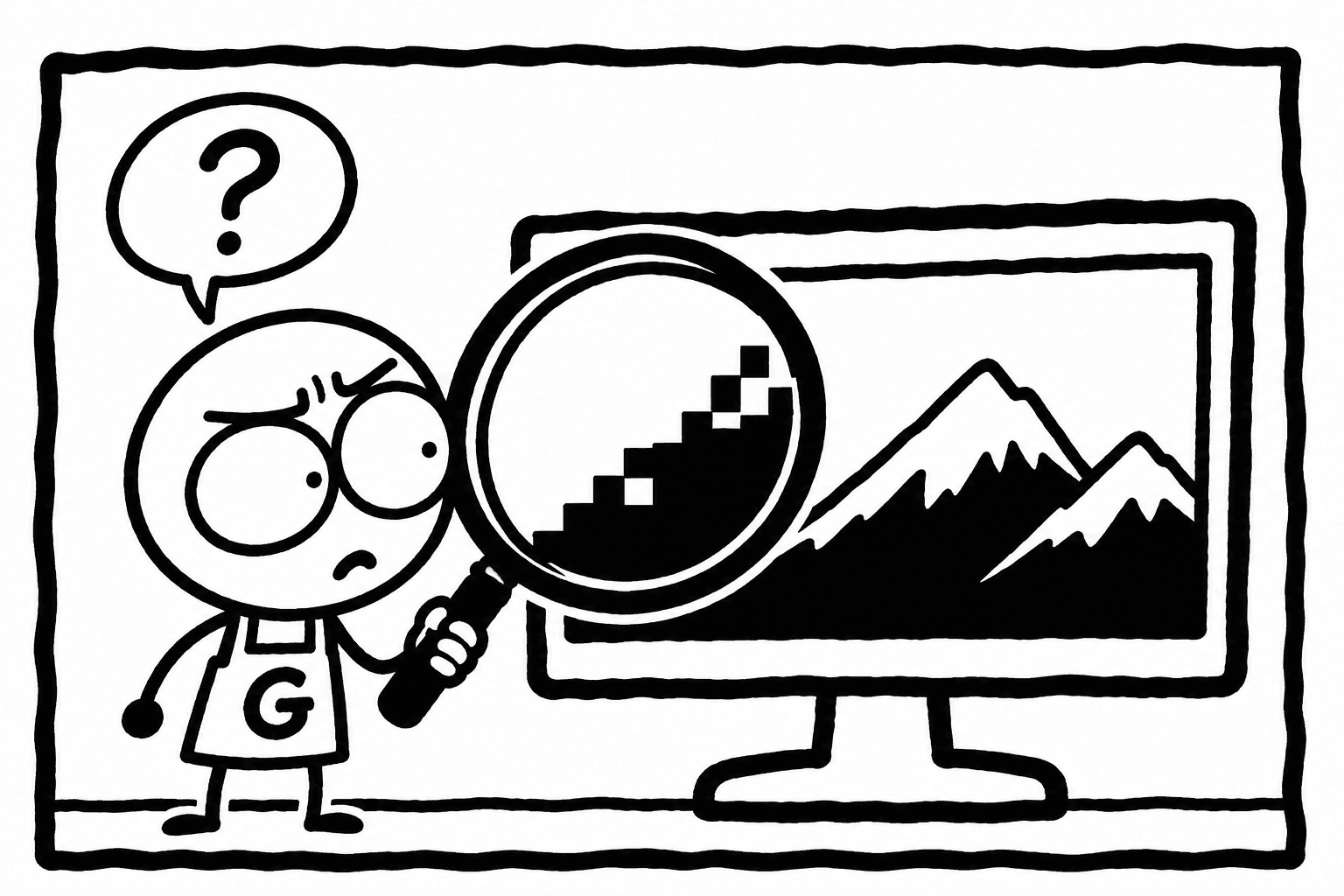
- Zoom to 100% after download. Open the file in Photos, Preview or any image viewer and zoom to actual size. Real detail shows fine lines, hair, stars or grain. An upscale shows smooth, waxy areas and edges that look painted with a wide brush.
- JPEG artefacts. Look at the sky and dark gradients. Blocky squares or colour bands mean the file was compressed too hard, often more than once. On dark minimal wallpapers this shows first.
- File size as a hint. A detailed 3840 x 2160 JPEG usually weighs several megabytes. A 4K file of a few hundred kilobytes is either a very simple flat design or heavily compressed. A PNG of the same picture is larger still. File size alone proves nothing, but a tiny file with a busy picture deserves a second look.
- Check the image properties. On Windows, right click the file, Properties, Details. On a Mac, select it and press Command + I, or open it in Preview and choose Tools, Show Inspector. You will see the real width and height.
If the file is much smaller than the listing said, that is a description that does not match the goods. You can ask for a refund within the 30-day refund window, and the Getly team reviews the request.
Which resolution your screen needs
A wallpaper looks best at your screen's native resolution or above it. Larger is fine: the system scales it down cleanly. Smaller means stretching. The shape matters as much as the size. A 16:9 picture on a 16:10 MacBook loses a strip on the sides, and on a 21:9 ultrawide it loses a lot of the top and bottom.
| Screen | Native resolution | Aspect ratio | What to buy |
|---|---|---|---|
| Full HD monitor or laptop | 1920 x 1080 | 16:9 | Any 4K file, it scales down cleanly |
| QHD monitor | 2560 x 1440 | 16:9 | 4K 16:9 |
| 4K UHD monitor or TV | 3840 x 2160 | 16:9 | Native 4K, or 8K for headroom |
| 5K iMac or Studio Display | 5120 x 2880 | 16:9 | 8K, or 5K if the pack offers it |
| 8K monitor | 7680 x 4320 | 16:9 | Native 8K only |
| MacBook Air 13 inch (recent) | 2560 x 1664 | about 16:10.4 | 4K, with some side cropping |
| MacBook Pro 14 inch | 3024 x 1964 | about 16:10.4 | 4K or 8K, placed with "Fill" |
| MacBook Pro 16 inch | 3456 x 2234 | about 16:10.4 | 8K, or a 16:10 version |
| 16:10 laptop or monitor | 2560 x 1600 | 16:10 | A 16:10 version, or 4K with cropping |
| Ultrawide | 3440 x 1440 | 21:9 | A dedicated 21:9 file |
| Super ultrawide | 5120 x 1440 | 32:9 | A dedicated 32:9 file |
Three practical rules come out of that table:
- Buy one step above your screen. If you are on QHD, a 4K file gives you room to zoom and reposition. If you are on a 5K iMac, a 4K file will be enlarged, and fine detail will soften.
- Ultrawide needs its own file. A 16:9 image on a 3440 x 1440 screen loses about a quarter of its height. For 32:9 it is worse. Look for "21:9", "32:9" or "ultrawide" in the description or the file list.
- MacBooks crop the sides. The menu bar and the notch also cover the top centre. Pictures with the subject in the lower middle or one third from the side work better than a centred face at the top.
Packs and single images on Getly
These listings come from the wallpaper shelves. Prices are as listed on 6 November 2026.
| Listing | What it is | Price |
|---|---|---|
| Midnight Minimal, 10 Dark 8K Desktop Wallpapers | A pack of ten dark minimal desktop wallpapers sold as 8K, delivered as a RAR archive | $2.99 |
| White Fox Under the Moon | A single JPG artwork with a night sky scene | $1.99 |
| Celestial Rose Retreat | A single JPG artwork | $1.99 |
Midnight Minimal is the only listing in this group with "desktop" and "8K" in its name. Dark minimal designs suit OLED and mini LED screens and keep icons readable. A RAR archive opens with 7-Zip or WinRAR on Windows. On a Mac, use The Unarchiver or Keka, since macOS does not open RAR files by itself.
The two single images are art prints, not packs made for a desktop. They can work as wallpaper, but check the pixel size and the orientation in the description before you buy. A portrait image will not fill a landscape screen. For more choice, browse the full Digital Wallpapers shelf and filter by what the description says about resolution.
How to set a 4K wallpaper on Windows and macOS
Windows 10 and 11
- Unpack the archive into a folder you will keep, for example Pictures\Wallpapers. If you delete the folder, Windows may lose the wallpaper.
- Right click the desktop, choose Personalize, then Background.
- Pick "Picture" for one image or "Slideshow" for the whole folder.
- Under "Choose a fit", pick Fill for most cases. "Fit" keeps the whole image and adds bars. "Stretch" distorts it, avoid it. "Span" spreads one wide image across several monitors.
- With two or more monitors, right click a picture in the list and choose "Set for monitor 1" or "Set for monitor 2" to give each screen its own image.
macOS
- Unpack the files into a folder, for example Pictures/Wallpapers.
- Open System Settings, Wallpaper, then "Add Folder" or "Add Photo".
- Choose "Fill Screen" for most images. "Fit to Screen" keeps the whole picture with bars. "Centre" shows it at actual size.
- For a folder, you can turn on automatic rotation and set the interval.
- Each display gets its own setting. With an external monitor, the wallpaper panel shows a choice per display.
One tip for both systems: if a wallpaper looks soft even though the file is 4K, check that the display runs at its native resolution and that scaling is not set unusually high. The wallpaper cannot be sharper than the mode the screen runs in.
Licences: what you may do with the file
A wallpaper on your own screen is personal use. Every licence covers that. The question comes up when the image leaves your screen:
- Stream or video background. If you show the image on Twitch, YouTube or in a course video, that is public use. Many sellers count it as commercial. Pick a listing with a commercial licence, or ask.
- Client work. A designer who puts a bought wallpaper into a client's website, office screens or brand deck needs a commercial licence that covers client projects.
- Reselling or sharing. No standard licence lets you upload the pack to another store or share the full files in a group chat.
- No licence stated. On the desktop, 4K and 8K listings that is 20% of the shelf. Treat it as personal use only until the seller says otherwise in writing.
The share of commercial licences is higher on the desktop and 4K part of the shelf (40%) than on the shelf as a whole (25.9%). If you stream, that makes the narrow group the better place to look.
Mistakes that waste a wallpaper
- Buying a phone pack for a desktop. Many wallpaper titles say "phone" in small words. A 9:16 image cannot fill a 16:9 screen.
- Ignoring the notch and the taskbar. A subject at the very top or bottom gets covered.
- Bright wallpapers on an OLED screen at night. Dark designs are easier on the eyes and on the panel.
- Re-saving the JPEG. Every crop and save in JPEG adds artefacts. Crop once, or save the crop as PNG.
Paying and downloading on Getly
You can pay by card, with Apple Pay or Google Pay where your device supports it, or with USDT or USDC stablecoins. PayPal is not accepted. You do not need an account to buy. Card orders deliver the files right after payment, crypto orders after the payment is confirmed on the network. Your purchases stay in your library, so you can download the full-size files again on a new computer. If the file does not match the description, you have a 30-day refund window. Browse Digital Wallpapers for the rest of the shelf.