 Getly
Getly
Every freelancer has an unpaid invoice story. Mine is a rooftop in late autumn: the job finished at four, the client wanted the invoice before I left the building, and the phone had one bar of signal and no data. I wrote the invoice in a notes app, promised to send it that evening, and then forgot for nine days. The client paid, eventually, but I spent the month quietly annoyed at my own tooling.
That is the whole case for offline invoicing. It is not about distrust of the cloud. It is about the twenty minutes where the cloud is not there.
The invoice is a document, not a service
Most invoicing apps are services: you log in, you type, a record lives on their server. They work offline only in the way a photo of a form works offline - you can look, you cannot act. When the network comes back, you reconcile whatever you did by hand.
An offline invoicing app inverts this. The file holding your clients, items and invoices is on your machine. Sending the network away changes nothing about what you can do:
The one thing that changes is how the invoice leaves: you export the PDF and attach it to whatever message you can send. That is a step some people hate and others prefer, because it means the client receives a document from you, not a link to a service.
Numbering, tax and the part people get wrong
Invoicing rules differ by country, but three things are close to universal and all three are places where a template file falls apart:
1. Sequential numbering with no gaps in a year. If invoice 2026-014 is missing, an accountant will ask about it. A tool that renumbers on export is worse than useless.
2. Tax as a line you can explain. Rates change, some clients are exempt, and a line marked 0% still needs to show why.
3. A record of what was actually billed. Not the draft, not a screenshot - the document as sent.
Numbering, tax lines and the saved PDF are the three things worth checking before you trust any invoicing tool with a real client. They are also exactly what a spreadsheet fails at once you have four clients and a good month.
What it does not do
This matters more than the feature list, so here it is plainly:
If any of those five are hard requirements, you want a paid online service and you should buy one. If they are acceptable, an offline app removes a dependency you never agreed to.
The five-minute routine
The version that has survived a year of use:
1. Add the client once - name, address, tax number. It stays.
2. Build the invoice from saved items. Two minutes, including the discount.
3. Print or export the PDF and send it while the job is still fresh.
4. Mark it paid the day the money arrives, with the date.
5. Once a month, open the invoice list and look at anything unpaid for more than thirty days.
Step five is the one that gets skipped and the one that gets you paid. An invoice list is a to-do list with money attached.
What is in the download
The app ships in three formats in one purchase: a Windows program you run from a folder (no installer, no admin rights), an Android app, and a browser/PWA version for a tablet or a desktop. All three keep the same local data file, all three work with the network off, and the interface is available in seventeen languages. There is no account to create, and no subscription - it is a one-time purchase with a personal licence.
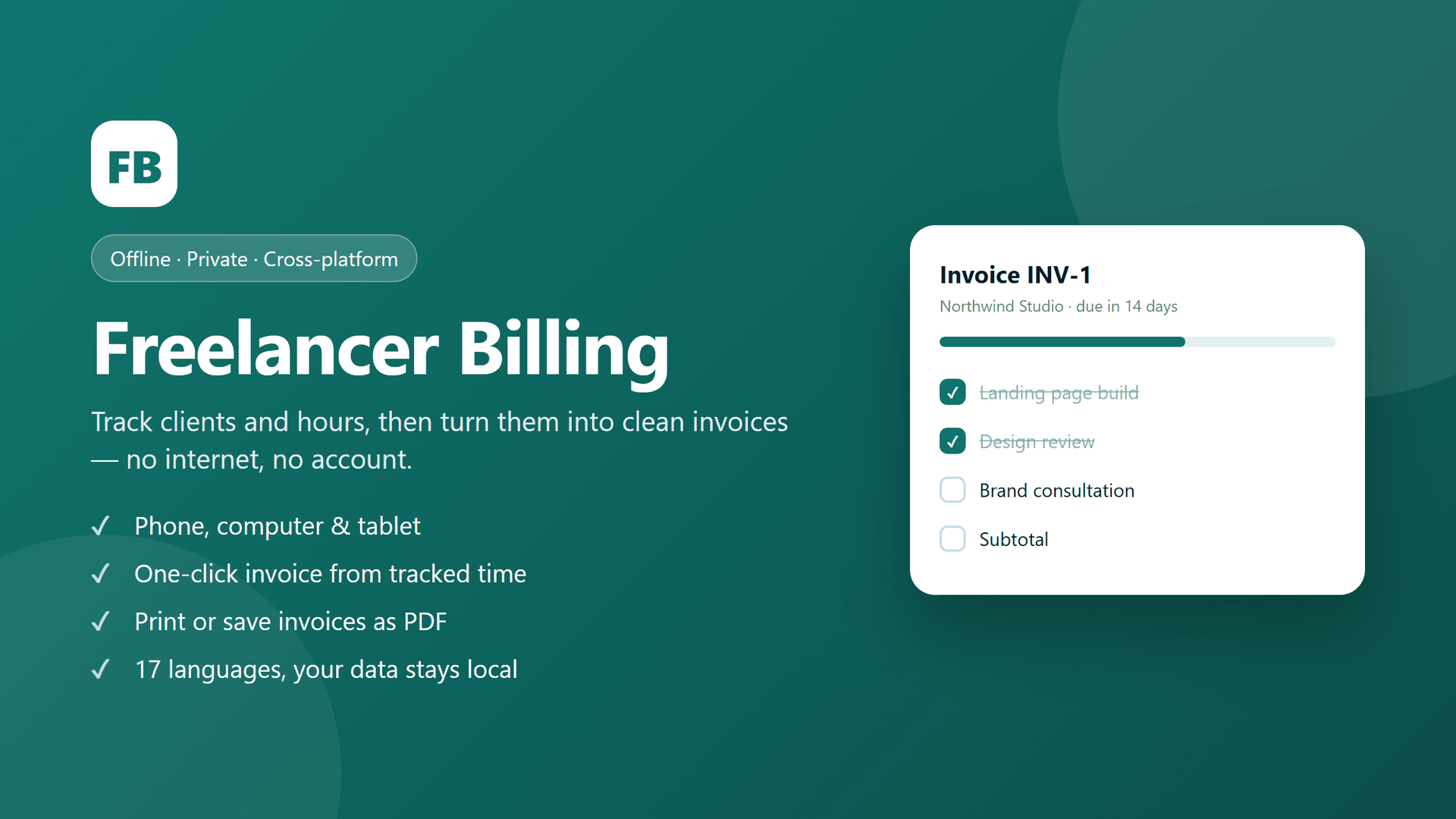
Freelancer Billing - Offline Invoicing & Time Tracking App (Windows, Android, Web)
$24.00
Questions people ask before buying
Do I need to be online to install it? No. Download it once from a machine with a connection, then it never needs one again.
Can two people on the same team use it? Only by passing the data file. It is built for one person's business, not for a shared back office.
What happens if my laptop dies? Whatever your last backup holds. That is the honest answer, and the reason step five above mentions exports: a weekly copy of the data file takes ten seconds.
Is the invoice layout editable? Your business name, address, logo, tax number and footer all come from your settings. The layout itself is fixed - templates are how invoicing apps become projects.
If you also track money in and out on the same machine, we wrote about [budgeting on income that refuses to be monthly](https://www.getly.store/blog/budgeting-when-your-income-refuses-to-arrive-monthly), because the two problems are the same problem.