Getly
Getly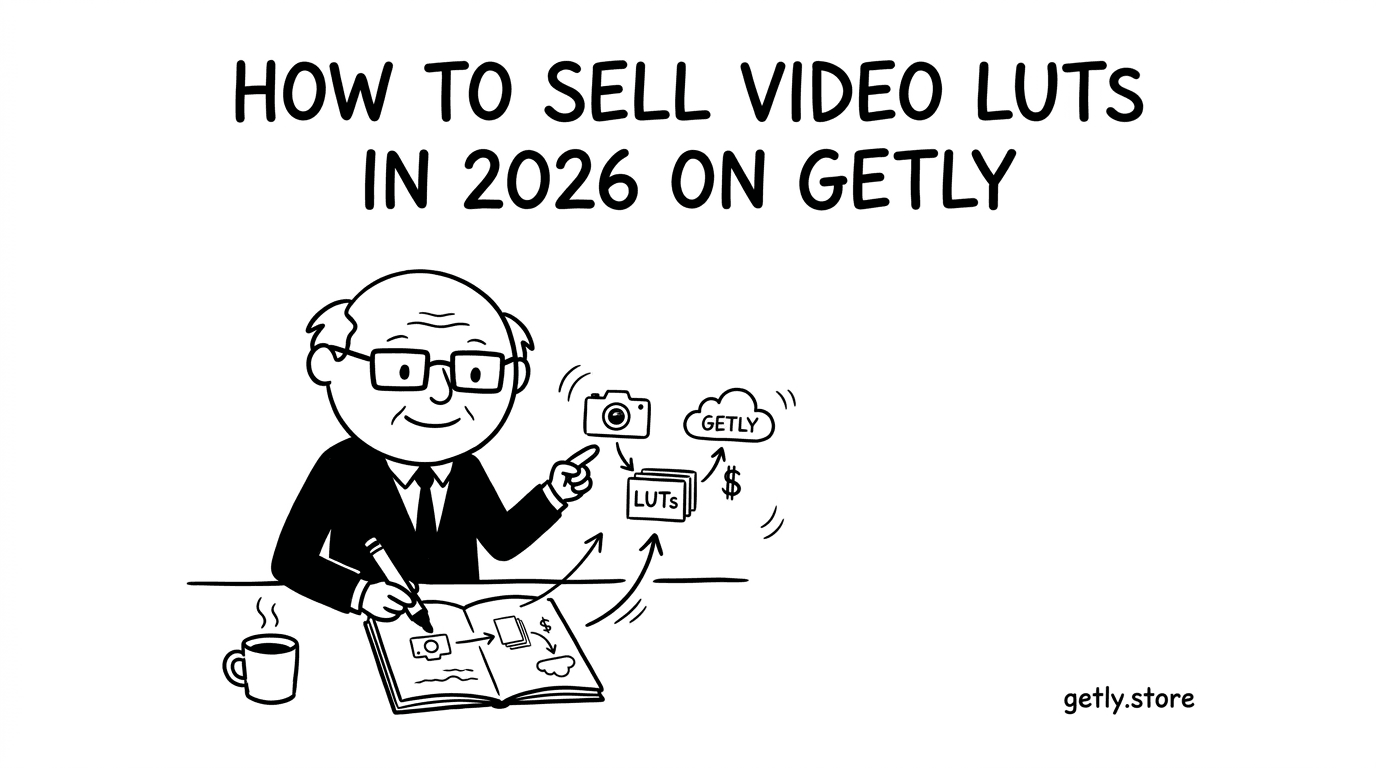
How to sell video luts — a 2026 guide for creators. You will learn what buyers expect from LUT files, how to package previews and docs so editors trust your work, and how to price a single LUT versus cinematic LUT packs. You will also set up licenses and tiers without confusing customers, then publish a listing that converts. Finally, you will choose a payout method, plan your first sale, and promote where video post-production creators actually hang out.
Who's selling video luts right now?
Most video LUT sellers start as solo creators who already color-grade in Resolve, Premiere, or a similar NLE and want to turn repeatable looks into digital products. They build LUT collections for specific moods like teal-and-orange, film emulation, skin-tone protection, or high-contrast cinematic styles.
Some sellers run a small studio or a micro-agency style workflow. They create LUTs alongside client work, then package “the same look from the project” into reusable packs for creators who need speed without losing consistency.
A third group ships as a side-project. They refine looks in small batches, keep naming and documentation consistent, and grow their catalog one pack at a time. That approach matters on a video luts marketplace because buyers often compare multiple sellers before they commit to one style.
What buyers expect
Buyers expect LUT files that match the preview look you show in your thumbnails. They also expect clean, usable packaging. LUT consumers usually want something they can drop into their NLE pipeline without guessing how to apply it or which version of the look they will get.
Your listing should state the file format clearly and include simple documentation. Editors buy faster when your README tells us what each LUT does, what it targets, and what limitations to expect. If you include NLE-specific previews for packs, you help buyers “see it in their world” before purchase.
- Accurate preview assets that reflect the actual grade outcome.
- Clear file formats and naming that match your docs.
- README or documentation explaining intended use and workflow notes.
- License terms that buyers can understand in one read.
- Support expectations that you can realistically maintain through your in-platform messaging.
Pricing playbook
On a video LUTs marketplace, you will sell better when pricing matches how buyers think about utility. A common starting range for a single LUT sits around $15-60, while cinematic LUT packs typically land around $100-250. Your pack price can feel easier to justify when it includes multiple looks that cover different clips and lighting conditions.
Creators often convert at higher rates when your cinematic LUT packs include NLE-specific previews. Those previews let buyers confirm compatibility and style quickly, especially if they work inside a specific editor.
Use three simple tiers:
- Intro tier. Offer a single LUT in the $15-60 range or a small mini-pack for first-time buyers.
- Mid tier. Sell multi-LUT sets that cover more lighting variation, typically in the lower part of the pack range.
- Premium tier. Price your biggest cinematic packs near the top end when you deliver many looks plus strong previews.
Then map pricing to license tiers. If you support multi-license tiers (for example, personal versus commercial), you should align the license you choose at checkout with how buyers plan to use the LUTs in their projects. Commercial usage usually needs higher-priced licenses, and personal usage should stay simple and affordable.
Packaging your video luts
You sell video luts through trust. You earn trust when your product download includes the files buyers need and a short guide that answers the first five questions they would otherwise ask you.
Build your download folder and docs like an editor’s checklist.
- Include the actual LUT files with consistent naming.
- Add a license file or license text that matches your store’s license tier.
- Ship a README with workflow notes and where the LUTs work best.
- Provide version notes if you update files later.
- Set up preview assets that reflect the looks in your LUTs, including NLE-specific previews for cinematic packs when possible.
- Document intended input assumptions such as contrast level or color space if your workflow depends on them.
Marketing channels that actually work
Video LUT buyers search where editors and colorists already learn techniques. Post your LUT previews and short “before and after” clips, then point creators back to your listing.
- YouTube. Publish LUT breakdowns and mini tutorials showing how a grade changes skin tones or highlights. Link the product in the description after the demo.
- Twitter/X creator circles. Share color breakdowns, post stills from NLE previews, and thread your workflow steps in short posts.
- Discord communities. Join editing and color grading servers, share LUT previews with context, and avoid dumping links without showing a result.
- Reddit. Target subreddits where people ask about LUTs, presets, and grading workflows. Use preview-first posts, then explain what your LUT corrects or stylizes.
For each release, market the outcome, not the file. Buyers want a repeatable look they can apply under time pressure. Your previews and documentation carry more weight than any sales copy.
Why Getly?
Getly is a digital-goods marketplace where sellers list downloadable products. Sellers keep 80% revenue by default, and Getly runs a new-seller promo that increases your share to 90% for the first 90 days after you create your store.
Getly also supports crypto stablecoin payouts (USDT or USDC), which can matter if you want payout options outside the Stripe Connect path. You can choose between Stripe Connect payouts or crypto stablecoin payouts, and both payout methods follow the same 1st and 15th monthly schedule at 03:00 UTC.
Next step
Pick your first catalog focus: one signature LUT style or one cinematic pack theme. Build the download folder with files plus a README and license notes, then upload preview assets that match the grade outcomes. Price your single LUT around $15-60 and your cinematic pack around $100-250, using stronger NLE-specific previews to improve conversions. Then publish, share preview clips in editing communities, and optimize your listing after your first purchase data comes in.