 Getly
Automation Flows
Voice Telegram Lead Bot on n8n — step-by-step guide for beginners (workflow + PDF + sheet template)
Telegram bot that turns voice and text requests into Google Sheet rows. n8n workflow + PDF guide (EN/RU) + sheet template.
What you get: 3 files · 610.8 KB · JSON
See purchase optionsProduct description
🇷🇺 Описание на русском — ниже
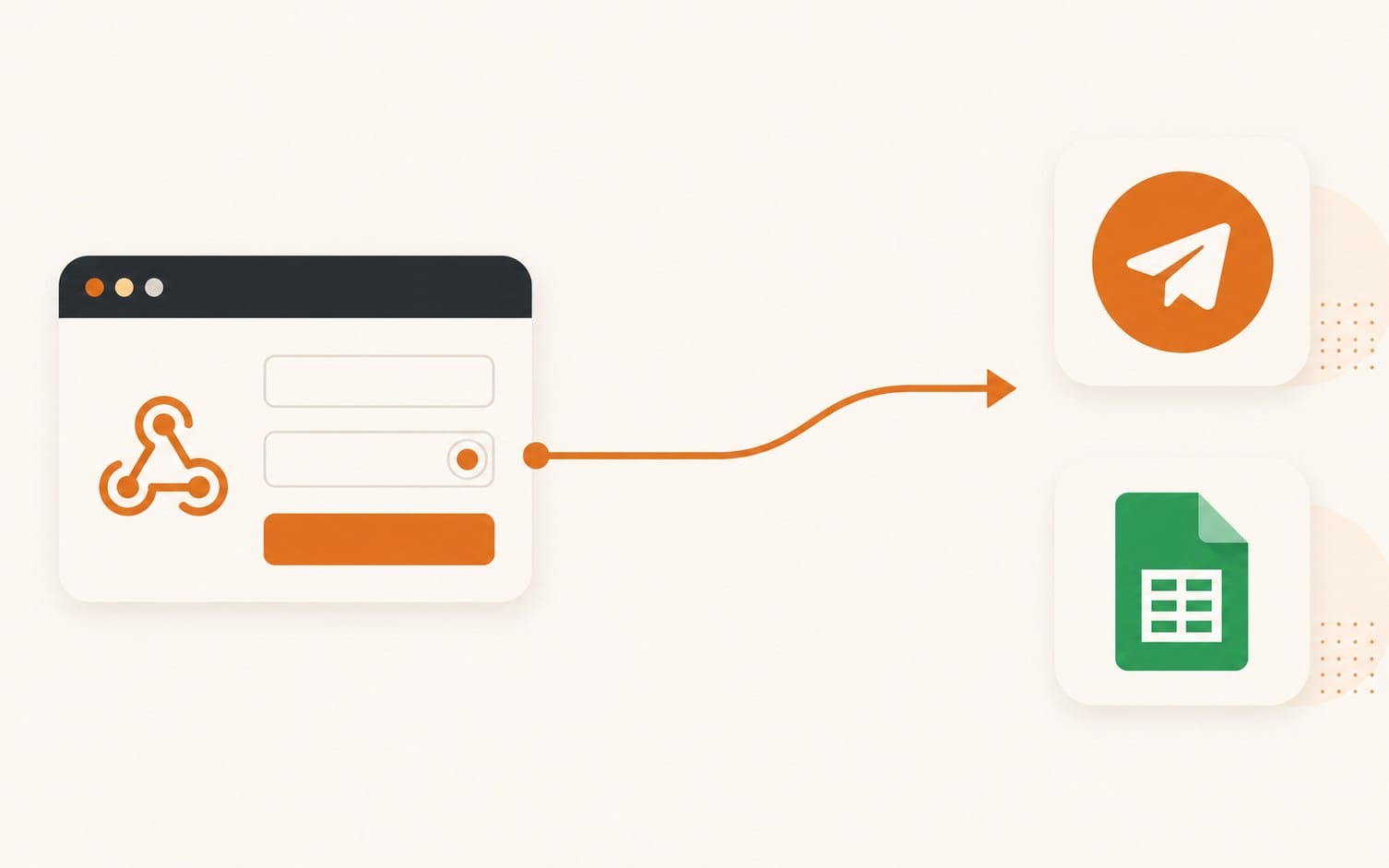
A Telegram bot that takes a request as text or a voice message, an AI model splits it into fields (name, phone, request, preferred time), a row is added to a Google Sheet, and you get a summary in Telegram. The client gets a confirmation. If a sticker or a photo is sent, the bot replies separately that it accepts only text and voice; if it could not make sense of a message, it politely asks to repeat. Generic, not tied to any niche; the fields are easy to change for your business.
The real value of this kit is the explanation, not the file: what every node does and why, how to set it up and run it from scratch, my real pitfalls and how to avoid them.
WHAT YOU GET
• A PDF guide in Russian and English: step-by-step setup, what each node does, common errors, how to change the request fields.
• A workflow file to import into n8n (JSON).
• A Google Sheet template (a "make a copy" link).
WHO IT IS FOR
People learning n8n who do not want to spend a week figuring it out, and freelancers who need a ready base for clients. Experienced developers do not need it: they can build this themselves.
WHAT YOU NEED
• n8n (cloud or self-hosted). Tested on 2.42.6. Older versions may fail to import the workflow.
• For self-hosting: n8n must be reachable from the internet at an https address.
• An OpenRouter key with a topped-up balance (testing costs cents). Make sure in advance that you can top up your OpenRouter balance from your country.
• A Google account and Telegram.
BEING HONEST ABOUT THE HARD PARTS
• Connecting Google Sheets. On n8n Cloud it is one click. On a self-hosted n8n you need a one-time setup in Google Cloud (7 steps): usually 30–60 minutes, allow extra time. It is described in the PDF following the official n8n and Google documentation; the author connected via a service account (briefly described in the PDF as an alternative). Note: by Google's rules this kind of access in testing mode must be reconnected once a week (the PDF explains how to avoid that).
• Voice messages. A phone number spoken aloud is sometimes recognised wrongly (a digit gets lost). Ask clients to type the phone number and check it in the "Исходный текст" (original text) column: the PDF explains how.
• The n8n interface changes: button names in newer versions may differ slightly from the ones described.
• The bot's default replies, the node names in the workflow file and the sheet headers are in Russian; the PDF translates the node names and explains how to change all texts and headers.
No personal setup support is included: everything you need is in the PDF.
🇷🇺 ОПИСАНИЕ НА РУССКОМ
Голосовой Telegram-бот приёма заявок на n8n с нуля — пошаговый разбор для новичков
Бот принимает заявку текстом или голосовым сообщением в Telegram, нейросеть раскладывает её по полям (имя, телефон, заявка, удобное время), строка попадает в Google Таблицу, а вам приходит сводка в Telegram. Клиенту бот отвечает, что заявка принята. Если прислали стикер или фото, бот отдельно отвечает, что принимает только текст и голос; если не разобрал сообщение, вежливо просит повторить. Универсальный: без привязки к нише, поля меняются под ваш бизнес.
Главная ценность набора — не файл, а объяснение: что делает каждая нода и зачем, как запустить и настроить с нуля, мои реальные грабли и как их обойти.
ЧТО В КОМПЛЕКТЕ
• PDF-разбор на русском и английском: установка по шагам, назначение каждой ноды, частые ошибки, как поменять поля заявки.
• Файл сценария для импорта в n8n (JSON).
• Шаблон Google Таблицы (ссылка «сделать копию»).
КОМУ ПОДОЙДЁТ
Тем, кто учит n8n и не хочет неделю разбираться, и фрилансерам, которым нужна готовая основа для клиентов. Опытному разработчику набор не нужен: он соберёт такое сам.
ЧТО НУЖНО ДЛЯ ЗАПУСКА
• n8n (облачный или на своём сервере). Проверено на версии 2.42.6; на более старых версиях сценарий может не импортироваться.
• Для своего сервера: n8n должен быть доступен из интернета по https-адресу.
• Ключ OpenRouter с пополненным балансом (на тесты уходят центы). Заранее убедитесь, что можете пополнить баланс OpenRouter из своей страны.
• Google-аккаунт и Telegram.
ЧЕСТНО О СЛОЖНОМ
• Подключение Google Таблиц. В облачном n8n это один клик. На своём сервере нужна разовая настройка в Google Cloud (7 шагов): обычно 30–60 минут, закладывайте с запасом. Она описана в PDF по официальной документации n8n и Google; автор подключался через сервисный аккаунт (в PDF кратко как альтернатива). Учтите: по правилам Google такой доступ в тестовом режиме нужно переподключать раз в неделю (в PDF описано, как этого избежать).
• Голосовые сообщения. Номер телефона, надиктованный голосом, иногда распознаётся с ошибкой (теряется цифра). Просите клиентов писать телефон текстом и сверяйте номер в колонке «Исходный текст»: в PDF есть как.
• Интерфейс n8n меняется: в новых версиях названия кнопок могут немного отличаться от описанных.
Тексты ответов бота по умолчанию на русском, меняются в одной настройке.
Личной поддержки по настройке нет: всё, что нужно, описано в PDF.
What you get
3 files · 610.8 KB
- voice-intake-bot-v6.jsonJSON · 24.79 KB
- Google Sheet template (make a copy)0 Bytes
- voice-bot-razbor.pdfPDF · 586.02 KB
Look inside
Preview of 2 of 14 pages
Automation Flows
Voice Telegram Lead Bot on n8n — step-by-step guide for beginners (workflow + PDF + sheet template)
Telegram bot that turns voice and text requests into Google Sheet rows. n8n workflow + PDF guide (EN/RU) + sheet template.
Included in Getly ProGet Pro
Tags
Frequently asked questions
Do I get access instantly?
Yes. This is a digital product - you can download it right after checkout, straight from your library.
Can I use it for commercial projects?
Yes. Commercial and client work are both allowed, including products with unlimited sales. You may not resell the file itself.
What's your refund policy?
You can request a refund within 30 days. If something isn't right, request it from your order and the Getly team reviews it.
What file formats and sizes will I get?
You'll download 3 files - JSON, PDF - 610.8 KB in total.
Do I get free updates?
Yes - when the seller ships a new version, you can re-download the latest files from your library at no extra cost. Check the changelog for recent updates.
Price
$9.00