Getly
Premiere Pro Presets
Type Press for Premiere Pro: Moving Type Art Panel (for Premiere Pro only)
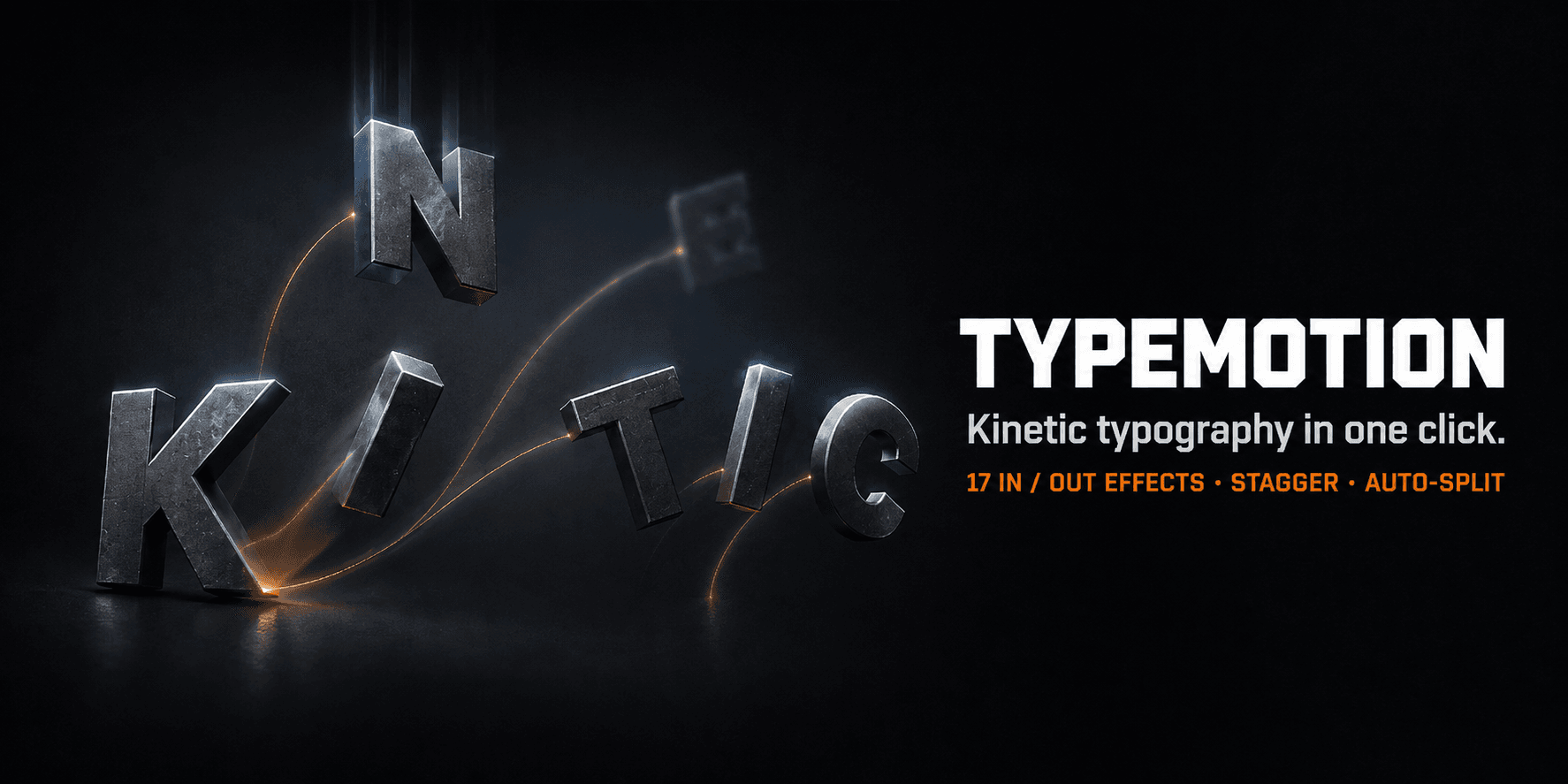
A Premiere Pro panel that turns footage, photos and titles into animated type art: 9 intro and 6 loop animations, 28 presets.
What you get: 1 file · 6.41 MB · ZIP
See purchase optionsPreview
Product description
For Adobe Premiere Pro only. A panel for Premiere Pro 2026 (version 26.0) or later. It is a separate product from Type Press for Photoshop.
Photos and video, rebuilt from letters and animated. Select a clip, click once: Type Press renders an image sequence of letters and places it on a free track above your clip. Your original clip is never changed.
What you get
TypePress_Pr_v1.0.zip (6.7 MB) containing: TypePress_Pr_v1.0.ccx (the panel, English UI), README_en.txt (install and how to use), LICENSE_en.txt (licence terms), THIRD_PARTY_LICENSES.txt
Install: double-click the .ccx file; the Creative Cloud desktop app installs it. Then open Window > UXP Plugins > Type Press in Premiere Pro.
What it does
Turns video and photos into type art, frame by frame
Letter sets: ASCII, code, binary, blocks, Braille, symbols, Japanese, kanji, Matrix
Draw with your own words (English, Japanese and Thai; gothic or mincho)
Turn just a title or caption into letters and lay it over your footage (transparent background)
Colour: photo colours or one ink, with strength and vividness controls
Background: any colour, the clip (dark or faded), or transparent
Effects: neon glow, typewriter wobble, Matrix rain
28 ready-made presets, plus your own saved presets
Letter animation
9 intros: fall from above, rise from below, emerge, sweep from left, spread from centre, typing, fly together, glitch in, scramble to lock
6 loops: wave, ripple, breathe, jitter, shimmer, letters flow
Outro: the intro played backwards
Length, period and amount on sliders
Easy to use
Preview the frame and play the motion right in the panel
Range: selected clips, sequence In to Out, or the playhead frame
Frame rate (30 / 24 / 15 / 12 / 8) and resolution (100 / 75 / 50%) to balance speed and look
Stills and titles with no motion are drawn once, so they finish almost instantly
Cancel any time while it renders
Requirements
Adobe Premiere Pro 2026 (version 26.0) or later
Creative Cloud desktop app
Tested on macOS with Premiere Pro 2026 (26.3)
Licence (summary)
Use the videos and images you make for anything, personal or commercial. No credit needed
Install on any computers you personally use
No redistribution, sharing, resale or selling modified versions of the panel
Teams: one licence per person
What you get
1 file · 6.41 MB
- TypePress_Pr_v1.0_Getly.zipZIP · 6.41 MB
Premiere Pro Presets
Type Press for Premiere Pro: Moving Type Art Panel (for Premiere Pro only)
A Premiere Pro panel that turns footage, photos and titles into animated type art: 9 intro and 6 loop animations, 28 presets.
Included in Getly Pro
Download this and 8,200+ other products with one subscription, from $9.99 a month.
Join Getly ProTags
Frequently asked questions
Do I get access instantly?
Yes. This is a digital product - you can download it right after checkout, straight from your library.
Can I use it for commercial projects?
Yes. Commercial and client work are both allowed, including products with unlimited sales. You may not resell the file itself.
What's your refund policy?
You can request a refund within 30 days. If something isn't right, request it from your order and the Getly team reviews it.
What file formats and sizes will I get?
You'll download 1 file - ZIP - 6.41 MB in total.
Do I get free updates?
Yes - when the seller ships a new version, you can re-download the latest files from your library at no extra cost. Check the changelog for recent updates.
Price
$5.99