Getly
GetlyBudget Planners & Trackers
Smart Budget Planner for GoodNotes | Digital Budget Planner for iPad | Hyperlinked Financial Planner | Monthly Expense Tracker
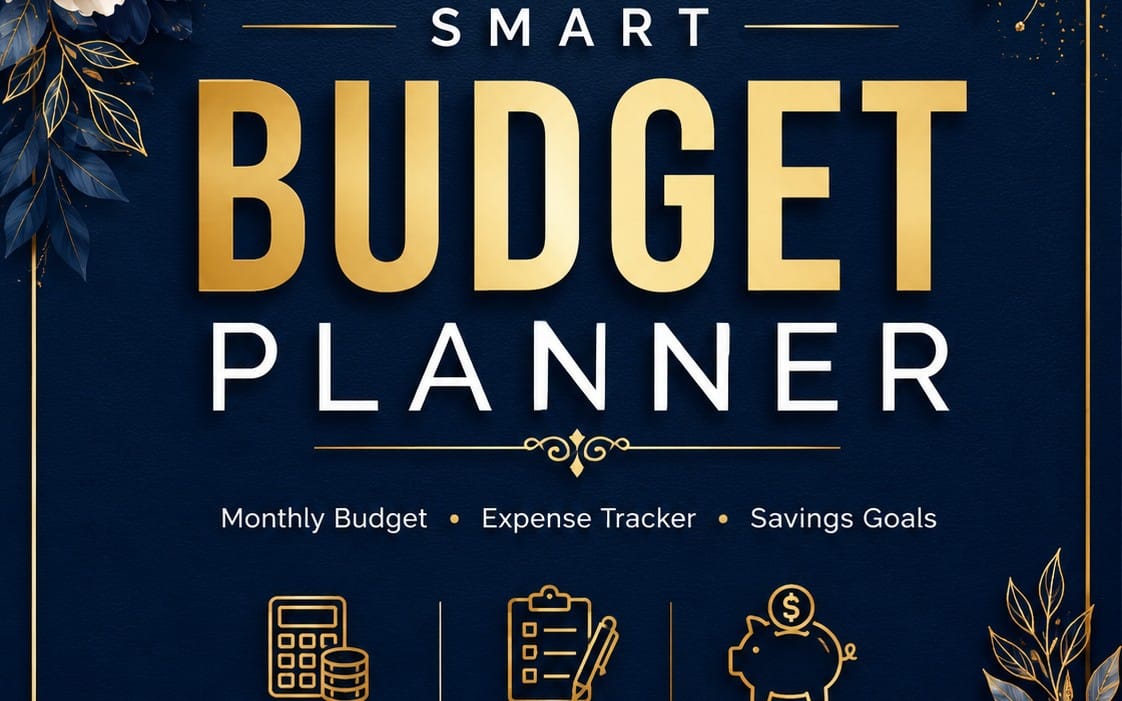
Take control of your money with a modern Smart Budget Planner designed for iPad and GoodNotes. Track your budget, expenses, bills, savings, debt and financial goals — all in one beautifully organized digital planner.
Product Description
SMART BUDGET PLANNER — YOUR COMPLETE DIGITAL FINANCIAL ORGANIZER
Take control of your finances with a modern, easy-to-use Digital Budget Planner for iPad and GoodNotes.
Designed for people who want a simple and organized way to manage their money, this planner brings your budget, expenses, bills, savings, debt and financial goals together in one beautiful digital system.
No complicated spreadsheets. No messy notes. Just a clean financial planner designed to help you understand where your money goes and make better financial decisions.
✨ WHAT'S INCLUDED
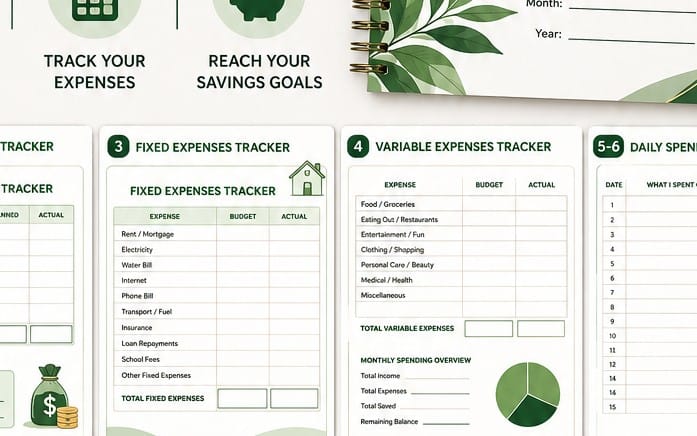
✔️ 12 Monthly Budget Sections
Plan and organize your finances month by month.
✔️ Monthly Budget Pages
Set planned amounts, record actual spending and see what remains.
✔️ Expense Tracker
Track your daily spending and organize expenses by category.
✔️ Bill Tracker
Keep track of upcoming bills, due dates and recurring payments.
✔️ Savings Tracker
Create savings goals and visually monitor your progress.
✔️ Debt Payoff Tracker
Track balances, payments and your journey toward becoming debt-free.
✔️ Financial Goals
Turn your financial goals into clear, manageable steps.
✔️ Monthly Review Pages
Reflect on your spending habits and prepare for the next month.
✔️ Yearly Financial Overview
See your entire financial year in one organized place.
✔️ Notes & Brain Dump Pages
Extra space for financial planning, ideas and personal notes.
🔗 HYPERLINKED NAVIGATION
Move quickly between important sections with clickable navigation buttons and monthly tabs.
Jump from your dashboard to your budget, savings, debt, bills, goals and other sections without endlessly scrolling through the planner.
📱 DESIGNED FOR DIGITAL PLANNING
Created specifically for digital planning on:
iPad • GoodNotes • Digital Note-Taking Apps
Use your Apple Pencil or stylus to write directly inside the planner, track your numbers and personalize your financial system.
💎 MODERN & CLEAN DESIGN
The planner uses a modern visual layout with:
• Large, easy-to-read headings
• Clean financial dashboards
• Organized information cards
• Progress indicators
• Monthly navigation
• Writing areas
• Clear financial categories
• Minimal, premium digital-planner aesthetic
🎯 PERFECT FOR
Budgeting • Expense Tracking • Saving Money • Debt Management • Financial Goals • Monthly Planning • Personal Finance Organization
Whether you're trying to stop overspending, build your savings, pay down debt or simply understand your finances better, this planner gives you one organized place to manage it all.
📦 DIGITAL PRODUCT
This is a digital download. No physical product will be shipped.
Start organizing your money today and turn your finances into a system you can actually follow.
Dreams&Wonder ✨
What you get
1 file · 501.48 KB
- DreamsWonder_SmartBudget_PREMIUM_PREVIEW_STYLE_WORKING.pdfPDF · 501.48 KB
Look inside
Preview of 5 of 111 pages
Budget Planners & Trackers
Smart Budget Planner for GoodNotes | Digital Budget Planner for iPad | Hyperlinked Financial Planner | Monthly Expense Tracker
Take control of your money with a modern Smart Budget Planner designed for iPad and GoodNotes. Track your budget, expenses, bills, savings, debt and financial goals — all in one beautifully organized digital planner.
Tags
Frequently asked questions
Do I get access instantly?
Yes. This is a digital product - you can download it right after checkout, straight from your library.
Can I use it for commercial projects?
Personal use only. Use it for yourself - not in work you sell or hand to a client - and do not resell or redistribute the file.
What's your refund policy?
You're covered by a 30-day money-back guarantee. If something isn't right, request a refund from your order and the Getly team reviews it.
What file formats and sizes will I get?
You'll download 1 file - PDF - 501.48 KB in total. The PDF has 111 pages.
Do I get free updates?
Yes - when the seller ships a new version, you can re-download the latest files from your library at no extra cost. Check the changelog for recent updates.
Price
$7.99