Getly
GetlyVideo Overlays (Light Leaks, Bokeh)
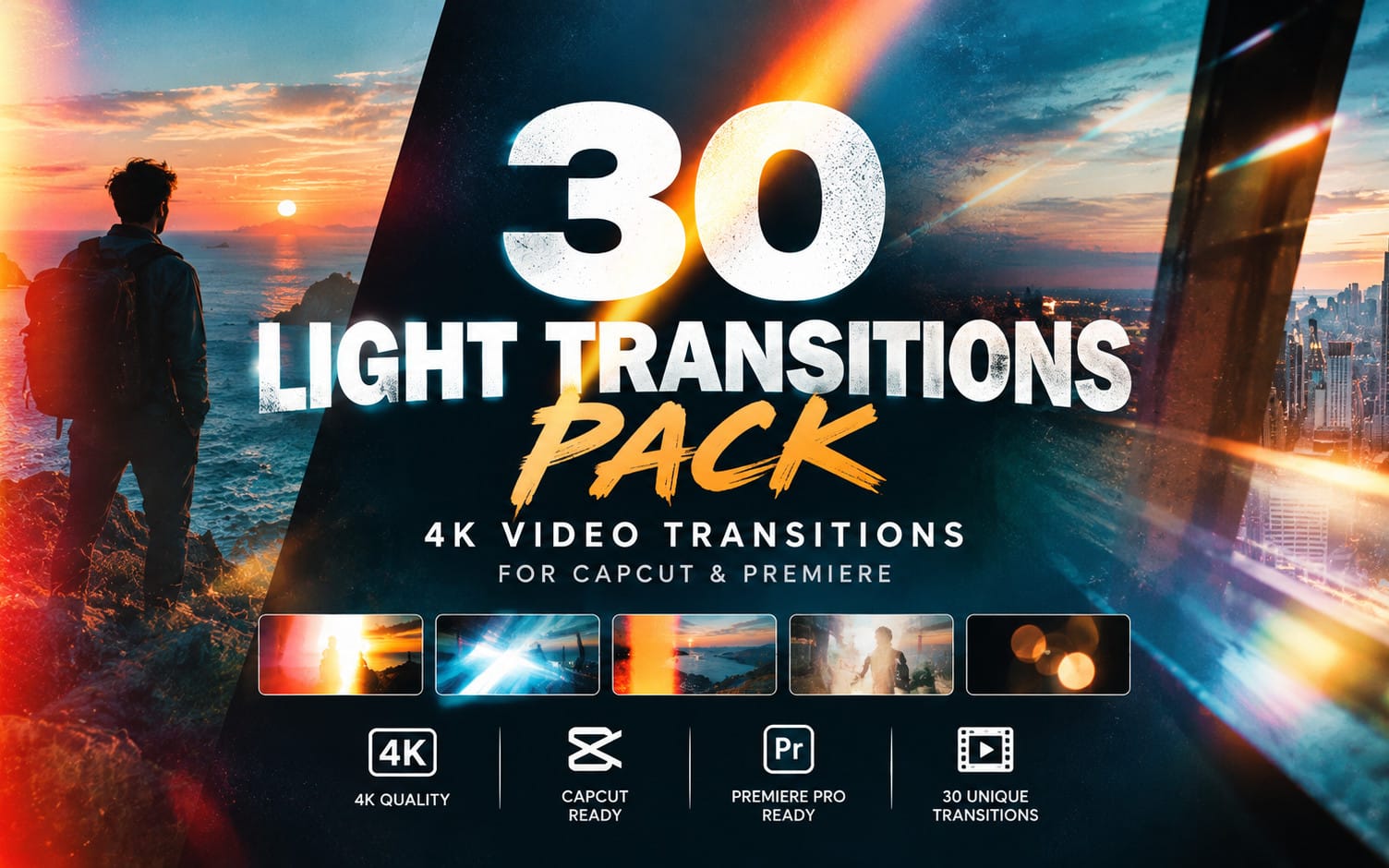
Light Leaks Transition Overlays – 16 FHD Pack
Light Leaks Transition Overlays Pack – 16 FHD Cinematic Light Leak Transitions for CapCut, Premiere Pro & Video Editing
Product Description
Light Leaks Transition Overlays Pack
Add cinematic energy, smooth visual transitions, and professional light effects to your videos with this Light Leaks Transition Overlays Pack.
This pack includes 16 FHD light leak transition overlays designed to make scene changes more dynamic and visually appealing. Simply place an overlay above your video footage and use the Screen Blend Mode to create a seamless light leak effect.
What's Included
16 FHD Light Leak Transition Overlays
High-quality video files
Ready-to-use transition effects
Suitable for short-form videos, YouTube videos, commercials, cinematic edits, music videos, social media content, and more
Quick installation — no complicated setup required
How to Use
Import your light leak overlay into your video editor.
Place the overlay on a video track above your main footage.
Select the light leak overlay.
Change the Blend Mode to
Screen.Adjust the opacity, speed, or position if needed.
Trim the overlay to match your desired transition point.
The Screen Blend Mode removes the dark background and allows the light effect to blend naturally with your footage.
Compatible With
These overlays can be used in most video editing software that supports video blend modes, including:
Adobe Premiere Pro
CapCut
DaVinci Resolve
Final Cut Pro
After Effects
Other video editors supporting the Screen blend mode
Perfect For
YouTube videos
Instagram Reels
TikTok videos
Shorts
Music videos
Cinematic edits
Travel videos
Vlogs
Commercials
Promotional videos
Social media content
Included Tutorial
A simple How to Use instruction file is included with the pack. It explains how to place the overlay above your footage and set the Blend Mode to Screen for the intended light leak effect.
16 FHD Light Leak Transitions — drag, place, set to Screen, and create.
What you get
16 files · 34.7 MB
- Transition 2.movMOV · 999.52 KB
- Transition 3.movMOV · 655.24 KB
- Transition 5.movMOV · 1.33 MB
- Transition 7.movMOV · 1.3 MB
- Transition 8.movMOV · 957.66 KB
- Transition 1.movMOV · 1.01 MB
- Transition 4.movMOV · 852.04 KB
- Transition 6.movMOV · 1.99 MB
- Transition 9.movMOV · 1.06 MB
- Transition 10.movMOV · 7.04 MB
- Transition 11.movMOV · 4.42 MB
- Transition 12.movMOV · 445.23 KB
and 4 more files
Video Overlays (Light Leaks, Bokeh)
Light Leaks Transition Overlays – 16 FHD Pack
Light Leaks Transition Overlays Pack – 16 FHD Cinematic Light Leak Transitions for CapCut, Premiere Pro & Video Editing
Included in Getly ProGet Pro
Tags
Frequently asked questions
Do I get access instantly?
Yes. This is a digital product - you can download it right after checkout, straight from your library.
Can I use it for commercial projects?
Yes. Commercial use is allowed: use it in your own business and in things you sell. You may not resell or redistribute the file itself.
What's your refund policy?
You're covered by a 30-day money-back guarantee. If something isn't right, request a refund from your order and the Getly team reviews it.
What file formats and sizes will I get?
You'll download 16 files - MOV - 34.7 MB in total.
Do I get free updates?
Yes - when the seller ships a new version, you can re-download the latest files from your library at no extra cost. Check the changelog for recent updates.
Price
$1.99