 Getly
After Effects Scripts
DubSyncCloneAE - After Effects Script for Layer Timing Synchronization — PRO
After Effects Script for Layer Timing Synchronization — PRO
What you get: 1 file · 13.97 KB · JSXBIN
See purchase optionsProduct description
After Effects Script for Layer Timing Synchronization — PRO
Synchronize multiple compositions and transfer complete layer timing in one operation.
Repetitive timeline adjustments can become a serious bottleneck when working with multilingual animation, dubbed series, or duplicated compositions.
This Adobe After Effects script automates the process, helping you synchronize corresponding layers across multiple compositions without manually repeating every adjustment.
✨ Key Features
1. Batch Synchronization
Select one reference composition and as many target compositions as you need. Synchronize them all in a single operation.
2. Start Time Synchronization
Transfer the startTime of corresponding layers from your reference composition to your target compositions.
3. Layer Duration Synchronization
Synchronize layer durations by transferring inPoint and outPoint, including layer trimming.
4. Designed for Repetitive Workflows
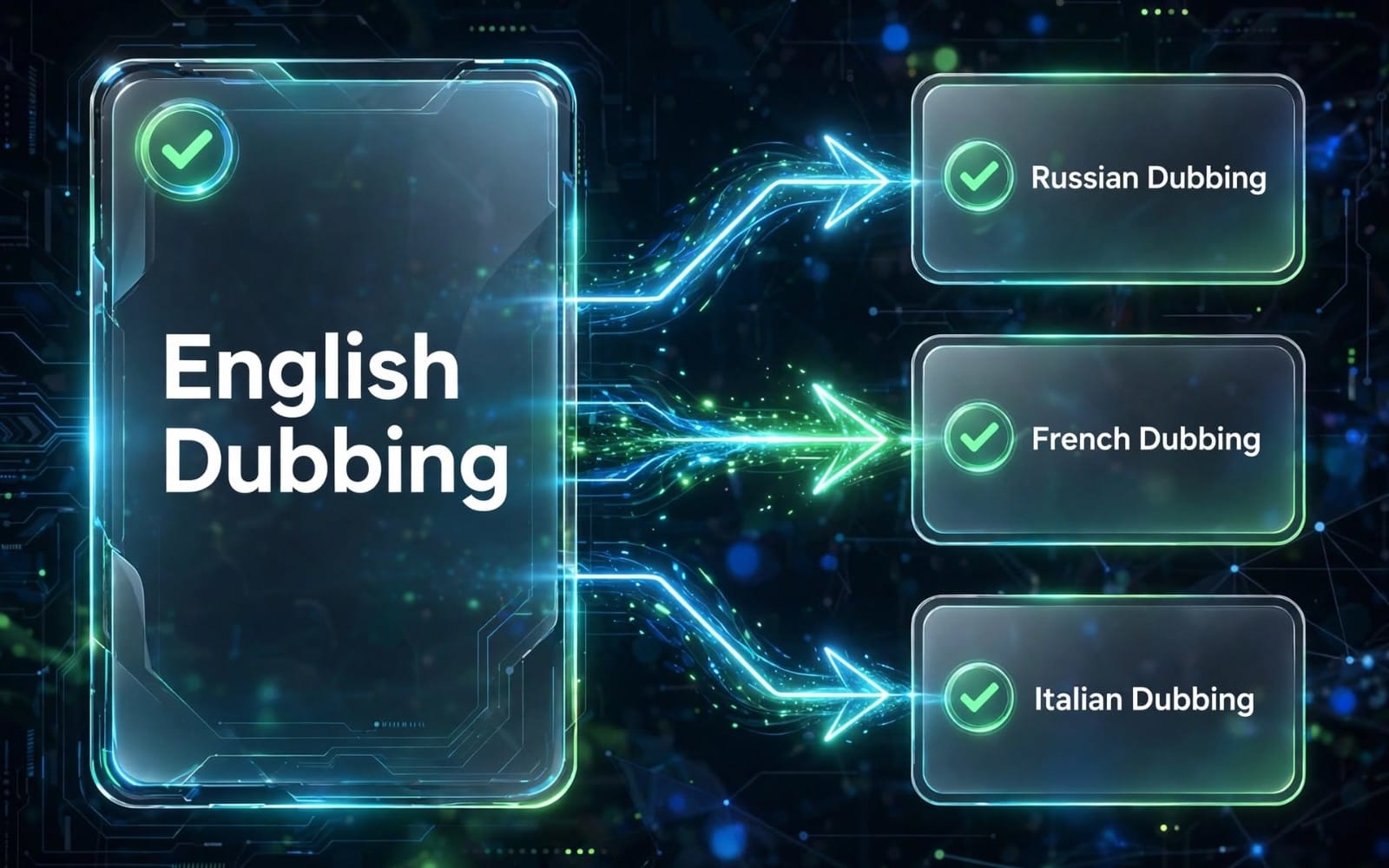
Ideal for projects where the same animation or video sequence exists in multiple compositions, including multilingual versions of animated series.
🎬 How It Works
Select your reference composition with the correct timing.
Select all target compositions you want to synchronize.
Run the script.
Let the script automatically synchronize the corresponding layers.
👥 Who Is It For?
Motion designers
After Effects animators
Video editors
Animation localization and dubbing teams
Anyone working with duplicated compositions and repetitive timeline adjustments
⚡ Why Use It?
Synchronize multiple compositions in one operation.
Transfer both layer start times and trimmed durations.
Reduce repetitive manual timeline work.
Keep corresponding layers aligned across different versions of a project.
🆓 Want to Try It First?
A free version is available with start time synchronization for one pair of compositions per operation.
Upgrade to the full version when you need batch processing and layer duration synchronization.
Spend less time repeating edits. Spend more time creating.
Get the script and streamline your After Effects workflow.
📦 What You Get
1 Track Sync PRO script file in
.jsxbinformat.English and Russian interface.
Automatic language detection based on After Effects language settings.
Manual RU / EN language switching directly in the script.
This is a digital download. No physical product will be shipped.
🖥️ Installation Instructions
Download the Track Sync PRO
.jsxbinfile after purchase.Open Adobe After Effects.
Go to File → Scripts → Run Script File....
Locate and select the downloaded
.jsxbinfile.Click Open to launch the script.
The Track Sync PRO interface will appear in a separate window.
🚀 Detailed Usage Instructions
Step 1. Open Your Project
Open your After Effects project containing:
One reference (original) composition.
One or more duplicate compositions that need synchronization.
Important: All target compositions must have exactly the same number of layers as the original composition.
Step 2. Assign the Original Composition
Find your reference composition in the Project panel.
Select exactly one composition.
In the Track Sync PRO interface, click Set as original.
The assigned composition name will appear in the interface next to Original.
The original composition will serve as the timing reference for all selected duplicates.
Step 3. Select Target Compositions
Return to the Project panel.
Select one or more duplicate compositions you want to synchronize.
Do not include unrelated footage, folders, or other project items in your selection.
You can also select precomposition layers inside an active composition. The script automatically identifies their source compositions.
You do not need to select the original composition again.
Step 4. Configure Synchronization Options
Before synchronization, check the Match track ends to the original checkbox.
This option controls how layer timing and duration are synchronized.
Enabled (default):
Synchronizes Start Time.
Synchronizes In Point.
Synchronizes Out Point.
Matches the complete layer timing range to the original whenever the source footage allows it.
Disabled:
Synchronizes Start Time.
Synchronizes In Point when possible.
Leaves the existing Out Point unchanged.
This option is useful when you want to align the beginning of layers without changing their existing ending points.
Step 5. Run Synchronization
Make sure the original composition is assigned.
Select all target compositions in the Project panel.
Choose your preferred Match track ends to the original setting.
Click Sync in the Track Sync PRO interface.
The script automatically validates all selected compositions before processing.
If any target composition has a different number of layers, synchronization is cancelled before processing begins.
Step 6. Check the Results
After processing, the script displays a confirmation message with additional information when necessary:
Number of duplicate compositions processed.
Number of locked destination layers skipped.
Number of layers whose timing or duration could not be matched completely because of source footage limitations.
Locked layers in target compositions are automatically skipped.
All processed compositions are included in a single After Effects undo operation. You can undo the entire synchronization using Ctrl+Z (Windows) or Cmd+Z (macOS).
🌍 Language Switching
Track Sync PRO automatically detects the After Effects interface language:
Russian After Effects → Russian interface.
Other language settings → English interface.
You can switch between Russian and English at any time using the Language: EN / Язык: RU button. Restarting the script is not necessary.
⚠️ Important Notes
Assign exactly one original composition before synchronization.
You can synchronize multiple duplicate compositions in one operation.
All target compositions must have the same number of layers as the original.
Layers are matched by their position in the timeline (layer index), not by their names.
Locked destination layers are skipped automatically.
Layer duration may be limited by the available source footage. In such cases, the script reports layers that could not be matched completely.
The original composition is never modified by the synchronization process.
📥 download FREE version:
What you get
1 file · 13.97 KB
- DubSyncCloneAE - PRO_Version.jsxbinJSXBIN · 13.97 KB
After Effects Scripts
DubSyncCloneAE - After Effects Script for Layer Timing Synchronization — PRO
After Effects Script for Layer Timing Synchronization — PRO
Included in Getly ProGet Pro
Tags
Frequently asked questions
Do I get access instantly?
Yes. This is a digital product - you can download it right after checkout, straight from your library.
Can I use it for commercial projects?
Yes. Commercial and client work are both allowed, including products with unlimited sales. You may not resell the file itself.
What's your refund policy?
You can request a refund within 30 days. If something isn't right, request it from your order and the Getly team reviews it.
What file formats and sizes will I get?
You'll download 1 file - JSXBIN - 13.97 KB in total.
Do I get free updates?
Yes - when the seller ships a new version, you can re-download the latest files from your library at no extra cost. Check the changelog for recent updates.
Price
$5.00