Getly
GetlySpreadsheets & Calculators
Budget Tracker – .xlsx + .ods, English/中文 labels
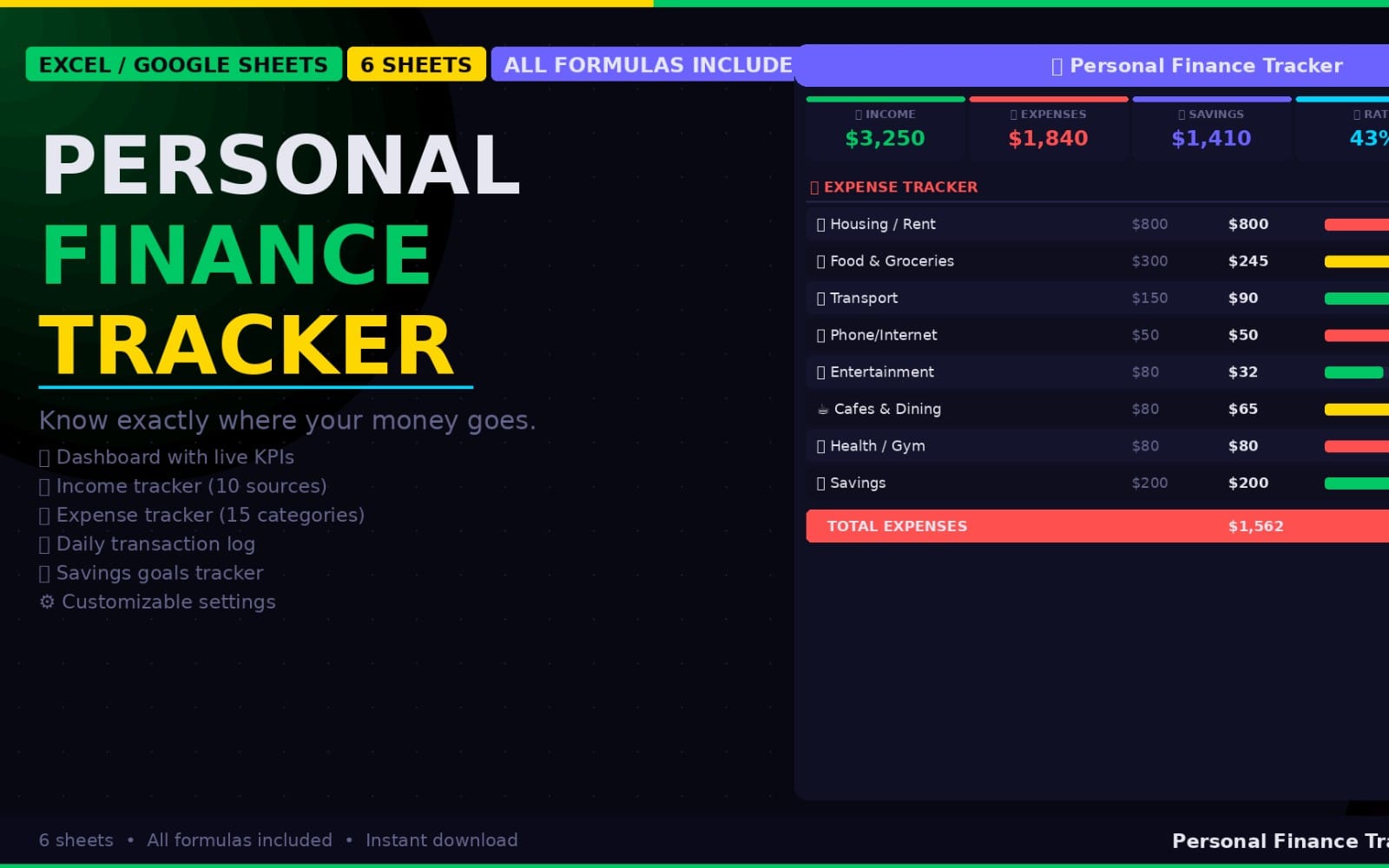
Simple monthly budget in Excel/Google Sheets: 1,000-row transaction log, budget vs actual, monthly reports with savings rate, subscription tracker. English/中文 labels. No macros.
Product description
A simple monthly budget you will actually keep using. Comes with sample data for August–September 2026, marked [EXAMPLE]; Start Here tells you exactly which cells to clear (Transactions!A4:F22 and Recurring!A7:K12).
What you get (6 sheets: Start Here, Transactions, Budget, Reports, Recurring, Categories)
Transactions sheet with 1,000 rows (rows 4–1003), category and type drop-downs. Type is Income, Expense or Transfer; transfers are not counted as income or spending.
Categories: up to 30 categories, with the monthly budget for each one set here.
Budget vs Actual for the year and month you pick on Start Here, with income, expenses and net for that month, plus a check line confirming the category total matches the month's expenses.
Reports: income, expenses, net and savings rate for each month of the year, with a savings-rate chart (months with no income are left blank).
Recurring & Subscriptions: up to 100 entries (Monthly or Yearly), with active count, monthly total and a "renews soon" flag based on the remind-days column.
Built-in checks: transactions with problems (unknown or blank type, a category not on the Categories list, negative/text amounts or amounts above 1e9, invalid dates) are marked CHECK and left out of the totals, and a check line flags any mismatch between category totals and total spending. Invalid budgets and invalid subscription rows (cycle other than Monthly/Yearly, Active other than Yes/No, missing/invalid cost, bad dates) are marked CHECK too. Warnings appear on Start Here (status summary), Transactions, Budget, Reports, Categories and Recurring. Only rows 4–1003 (transactions) and the subscription rows up to row 106 are counted; when the last row is used you get a "Table full" warning.
Files: Budget_Tracker.xlsx (for Excel / Google Sheets) and Budget_Tracker.ods (for LibreOffice). No macros, no new functions.
Tested: Google Sheets (File → Import) and LibreOffice. Excel 2010+ should work but has not been tested yet.
Sample data in the previews is made up.
What you get
1 file · 130.02 KB
- Budget_Tracker.zipZIP · 130.02 KB
Spreadsheets & Calculators
Budget Tracker – .xlsx + .ods, English/中文 labels
Simple monthly budget in Excel/Google Sheets: 1,000-row transaction log, budget vs actual, monthly reports with savings rate, subscription tracker. English/中文 labels. No macros.
Included in Getly ProGet Pro
Tags
Frequently asked questions
Do I get access instantly?
Yes. This is a digital product - you can download it right after checkout, straight from your library.
Can I use it for commercial projects?
Personal use only. Use it for yourself - not in work you sell or hand to a client - and do not resell or redistribute the file.
What's your refund policy?
You can request a refund within 30 days. If something isn't right, request it from your order and the Getly team reviews it.
What file formats and sizes will I get?
You'll download 1 file - ZIP - 130.02 KB in total.
Do I get free updates?
Yes - when the seller ships a new version, you can re-download the latest files from your library at no extra cost. Check the changelog for recent updates.
Price
$5.00