Getly
GetlyBudget Planners & Trackers
budget planner paywise
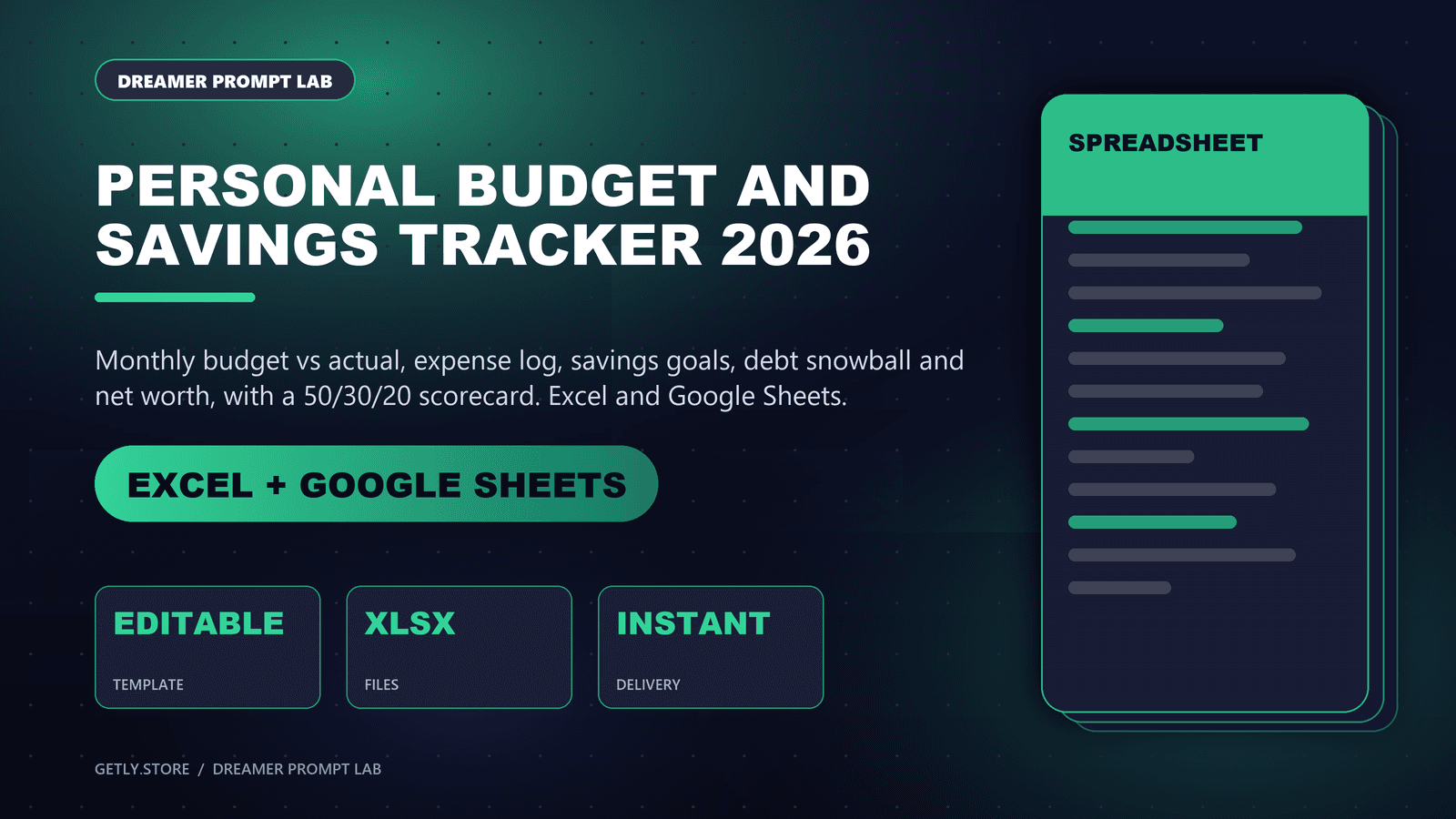
Automatically split your paycheck with the 50/30/20 rule, track bills and wants separately, hit your savings goals, and keep a full monthly archive — all in one clean dashboard. One-time payment, lifetime access, no subscriptions.
What you get: 1 file · 67 Bytes · URL
See purchase optionsProduct description
How to receive your Budget Tracker
Thank you for your purchase! 🎉
After completing your payment, please follow these steps to receive your access code:
Step 1: Complete your payment through Getly.
Step 2: Send us an email at mkhemis04@gmail.com
Step 3: Use the subject line: Budget Tracker Access Code
Step 4: Include the email address you used for your purchase and your order number.
Step 5: We will verify your payment and send your personal access code by email.
⏱️ Delivery time: Your access code will be sent within 24 hours after payment verification.
Thank you for your support!
Why PayWise
Most budget apps either overwhelm you with categories you'll never use, or oversimplify until the numbers stop meaning anything. PayWise does neither: enter your income once, and it instantly splits it into Needs, Wants, and Savings using the 50/30/20 rule — then adapts in real time as your actual bills and spending come in.
What's included
Automatic 50/30/20 breakdown — your income is split into Needs, Wants, and Savings the second you enter it, with clear dollar targets for each, not just vague percentages.
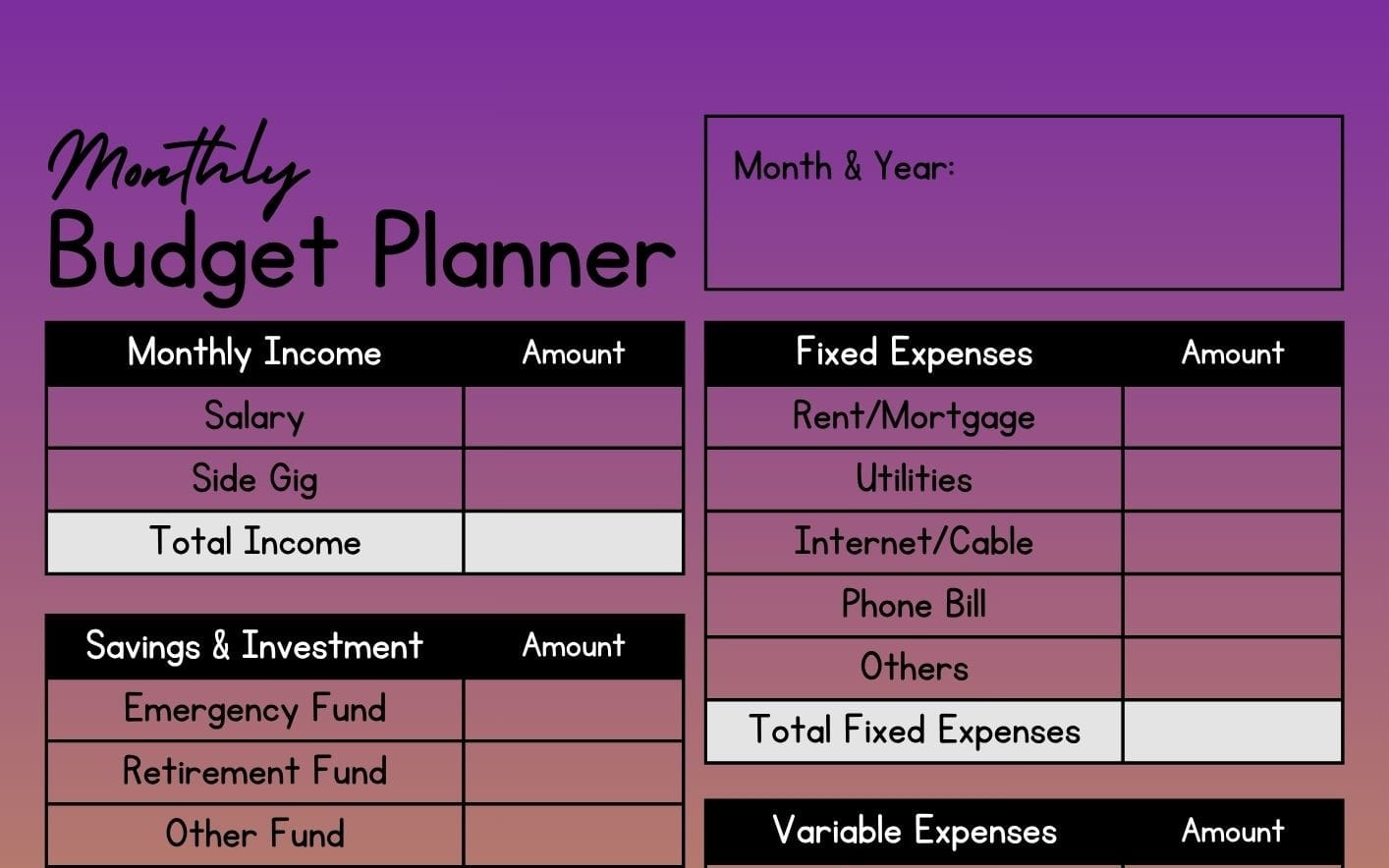
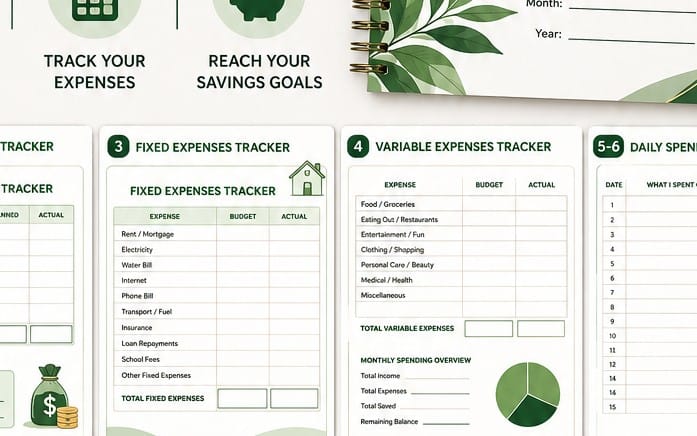
Needs & Bill Tracker — log rent, utilities, groceries, and every recurring bill, with due dates, expected vs. actual amounts, and a paid/unpaid checklist so nothing slips through.
Wants Tracker — a dedicated space for discretionary spending (dining out, subscriptions, shopping), so lifestyle spending never quietly eats into savings without you noticing.
Smart surplus allocation — spend less than planned on Needs? PayWise flags the leftover and lets you choose exactly where it goes: straight into Wants or straight into Savings. Your budget adapts to your real month, not a rigid template.
Savings Goals — set targets (an emergency fund, a trip, a new laptop) and track progress with live funding percentages, so long-term goals stay visible next to your everyday budget.
Monthly Archive — close out each month with one click and it's permanently saved to your archive: income, spending, and savings totals backed up and ready to revisit any time. Track how your habits evolve month over month, with nothing lost.
Clean, visual dashboard — real charts (not spreadsheets) for cash flow, planned vs. actual spending, and allocation breakdowns, so your financial picture is legible at a glance.
Private & secure — your data is tied to your own account, never shared, never sold.
One payment. Yours forever.
What you get
1 file · 67 Bytes
- PayWise — Budget Planner.urlURL · 67 Bytes
Budget Planners & Trackers
budget planner paywise
Automatically split your paycheck with the 50/30/20 rule, track bills and wants separately, hit your savings goals, and keep a full monthly archive — all in one clean dashboard. One-time payment, lifetime access, no subscriptions.
Tags
Frequently asked questions
Do I get access instantly?
Yes. This is a digital product - you can download it right after checkout, straight from your library.
Can I use it for commercial projects?
Personal use only. Use it for yourself - not in work you sell or hand to a client - and do not resell or redistribute the file.
What's your refund policy?
You can request a refund within 30 days. If something isn't right, request it from your order and the Getly team reviews it.
What file formats and sizes will I get?
You'll download 1 file - URL - 67 Bytes in total.
Do I get free updates?
Yes - when the seller ships a new version, you can re-download the latest files from your library at no extra cost. Check the changelog for recent updates.
Price
$3.90