 Getly
A rigged character is only useful if it moves in your project. Here is how the shop's characters are set up for Unreal Engine 5, so you can get one running quickly.
What you get with each character
Every character is rigged to the Epic (UE5 Mannequin) skeleton layout: the same bone names, hierarchy and root as Manny and Quinn. The Unreal Engine project includes:
FBX, GLB and Blender files contain the publisher's own animations (Idle, Walk, Run, Jump).
Step by step
1. Open the Unreal Engine 5.8 project (the .uproject) and load the overview map to see the character animated.
2. Or migrate the pack folder into your own project.
3. For more animations, open the IK Retargeter, set Manny or Quinn as the source and the included IK Rig as the target, then export the animations you need.
4. Alternatively, use Compatible Skeletons to share animations without retargeting.
Example characters
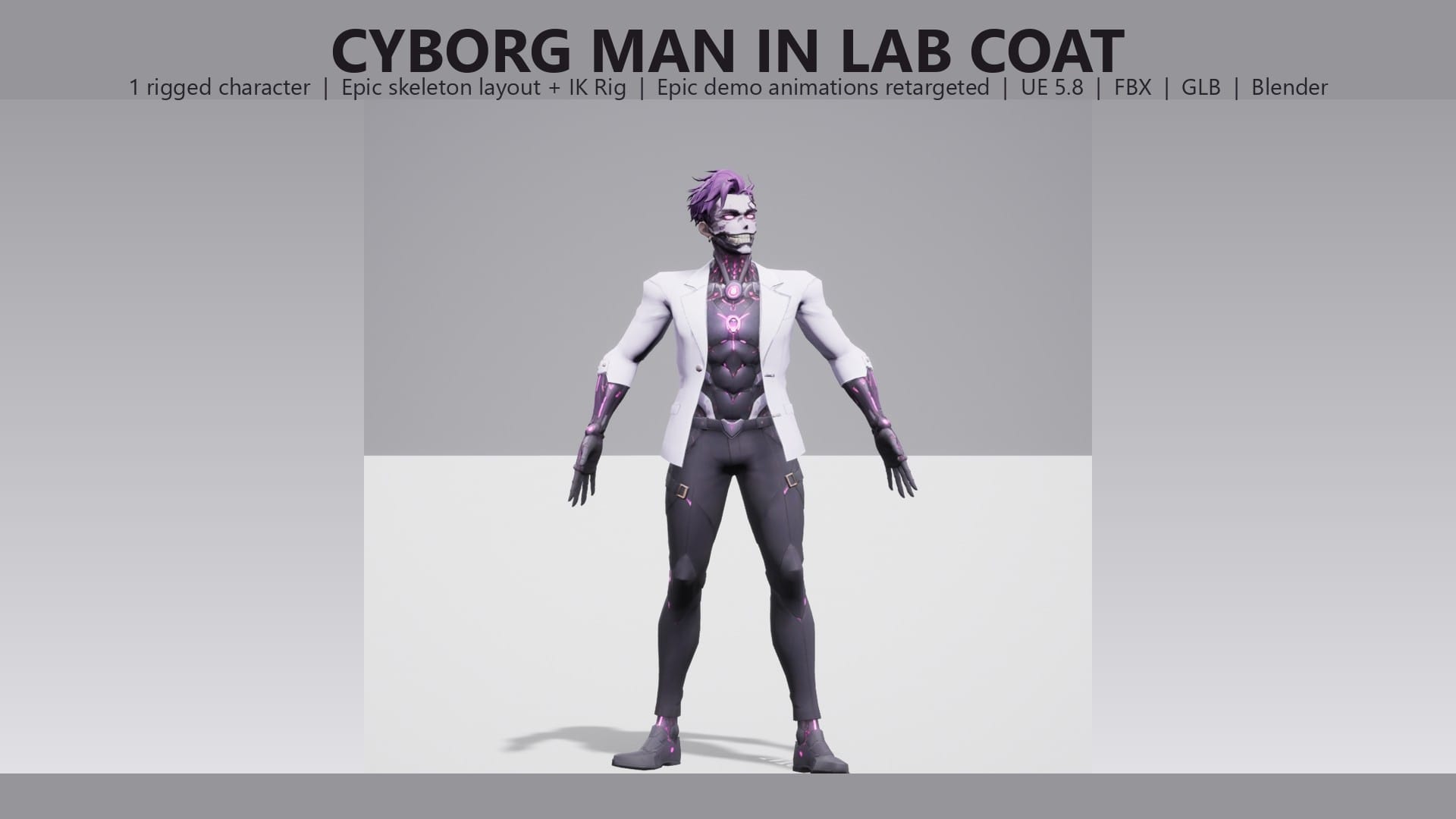
Stylized Cyborg Man in Lab Coat - Rigged & Animated Character for UE5 (FBX, GLB, Blender)
$0.99
The Cyborg Man in Lab Coat is rigged to the Epic skeleton layout and works with the standard Manny and Quinn animations through the included IK Rig.
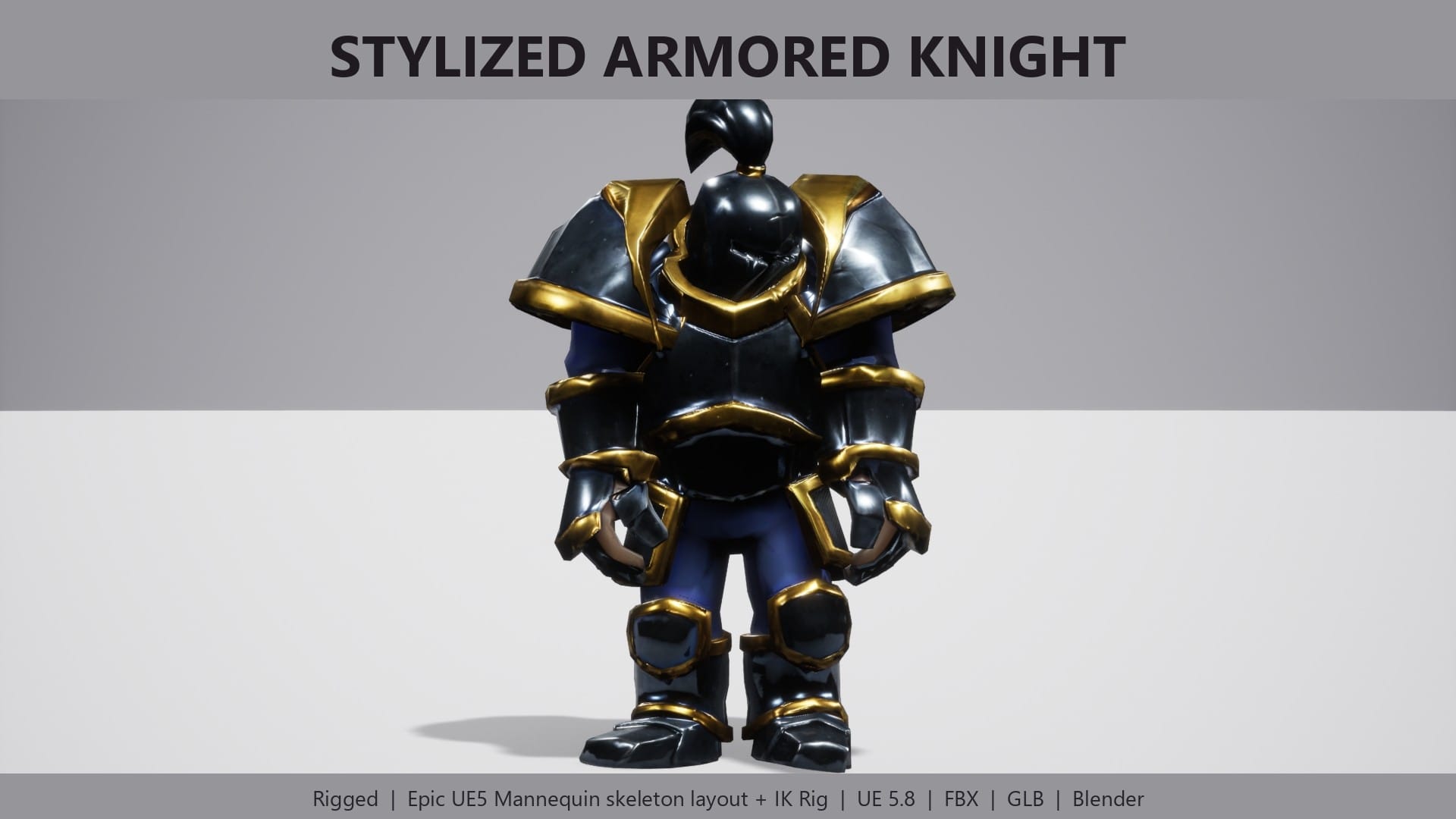
Stylized Armored Knight - Rigged & Animated Fantasy Character for UE5 (FBX, GLB, Blender)
$1.99
The Armored Knight has 4 own animations, a ragdoll physics asset, 4 LODs, 8,432 triangles and 2K PBR textures (Base Color, Normal, ORM).

Stylized Viking Warrior - Rigged & Animated Fantasy Character for UE5 (FBX, GLB, Blender)
$1.99
The Viking Warrior has 8,896 triangles, 4 LODs and the same skeleton setup.
Why share one skeleton
If every NPC uses the same layout, one animation Blueprint and one locomotion set cover your whole cast. Adding a new character becomes a retarget, not a rebuild.
Tips
Check each product page for exact contents.