 Getly
Getly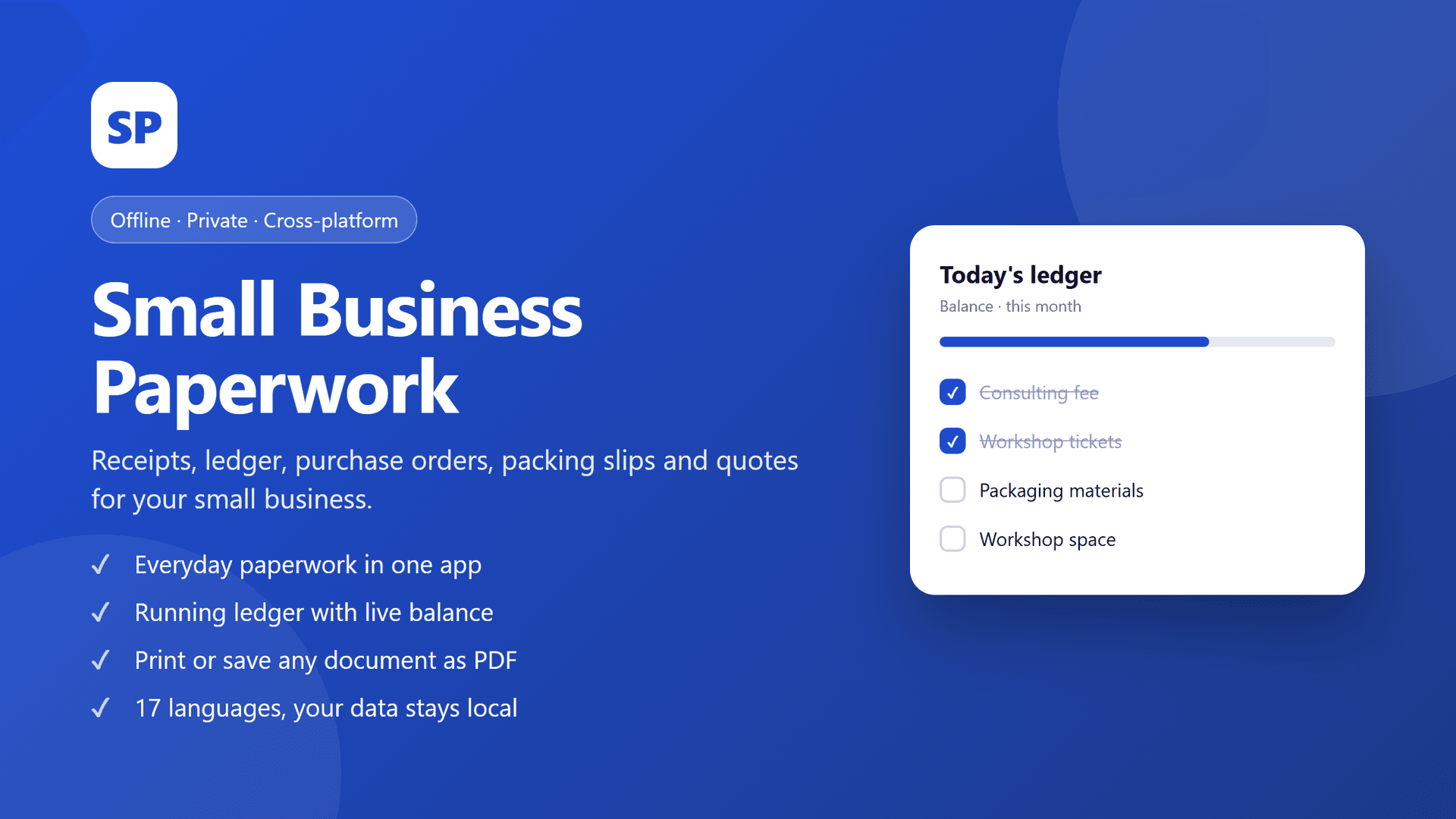
Ask five small business owners what paperwork they keep and you get five systems, all of them honest, none of them documented. The systems that survive are the ones with few moving parts. In practice, four documents do almost all the work.
1. The quote (and the difference between a quote and a price)
A quote is a promise with a shelf life. If it does not say when it expires, you have written an open invitation for a client to accept last year's price. A usable quote carries:
The moment a client accepts, the quote should become an order. Not a new document typed from scratch - the same lines, a new status and a new number. Typing it twice is where prices drift and discounts get double-applied.
2. The order (the document you actually get paid against)
An order is the quote, accepted. Its job is to be unambiguous about quantity, price and delivery date, because it is the document you will point at when an invoice is questioned six weeks later.
Keep the quote attached. When someone asks why the total is what it is, you forward a chain rather than an explanation.
3. The receipt (the document your buyer needs, not you)
Receipts exist for the other side's bookkeeping. A receipt without the seller's name, tax number, date and payment method is a piece of paper someone will have to reconstruct later. If you are not VAT-registered, say so on it rather than leaving a blank field that looks like an omission.
For a business taking deposits, the receipt is also the record that a deposit is a deposit and not a payment.
4. The ledger (one page, three columns)
Date, what it was, amount in or out. Category if you are organised. That is the entire requirement. The ledger is not there to be clever - it is there so that a month's income can be answered in a sentence, and so that a spreadsheet can be built from it later if you ever want one.
Anything that produces these four documents from one data file is a system. Anything that produces one of them well and the other three by hand is a habit with a deadline.
Where paper systems break
Three predictable failures, all visible in hindsight:
The third point is why a paperwork tool should be faster than the alternative, not more complete than it. A sale entered in ten seconds gets entered.
What it does not do
Honesty about limits is cheap and saves refunds:
If you need stock control or a filing system, you are shopping for a different category of software, and probably for a subscription.
The ten-minute monthly close
Once a month, in this order:
1. Open the ledger and check that every out-amount has a receipt.
2. Look at quotes that expired without becoming orders - some of them are worth a phone call.
3. Look at orders not yet invoiced.
4. Export a backup of the data file.
Step four is the one that turns a busy year into a recovered year if a laptop fails.
What is in the download
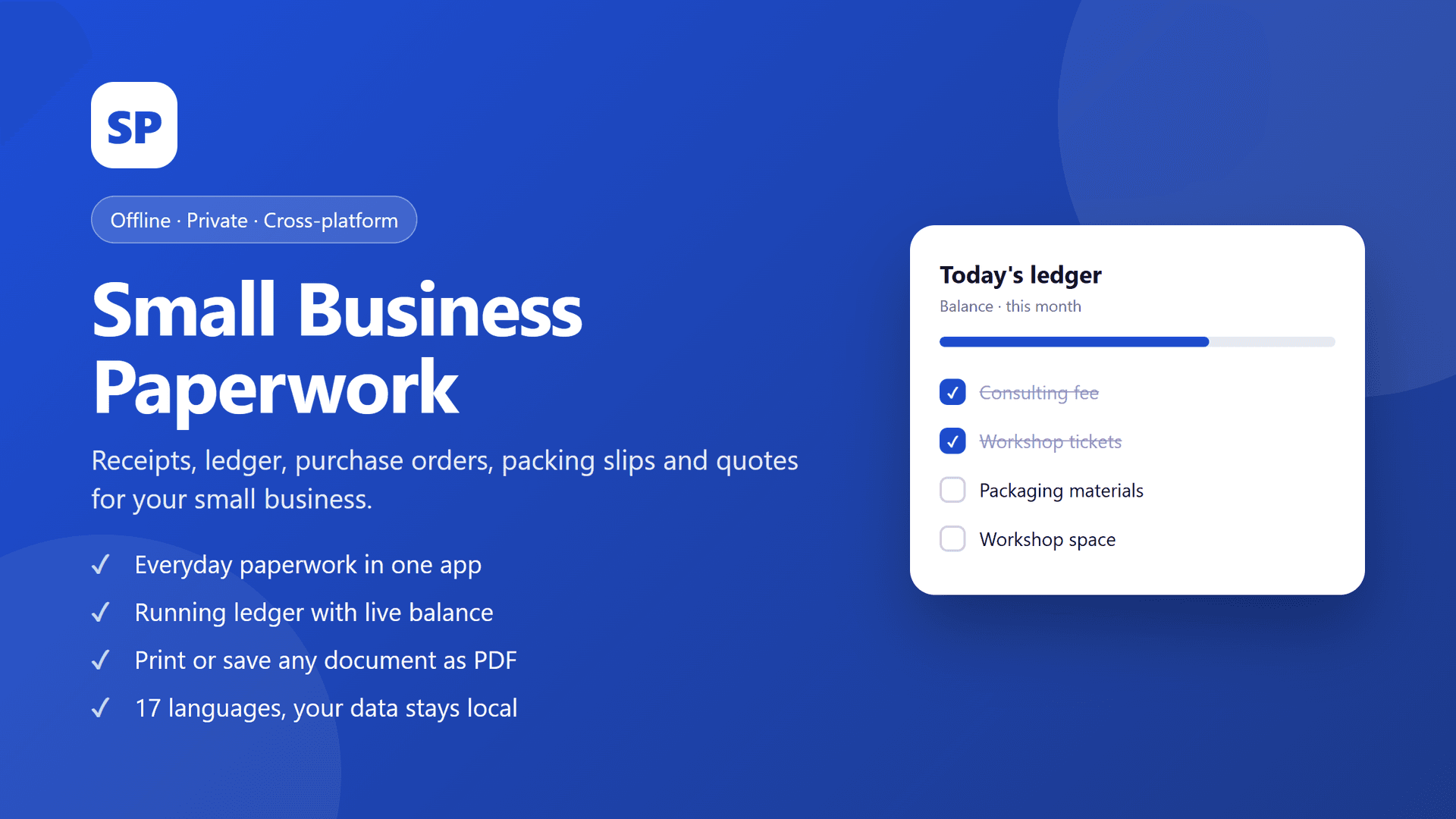
One purchase, three formats: a Windows program that runs from a folder, an Android app, and a web/PWA edition for a tablet or browser. The same data file moves between them, the interface covers seventeen languages, and nothing is stored anywhere but your own device. Personal licence, one-time price.
Small Business Paperwork Toolkit - Offline Receipts, Ledger, Orders & Quotes (Windows, Android, Web)
$19.00
Questions people ask before buying
Does it print? Yes - the documents are laid out for A4 and Letter printing, and each one can be saved as a PDF instead.
Can I import an old spreadsheet? Not automatically. The first month is typed, which is also the month you find out which of your old clients still matter.
Is it suitable for invoices too? It handles the four documents above. If invoicing with tax lines and numbering is your main need, the [offline invoicing app](https://www.getly.store/product/freelancer-billing-offline-invoicing-time-tracking-app-windows-android-web-mvcitu66) is the more focused tool.
What if I am not a business yet? Then the ledger and the receipts are the two worth using. Quotes and orders become interesting the day you have a client who asks for one.