 Getly
A space station prototype can begin with three roles: a human lead, a robot that meets the player at arrival and a robot that looks as though it spends its days among tools and equipment. FinStore's White Space Suit Woman, Blue White Robot and Orange Mask White Robot offer three visual identities for that small cast. Their included movement clips let you stage arrivals and encounters while the rest of the prototype is still taking shape.
Cast the human lead
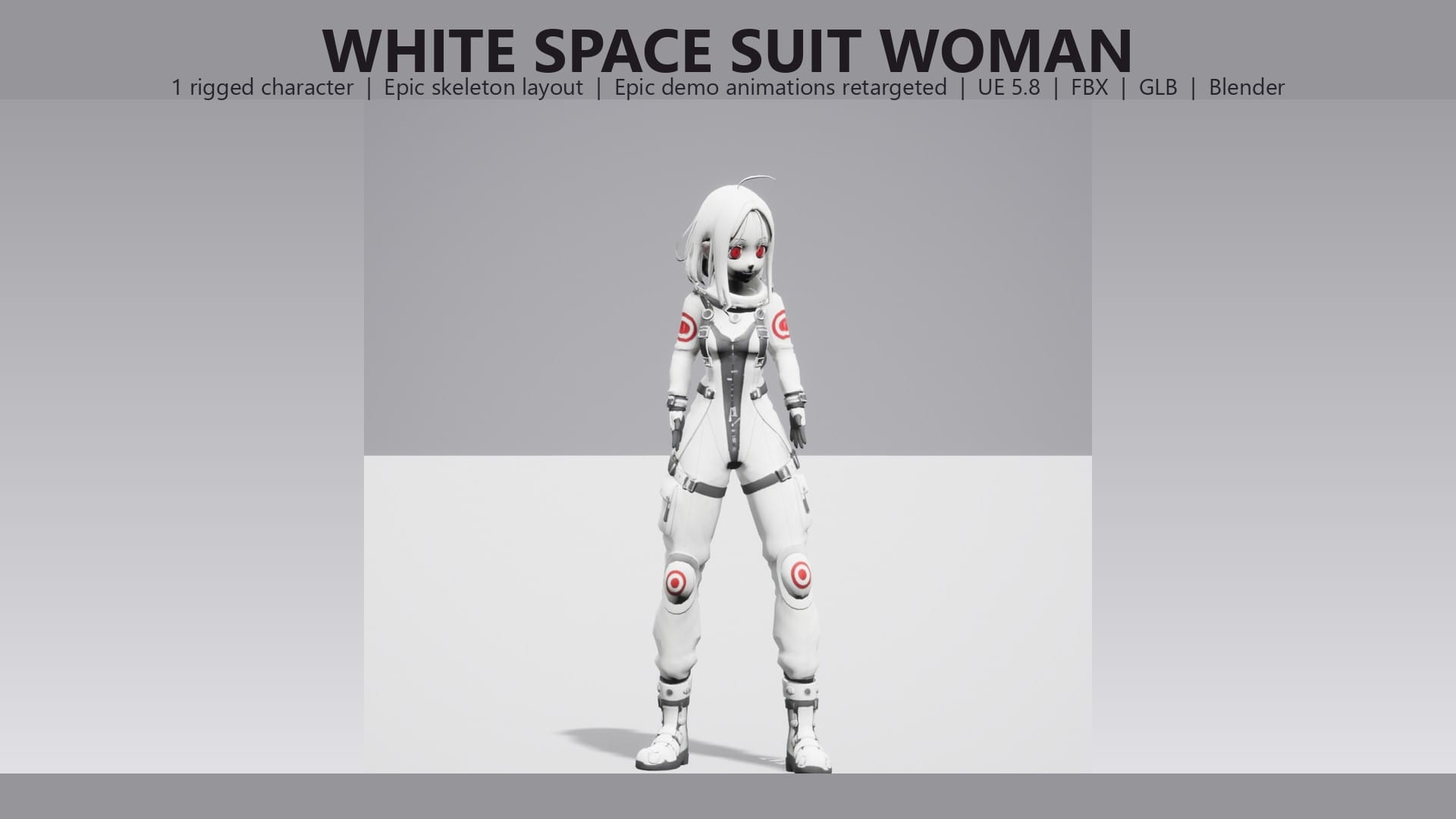
White Space Suit Woman - Rigged & Animated Character for UE5 (FBX, GLB, Blender)
$0.99
The White Space Suit Woman has white hair, red eyes, red markings on her suit, harness straps and armored white boots. The red details give you a color cue for the lead character in a group that also includes white-plated robots. Try a short playable entrance that takes her from a quiet corridor to a room where she meets the two other characters. Check how well the markings read when the camera pulls back to frame the whole group.
Give each robot a place on the station
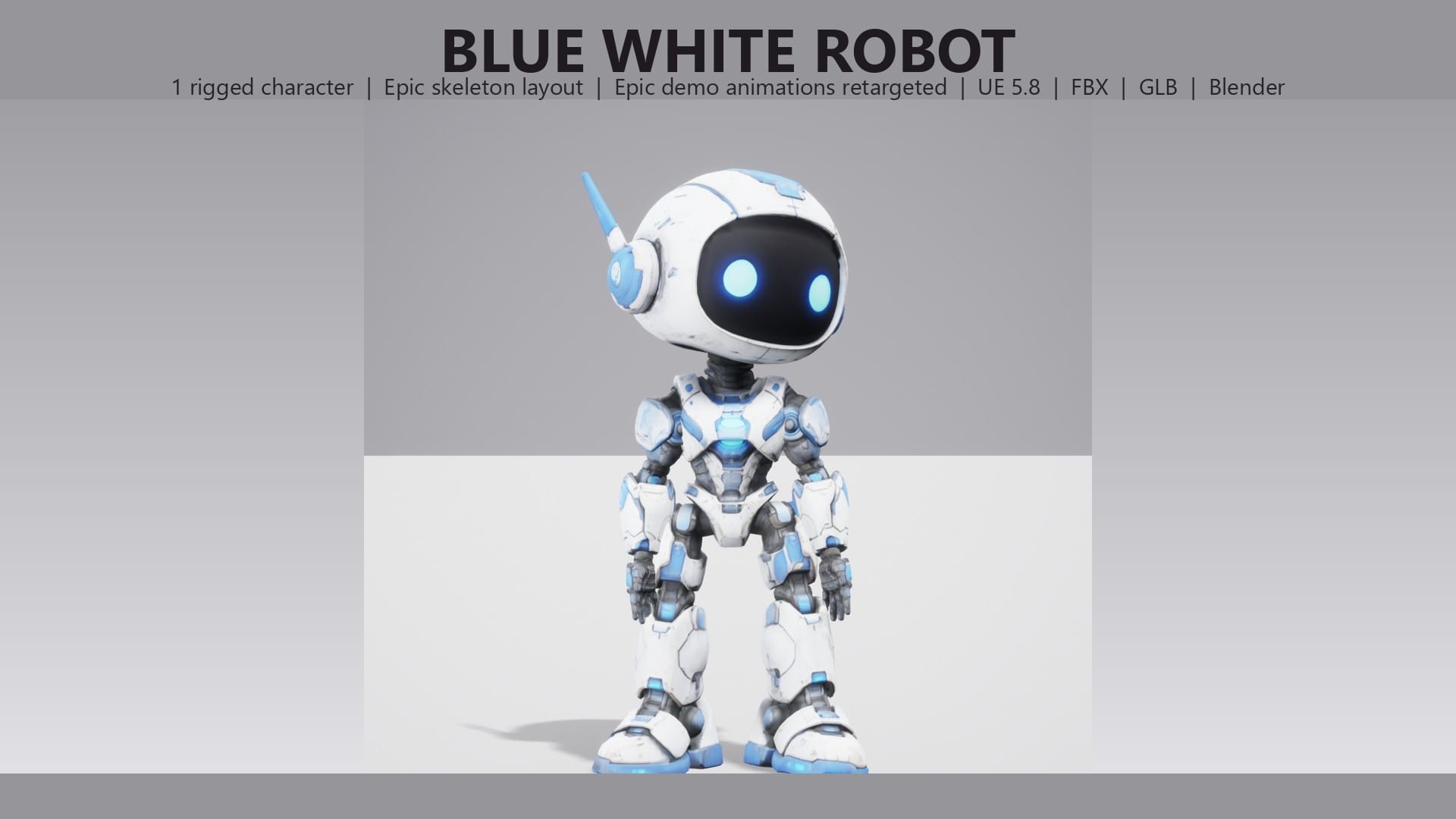
Blue White Robot - Rigged & Animated Character for UE5 (FBX, GLB, Blender)
$1.99
The Blue White Robot has white plates, blue lights, a dark visor with round glowing blue eyes and blue ear modules. Use it as the guide the player meets near arrival. A pause at a junction gives the player time to read its face and see where it heads next.
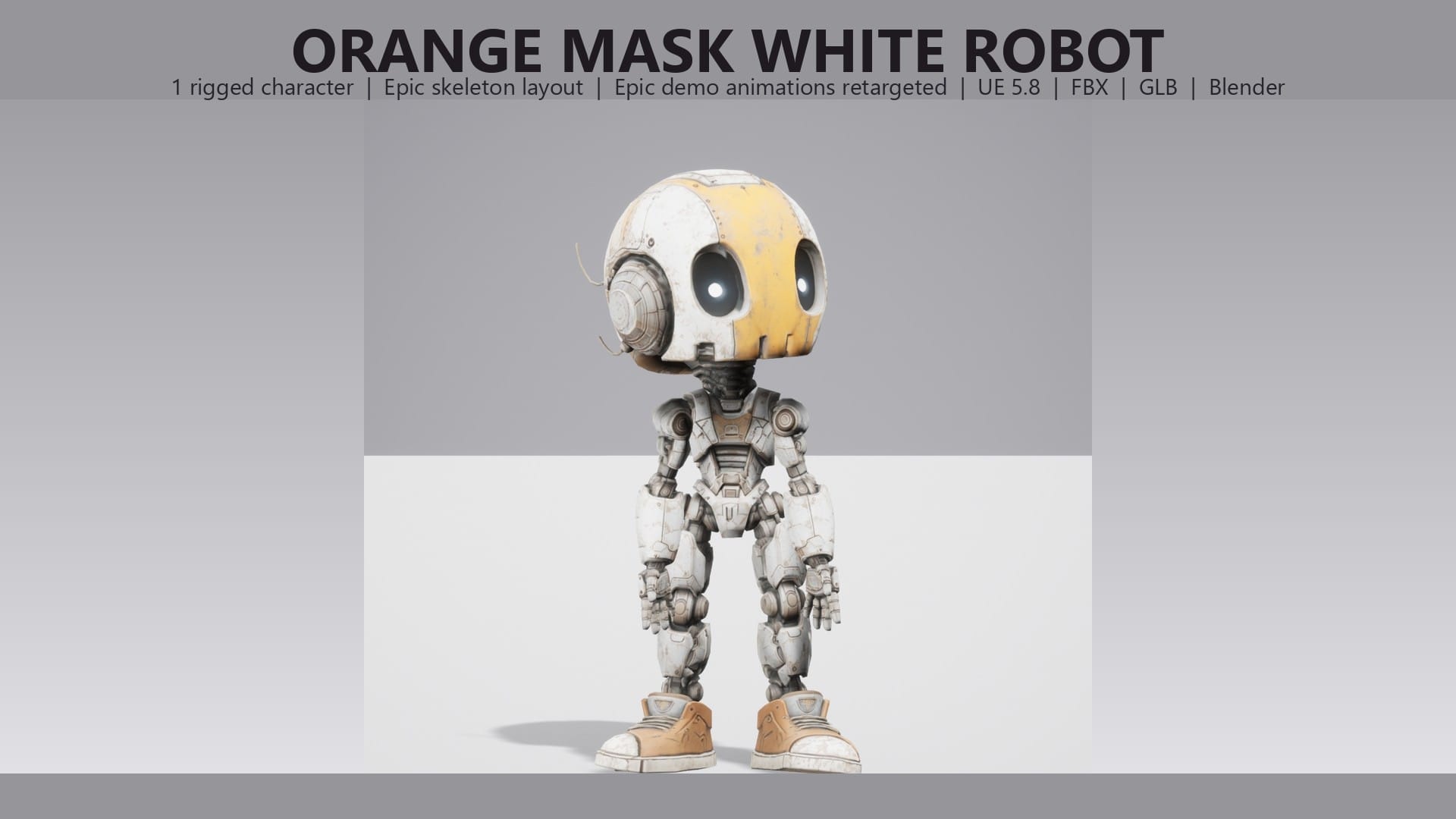
Orange Mask White Robot - Rigged & Animated Character for UE5 (FBX, GLB, Blender)
$1.99
The Orange Mask White Robot has a worn orange face plate, round black lenses, exposed joints and orange and white sneakers. The wear on its armor suits a character who spends time around the station's equipment. Introduce it in a separate room and see whether players recognize it by the orange plate when the two robots appear together later.
Block a scene using the included movement
Each Unreal Engine 5.8 package contains four Epic Third Person demo animations already retargeted to its character and shown on an overview map. Each also includes a physics asset and two LODs. The characters use the Epic skeleton layout and have rigid hands, so plan around that when a shot calls for close finger work.
The FBX and Blender versions contain four in-place clips at 30 frames per second. The GLB versions contain textured rigged meshes without clips. Choose the version that matches where you plan to rehearse the station scene.