Getly
Getly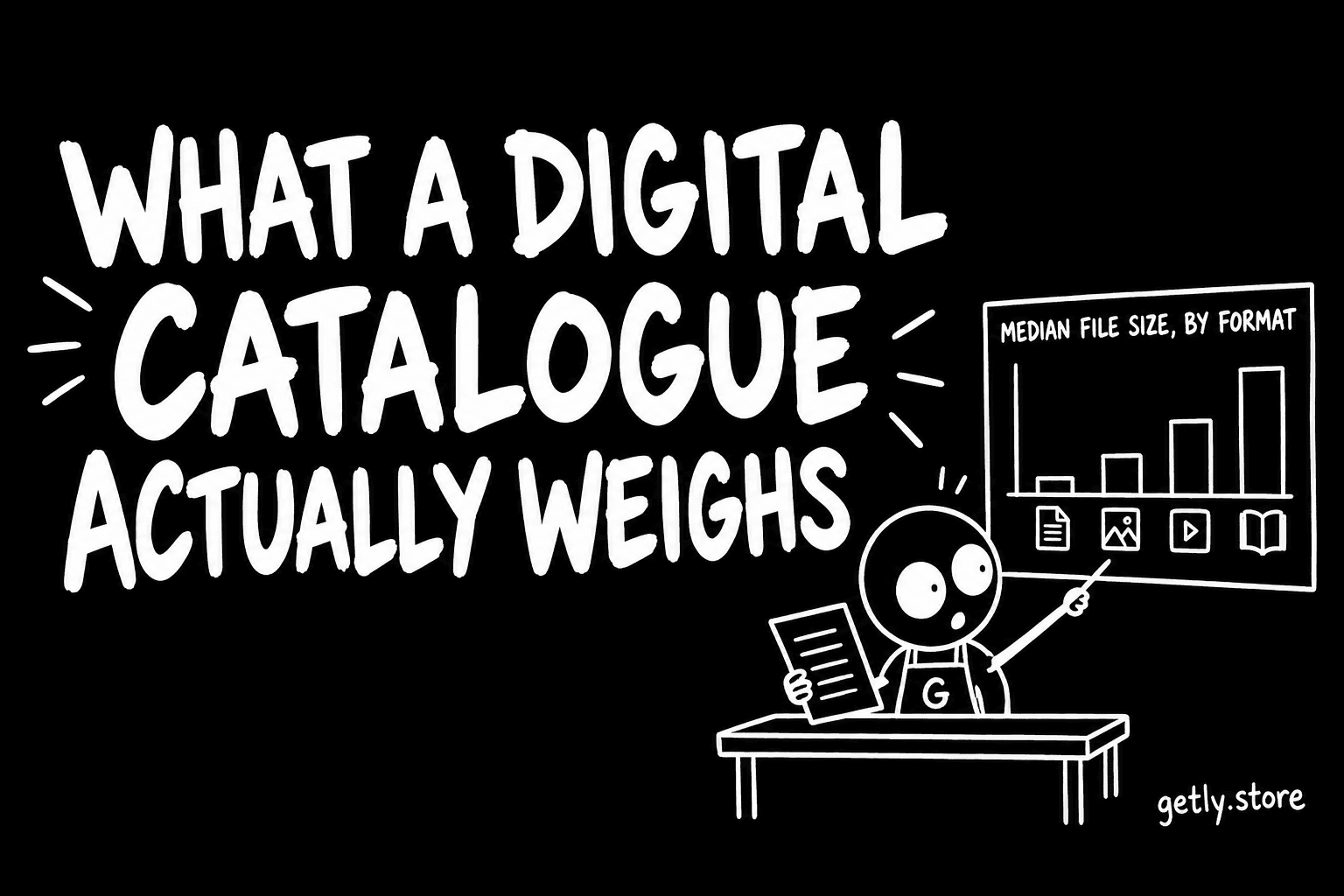
"Digital product" covers a 576-byte text file and a 23-megabyte archive with equal enthusiasm, which makes it a useless unit for planning anything. So we measured the actual bytes. On 14 September 2026 the Getly catalogue held 5,672 live listings, and the files attached to them come to 117 GB.
That total is the least interesting number here. The useful ones are the medians, because they tell you what a buyer is really about to download.
Median file size, by format
Counting only the current version of each file on a live listing:
- PDF — 2,551 files, median 1.3 MB
- PNG — 1,460 files, median 1.9 MB
- ZIP — 1,183 files, median 2.0 MB
- JPG — 985 files, median 862 KB
- MP4 — 378 files, median 16 MB
- RAR — 60 files, median 23 MB
- MP3 — 47 files, median 5.7 MB
- XLSX — 108 files, median 29 KB
- DOCX — 101 files, median 33 KB
The spread between a spreadsheet and a video is roughly eight hundred to one. Any advice that treats "upload your file" as one action is quietly assuming you are in the 29-kilobyte end of that range.
The archive formats are where the weight hides
ZIP and RAR sit at 2.0 MB and 23 MB respectively — a difference of more than ten times for two formats that do the same job. That is not a property of the formats. It is a property of who reaches for them: ZIP is what a browser makes when someone compresses a folder of templates, and RAR tends to appear when the person packaging the work is used to moving large source files around.
If you are shipping an archive, the number worth knowing is not its size but what a buyer sees when they open it. An archive that unpacks into one more archive is the single most common complaint pattern we see about file delivery, and it costs nothing to avoid.
Most listings ship exactly one file
Across live listings the median attachment count is one, the mean is 1.5, and the largest single listing carries 50 files. So the catalogue is mostly single-file products with a long tail of genuine bundles.
This matters for how you write the listing. A one-file product is describable in a sentence: what it is, what format, how big. A fifty-file product is not, and the listings that handle it well do the same thing every time — they name the top-level folders. Not the files. The folders. A buyer deciding whether to spend twelve dollars wants to know the shape of what arrives, not its inventory.
What to do with this
Three things follow from the numbers, and none of them require you to change what you make.
Say the size before the buyer finds out. A 16 MB video is unremarkable on a laptop and a real decision on a metered phone connection. Listings that state the weight get fewer questions afterwards.
Match the format to the job, not to habit. A single document does not need an archive around it. Wrapping one PDF in one ZIP adds a step for every buyer and removes the browser's ability to preview it.
If you are near the top of the range, split it. A 200 MB download that fails at 80% has to start again. Two 100 MB parts do not.
None of this is a rule about quality. It is about the thirty seconds between paying and having the thing, which is the only part of a digital purchase the seller still controls.