Getly
Getly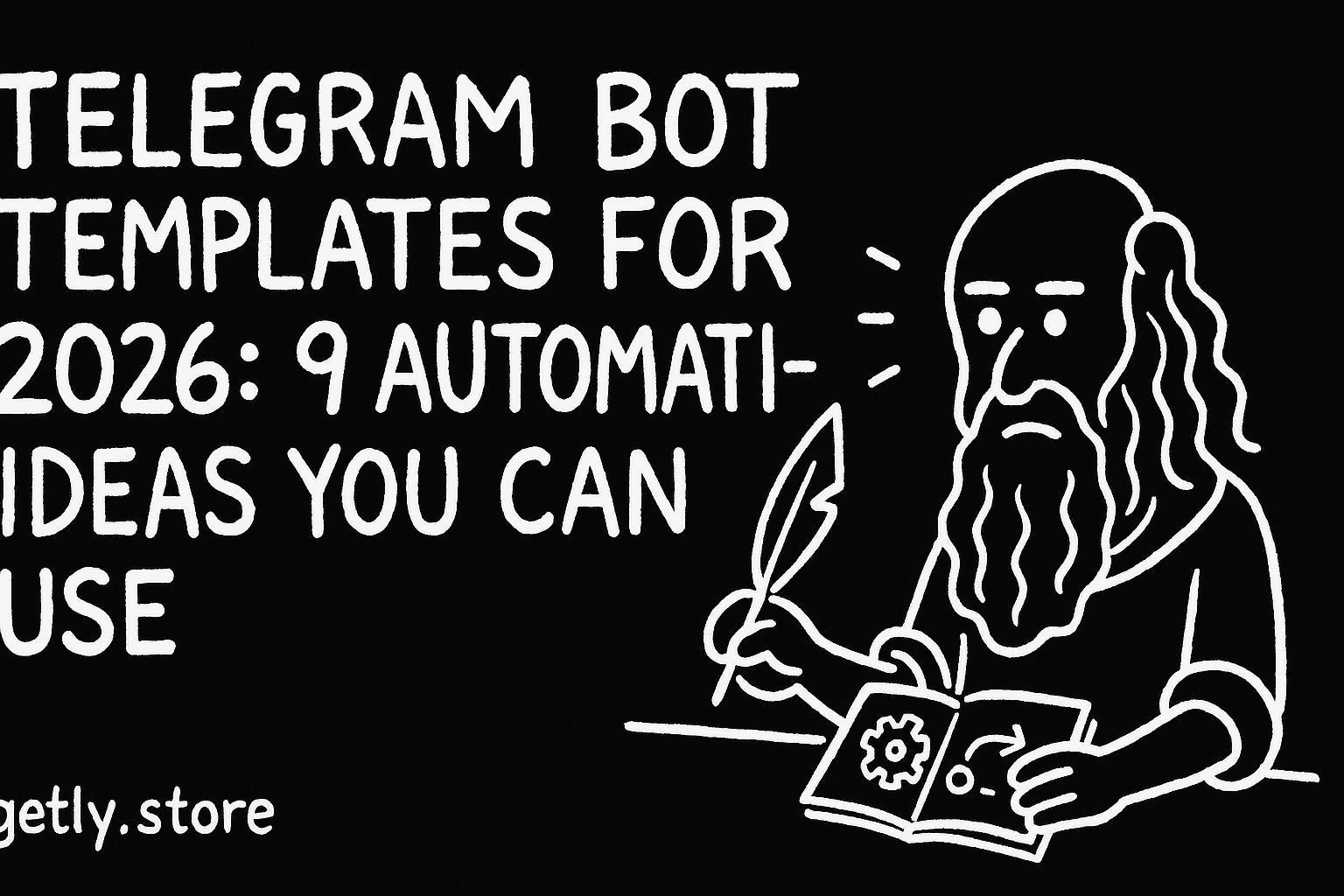
Telegram bots kept moving from “nice-to-have” to “daily infrastructure” for creators, communities, and small teams. In 2026, buyers will pay for templates that save time end-to-end: onboarding, lead capture, booking, support, and content delivery.
This guide gives you 9 sellable Telegram bot template ideas built around real automation flows, plus a practical checklist for turning each idea into a product people can deploy quickly.
TL;DR: Telegram bot templates in 2026 that sell
- Sell Telegram bot templates by packaging a complete automation flow, not just commands.
- Use “buy and deploy” structure: clear setup steps, triggers, and predictable outputs.
- Win with templates for onboarding, lead capture, bookings, support triage, and content distribution.
- Support both creators and small businesses with license tiers (personal, commercial) and clean installation.
- Market using templates that map to a job-to-be-done: “collect leads,” “send reminders,” “review submissions.”
What is a telegram bot template in 2026?
A telegram bot template is a reusable bot setup that includes the conversation flow, commands, integrations, and configuration notes so a buyer can deploy it fast. In 2026, buyers expect more than a chatbot. They expect automation workflows that act on triggers and return useful outcomes: scheduled messages, form submissions, approvals, or purchase links.
For template sellers, the product value comes from repeatability. You should turn your build into something buyers can install, customize, and run without hiring a developer for every small change.
Templates vs custom bots: what buyers actually pay for
Buyers pay for reduced setup time and fewer “mystery steps.” A strong template includes the operational model: where data comes from, where it goes, how a user moves through the flow, and what happens when something fails.
You can still provide customization hooks, but the core experience must work out of the box.
How to structure a template for quick deployment
Organize your template like an app install: prerequisites, environment variables (if any), required Telegram bot settings, and a short runbook for testing. Then design the UX flow in steps: start, collect data, confirm, deliver result.
Pro tip: Package your template with “starter data” examples. When the buyer tests immediately, they trust the automation faster.
How to sell telegram bot templates without code headaches
You sell better when the template reduces code friction. A no-code telegram bot pitch works when your flow stays understandable even without developer tooling. Buyers need a clear path from installation to first successful run, plus safe defaults.
Build your listing around deployment outcomes: “After setup, the bot sends X on Y trigger,” rather than “It uses framework Z.”
Turn your flow into a checklist buyer can follow
Create a Setup Checklist that fits on a single screen. Buyers want to copy it, not interpret it. Include the minimum actions: create bot token, connect chosen services (if applicable), then verify a test conversation.
Also add a section called “Common fixes” that covers the top 3 failures you see from real installs.
Use license tiers to match buyer value
Telegram bots often become part of a business workflow. A commercial license tier helps you sell to teams who depend on the bot for leads, bookings, or customer support. A personal tier works for creators running a single channel.
Pair tiers with what changes: number of bots supported, usage in paid services, or priority guidance. Make the rules short and explicit.
Common mistake: Selling a “bot script” without documenting the operational flow. Buyers get stuck when they cannot answer, “What triggers the next step?” Your template should make triggers obvious.
Best telegram automation flows for templates you can package
The best telegram automation flows for selling are flows that replace repetitive human tasks. Pick automations that start with a user action (button press, keyword, form) and end with a clear deliverable (message, ticket, scheduled reminder, or stored submission).
Think in “user journey chunks.” Each chunk becomes a reusable module you can present as part of the template.
Flow patterns buyers reuse across niches
Here are flow patterns that transfer across industries, which makes your template easier to market. You can customize language, fields, and outputs without changing the architecture.
- Lead capture: name, contact, interest, then notify a channel.
- Onboarding: welcome sequence, rules, quick choices, then role assignment.
- Form submission: multi-step questions, validation, confirmation receipt.
- Scheduling: reminders, booking slots, follow-ups, deadlines.
- Content distribution: weekly posts, gated downloads, topic-based delivery.
- Support triage: problem categories, priority flags, ticket creation.
Automation quality checklist that converts
Before you publish, test each flow with a new user. Watch where confusion happens: button labels, data fields, confirmation steps, and error responses.
Then document the expected output so buyers can validate the bot in minutes.
| Flow module | Buyer outcome | Template deliverables to include |
|---|---|---|
| Lead capture | New contacts delivered to chat/channel | Form screens, validation rules, notification routing |
| Onboarding quiz | Role assignment and tailored content | Question tree, role mapping, welcome message templates |
| Booking or slots | Reduced back-and-forth | Slot selection UI, confirmation receipts, follow-up reminders |
| Support triage | Faster resolution routing | Category buttons, priority tags, escalation instructions |
9 Telegram bot template ideas for 2026 (and who buys them)
To sell telegram bot templates in 2026, focus on templates that solve a repeated business need. Each idea below comes with a buyer profile and the automation flow you should implement.
Keep the scope tight. You want one bot template that does one job extremely well, then add customization layers.
1) No-code “lead magnet + qualification” shop bot
Use a shopping-style conversation that qualifies a buyer before you send the deliverable. Users browse options via buttons, answer 3 to 6 qualification questions, then receive a gated output.
Best for: coaches, newsletter creators, template sellers, and agencies.
- Flow: Choose offer. Confirm details. Collect contact. Deliver access.
- Extras: “Ask a question” fallback and follow-up reminder.
2) Community onboarding bot with role assignment
This template guides new members through rules, preferences, and a quick onboarding quiz. The bot assigns roles (or directs the user) based on answers and sends the right welcome sequence.
Best for: Telegram communities, Discord managers who cross-post, and course cohorts.
- Flow: Welcome. Preferences. Quiz. Role assignment. Resource links.
- Extras: “How to get help” quick path.
3) Booking slots bot for services and consultations
A slots bot replaces manual scheduling. The user picks a time window, confirms details, and the bot sends a confirmation receipt plus reminders.
Best for: freelancers, studios, and small service teams.
- Flow: Choose service. Pick slot. Confirm contact. Receive confirmation.
- Extras: automated reschedule request flow.
4) Support triage bot that routes tickets instantly
Support triage bots categorize issues and reduce wasted time. The user selects a category, describes the problem, and the bot requests the missing info before escalation.
Best for: SaaS micro-teams, template shops, and creators with high volume questions.
- Flow: Category buttons. Required fields. Priority selection. Ticket handoff.
- Extras: “status update” messages to close the loop.
5) Weekly content scheduler for channels and groups
This bot handles “post the right content at the right time” workflows. It can also personalize delivery based on interests selected at onboarding.
Best for: course creators, community moderators, and affiliate publishers.
- Flow: Interest selection. Weekly schedule. Automated delivery.
- Extras: one-tap “send me updates” button and delivery preferences.
6) Submission + review bot for education communities
Turn assignments into a controlled pipeline. Users submit entries, the bot requests format details, then notifies reviewers. Reviewers can request revisions with a structured checklist.
Best for: cohorts, study groups, design critique communities, and instructors.
- Flow: Start. Collect submission. Confirm. Notify reviewers. Revision request.
- Extras: submission status page for participants.
7) “Document request” bot for client onboarding packs
Many businesses need the same docs every project. This bot collects requested documents via guided steps and produces a checklist receipt so clients know what they sent.
Best for: agencies, consultants, and agencies handling repeat clients.
- Flow: Project type. Checklist. Upload instructions. Completion confirmation.
- Extras: reminders for missing documents.
8) Workshop registration bot with reminders
Registration flows should minimize friction. A workshop bot captures registration info, sends confirmation, and sends reminders as the event approaches.
Best for: live sessions, webinars, meetups, and cohort onboarding.
- Flow: Register. Confirm. Send calendar details. Reminder sequence.
- Extras: “Add another attendee” flow.
9) “Template request” bot for designers and content creators
Let your audience request assets using a structured form. The bot routes requests to a backlog channel and asks for specifics like style, size, and delivery timing.
Best for: design studios, template libraries, and creators selling multiple formats.
- Flow: Request type. Field collection. Priority. Handoff to backlog.
- Extras: auto-reply with estimated turnaround and next steps.
Quick packaging tip: For each template, include a “What you get” list in your listing: setup steps, modules included, customization knobs, and an example run transcript.
How to turn ideas into a telegram shop template listing
A strong telegram shop template listing reads like a product spec, not a promise. Buyers should understand what the bot does, how they deploy it, and what they get immediately after purchase.
In 2026, you also need “proof of usability” in your listing: a short demo flow, screenshots of the conversation, and clear expected outputs.
Listing sections that reduce buyer questions
Build your product page with sections that answer likely buyer questions before they message you. Use these headings: Overview, How it works, Included modules, Setup steps, Customization, License, Support policy.
Then add a “Test drive” section: a buyer can run the flow and see each stage.
Use concrete examples from your template modules
If your bot collects submissions, show a submission example: what fields you ask for and what the reviewer sees. If your bot routes support, show the categories and what the bot requests next.
Concrete examples reduce refunds and increase positive reviews.
- Templates sell when buyers can deploy them and verify results fast.
- Automation flows win when the user journey has clear triggers and confirmations.
- Package modules, examples, and setup steps in a predictable structure.
- License tiers help you sell the same bot to both creators and businesses.
Where Telegram bot templates fit in your digital products catalog
Telegram bots become part of a broader digital products ecosystem. Buyers who purchase templates often bundle multiple tools: automation, education assets, and workflow content.
If you also sell other digital goods, you can position your bot template as the “automation layer” that delivers value around your content or workflow.
Example add-ons you can bundle with your bot offer
When you market a Telegram bot template, you can reference the type of content the bot distributes. That content can come from your existing digital catalog, which helps buyers see the full workflow.
For instance, a submission or review pipeline fits nicely with educational or review-oriented assets like 2026 LEPT REVIEWER: GENERAL EDUCATION-1,625 Q>A>R.
Design-adjacent automation also pairs well with motion graphics or workflow packs such as 5 CC PACKS PREMIUM ALIGHT MOTION, where the bot schedules delivery or collects requests.
How to keep the catalog focused
Even if you sell multiple products, keep the bot template’s scope tight. Buyers want one bot template that does one job end to end.
Use your other products as “examples of what the bot can deliver,” not as extra dependencies that complicate setup.
FAQ: Telegram bot templates and automation flows
Can I sell telegram bot templates as no-code telegram bot products?
Yes, if your template experience stays deployable without the buyer writing code. Your listing should provide a clear setup path and show the conversation flow end-to-end.
The core requirement stays the same: buyers need predictable automation results, not technical mysteries.
What should a telegram automation flow template include?
Include triggers, the user path (buttons, keywords, and steps), validation rules, and the outputs the bot sends. Also document what happens on missing info or errors.
This structure makes your template reliable across buyer niches.
How do I structure a telegram shop template so people trust it?
Use product-ready UX. Add confirmation steps, clear deliverables, and a short test script for first-time users. Show screenshots of each screen in the conversation.
Trust comes from transparency and fast verification.
What makes a telegram bot template “sellable” in 2026?
A sellable template replaces a recurring task and delivers a clear outcome: lead capture, onboarding, booking, support triage, or scheduled content delivery.
Buyers in 2026 expect complete flows with setup documentation and realistic examples.
How should I price telegram bot templates across niches?
Use license tiers tied to usage scope: personal use for creators and commercial use for teams using the bot in paid services. Keep the rules simple and consistent.
Then adjust your template content to match buyer value, not just developer effort.
“Automation sells when it removes friction. Buyers buy outcomes, then customize the edges.”
If you want one next step, take your strongest idea from the 9 list, write the exact user journey in 6 to 10 steps, and build your template listing around that flow. When your bot feels “plug and play,” sales follow more consistently.
Getly Sellers Team