Getly
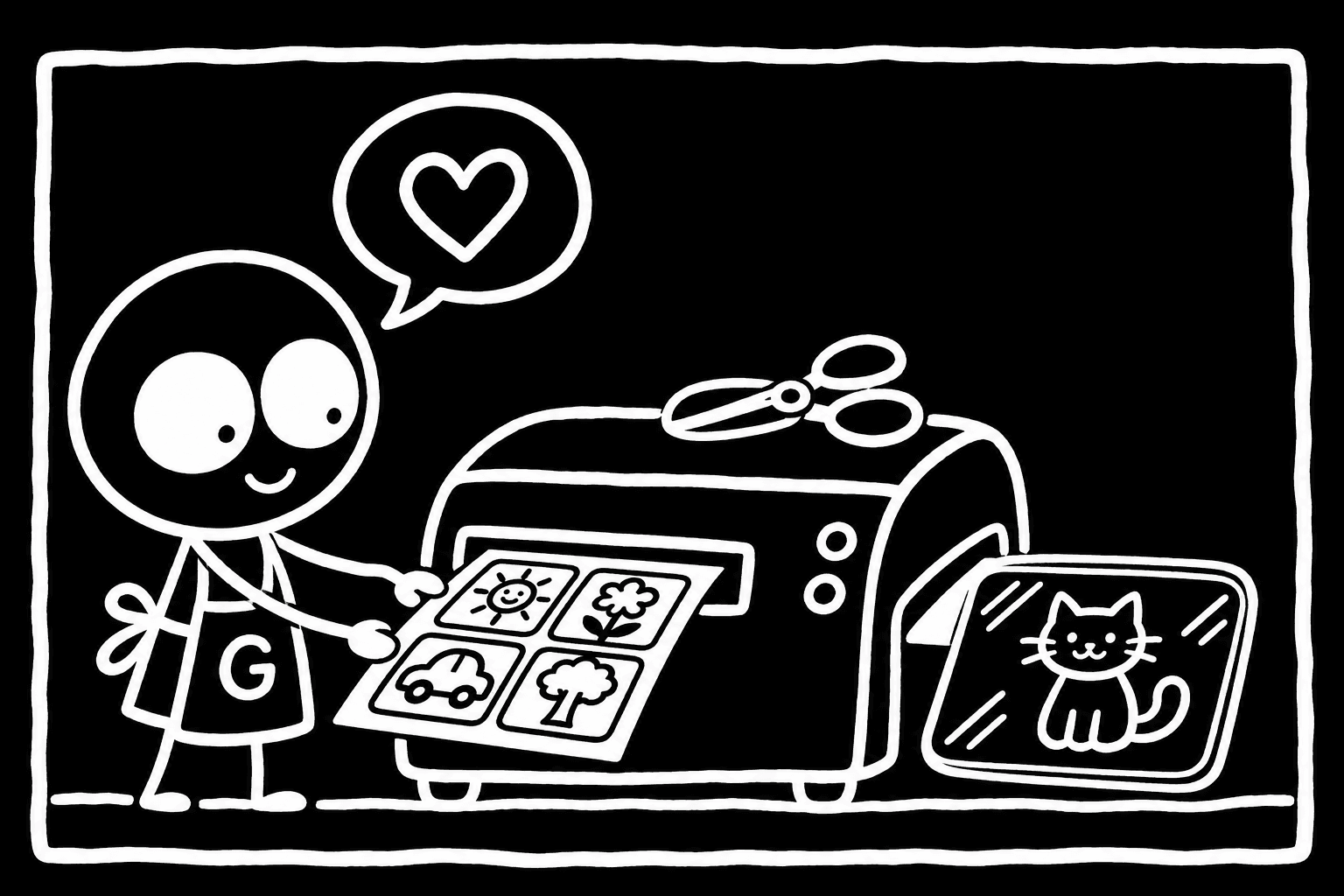
Printable flashcards for kids are a PDF you buy once, print at home and cut into cards: alphabet, numbers, animals, colours, feelings or first words. A good set costs a few dollars, matches what your child is learning right now, and is laid out so the cards line up when you print and cut them. This guide covers which subjects suit which age, what to check in a listing before you pay, which licence you need for a classroom, and how to print cards that last longer than a week.
What flashcard sets cost on Getly
We measured the flashcard part of the education and children's books shelf on Getly on 4 November 2026. That slice is the listings whose name contains "flashcard", "flashcards" or "flash cards": 15 listings in total. The numbers below describe only that slice, not the whole education shelf.
| What we measured | Flashcard listings, measured 4 November 2026 |
|---|---|
| Median price | $2.99 |
| Middle half of prices | $1.75 to $5 |
| Free listings | 0% |
| Licence: personal use | 46.7% |
| Licence: commercial use allowed | 20.0% |
| No licence stated | 33.3% |
| File format | All of them ship as PDF |
So a set of cards is a small purchase. If a listing asks much more than $5, it should give you much more: several subjects, two languages, or a matching game and a storage label. One in three flashcard listings states no licence. That does not matter at home, but it matters for a teacher, so read the licence section below before you print a class set.
You can browse the wider shelves in education and courses and children's books, where flashcards sit next to workbooks and printable stories.
Which subject for which age
A flashcard set works when it is a little ahead of the child, not far ahead. Ages below are rough guides. Your child sets the pace.
| Age | Subjects that fit | What a good card looks like |
|---|---|---|
| 1 to 2 | Animals, everyday objects, family, food | One big picture, one word, plain background |
| 2 to 3 | Colours, shapes, animal sounds, body parts | Bright flat colours, no clutter, large shapes |
| 3 to 4 | Feelings and emotions, numbers 1 to 10, opposites | Clear faces, objects to count, one idea per card |
| 4 to 5 | Alphabet, letter sounds, first words, numbers to 20 | Upper and lower case together, a picture that starts with the letter |
| 5 to 7 | Sight words, simple sums, time, days and months | Word only on the front, answer or picture on the back |
Alphabet cards
Check three things. First, the letter shapes: the print style taught at your child's school, or the one you use at home. A single-storey "a" and "g" is easier for beginners than the typed form. Second, upper and lower case: most early-reader sets show both. Third, the picture word. "A for apple" works in English. In a bilingual set, check that the picture word starts with the same letter in both languages, or that the set uses a separate picture per language.
Animal cards
Decide between real photos and illustrations. Photos help a toddler recognise a real cat at the park. Illustrations print cleaner on a home printer and use less ink. Look at the preview images: a good animal set shows the whole animal on a plain background, not a cropped face in a busy scene.
Feelings and emotions cards
These are useful from about three, and many parents and therapists use them to talk about a hard day. Look for faces that are easy to read: happy, sad, angry, scared, surprised, tired. Sets that add a short situation on the back ("your tower fell down") give you something to talk about. Avoid sets where every face looks almost the same.
Numbers, sight words and first words
Number cards should show the digit, the word and a group of objects to count. Sight word cards should use a clear, large font and nothing else on the front. For first words, one word and one picture per card is enough.
Language and bilingual sets
Many families raise children in two languages. A bilingual set can save you buying two. Before you pay, check:
- Both languages on one card, or separate decks. One card with both words is compact. Separate decks are better when you want to practise one language at a time.
- The full alphabet of each language. A German set needs Ä, Ö, Ü and ß. A Russian set needs all 33 letters of the Cyrillic alphabet, including Ё and Й. A Spanish set needs Ñ. Missing letters are the most common gap in alphabet sets translated from English.
- Spelling standard. US or UK spelling matters on word cards: "color" and "colour" both look right to the adult, but the child learns one.
- Pronunciation help. Some sets add a phonetic hint or a sound on the back. Useful for a parent who is learning too.
What to check in the listing before you pay
All flashcard listings we measured are PDFs, so the questions are about the PDF itself. The product page shows the number of files, their formats and their combined size. For a single PDF it also shows the page count. If the PDF has ten pages or more, Getly shows a watermarked excerpt on the product page, so you can see real pages before you buy.
- Page count and cards per page. A 26-letter alphabet at 4 cards per page is 7 pages. At 9 per page it is 3 pages, and the cards are small. Divide to know what you get.
- Card size. For toddlers, bigger is better: around a quarter of a page. Small cards suit older children and memory games.
- Paper size. A4 and US Letter differ by a few millimetres. A file made for Letter printed on A4 can cut off a card edge. Look for the paper size in the description, or print one page at "fit to page".
- Cut lines. Thin grey cut lines or crop marks save time. Cards that touch each other with no gap are harder to cut neatly.
- Double-sided layout. If the back has the word or the answer, check that the back pages are mirrored so the two sides line up when you print on both sides.
- Colour and ink. Full-colour backgrounds look good and empty a cartridge. Some sets include a light or black-and-white version. That is worth having if you print a lot.
- Extra files. PNG files of each card are handy for a tablet or a laminated wall chart. A matching game or a tracing page is a bonus, not a reason to pay double.
Which licence you need
Every product on Getly can state its licence: personal use, commercial use, extended, public domain (CC0) or custom terms in the description. The licence shows next to the buy button. On the flashcard slice we measured, 46.7% of listings are personal use, 20.0% allow commercial use, and 33.3% state no licence.
| What you plan to do | Licence to look for |
|---|---|
| Print for your own children | Personal use is enough |
| Print for your class or a nursery group | Read the description: some sellers allow use in one teacher's classroom, others ask for commercial |
| Share the PDF with other parents | Usually not allowed with any licence: each family buys its own copy |
| Sell printed or laminated sets | Commercial use, and check it covers physical copies |
If no licence is stated, the product page says the seller sets the terms. Message the seller before you print a class set. Do not assume commercial use is allowed unless the listing says so.
How to print flashcards so they last
Small hands bend, chew and drop cards. A few choices at the printer make the difference.
- Use heavy card stock. Around 250 to 300 gsm feels like a real card. Check what your home printer can feed: many handle up to about 250 gsm through the rear tray.
- Pick matte paper. It shows less glare under a lamp and takes a laminate well. Glossy photo paper looks bright but cracks when bent.
- Print a test page first. Print page one on plain paper at 100% scale. Check that the margins and cut lines fit, then print the rest.
- Laminate if a toddler will use them. A home laminator with thin pouches makes cards wipeable. Leave a small border of laminate around each card so it does not peel.
- Round the corners. A corner punch or scissors takes off the sharp points. It also stops the laminate lifting at the corners.
- Bind or store them. Punch one hole and put a set on a binder ring, so the cards stay together. Or keep each subject in a small box or a zip bag with a label.
For double-sided cards, print the fronts, put the stack back in the printer the way your printer manual shows, and print the backs. Do one test sheet first. If the sides do not line up, glue two single-sided sheets back to back before laminating.
A short checklist
- The subject fits your child's age right now.
- The alphabet and letter shapes match what they learn, including every letter of the language.
- You know the page count, cards per page and paper size.
- There are cut lines, and a light version if you print a lot.
- The licence covers how you will use the cards, especially in a classroom.
- The price is in line: the median flashcard listing on Getly was $2.99 when we measured.
Getly purchases come with a 30-day refund window by default, and the receipt email carries a download link for every file. When you are ready, open the education and courses shelf and compare previews side by side.