Getly
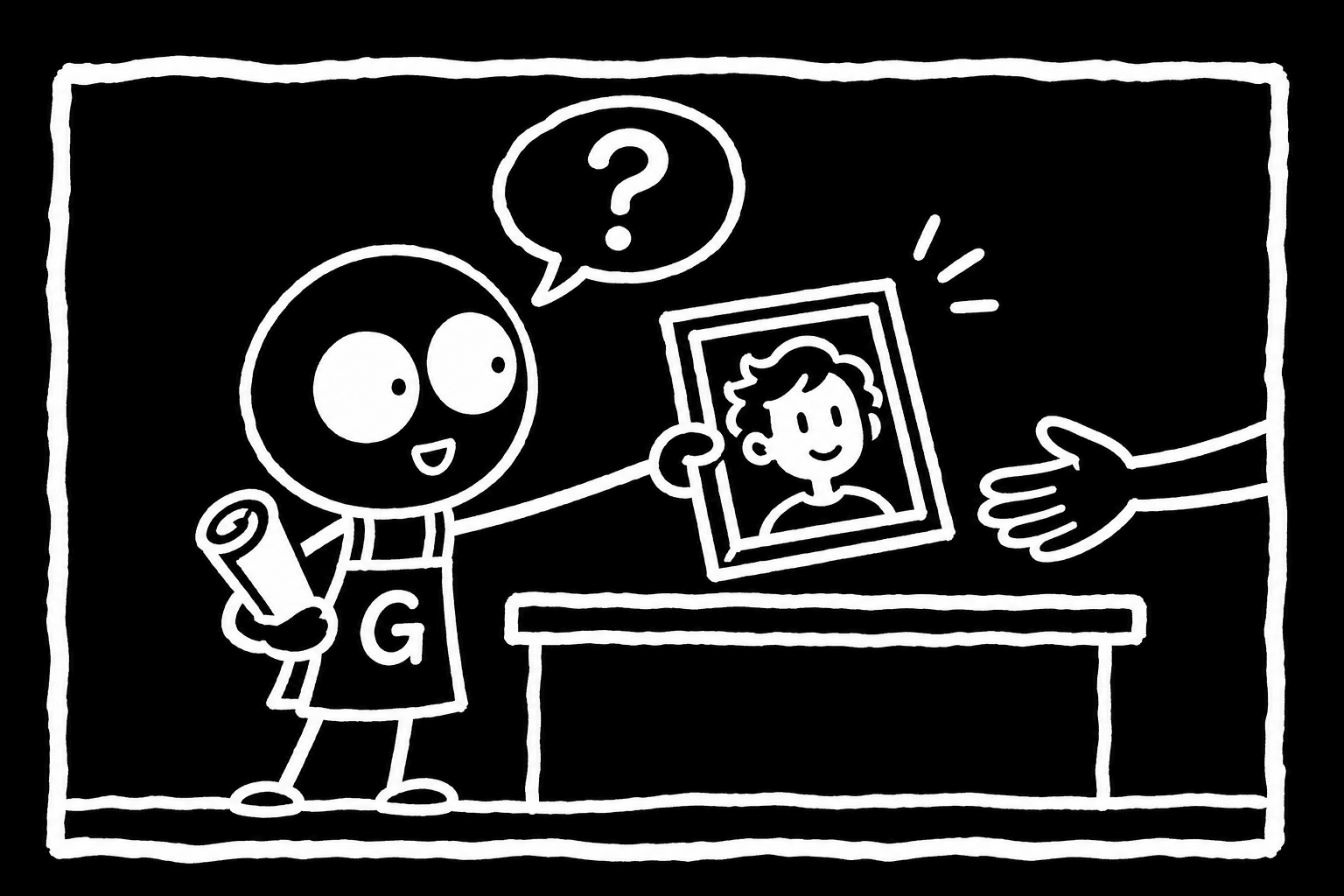
Here is how to sell art commissions online with Getly Custom Work. You list a service with packages, each with a price, a turnaround and a number of revisions. A client picks a package, writes a brief and pays upfront. You draw, deliver, and Getly holds the money until the client accepts the work, or until 7 days after delivery. Your share then goes out with the next regular payout on the 1st or 15th, in USDT or USDC. This tutorial walks through each step and the money timeline, so you know what happens before you take your first paid brief.
What Custom Work is, in one paragraph
Custom Work is Getly's commissions feature. It is separate from selling ready-made files. A product is a file the buyer downloads right away. A commission is work you have not done yet: a portrait, a character sheet, an emote set, a logo sketch. The client pays before you start, so you never chase an invoice. You do not hold the money either: Getly does, until the delivery is accepted. That protects both sides. The client knows you cannot vanish with the payment. You know the money exists before you open your drawing app.
Your services appear in two places: on the shared services page at /services and on your own store at /store/<your-store>/commissions. You manage incoming orders in your dashboard at /dashboard/commissions. Clients find their orders on /purchases, in the "Custom work" section.
Step by step: from listing to payout
- Have a store. Custom Work belongs to a Getly store. If you already sell files, you use the same store.
- Create a service. Describe what you draw, your style and what you do not take on.
- Add packages. Each package has a price, a turnaround and a number of revisions. More on choosing them below.
- Set your payout wallet. Payouts are in USDT or USDC only. Without a crypto wallet your share waits, so add it before the first order.
- Wait for a paid brief. A client chooses a package, writes a brief and pays upfront. You get an email when the order is paid: that is your signal to start.
- Start the work. Open the order in
/dashboard/commissionsand start it. Once you have started, the client can no longer cancel on their own. - Deliver. Hand over the finished art through the order. The client gets an email asking them to review it, with a note that it is accepted automatically in 7 days.
- Acceptance. The client accepts, or 7 days pass after delivery (they get a reminder 2 days before). You get an email that the order is completed, with your payout date.
- Payout. Your share goes out with the next regular payout on the 1st or 15th.
How clients pay
Clients pay upfront, before you start. Today they can pay in two ways:
- Card. Works for any package price.
- USDT or USDC. Through a NOWPayments invoice, from $5. After a crypto payment the order page shows "payment confirming" until the network confirms it. Wait for the paid email before you start.
PayPal is not accepted. If you sell a small package under $5, for example a quick headshot sketch, only card works for it. Keep that in mind if many of your clients prefer to pay in crypto.
Designing packages that clients understand
Packages do most of the selling. A client who reads three clear options decides faster than one who has to message you to ask what "full piece" means. Each package carries three things the system knows about: price, turnaround and revisions. Everything else goes into the package text.
A common structure for portrait and character commissions looks like this. The prices are yours to set; the point is what each tier promises:
| Package | What the client gets | Turnaround | Revisions |
|---|---|---|---|
| Sketch | Clean line sketch, one character, bust or half body, plain background | Short | 1, at the sketch stage |
| Colour | Lineart with flat colours and simple shading, one character | Medium | 2: one at sketch, one at colour |
| Full illustration | Full body or scene, rendered, simple background included | Longest | 2 or 3, spread across stages |
Tips that save arguments later:
- Say what is in and what costs extra. A second character, a detailed background, a transparent PNG, a print-size file. If an extra is common, make it its own package instead of a message thread.
- Set a turnaround you can keep in a busy week. December is busy for gift portraits. A realistic turnaround beats a fast one you miss.
- Define a revision. One revision means one round of changes on the current stage, not a new pose or a new character. Write that sentence into the package.
- Name the files. Format (PNG, JPG, PSD), size in pixels, and whether the background is transparent. A client planning a print or a stream overlay needs this before paying.
Usage rights: write them into the package
A commission is not only a picture, it is permission to use it. Clients often do not ask, so state it in the package text:
- Personal use: profile pictures, wallpapers, printing a copy for themselves, gifts.
- Commercial use: merch, book covers, ads, a logo for a business, streaming assets that earn money. Many artists offer this as a separate, higher package.
- Your rights as the artist: whether you may post the piece in your portfolio and on social media, and whether the client can ask you to keep it private.
- Things you do not draw. Say it plainly in the service description so the wrong briefs never arrive.
Clear terms also help if a disagreement ever reaches our team: a written package is easier to read than a memory of a chat.
A brief template that gets you what you need
The client writes the brief when ordering. You can shape it by telling them in the service description what to include. A short template works well:
- Who or what to draw: names, number of characters, species or person.
- References: photos or existing art, attached or linked.
- Pose and expression, or "artist's choice".
- Outfit and colours that must be right (eye colour, hair, a tattoo, a scar).
- Background: none, simple colour, or a scene.
- Where it will be used: profile picture, print, stream, gift.
- Any date that matters, such as a birthday.
A brief built like this tells you within a minute whether the package fits. If it does not, say so before you start the work. Until you start, the client can still cancel a paid order.
When the money is released
Getly holds the payment while you work. It is not paid to you at the moment of acceptance. Once the order is accepted, your share joins the regular payout cycle, counted from the acceptance date:
| Order accepted on | Paid out on | Example |
|---|---|---|
| 1st to 15th of a month | 15th of the next month | Accepted 10 December, paid 15 January |
| 16th or later | 1st of the month after next | Accepted 20 December, paid 1 February |
Your share is 80% by default, and 90% during a new store's first 90 days. Payouts go out in USDT or USDC: on BNB Smart Chain from $5 (USDT or USDC), on Tron from $15 (USDT only).
A payout can wait for a few reasons, the same ones that apply to product sales: no crypto wallet set, a wallet changed in the last days, a total under the network minimum, or a store that is suspended or on a risk hold. In every case the money waits for the next payout date. Nothing is lost. There is no bank transfer for Custom Work; payouts are crypto only.
If something goes wrong
- You have not started a paid order. After 48 hours you get a reminder. After 7 days our team is alerted and the client is told they can cancel. Start or decline early instead.
- The client wants to cancel. They can cancel a paid order only until you start work. They can drop an unpaid order at any time.
- You cancel. The client is emailed. A cancelled paid order is refunded by our team by hand, because a crypto payment cannot be reversed automatically. Do not promise the client an instant refund.
- The client disputes the delivery. You get an email, and our team reviews the order. Your package text, the brief and your delivery are what the review looks at, which is one more reason to write packages carefully.
Before you publish your first service
- Payout wallet set, on a network whose minimum you will reach.
- Two or three packages, each with a price, turnaround and revisions you can keep.
- File formats, sizes and usage rights written into each package.
- A brief template in the service description.
- A list of what you do not draw.
- Examples of your style, so clients know what they are paying for.
Then watch your email. The paid-order email is your start signal, and the completed-order email tells you the date the money arrives.