Getly
Getly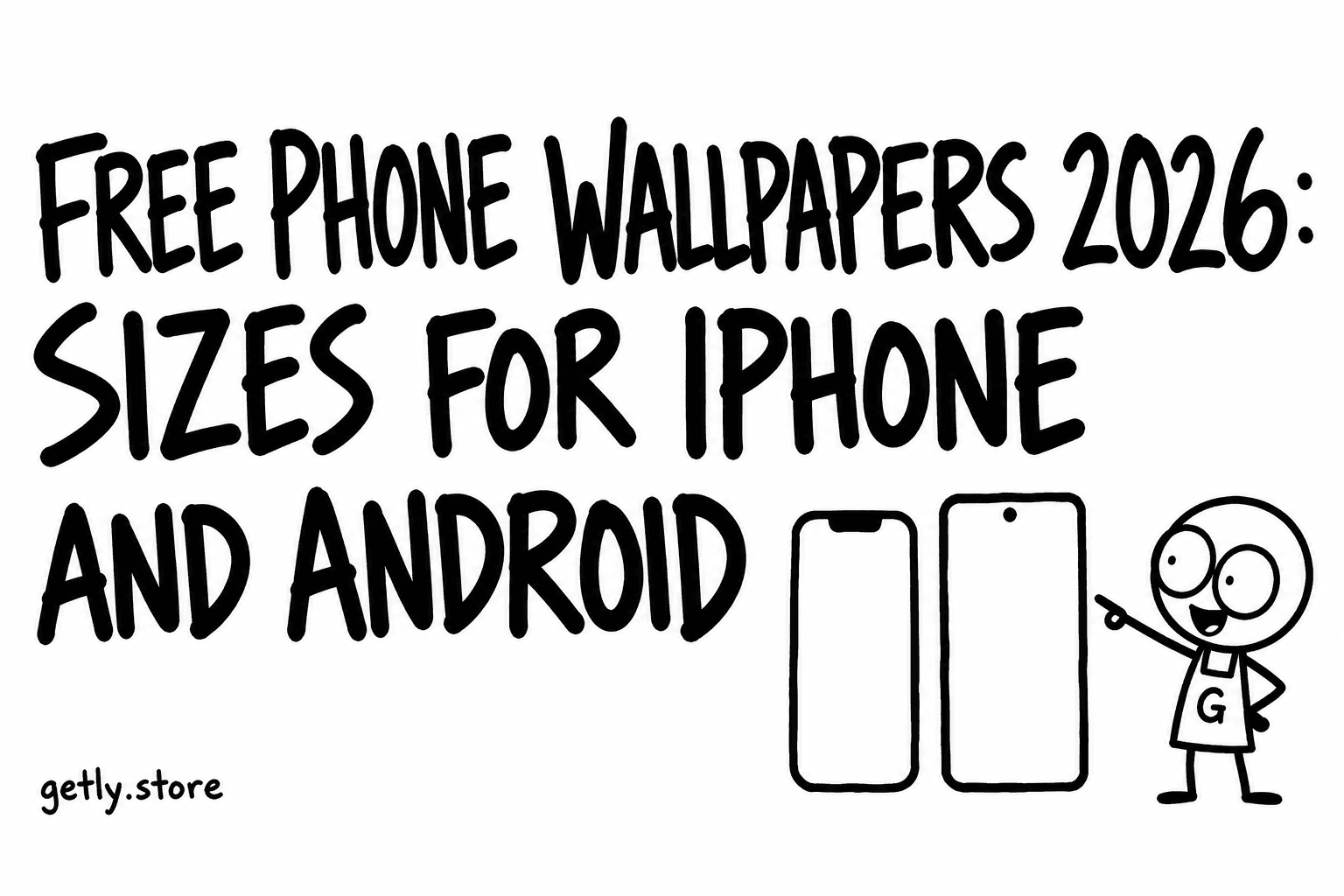
A phone wallpaper is the cheapest digital product there is, and the one most often bought or downloaded at the wrong size. It looks sharp in the preview, then blurry or cropped on the lock screen. The fix is simple: know how many pixels your phone has, and check the file before you set it. This guide gives the sizes, the reasons wallpapers come out soft, and a short checklist for free and paid packs.
We also measured the wallpaper shelves on Getly (Digital Wallpapers plus Backgrounds & Wallpapers), October 2026: 521 active listings, median price $1.99, a quarter at $1.49 or less. The numbers in this article come from reading those listings and their image files.
Screen sizes for current phones
Phones have tall screens, roughly 19.5:9 on iPhones and 20:9 on many Android models. These are the native resolutions to aim for, portrait orientation, width by height:
| Phone | Pixels (W x H) |
|---|---|
| iPhone 15, 15 Pro, 16 | 1179 x 2556 |
| iPhone 16 Pro, iPhone 17, 17 Pro | 1206 x 2622 |
| iPhone 15 Plus, 15 Pro Max, 16 Plus | 1290 x 2796 |
| iPhone 16 Pro Max, 17 Pro Max | 1320 x 2868 |
| Typical mid-range Android (20:9) | 1080 x 2400 |
| Flagship Android (QHD+) | 1440 x 3120 to 1440 x 3200 |
If you are not sure about your model, the exact resolution is on the manufacturer's spec page. A safe rule: a file of about 1440 x 3200 or larger will look sharp on almost every phone sold in the last few years, because the phone only has to shrink it, never stretch it.
Why wallpapers come out blurry
- Too few pixels. A 1080 x 1920 image on a 1290 x 2796 screen is enlarged by about 45%. Fine detail turns soft.
- Landscape file on a portrait screen. The phone crops the middle and enlarges it. A 1920 x 1080 desktop image becomes a narrow strip blown up to fill the screen.
- Zoom and parallax. iOS can move the wallpaper slightly when you tilt the phone (perspective zoom). To do that it enlarges the image a little, so a file that is exactly screen size loses some sharpness. A small margin of extra pixels helps.
- Compression. Re-saved JPGs and screenshots from social apps lose detail. Get the original file.
What the wallpaper listings on Getly actually ship
We read the image files attached to listings on the two shelves, measured October 2026:
- The median image file is 1672 pixels on its long side. That is below the long side of every phone in the table above (2400 to 3200).
- 57.3% of image files are portrait, so a large minority are landscape: fine for a desktop, not for a phone.
- 31.0% of image files are at least 2160 pixels on the long side, and 9.3% reach 3000 or more.
- Formats: about a third of listings deliver JPG, a third deliver a zip, and a quarter PNG.
- Descriptions: 25.5% mention iPhone, 25.7% mention Android, and 24.2% say the images are AI-made.
This does not mean the shelf is bad. A lot of the cheap wallpapers are desktop backgrounds, abstract textures and social media backdrops. It means the phrase "phone wallpaper" is not enough. Check the pixel size for your screen before you pay, even at $1.99.
Lock screen and home screen: where the clock goes
On the iPhone lock screen the clock and widgets sit in the top third. On Android they sit near the top, and the home screen has app icons all over it. A wallpaper with its main subject in the top quarter will have the clock across the face. Good phone wallpapers keep the subject in the middle or lower half and leave calm space up top. iOS can also put the subject in front of the clock (the depth effect) if it detects a clear subject such as a person, pet or building against a simple background, and if the widgets do not overlap it.
How to set a wallpaper
iPhone: save the image to Photos. Open Settings, then Wallpaper, then Add New Wallpaper, and pick Photos. Pinch to place it, tap Done, then choose whether to set it as the lock screen, the home screen or both.
Android: save the image to your gallery. Long-press an empty spot on the home screen, choose Wallpaper and style (wording varies by brand), pick the image from your photos, and choose home screen, lock screen or both. On Samsung phones it is under Settings, then Wallpaper and style.
If the file arrives as a zip, open it in the Files app (iPhone) or a file manager (Android) and save the image you want to Photos or the gallery first.
Free wallpapers: what is safe to use
For your own phone, almost any wallpaper you download from the creator is fine. Questions start when you share or reuse it:
- Personal use covers your own devices. That is what most free wallpapers allow.
- Posting it as your own or reselling it is not covered unless the license says so.
- Fan art of films, games or brands can be fine to look at and still not be the creator's to license. Read the listing.
Paid packs on Getly show a license line on the product page. On this shelf most listings with a license chosen are personal use. Free listings exist too (2.7% of the shelf), and the weekly Free this week page is worth a look.
Checklist before you download
- The file is portrait, not landscape.
- Long side at least as tall as your screen (2556 to 2868 for current iPhones, 2400 to 3200 for Android).
- Main subject sits away from the clock area.
- PNG or high-quality JPG, not a screenshot.
- License fits what you plan to do.
- For packs: the listing says how many images and at what size.
Browse Digital Wallpapers and look for the pixel size in the description. If it is missing, ask the seller before buying: every listing on Getly has a way to message the shop, and purchases come with a refund window of at least 30 days if the files are not what the listing says.