Getly
Getly
Free mockup templates in 2026 help you sell faster because buyers can visualize your product in context. This guide gives you 40 photo and graphic ideas you can build from today, plus practical ways to find free stock photos, social media graphics free assets, and photo editing presets like Lightroom presets free.
Use the ideas to upgrade your listings, reduce returns, and keep your creative workflow consistent. If you sell templates, presets, or design packs, these mockup strategies work for both beginners and advanced creators.
TL;DR: Free mockup templates that sell in 2026
These are the fastest ways to turn “free mockup templates” into better product pages and clearer buyer expectations.
- Use 40 mockup concepts across packaging, web, social, and print to cover real buyer use-cases.
- Pair each mockup with a consistent lighting and color style to make your catalog look cohesive.
- Save time by building reusable scenes, then swapping artwork via smart objects.
- Include at least one social media graphic mockup and one “in-use” preview for every listing.
- Choose Lightroom presets free-style looks that match your mockup background, not the other way around.
What are free mockup templates for sellers in 2026?
Free mockup templates let you display designs (covers, labels, UI cards, posters, thumbnails) on realistic scenes without building photography setups from scratch. You can use them to preview your own assets, or to market your products with “this is how it looks in the wild” visuals.
In 2026, buyers still judge listings in seconds. Strong mockups answer three questions quickly: what the final output looks like, where it will be used, and whether the quality matches the claim. That same logic applies whether you sell photo editing presets, graphic templates, or video-related assets.
Why mockups outperform plain previews
Plain thumbnails tell buyers what’s inside the file. Mockups tell buyers what the file produces. When you show a realistic placement, typography scale, and lighting match, buyers feel confident enough to click “buy.”
Mockups also reduce ambiguity for presets. If you sell photo editing presets, a before and after on a believable photo is the clearest proof. For graphics, a “placed in context” mockup explains size, spacing, and readability.
Where free mockups help most
Free mockup templates shine when you need multiple listing images fast. They help you test cover concepts, branding styles, and layout variants without spending time on photo shoots or custom scene builds.
They also work well for bundles. You can assemble bundles that feel like a full system instead of a single download by showing consistent mockup styles across different products.
Creator habit: build a “mockup library” folder in your drive with reusable PSD/PNG scenes. When you find a free template you like, keep it as a style reference even if you later create custom versions.
How to pick the best free stock photos for mockups
Free stock photos give your mockups believable texture, skin tones, backgrounds, and surfaces. The best free stock photos in 2026 match your product’s use case, not just your aesthetic.
Think like a buyer. If you sell social media graphics free assets, you need lifestyle scenes where text overlays look clean. If you sell photo editing presets, you need photos that resemble your target customer’s camera style and lighting.
Pick photos by “overlay behavior”
Choose background photos based on how text will behave on top of them. For readability, look for images with clear negative space near the subject. For lifestyle aesthetics, select photos with soft gradients and smooth bokeh.
Test your overlay once. Drop a sample title or product name in your chosen font. If the text competes with the background, the mockup will underperform even if the photo looks beautiful.
Pick photos by “lighting continuity”
Preset buyers love consistency. If your mockup uses warm tones, your preset previews should also feel warm. If your mockup uses high contrast daylight, your before/after should match that look.
Lighting continuity also improves perceived quality. Buyers assume your file outputs a coherent style system, especially when you repeatedly show the same visual direction across your catalog.
Common mistake: mixing cool-toned mockups with warm presets (or vice versa). Your listing will look like different creators made each screenshot, even when the product quality is high.
How to create social media graphics free mockups that convert
Social media graphics free mockups work when you show the final post at real platform size and include one “feed-ready” preview plus one “detail” preview. Buyers want fast clarity: will this fit their profile and look readable?
Build each social mockup set using the same layout template. That consistency helps your entire store look curated, which matters when buyers scroll through multiple listings.
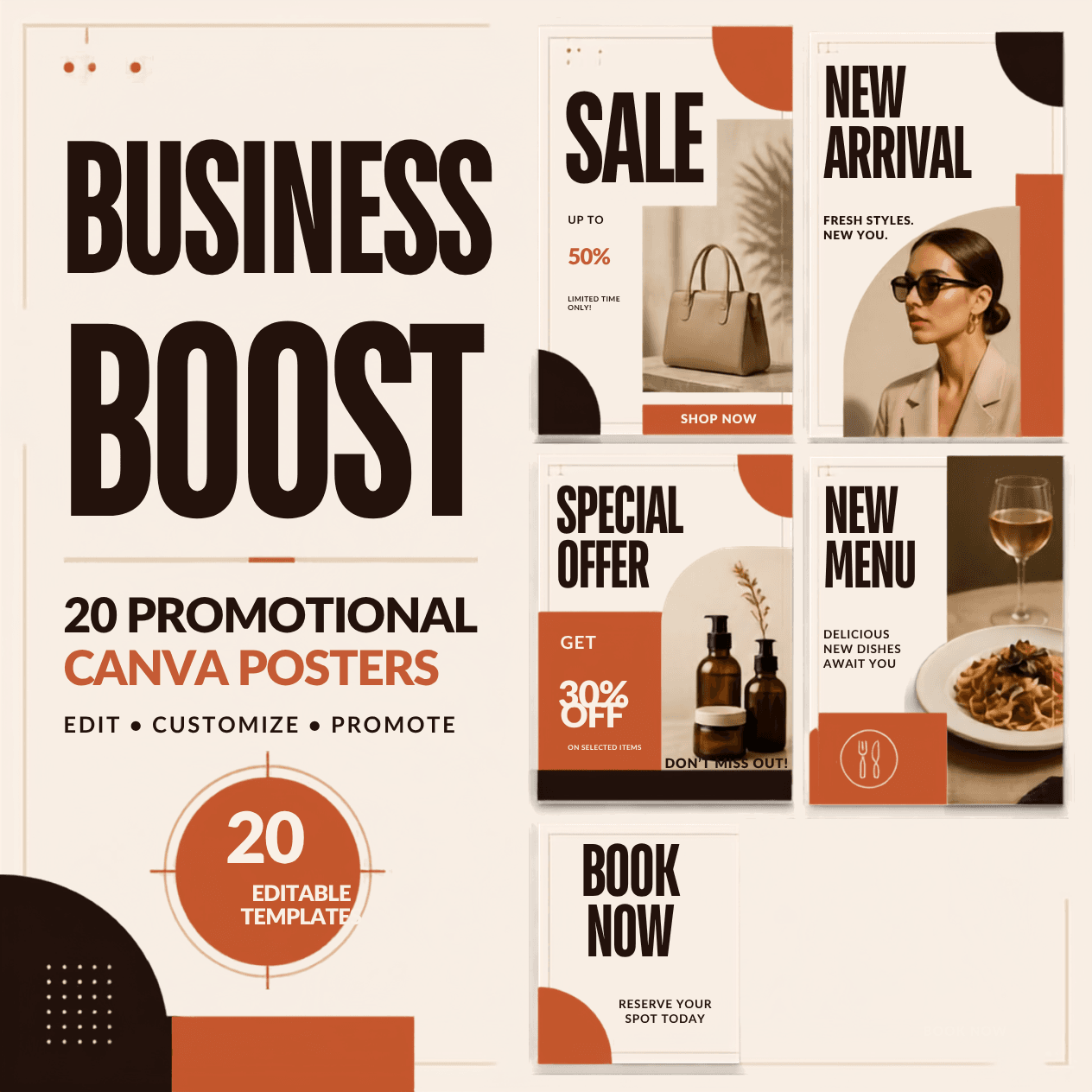
10 social media graphic mockup ideas (copy these)
Use these ideas as your screenshot plan. Each item works for stories, reels thumbnails, and feed posts.
- Instagram carousel cover with one bold headline and one small subtitle line.
- Instagram caption card with a clean typographic quote block.
- Reels thumbnail mockup on a dark gradient background.
- LinkedIn text-only card with a subtle image strip.
- Story frame with a centered product label and price badge area.
- “Before and after” slider concept for preset previews.
- Event announcement card with date stamp placement.
- Promo banner style card designed for profile highlights.
- Minimal flyer mockup adapted to square format.
- FAQ graphic card showing three bullet points in a grid.
Include overlays that answer buyer questions
Mockups convert when they show practical details. For template packs, overlay “what you get” labels like “Editable text,” “Layered PSD,” “Smart objects,” or “Includes PNG backgrounds.” For presets, overlay camera and lighting notes to reduce trial-and-error.
Even if you do not sell those exact preset notes, you can still label the output style. Buyers reward listings that save them time figuring out how to use your file.
Pro tip: export one version of each social mockup with a safe margin guide baked in. You can keep guides invisible for the final export, but the internal workflow helps you avoid edge cutoffs.
40 photo & graphic mockup ideas for your next listings
Here are 40 mockup ideas that map cleanly to real buyer categories in photography and graphics. Use them to plan your next product page images, previews, and bundles.
Pick 6 to 10 ideas per listing. Then keep a consistent visual style across those screenshots so buyers can recognize your products instantly.
20 photo mockup ideas (great for presets and photo packs)
- Portrait edit on a window light background (warm, soft shadows).
- Outdoor street shot with subtle skin tone correction look.
- Beach sunset photo with vibrance control emphasis.
- Studio headshot with neutral gray background.
- Product photo on a marble surface with realistic reflections.
- Coffee shop photo with moody contrast and clean highlights.
- Indoor lamp lighting shot with warm color grading.
- Night city photo with controlled color noise and sharpness.
- Wedding-style portrait with soft skin smoothing look.
- Landscape shot with sky enhancement and reduced haze.
- Summer outdoor candid with natural greens balance.
- Winter scene with crisp whites and controlled blue tones.
- Food photo with improved exposure and warmer shadows.
- Fashion editorial photo with film-like grain.
- Travel photo with stronger subject separation and clarity.
- Minimal pastel background with clean highlight rolloff.
- Macro shot with increased texture and sharpness.
- Fitness photo with skin tone correction and contrast.
- Family photo with consistent skin tone matching.
- Architecture photo with corrected perspective and clarity.
20 graphic mockup ideas (great for templates and overlays)
- Square flyer mockup with editable headline block.
- Poster mockup with realistic wall texture.
- Billboard mockup with perspective distortion.
- Book cover mockup with spine alignment.
- CD or music cover mockup for artists.
- Brand identity card set on a desk scene.
- Sticker mockup on a laptop lid.
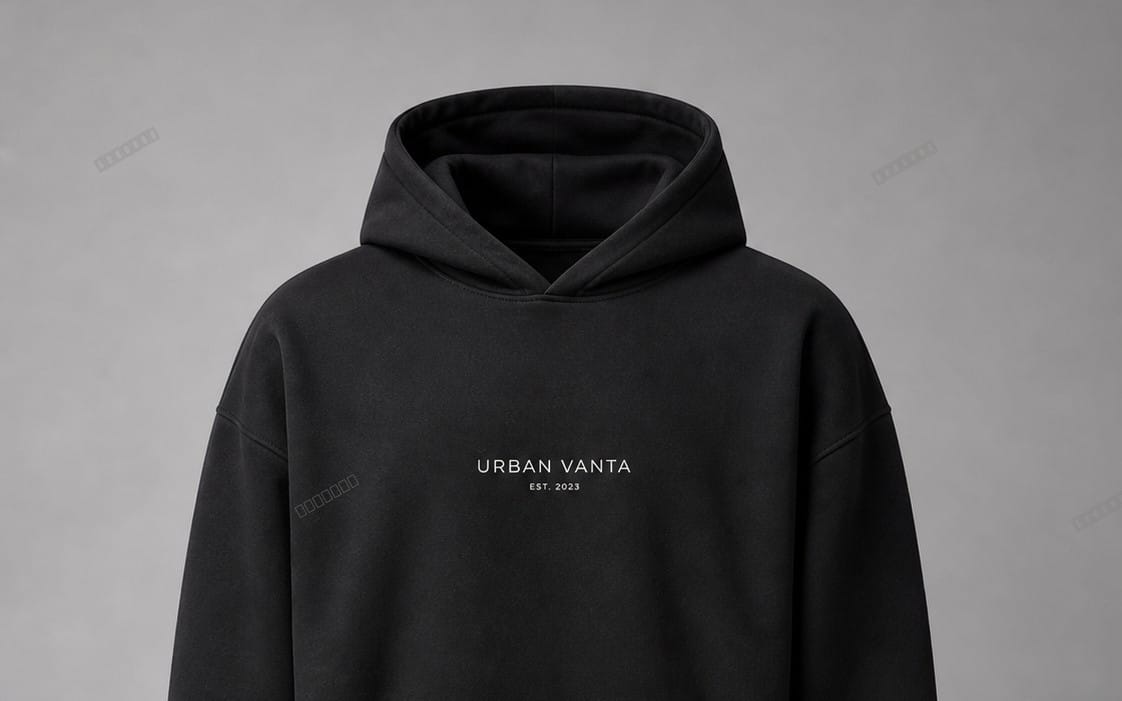
- Merch t-shirt mockup with clean vector placement.
- Mobile app UI card mockup in a device frame.
- Website hero section mockup with a mock browser frame.
- Email header template mockup with body preview.
- Business card mockup with metallic foil effect.
- Packaging label mockup on a bottle silhouette.
- Cosmetics label mockup with bright highlight rolloff.
- Menu mockup on a restaurant tabletop.
- Event badge mockup with realistic laminate texture.
- Certificate mockup with stamp detail space.
- Course thumbnail mockup with title and subtitle spacing.
- YouTube banner mockup with safe area guides.
- Social story template mockup with gradient frame.
If you sell photo editing presets, use photo mockups to show outcome. If you sell graphics templates, use graphic mockups to show layout flexibility. Either way, your mockups should look like they belong together.
- 40 mockup ideas cover both “in-use” photography and clean layout previews for graphics.
- Pick mockups that reveal readability, placement, and lighting continuity.
- Use 6 to 10 screenshot ideas per listing, then keep one consistent style.
How to match Lightroom presets free looks to your mockups
Lightroom presets free-style workflows work best when you match the tone of your mockups to the tone you advertise. Your mockup background sets the “starting point.” Your preset preview proves the “after.”
In 2026, buyers compare style quickly. They scroll your before and after and look for three things: exposure balance, color temperature control, and highlight/shadow rolloff. Your mockups should reinforce those controls.
Build a consistent grading direction
Pick a grading direction and apply it across every mockup set. For example, you can aim for warm skin with neutral shadows, or cool shadows with warm highlights. Then keep your typography and UI styling consistent with that direction.
When you sell preset packs, you also earn trust by showing variety inside the same style family. A “warm cinematic” preset set can still include beach, portrait, and night scenes with consistent warmth.
Create before/after that reads on mobile
Most buyers view listings on mobile. That means your before and after needs strong contrast in the thumbnail view. Use crop framing that keeps the subject visible and avoid tiny detail that disappears at small sizes.
Also include one “hard case” example: tricky lighting, mixed color temperatures, or overexposure. Buyers love seeing how your preset handles real world problems.
Success pattern: add one mockup screenshot that shows the preset output on a background similar to the free stock photos you used. That match reduces buyer confusion about what inputs your preset expects.
Where to find free mockup templates and avoid common problems
Free mockup templates show up in many places, but you need a selection strategy. A good strategy checks license terms, scene realism, and how easily the mockup lets you replace artwork.
Mockups fail when they look off-brand, reuse the same generic shadow, or hide text behind unreadable reflections. Use the checklist below every time you test a new free template.
Mockup template checklist (fast)
- Smart object or easy replacement workflow for artwork.
- Readable text area with enough contrast.
- Lighting direction consistent with your product category.
- Realistic perspective that matches your intended output.
- Export quality stays sharp on mobile thumbnails.
- License allows commercial use for your product listing screenshots.
- No distracting branding baked into the scene.
About creator economy and mockup expectations in 2026
Buyers now treat mockups like product documentation. They expect at least one context shot plus one close-up that shows details. In fast marketplaces, listings that clearly show results outperform listings that only show a designer’s concept.
That expectation means you should treat mockup creation as part of your product. Your product includes the file itself, but also the proof that the file produces the promised output.
License trap: “free download” does not always mean “free commercial use.” Always verify usage rights before you create listing images that support paid sales.
Practical Getly listing boosts using mockups and previews
Mockups pair naturally with digital products that rely on visual results. If you sell animation presets, edit systems, or conversion tools, you can use context screenshots to explain workflow without long text blocks.
When you structure your screenshots well, you help buyers understand the outcome faster. That reduces support messages and increases the chance the buyer uses the product correctly on the first try.
Use mockups to show workflow, not just end results
For products that change how content looks, show both input and output. For tools and converters, show a before frame and the processed result. For video-adjacent assets, show a thumbnail style that matches what buyers plan to post.
If you want an example of product marketing visuals that pair well with mockup concepts, you can review related assets like Escape the Paycheck Trap or creative tool packs such as Product Title AI Text Animation Mastery: Create Viral Videos Without Showing Your Face. Even when the underlying file type differs, the screenshot logic stays the same.
Where animations and converters fit in your screenshot plan
If you sell preset XML, motion tools, or converters, you still need visual proof. A short mockup storyboard helps buyers understand that the product works for specific outputs, like titles, overlays, or texture transformations.
For instance, pairing “tool result” with a scene mockup helps buyers see scale and placement. Tools like 99+ Alight Motion Preset XML benefit from a consistent screenshot set: one preview at wide view, one at close-up, and one on a social-size crop.
That approach also helps when you add bundles. Buyers often purchase bundles to reduce effort. Your mockups should show that the bundle produces a complete system, not a collection of unrelated files.
- Use mockups to explain workflow: show input, output, and context.
- Keep screenshot styles consistent so your catalog looks cohesive.
- Pair Lightroom presets free-style results with mockups that match your starting photo lighting.
FAQ: free mockup templates, free stock photos, and preset previews
Where can I find free mockup templates in 2026?
You can find free mockup templates through public creator libraries, design communities, and template marketplaces that offer free downloads. Focus on templates with clear replacement workflows, readable text areas, and license terms that allow commercial listing use.
How do I use free stock photos legally for mockups?
Always verify the stock photo license. Many assets allow personal use but restrict commercial redistribution or require attribution. For listing screenshots, you typically need commercial-friendly terms, since your images support paid sales.
What makes social media graphics free mockups look professional?
Professional mockups match platform sizing, keep typography inside safe margins, and maintain consistent lighting across screenshots. Also include at least one readable detail shot so buyers can judge text clarity on mobile.
How do I show Lightroom presets free results without confusing buyers?
Use before/after pairs on photos that resemble your target customer’s lighting and camera style. Then keep the framing consistent so buyers can compare exposure and color changes quickly. Add one “hard case” example to show reliability.
How many mockup screenshots should I add per product listing?
Most listings convert best with 6 to 10 mockup screenshots that cover context, detail, and outcome. If you sell presets or tools, include at least one “result preview” plus one close-up that proves the effect.
If you want a simple next step, pick 6 of the 40 mockup ideas above and create one consistent mini-set today. Then reuse the same style for your next product download so your store starts looking like a system, not a collection.