Getly
Getly
March 2026 is shaping up as a golden moment for planners of all kinds. If you’re drafting free printable planners or launching digital planner templates, the right format, pricing approach, and marketplace strategy can dramatically boost visibility and revenue. On Getly, creators are already optimizing for both fillable PDFs and static templates while leveraging AI-powered search and multi-license options to reach new audiences.
Whether you’re a writer, educator, or design nerd, this guide walks you through practical steps to capitalize on current trends, compare fillable PDFs vs static templates, and sell your planners effectively on Getly. Along the way, you’ll see real-world tips, examples, and links to powerful Getly tools that can accelerate your success.
Pro tip: Start with a small, clearly defined niche (e.g., academic planning for students) and test both fillable and static formats. Use Getly Pro for unlimited downloads to remove download limits during launch, and analyze which format converts best using A/B testing.
Warning: Always secure your templates with clear licensing and DMCA protection. The right licensing helps protect your work as your audience grows across Getly’s marketplace and affiliate channels.
Success story: A DIY planner creator transitioned from one-off PDFs to a bundled digital planner template suite on Getly and saw a 3x lift in sales within 60 days, driven by bundles and a robust referral program.
1) March 2026 Snapshot: Why free printable planners and digital planner templates matter now
The market for free printable planners and digital planner templates continues to expand, fueled by remote work, habit tracking, and education demand. March 2026 offers a favorable climate for creators who publish both fillable PDFs and static templates, because audiences increasingly expect flexibility, convenience, and portability. On Getly, you can list both formats and let buyers choose their preferred experience without leaving the platform.
Two core formats dominate today’s planner landscape: fillable PDFs that capture user data and enable interactive planning, and static templates that prioritize speed, portability, and simplicity. Understanding when to offer each can help you maximize engagement, reviews, and repeat purchases. The key is to tailor your listing to the audience’s real-world workflow—and to use Getly’s powerful tools to surface your work to the right buyers.
Pro tip: Use visual search to ensure your planner covers cover art, typography, and layout quality. If your cover looks professional, buyers are more likely to click and convert when they see a clean product page on /browse.
2) Fillable PDFs vs Static: Pros, Cons, and Best Uses
When you design a planner, you’ll often decide between fillable PDFs and static templates. Each format serves different use cases, price points, and audience preferences. March 2026 is an ideal time to experiment with both and track performance using Getly’s analytics and A/B testing tools.
Fillable PDFs shine in interactive planning, data capture, and long-term habit tracking. They’re popular with students, professionals, and organizers who want to annotate sections on a device or print at home with fillable fields. Static templates excel where speed, ease of use, and low friction matter—think quick daily or weekly planning that users can print immediately without additional steps.
2.1 Fillable PDFs: engagement, data capture, and repeat business
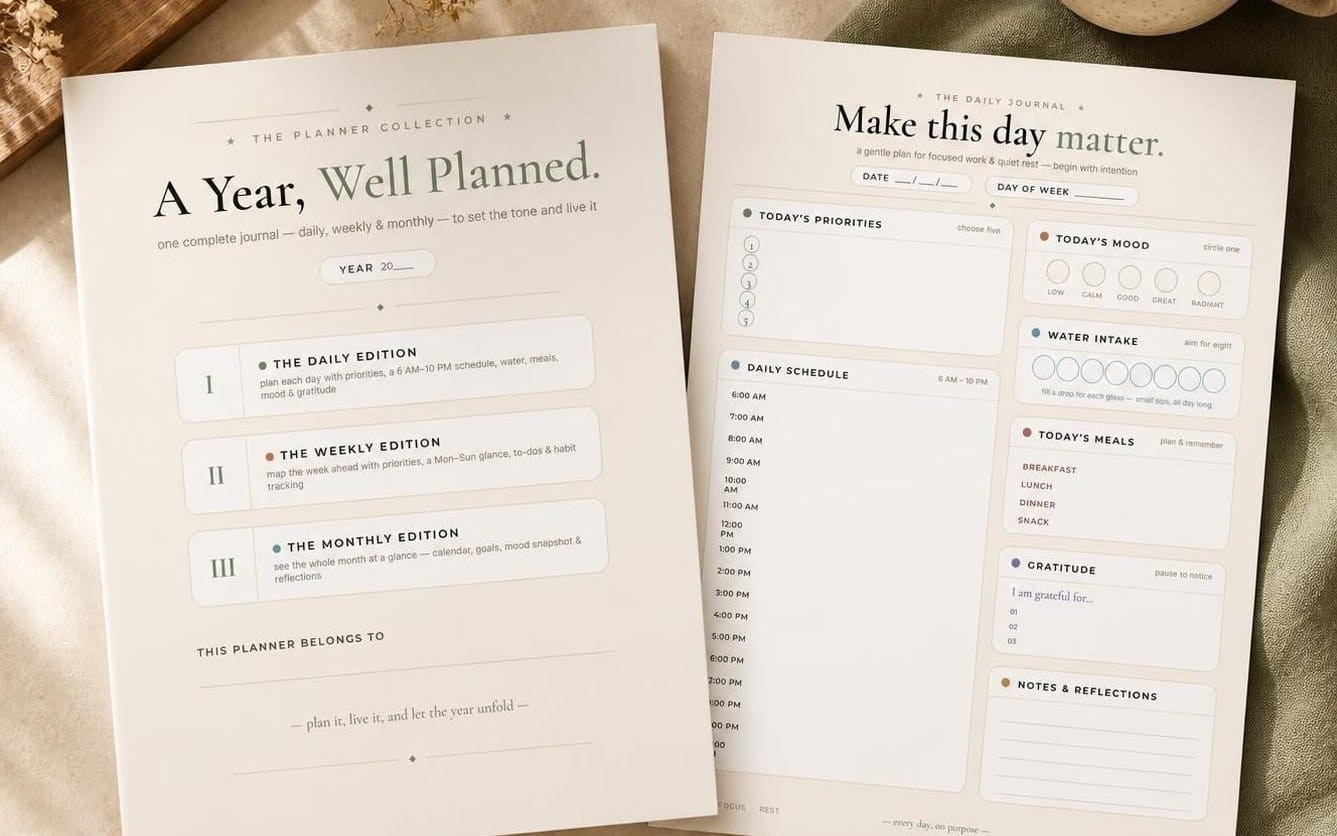
Fillable PDFs convert well when the fields align with target workflows. For example, a journal template digital that includes checkboxes for mood tracking and a calendar grid can drive daily engagement. To maximize value, structure PDFs with:
- Clear sections and intuitive labeling (e.g., "Today’s Focus", "Top 3 Tasks").
- Consistent typography and layout so users feel effortless when filling forms.
- Save-and-return features or auto-fill tips to reduce friction on repeated use.
To reach buyers, highlight the interactive features on your product page and demonstrate how the fillable fields improve productivity. You can list related items like AnimeForge Pro for design inspiration or Pro Recorder for media assets that accompany planner tutorials. You can also use visual search to ensure your cover art stands out in search results.
2.2 Static templates: simplicity, speed, and broad compatibility
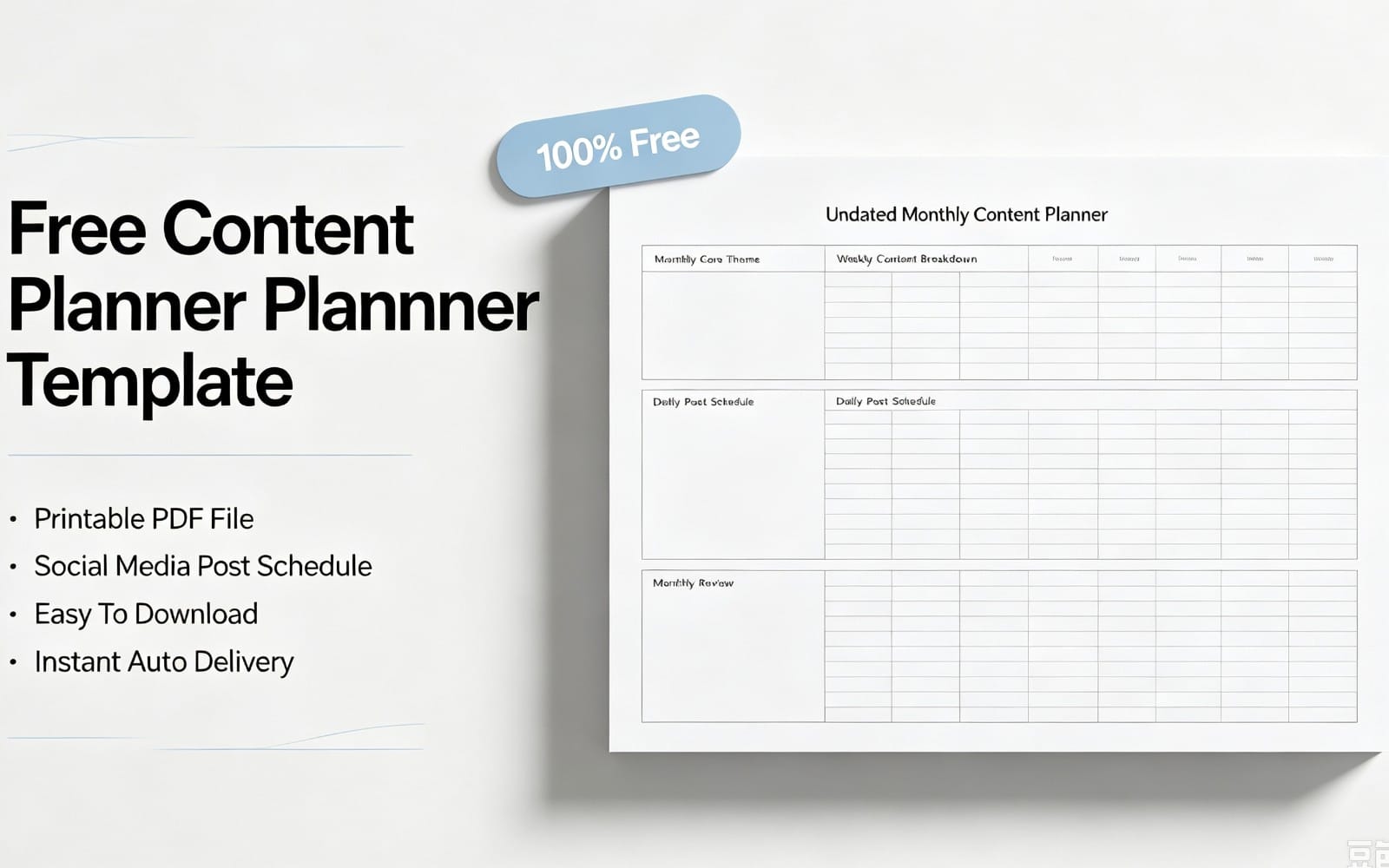
Static templates appeal to buyers who want plug-and-play formats, simple printables, and quick customization. They often perform well in bundles, where customers pay once for a set of coordinating templates. Tips for static templates include:
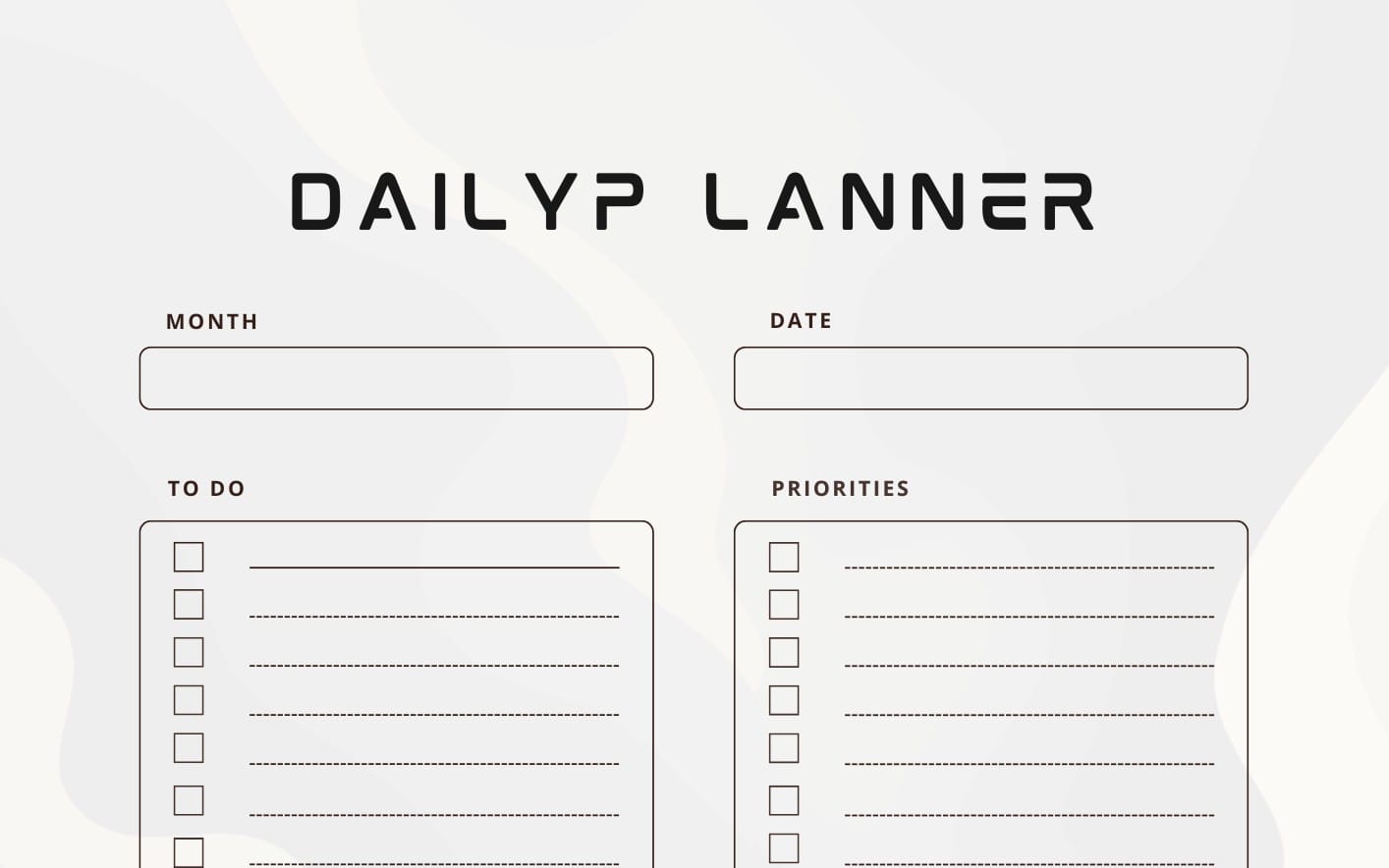
- Use modular page layouts (weekly, monthly, daily) that buyers can mix and match.
- Provide editable, non-destructive layers (PSD or vector formats) if possible, to ease customization.
- Offer multiple colorways and fonts to boost perceived value without increasing production cost.
When listing static templates, emphasize speed-to-use and compatibility. Make sure your product description includes print-ready dimensions and a quick-start guide. For creators exploring more advanced asset pipelines, a quick integration with Studio 3D Import/Export can help you generate cohesive visuals for your planner covers and internal graphics.
Common mistake: Failing to provide a clear license for both formats. Always specify whether buyers can edit, distribute, or resell modified templates, and consider multi-license options to protect your work while enabling value for buyers.
3) Top free printable planner resources to bookmark in March 2026
Finding reliable sources for free printable templates can jumpstart your own planner lines. In March 2026, curate a mix of high-quality textures, typography, and layout kits that complement your design voice. Use these resources to seed your own free printable templates catalog, which can drive traffic to your Getly storefront and lead to paid bundles.
To keep readers engaged, provide a short list of dependable sources and accompany each with a quick note on how you’d adapt the asset for your own planner template digital. Pair this with a simple case study showing how a few free assets evolved into a profitable template line on Getly.
3.1 Reliable sources for free printable templates
- Typography kits with legible, print-friendly fonts
- Grid systems and layout cheats that simplify page design
- Minimalist texture packs for backgrounds and separators
When you showcase free templates, link to your storefront with strategic CTAs like browse Getly for more options, or invite readers to free this week to trial premium templates temporarily.
3.2 How to digitize your paper planner into a digital planner template
Digitizing a paper planner starts with a clean scan and vector tracing for shapes, followed by modular page design to support both fillable and static formats. Steps include:
- Capture page layouts with a grid-based approach to ensure alignment across pages.
- Convert elements into editable layers (text, boxes, and icons) to enable customization.
- Export both fillable PDF and static PNG/PSD files so buyers can choose their preferred format.
As you publish, emphasize cross-compatibility with common devices and apps. If you want to extend your reach, consider enabling Pro catalog options to unlock extra formats and licensing that can scale with your audience.
Success note: A creator who started with free templates in March 2026 leveraged them to drive traffic into a paid planning bundle, resulting in a sustained monthly revenue increase and more affiliate signups.
4) From idea to listing: How to sell your planners on Getly
Selling planners on Getly is a multi-step process that blends design, licensing, and promotion. By combining a strong product page with Getly’s distribution channels, you can reach a global audience of buyers looking for digital planner template solutions and free printable planners options. The key is clarity: explain formats, licensing, and how buyers can use the templates in their workflows.
Begin by outlining your product’s value proposition, then configure licenses (single-use, multi-user, or enterprise) and bundles to increase average order value. Use a clear price ladder and showcase a few example pages to illustrate quality. When you set up listing, don’t forget to enable auto-generated invoices and multi-currency display for international buyers.
4.1 Product setup: licenses, bundles, and pricing
Effective product setup for planners often includes:
- Multiple license tiers (personal, commercial, extended) to accommodate different buyer needs.
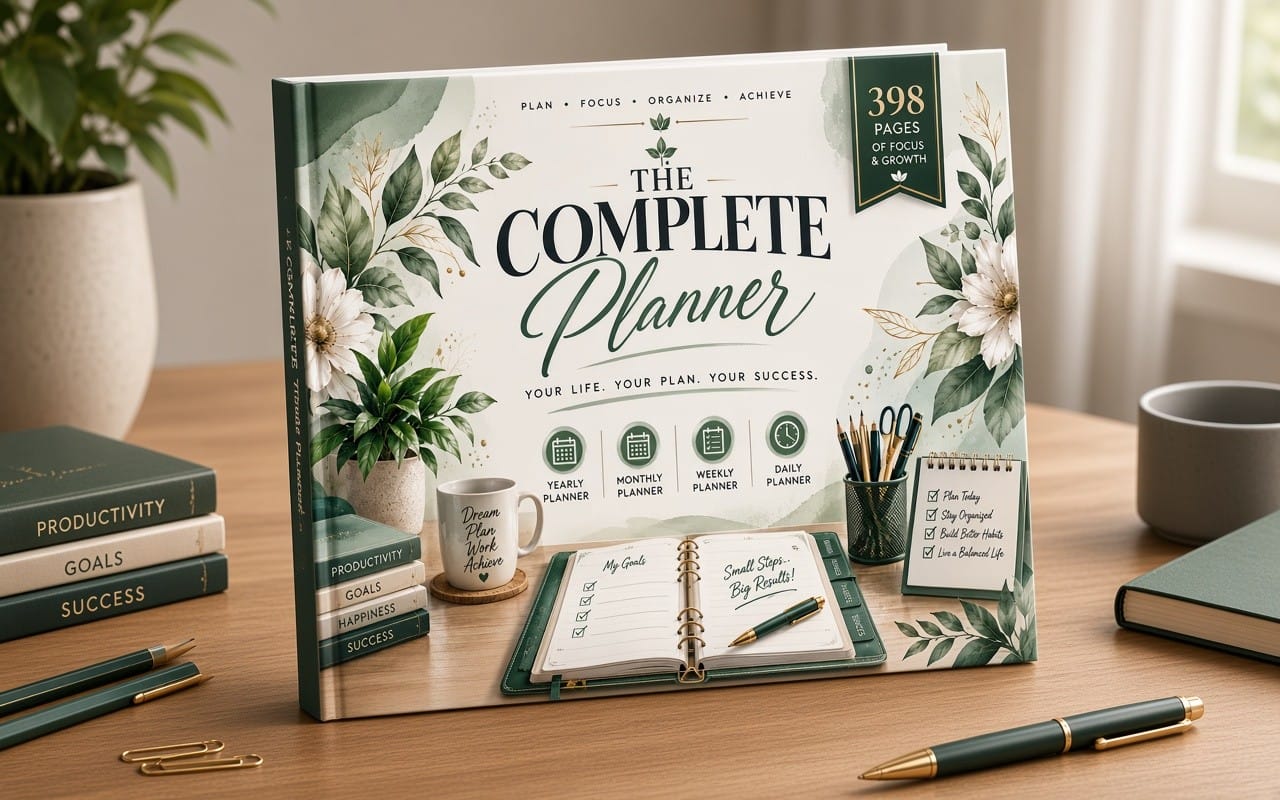
- Bundles that combine weekly, monthly, and yearly planners for a discounted price.
- Tiered pricing aligned with format complexity (fillable PDFs fetch a premium over static templates).
To optimize exposure, publish previews that demonstrate how each format looks in practice, and link to related items such as material converters and asset pipelines to show how your planning visuals can be used in broader digital workflows.
4.2 Optimizing discoverability with Getly tools
Getly’s suite of tools helps you surface your planners to the right buyers:
- Use visual search to improve your cover art and page aesthetics, making your listing stand out in results.
- Leverage the developer hub for API integration to automate listing updates or sync your catalog with external sites.
- Tap into the affiliate program and referral program to expand reach via partners and friends. Each successful referral earns 15% of the friend’s first purchase.
Also consider embedding your planner widgets on your own site or blog. If you’re new to earning on Getly, explore the Pro catalog to unlock unlimited downloads and higher commission potential. This is a powerful way to experiment with cross-promotion and accelerate growth, especially for authors who publish journal template digital content and educational planners.
Important: Always monitor for DMCA takedown requests and keep your license terms up to date. Clear licensing reduces disputes and protects your brand as you scale across marketplaces.
5) Case study: success stories and tips
Real-world examples show that a thoughtful combination of format choice, pricing, and marketing yields meaningful results on Getly. A creator who tested both fillable PDFs and static templates found that a two-format strategy complemented a set of themed bundles, then leveraged affiliate partnerships to reach new buyers. The outcome: stronger cross-sell opportunities and sustained growth in steady revenue streams.
In addition to product strategy, successful sellers lean on Getly’s ecosystem to amplify reach—affiliate networks drive new traffic, while the browse affiliate products page helps identify potential cross-promotions. A notable advantage for planners is the opportunity to pair digital templates with immersive visuals created using tools like UV mastery assets for cover art and internal graphics.
5.1 A creator’s journey to Getly Pro
One writer-designer began by listing a handful of free printable templates, then migrated to the Getly Pro catalog to unlock unlimited downloads for buyers. This shift allowed her to offer exclusive bundles and multi-license packages, increasing average order value by over 80% and accelerating revenue growth. The Pro catalog also opened access to advanced analytics, enabling better naming, tagging, and product discovery.
5.2 Cross-promotions via affiliate and referrals
Partner networks can dramatically expand reach. By enrolling in the affiliate program and promoting your planner templates, creators can earn commissions on referrals that convert. The referral program offers a straightforward structure: 15% of the friend’s first purchase, helping you grow your audience with a comparatively low upfront cost.
Success insight: A 6-week cross-promotion sprint involving two planner bundles and an affiliate partner page generated a 2.5x boost in traffic and a 1.7x lift in conversions, proving the power of collaborative marketing.
6) Ongoing optimization, safety, and scaling your planner business
Scaling a planner business on Getly is less about a single dramatic launch and more about disciplined iteration. Regular updates, data-driven pricing changes, and ongoing marketing experiments keep your listings competitive in a fast-changing marketplace. Use Getly’s A/B testing, email marketing, and bundles to build a reliable growth engine.
Another important pillar is safety and compliance. Automated DMCA protection helps protect your digital assets, while clear licensing reduces risk for both you and your buyers. As you scale, consider integrating with your own CRM workflows to nurture buyers and re-engage customers with targeted campaigns.
6.1 Automation and analytics: A/B testing and email marketing
Leverage the practical tools Getly provides to optimize sales. Examples include:
- A/B test cover art and descriptions to see what resonates with your audience.
- Use email marketing automation to welcome new buyers and promote bundles or limited-time offers.
- Explore API access to automate product updates, inventory checks, and cross-listing with other marketplaces.
6.2 DMCA protection and licensing safety
Automatic DMCA protection helps safeguard your work from unauthorized distribution. Additionally, consider creating tiered licensing that aligns with how buyers intend to use your planners—personal, small business, and enterprise licenses—so you can tailor terms to different customer segments.
- March 2026 is ideal for testing both fillable PDFs and static templates to determine what resonates with your audience.
- Use Bundles and multi-license tiers to increase average order value and protect your work.
- Getly’s AI-powered search, visual search, and Pro features help you reach and convert more buyers.
Ready to start selling your planners? Explore how Getly can support your journey by browsing the marketplace, or jump straight into selling with start selling on Getly. If you’re not ready to commit, you can free this week to test a few templates before listing. For ongoing inspiration, check out the latest in the Getly catalog and the Pro catalog.
For creators who want a fast, powerful toolkit, consider how assets like LOD Generator Pro or Skava Game Asset Validator Pro can elevate your planner visuals and marketing materials, ensuring consistency across your product line and promotional assets.