Getly
Getly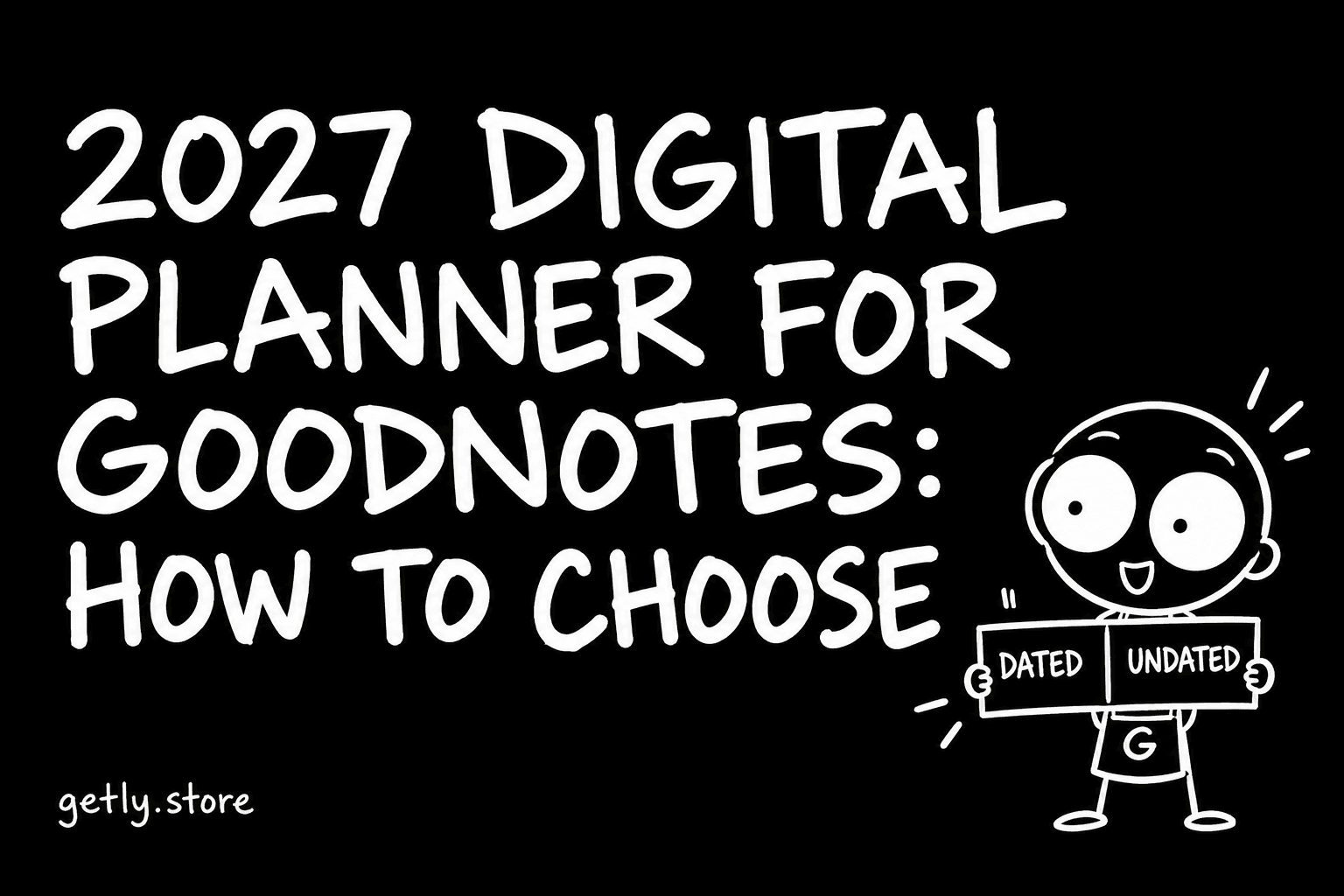
Late October is when people start looking for next year's planner. If you write on an iPad or an Android tablet, a digital planner is a PDF you import into GoodNotes, Notability or a similar app and write on with a stylus. It costs a few dollars, it never runs out of pages, and you can carry five years of notes in one device.
It is also easy to buy the wrong one. A planner that looked great in the preview can turn out to have no links between pages, a week that starts on the wrong day, or pages sized for a phone. This guide walks through what to check before you buy a 2027 planner.
We measured the planner shelf on Getly in October 2026 to see what sellers actually describe. One honest note first: the shelf of planners named for 2027 is still small, 24 active listings, because most sellers publish next year's edition in November and December. So for the general picture we also looked at all 126 listings that mention GoodNotes or Notability, dated or not.
Dated or undated: decide this first
A dated planner has the 2027 calendar printed in: January 1 is a Friday, weeks are numbered, months have the right number of days. You open it and start writing. The cost: it expires on December 31, 2027.
An undated planner has blank date fields you fill in yourself. It works for any year and any start month, which suits people who start planning in March, or who skip weeks. The cost: you write the dates yourself, and the monthly calendar grid has no fixed layout.
On Getly, 23.0% of GoodNotes and Notability listings describe themselves as undated. Among the 2027 planners, only 8.3% do, which makes sense: if the year is in the name, the dates usually are too.
A simple rule: if you plan by the calendar (appointments, deadlines, school terms), take dated. If you plan by projects or habits and tend to drop off for a while, take undated.
Hyperlinks: the feature that makes it digital
A good digital planner is not just a scanned paper planner. It has hyperlinks: tap "March" in the tab bar and you jump to March, tap a date in the month view and you land on that day's page. Without links, a 400-page planner means a lot of scrolling.
Hyperlinks are less common than you might think. Only 10.3% of GoodNotes and Notability listings on Getly mention hyperlinks or linked tabs, and 16.7% of the 2027 planners. If a listing does not mention them, assume they are not there, or ask the seller.
To check links after purchase: open the PDF in GoodNotes, switch to read-only mode (the pen icon at the top), and tap a tab. In writing mode, a tap draws instead of following the link. This confuses many first-time users, who then think the links are broken.
Monday or Sunday start
Small detail, daily annoyance. If your week starts on Monday and the planner starts on Sunday, every weekly spread will feel off by one. In the US Sunday start is common; in most of Europe, Monday is standard.
Among the 2027 planners on Getly, 45.8% mention which day the week starts on. Some sellers include both versions in one download. If the listing is silent, look closely at a preview of the monthly grid: the first column tells you.
Portrait or landscape, and page count
Most planners are made for an iPad held in portrait or landscape. Portrait gives you more room per day; landscape fits a two-page spread on screen, which feels like a paper planner. If you use a smaller tablet or an Android device with a different screen ratio, the pages will show with grey bars at the sides. That is cosmetic, but check the page size if it bothers you.
Page count tells you how detailed the planner is. The median GoodNotes or Notability PDF on Getly has 30.5 pages, but one in ten has more than 316: those are full dated planners with a page per day. The median 2027 planner PDF is 32 pages. More pages are not better by themselves. A 365-day planner with daily pages you never fill in is heavier to scroll and slower to sync than a weekly one you actually use.
What the file contains
On Getly, about two thirds of GoodNotes and Notability listings ship a PDF directly. Among the 2027 planners, 58% ship a zip, usually because there are several versions inside: Monday and Sunday start, portrait and landscape, light and dark. Look for that list in the description.
Extras worth having:
- Digital stickers: 31.7% of GoodNotes and Notability listings mention them. They come as PNG files with transparent backgrounds, or as a GoodNotes sticker set.
- Templates for single pages (a blank weekly page, a habit tracker) that you can duplicate as many times as you need.
- A short guide on how to import and use the links. Good sellers include one.
Price: what is normal
Digital planners are cheap. The median 2027 planner on Getly costs $3.00, and three in four cost $5.24 or less. Across all GoodNotes and Notability listings the median is $3.45. Paying $15 or more makes sense only when you get something concrete for it: full hyperlinks, several layouts, a large sticker set, and a seller who answers questions.
Planners on this shelf also show themselves well: 91.7% of 2027 planners have more than one preview image, with a median of four. Look for a preview of the monthly and weekly pages, not only the cover.
How to import a planner into GoodNotes
- Download the PDF (unzip it first if it came as a zip; on iPad, tap the zip in the Files app to extract it).
- In GoodNotes, tap New, then Import, and pick the PDF from Files.
- Open it, switch to read-only mode and test a few tabs.
- Back up the original PDF somewhere safe. If you ever need a clean copy, you import it again.
Notability works the same way: Import from the plus menu, then choose the file. Notability supports PDF links in its viewing mode too.
Checklist before you buy
- Dated 2027 or undated, based on how you plan.
- Hyperlinks mentioned in the description.
- Week start day matches yours.
- Orientation and page size fit your tablet.
- Preview of the monthly and weekly pages.
- File list: which versions are in the zip.
- Stickers or extra templates if you want them.
- License: personal use is normal for planners; reselling or sharing the PDF is not.
Browse digital planners on Getly. Sellers will add more 2027 editions over the next weeks, and every new listing is reviewed before it goes live. Payment is in USDT or USDC at the moment, and each purchase has a refund window of at least 30 days.