Getly
Getly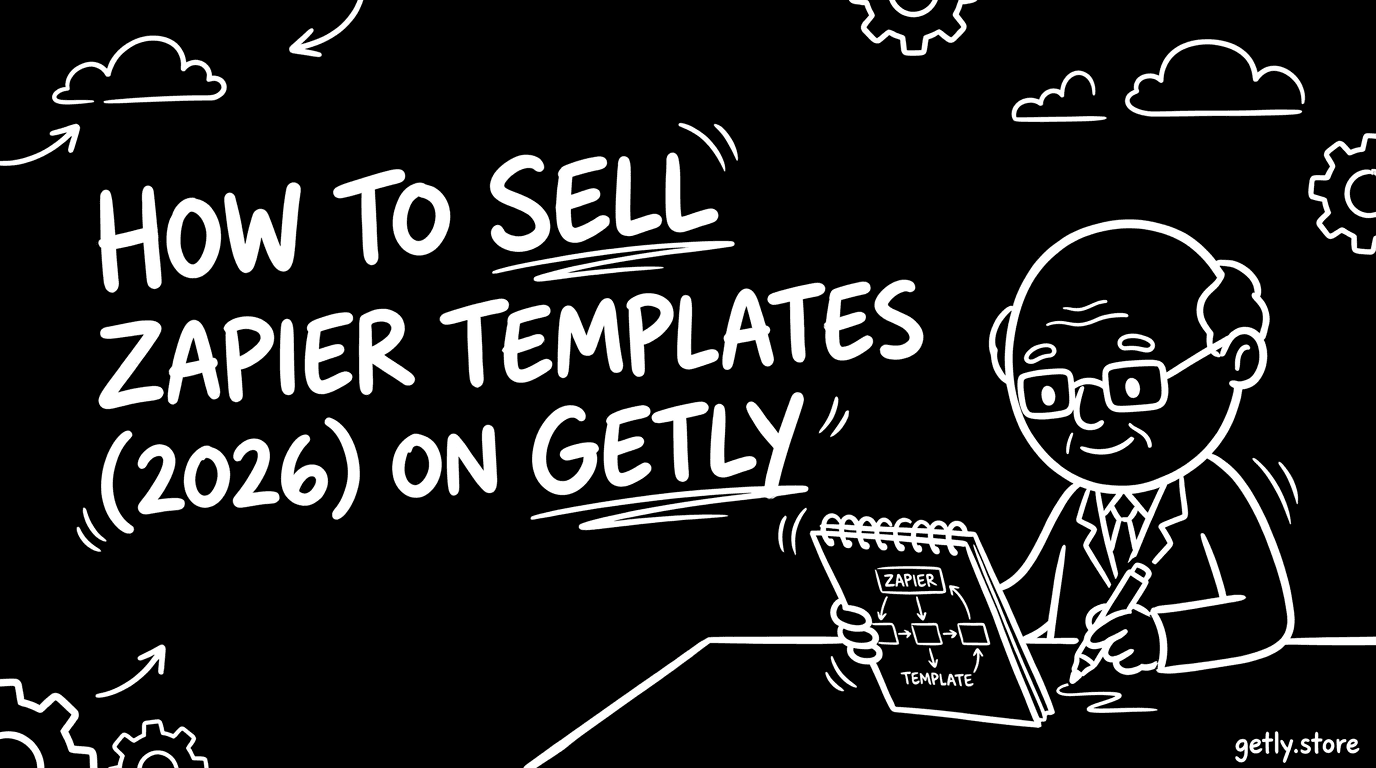
How to sell zapier - a 2026 guide for creators. This practical walkthrough shows how to package your Zapier automations so buyers know exactly what they’re getting, how to price single Zaps vs multi-step workflows, and how to write the documentation that reduces refunds. You’ll also get a simple marketing plan for where Zapier buyers already hang out, plus a clear path to your first sale. Finally, we’ll cover how Getly payouts work (including crypto stablecoin options) so you can plan your launch without surprises.
Who's selling zapier right now?
Most people who sell zapier templates start as solo automation builders: they solve a specific recurring business problem, turn it into a reusable Zap, and publish it as a template. This is common because the work is modular-one trigger, a few actions, and clear “how to set it up” notes.
Another frequent seller type is a small agency or consultant who already delivers automation projects for clients. They productize what they repeatedly build (e.g., lead routing, invoice-to-CRM, support triage) into bundles, then sell digital zapier workflows to customers who want to self-implement.
Finally, there’s the side-project creator who learns automation, ships templates weekly, and optimizes for compounding demand. If that’s you, the key is consistency: publishing templates that are narrow enough to be instantly useful, but documented enough to be set up without guesswork.
What buyers expect
Zapier template buyers usually want “plug-and-play,” but they understand they’ll still need to connect their accounts. Your job is to make setup predictable: specify the trigger/action chain, the required apps, and the expected data fields so buyers can map their systems quickly.
Quality also includes documentation and clarity. Buyers expect the template to come with readable instructions and a realistic expectation of what it will (and won’t) do-especially for multi-step workflows that transform data across apps.
- Clear scope: what problem the automation solves and what inputs it expects
- Setup steps: how to connect accounts and configure required fields
- Field mapping guidance: which Zap fields correspond to which source data
- Edge-case notes: what happens when data is missing or formats don’t match
- Test plan: how buyers can verify it’s working before trusting it
- Support expectations: where/how buyers can ask questions inside the platform messaging
Pricing playbook
When you sell zapier templates, pricing should match the buyer’s time-to-value. As a baseline, keep $10–40 for a single Zap (one clear use case), and $80–300 for multi-step workflows (because they’re closer to an “automation system”).
Use a simple tier structure:
- Intro: one Zap, minimal configuration, fast setup, great for “I need this exact workflow” buyers.
- Mid: 2–4 steps, includes light normalization/mapping and clearer documentation.
- Premium: multi-step bundles that handle branching logic, data formatting, and a clean verification process.
To increase conversion, bundle related Zaps into automation sets-especially when you’re selling to businesses. Creators in this niche often see stronger performance when they package multiple automations together as an agency-grade offer, because bundles let buyers standardize operations. If you include multiple license tiers (for example, personal vs commercial), align each tier to how the buyer intends to use the workflow.
Packaging your zapier
Your listing needs to reduce uncertainty. Buyers should be able to scan your preview assets and README, then confidently connect their accounts and run a test.
- Export/package: include the Zap file or the exact deliverable format you’re selling (be explicit in the listing)
- Preview assets: screenshots or short visuals showing the Zap steps and key mappings
- README / setup guide: step-by-step configuration instructions
- Required inputs: required fields, required account connections, and where each value comes from
- License file / license tier notes: state what each tier allows (e.g., personal vs commercial)
- Version notes: what changed since the previous release and any migration tips
- “How to test” checklist: a short validation workflow so buyers can confirm it works
Marketing channels that actually work
To sell zapier templates consistently, you need distribution where automation buyers already ask for “ready-made workflows.” Practical channels for this niche usually include:
- YouTube: creators who post Zapier tutorials often convert template buyers-publish “how to build it” segments and link to your template
- Twitter/X: share before/after automation outcomes and short Loom-style walk-throughs of your Zap steps
- Discord communities: join Zapier-adjacent maker/business automation servers and offer targeted templates for specific use cases
- Subreddits: automation, SaaS ops, and small business communities where people ask for integrations and workflow fixes
Position each post around one problem (lead routing, onboarding automation, support triage, reporting) and show the exact workflow chain your template implements. When you market bundles, emphasize operational consistency-buyers pay more when they can deploy a complete system, not just a single action.
Why Getly?
Getly is a digital-goods marketplace where buyers purchase and download templates-so your Zapier automation deliverables fit the storefront model cleanly. Sellers keep 80% of sales by default (and during the first 90 days after creating a store, sellers keep 90% automatically).
Getly also supports payout methods that matter for global creators: you can choose Stripe Connect for fiat payouts or receive stablecoin payouts via USDT/USDC with Mass Payouts. That flexibility can be especially useful when you’re trying to manage zapier creator income without being blocked by country-specific banking constraints.
Next step: pick one single Zap use case, price it in the $10–40 range, and ship a listing with a real README and test checklist. Then bundle two or three closely related Zaps into a workflow offer in the $80–300 range-those bundles are where you’re most likely to command premium, automation-system value.