Getly
Getly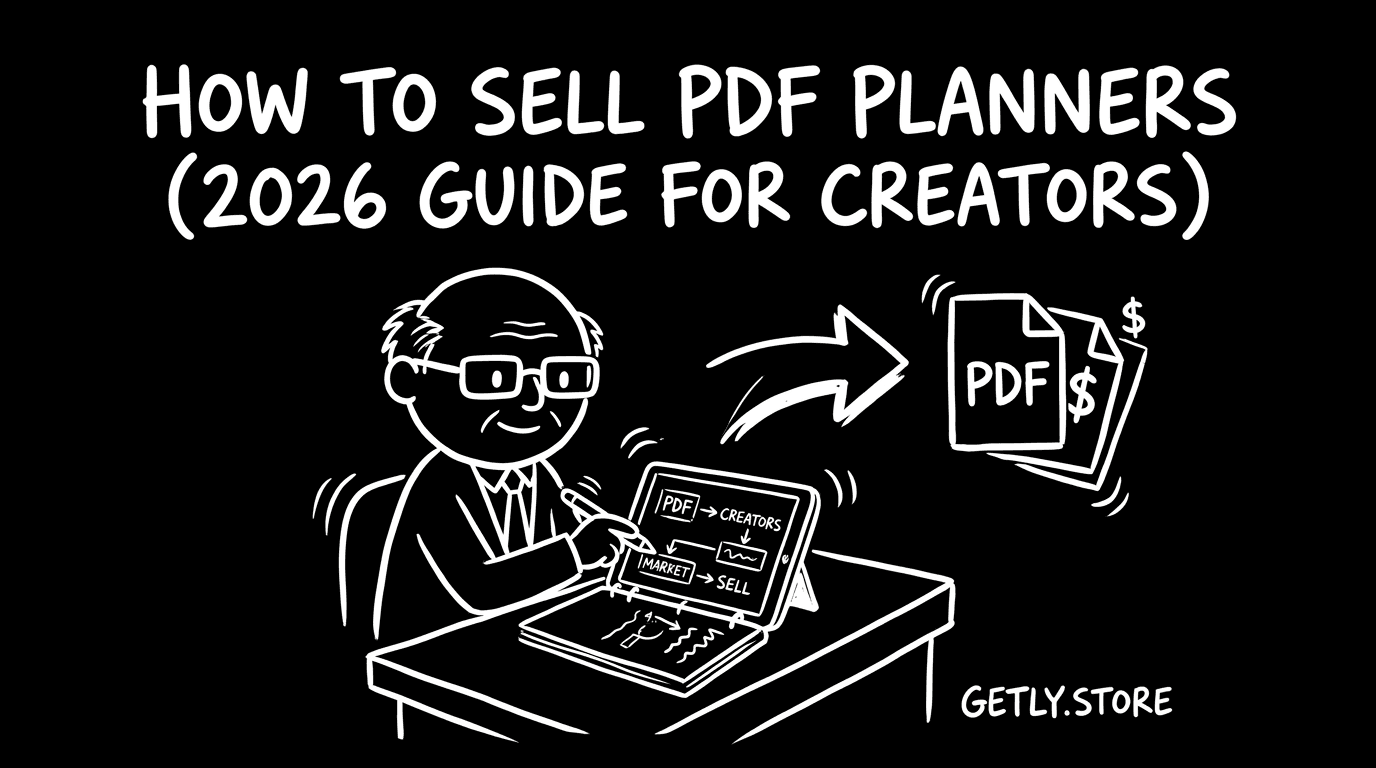
How to sell pdf planners - a 2026 guide for creators. You will learn how to pick a planner format buyers actually download, price single planners and themed bundles, and package your files with the documentation they need to use them right away. This guide also covers the practical stuff that drives conversions: previews, license tiers, and a simple launch plan for your first sales. You will see where pdf planners buyers hang out online, and how to list on Getly with payouts that can work for creators outside Stripe-supported regions. Use it as a checklist from “ready to sell” to “running sales.”
Who's selling pdf planners right now?
Most pdf planners sellers start as a solo creator who already uses planners and templates daily. You build products around a specific routine, like weekly meal planning, study schedules, or habit tracking, then refine the layout until it works for real use.
Some sellers run a small side-project as a repeatable system. They choose a theme, generate consistent page designs, then bundle related pages into a “series” so buyers can complete a whole workflow, not just a single sheet.
Agencies also enter this niche when they have design consistency and production speed. They sell themed packs for specific communities like teachers, students, or new parents, and they often keep a library that grows month after month.
What buyers expect
Buyers expect clean, print-friendly PDFs that look good at home and in office printers. They also expect pages to match the promise in your title, so a “weekly planner” should deliver weekly layout pages, not a mix of unrelated trackers.
They typically buy because they want structure fast. That means you should include basic setup guidance, clear page ranges, and a simple explanation of how to use the file with common use cases like printing or filling digitally.
- Readable typography and consistent spacing across the pack.
- Standard PDF layout that prints without random cutoffs.
- Clear preview images that match the exact pages inside the download.
- A short README or instructions inside the product (and on the listing) so buyers can start immediately.
- License terms that tell buyers what they can sell with the planner files.
Pricing playbook
Start with singles priced in the $5-20 range for standalone planners. Use themed bundles priced in the $25-60 range when you group related pages into a coherent system, like “study planner set” or “meal planning + grocery list pack.”
Most creators in this space price by buyer intent. An intro version helps first-time buyers test your style, a mid tier covers the most-requested pages, and a premium tier adds extra layouts, seasonal variations, or more complete workflows inside the same theme.
Use license tiers to reduce support headaches. Offer “personal” for end-use and “commercial” options where buyers can apply the planner in business contexts. Keep your licensing language simple and consistent across listings.
You can also set up a production-friendly catalog strategy. Sell individual components at a lower price, then bundle them into a higher-value “complete set” once you have enough page types to feel complete.
Packaging your pdf planners
Your packaging determines whether buyers trust you and reuse your next release. Treat the download like a product, not a zip file.
- One main PDF per planner or per theme pack, so buyers do not hunt for the “right” file.
- Preview assets that mirror what buyers get. Show the cover page and a couple of internal page types that represent the pack.
- README or instruction text included in the download and described in the listing. Cover printing tips and how to fill pages if you support digital entry.
- Clear license file or license text included with the files, especially when you offer personal vs commercial tiers.
- Version notes inside a small text file (example: “v1.2 includes updated dates” or “v1.0 original release”).
- Consistent naming in files and folders so buyers can reorganize quickly.
Marketing channels that actually work
pdf planners buyers search for templates, bundles, and “planner for my use case” style solutions. You will get faster traction when you market specific outcomes, not just “planner pages.”
Use the channels where template shoppers already compare styles and look for new releases:
- Subreddits for planners, journaling, and productivity templates. Share a short preview, then link directly to the planner pack that matches the example.
- Twitter/X creator circles around digital planning, bullet journaling, and Notion-friendly workflows. Post page screenshots and “before you buy” layout details.
- Planner and productivity Discord communities. Drop updates for new themed bundles and ask for layout requests to guide your next pack.
- YouTube tutorials focused on printable planning setups. A 60 second walkthrough plus downloadable preview images converts well for this niche.
- Creator-led newsletters and link-in-bio pages that rotate “this week’s planner set.” Bundle updates often perform better than daily single posts.
Why Getly?
Getly pays creators in USDT/USDC stablecoins, and it also supports Stripe fiat payments. This matters for creators who need an output method that works in regions where some other platforms can fail on payouts.
On Getly, sellers keep 80% of revenue by default, and new sellers keep 90% for the first 90 days after creating a store. You can choose Stripe Connect payouts to a connected bank account or crypto stablecoin payouts via USDT/USDC. Crypto withdrawals work with a wallet address and network selection, and Getly does not require any identity verification for crypto payouts.
Next step: pick one planner theme, build a single that matches the promise in your title, then create a themed bundle when you have enough page types to feel complete. Package the download with previews, a short README, and license terms. List on Getly with a clean product title and clear preview images, then run traffic from the channels above to your bundle landing page.