Getly
Getly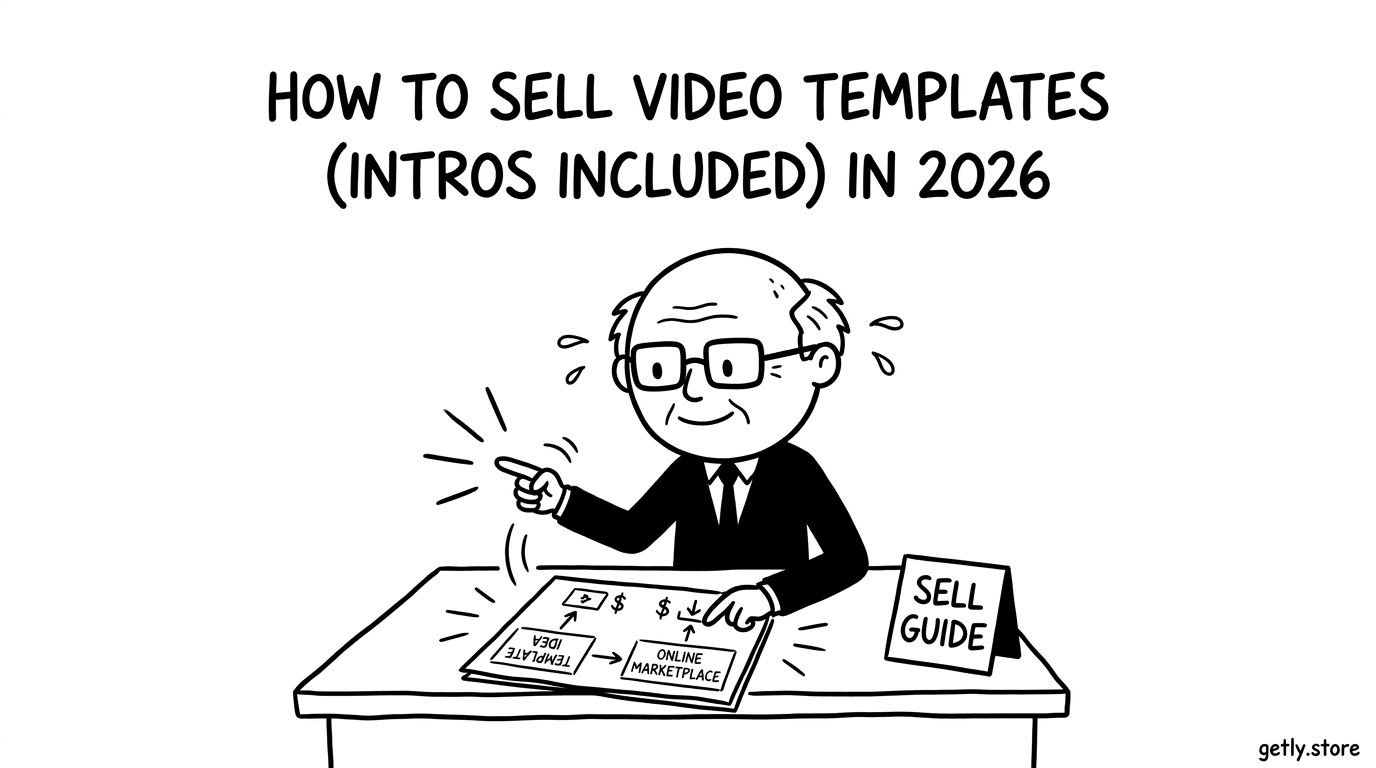
How to sell video templates — a 2026 guide for creators. You will learn how to package intros and full template packs so buyers can judge quality fast. You will also get a practical pricing plan that matches how video-template buyers shop, plus bundling tactics that raise your average order value. The guide covers what to include in your downloads, what formats buyers expect, and how to market specifically to people who actively buy video templates. By the end, you’ll have a checklist you can use to publish a product that looks legitimate and reduces refund requests.
Who's selling video templates right now?
Most sellers start solo. You might design motion intros, title sequences, lower-thirds, or broadcast-style openers on your own time and then release the files as a reusable product. You don’t need a studio setup to sell digital video templates, but you do need consistent quality and clear usage notes.
Agencies and freelancer teams also sell template libraries. They build packs for clients, refine what works, and then productize the best parts into intros, brand packages, and full broadcast packs. This group tends to reuse their own assets, standardize styles, and ship updates as they improve the system.
Side-project creators do well here too. You might focus on a specific niche like YouTube channel intros, podcast intro stings, or ecommerce ad templates, then build a repeatable template workflow. Buyers usually pay for speed and certainty, so your job becomes making it obvious how the template helps their specific video style.
What buyers expect
Buyers judge fast: they look for clean previews, readable titles, and templates that match the description. For intros, they expect flexible control of text, logos, colors, and timing so they can replace the branding without breaking the animation.
Buyers also expect a download that includes enough documentation to use immediately. They look for a README or short instructions, a license file or license details, and clear version notes so they know what they are installing and where to find editable elements.
- Preview assets that show the final motion look (not just a still frame)
- Editable project files, plus any required media assets included in the pack
- A README with steps like “replace text,” “swap logo,” “change colors,” and “render/export”
- License terms laid out per license tier (personal, commercial, etc.)
- Version notes that tell buyers what changed in this release
Pricing playbook
Price video templates like a collection, not like a one-off edit. For most single intros or small sets, aim for the $25-90 range. For full broadcast packs, price higher, typically $150-400, because buyers expect more scenes, more variants, and a broader system.
Use three tiers so you can catch both quick buyers and serious buyers. An intro or starter pack fits an “intro” tier. A mid-tier product works for branded sets like titles plus lower-thirds. A premium tier fits broadcast-style bundles, where buyers want consistency across multiple segments.
Bundle edits into systems. If your intro includes typography rules, color styling, and a logo animation workflow, bundle those together so buyers feel like they bought a repeatable kit. Add license tiers so you can sell “personal” use separately from “commercial” use, and set the scope clearly in your product description and license terms.
Packaging your video templates
Package your intros like a mini production handoff. Organize the download so buyers find editable assets quickly and render with minimal guesswork. Your goal is to reduce friction and lower refund requests.
- Include the project files your buyers need to edit
- Include preview renders that match what you described in the listing
- Add a README with setup steps and what each folder contains
- Ship a license file or license details that match your license tiers
- Write version notes so buyers understand what improved since the last release
Marketing channels that actually work
Video-template buyers hang out where creators share workflows and where teams ask for tools. Post your previews where people already search for motion inspiration and editing shortcuts.
Start with YouTube tutorials and motion design channels. Create short “how it works” videos that show exactly how a buyer replaces text, colors, or logos in your intro workflow.
Then target creator communities that buy template assets. For example, use Video Templates and motion-design communities on Reddit (search for subreddits focused on video editing, motion design, and Premiere After Effects style workflows), plus creator-focused Twitter/X circles that share templated projects and editing breakdowns. You can also promote inside Discord communities that center on video editing and creator tools, especially the ones where members exchange paid resources and template links.
Why Getly?
Getly is a digital-goods marketplace, built for templates and other downloadable files. You list your video template products, buyers purchase them, and they download instantly after checkout.
Sellers keep 80% by default, and new sellers keep 90% for the first 90 days after store creation. You can also choose crypto stablecoin payouts (USDT or USDC) or Stripe Connect, which matters if you sell video templates internationally and want payout options beyond fiat-only flows.
If you want your first sales, publish one focused product with a clean preview, a clear README, and license tiers you can explain in one minute. Price the single intro in the $25-90 range, then create a second listing for a fuller broadcast pack in the $150-400 band. Drive traffic with tutorial-style demos in video editing and motion design communities. After you get your first buyer feedback, update the template package and iterate fast.