Getly
Getly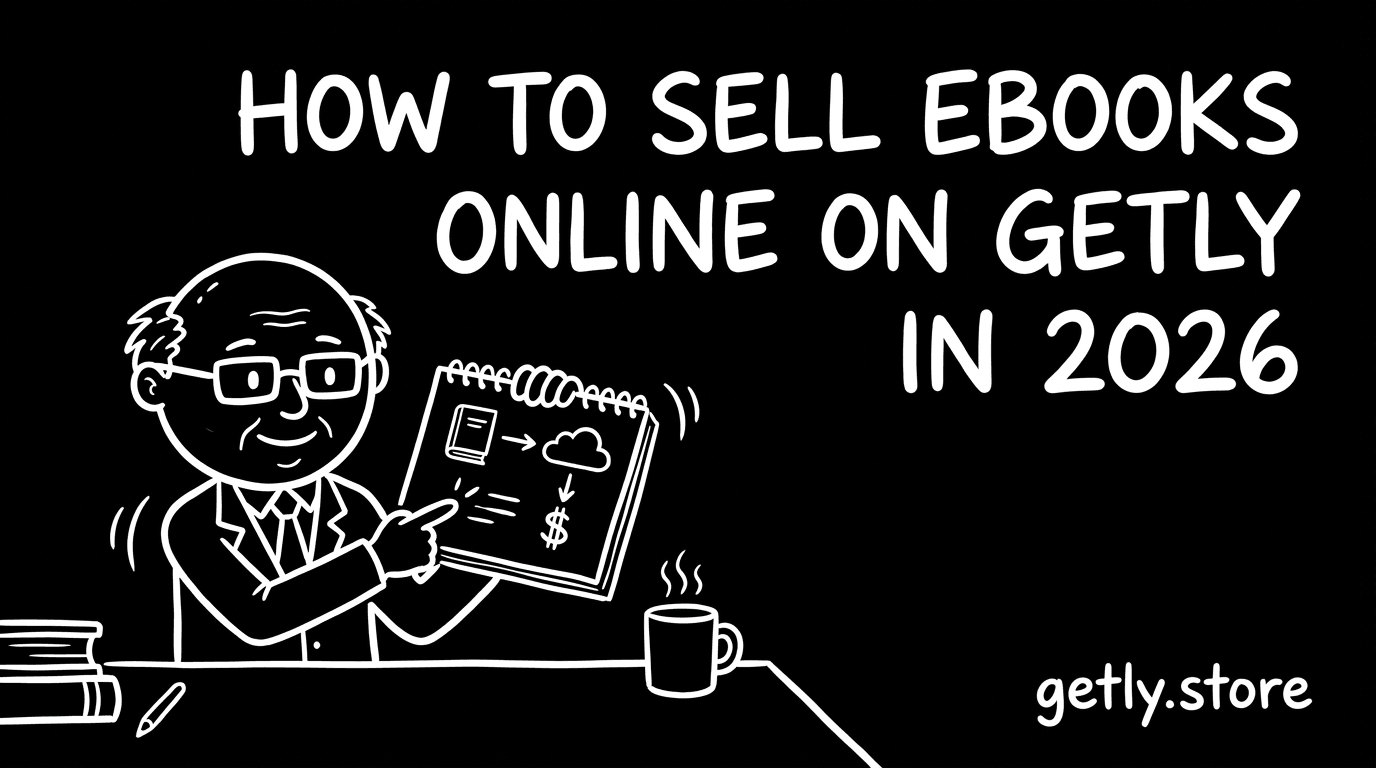
How to sell ebooks - a 2026 guide for creators. You will learn who should sell ebooks right now, what buyers expect from an ebook product, and how to price and tier your files so people actually buy. You will also get a packaging checklist for files, previews, and license docs, plus practical marketing channels to reach ebook buyers. Finally, you will see why Getly works for many creators, including the payout options (USDT/USDC) that can help when card payouts get blocked in your region.
Who's selling ebooks right now?
Many ebook sellers start as solo creators who write, format, and package their own material. They usually build around one clear niche, like study guides, templated workflows, or niche how-to manuals. These creators win when they keep the scope tight and deliver a clean reading experience.
Some sellers run a small agency or a content studio. They often publish “creator-grade” ebooks for a client base, then iterate based on buyer reviews. If you coordinate editors, designers, and subject experts, you still need one person who owns quality control before listing.
Another common setup looks like a side-project creator who turns existing knowledge into a product. They may already have newsletters, YouTube tutorials, or a blog that drives interest. That pre-existing audience usually makes the first sales cycle easier because buyers already recognize your topic and voice.
What buyers expect
Ebook buyers expect a product that looks professional on day one and works on the device they already use. They also expect the ebook to match the promise in the title and description, not a vague “inspiration” file. If you include examples, templates, or worksheets, buyers want them to be usable without extra detective work.
You should include clear documentation so buyers know what they purchased and what they can do with it. Many buyers also look for a simple path to request help inside the platform after purchase, and they expect you to respond in a reasonable time window.
- Usable file(s) that open cleanly, without broken fonts or missing pages
- Short preview assets so buyers can judge layout and depth
- A README or instructions file that explains licenses and what each license tier allows
- A visible way to contact you through platform messaging if something goes wrong
Pricing playbook
Most ebook listings land in a practical range of $5–25. You price for clarity and outcome, not for page count. When you write for a specific audience and solve a specific problem, buyers often pay without needing a giant “course” wrapper.
Creators often charge $40–100 for course-grade ebooks, especially when the ebook includes structured lessons, exercises, and a clear path from start to finish. If your ebook reads like a guided program, you can price it more confidently than a single-reference guide.
Use tiering so buyers choose the depth they want. A simple setup works well: an intro edition for $5–25, a mid edition that adds more examples or worksheets, and a premium edition that includes the most complete version. You can also offer license tiers (personal vs commercial) so businesses can pay for rights they actually need.
Bundle smart. If your topic supports it, combine the ebook with related add-ons (like templates or supplemental chapters) rather than scattering everything as separate listings. Bundles reduce buyer decision fatigue and help you keep your best content together.
Packaging your ebooks
Packaging determines how fast a buyer trusts you. You want your files to download and open cleanly, and you want your licensing to feel straightforward instead of confusing.
- Export your ebook in widely readable formats, and include at least one format that preserves formatting well
- Add preview assets that show the layout, table of contents, and a couple of interior pages
- Include a README or instructions file that explains what’s inside and how to use it
- Create a license file or license section that clearly states what personal vs commercial buyers may do
- Add version notes so buyers know what changed if you update the file later
- Keep file names consistent and avoid missing fonts or linked assets
Marketing channels that actually work
Ebook buyers often discover products through niche communities, creator content, and search-driven recommendations. Focus on places where people already talk about your topic and ask for resources, not generic “books” audiences.
Practical channels that tend to work for ebook categories include subreddit communities tied to your niche, creator circles on X (Twitter) where people share learning resources, and Discord servers for builders and learners in your field. You can also publish YouTube tutorials that lead into a downloadable companion ebook, and you can promote your ebook through your existing newsletter when you have one.
Start with a content loop: publish one actionable tip, show one example from the ebook, then send interested buyers to the full product. Keep the pitch specific, so buyers feel like they already understand what they will get.
Why Getly?
Getly pays creators in USDT or USDC stablecoins, alongside Stripe fiat options. This payout setup matters for creators who face payout restrictions elsewhere and want another working path to receive money for digital sales.
Getly’s default split keeps creators at 80% of each sale, and new sellers get 90% for their first 90 days after creating a store. Sellers can choose payouts via Stripe Connect (fiat to their connected bank account) or crypto stablecoin payouts via USDT or USDC, with payout scheduling on the 1st and 15th of every month.
Next step: pick one ebook topic, define license tiers, package a clean preview and a buyer-ready download set, then list at a price in $5–25 to test demand. As soon as you get traction, add your mid and premium tiers for deeper value. If you need a payout method that fits your region, set your payout preference early so your first sales turn into your first withdrawals without surprises.