Getly
Getly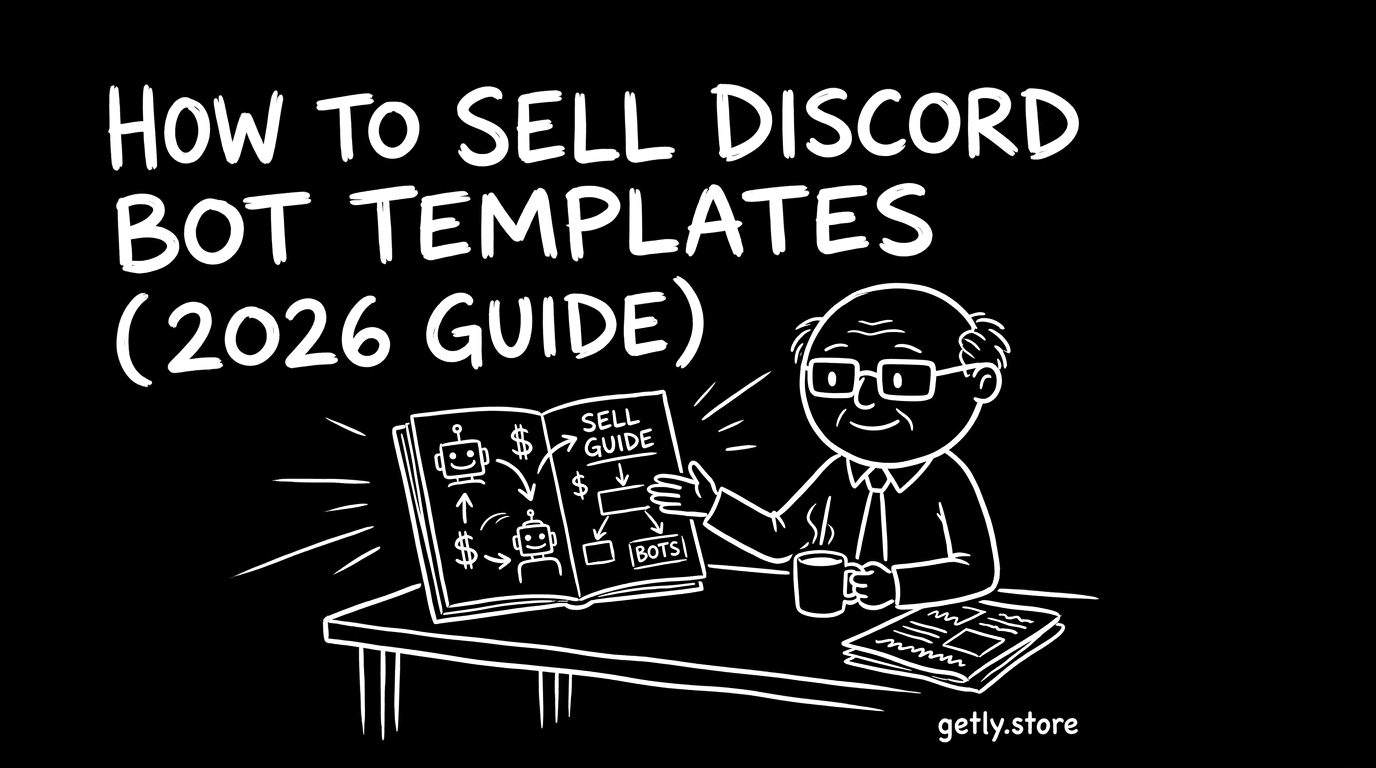
How to sell discord - a 2026 guide for creators. This guide walks you through turning Discord bot templates into downloadable products buyers can deploy, including what files to ship, how to package documentation, and how to structure licenses. You’ll also get a practical pricing playbook (from $20–100 starting points to $200–600 setups), plus bundling and tiering ideas that match how Discord server owners buy. Finally, we’ll cover where Discord-buyer attention is concentrated and how to run payouts on Getly, including options that don’t require Stripe KYC (crypto stablecoin payouts).
Who's selling discord right now?
In this niche, most successful sellers start as solo Discord creators: developers who already build bots for communities and want to productize their templates so others can spin up similar functionality. You’ll typically see creators who can explain server use-cases (moderation, economy, ticketing, welcome flows) better than they can market general “code.”
Another common profile is a small agency or mini-team that builds recurring server tools for clients, then packages those patterns as templates for repeat buyers. Whether you’re solo or a team, your advantage is the same: you understand what server admins need to run bots reliably (setup steps, permissions, configuration, and troubleshooting).
What buyers expect
Discord buyers expect templates that reduce setup time. “Works out of the box” is the ideal, but realistically they want clear configuration steps, sensible defaults, and predictable behavior once installed. They also expect bots/templates to be maintainable, not a black box.
For digital delivery, buyers typically look for documentation that covers installation, setup, and operation in plain language. They also expect license clarity so they can use the bot/template for their own server or for clients-without ambiguity.
- Working template contents (project files) with an easy deployment path
- A README/docs file with step-by-step setup and configuration parameters
- Clear prerequisites (what they must have installed and where they provide credentials/settings)
- Preview assets: short videos/screenshots or UI examples showing what the bot does
- License terms mapped to common use cases (personal vs commercial)
- Support expectations: what you’ll respond to and what’s “best effort” only
Pricing playbook
Start by pricing your Discord bot template based on how much “server management value” and setup work it saves. A common baseline for a lean template source is in the $20–100 range, while templates that include hosting/setup guidance and smoother deployment often land around the $200–600 band (depending on how complete the onboarding is).
Use tiering so buyers self-select:
- Intro tier: core bot logic + minimal setup checklist (best for confident developers)
- Mid tier: template + full configuration docs, environment/settings guidance, and improved defaults
- Premium tier: “deployment-ready” package with hosting setup instructions and stronger docs/preview materials
Then add license tiers. At minimum, map usage to personal vs commercial (and offer additional tiers if your workflow fits). Finally, consider bundling: one bundle for “single bot” and another for “bot + example commands + example configuration,” so buyers can pay for completeness rather than hope.
Packaging your discord
Packaging is what separates a downloadable template from something people can actually deploy. Treat your product like a mini onboarding package: show what it does, provide everything needed to run it, and document how updates work.
- Template contents: the full project files buyers need to run the bot
- Config guide: where tokens/IDs/settings go, what values to provide, and examples
- README/docs: installation, setup, commands/modules overview, and quick-start steps
- Preview assets: screenshots/videos showing real functionality on Discord
- License file: included terms that clearly match your license tiers
- Version notes: what changed, what to update, and known limitations
- Changelog: a simple “current version” + bullet updates
Marketing channels that actually work
Discord bot buyers often find sellers where builders and server admins hang out, not in generic coding spaces. Post in communities focused on Discord server tooling, bot development, and moderation/economy/ticketing automation-especially places where people ask for “ready-to-run” solutions.
Practical channel mix to test:
- Discord server communities for bot builders and server admins (share template previews + setup snippets)
- Twitter/X: short “bot in action” clips, then a link to your template documentation + a clear use-case
- YouTube tutorials: one video per feature (e.g., tickets, moderation, welcome roles) that ends with a downloadable template
- Reddit: subreddits where Discord admins/bot devs ask for automation and share tools
- Build-in-public threads: publish a feature, then package it as a template after you have a working version
Why Getly?
Getly is a digital-goods marketplace built for downloadable products like templates and code. Sellers keep 80% by default (and 90% for the first 90 days after creating a store under the new-seller promo).
If you’re outside Stripe-supported geographies or just want a simpler payout path, Getly also supports crypto stablecoin payouts (USDT/USDC) via NOWPayments Mass Payouts-meaning you only provide a wallet address and network choice. That can be especially relevant when you’re targeting “discord creator income” goals across regions.
To sell discord bots successfully on a discord marketplace, focus on deployment clarity: ship a template package with strong docs, previews, and license tiers that match how server owners buy. Next step: create a tiered product page (intro/mid/premium), bundle your best-use feature set, and publish a versioned README with clear setup steps. Then promote with “bot in action” content where Discord creators and admins actively look for templates.