Getly
Getly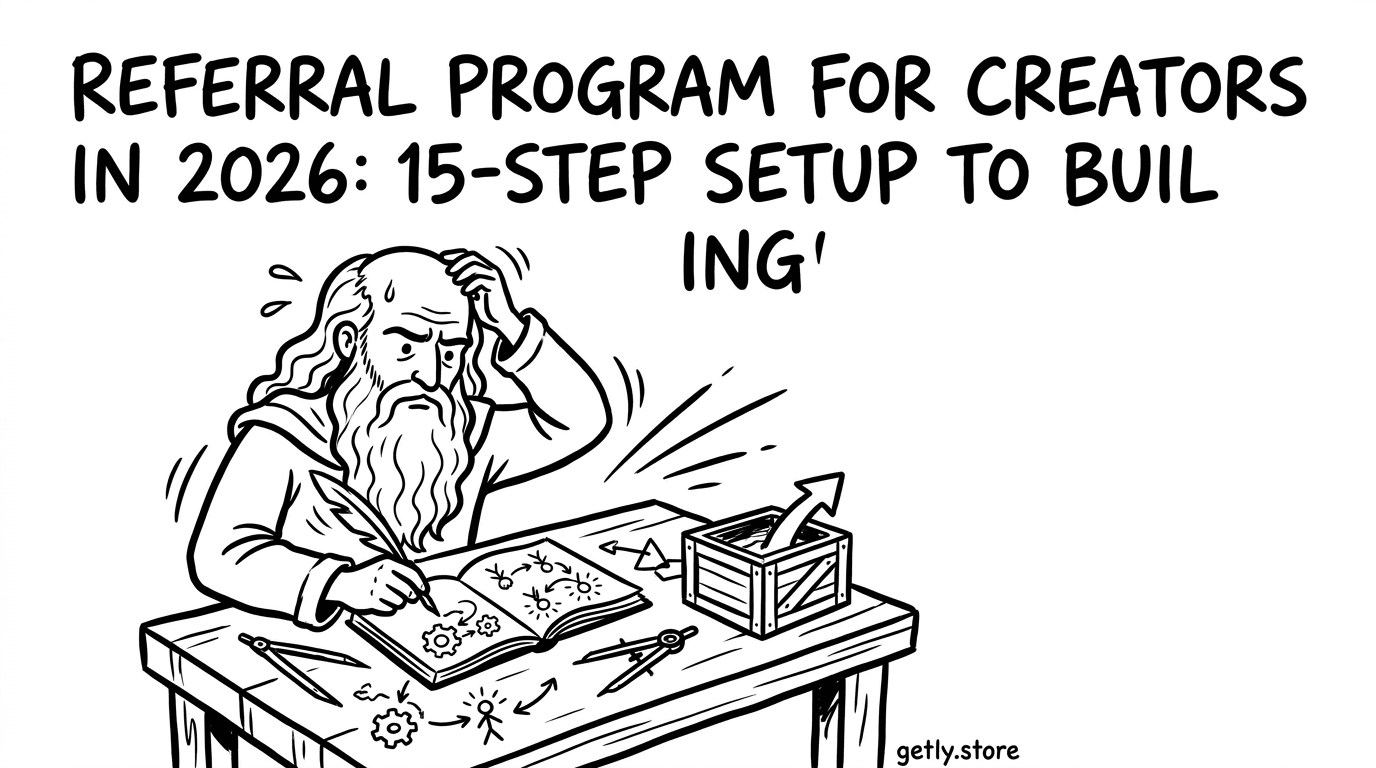
You built a product people want, now you need distribution that compounds. In 2026, the fastest growth still comes from a creator network that recruits creators, not just buyers. This guide shows you how to set up a referral program for creators using a practical 15-step setup plan.
On Getly.store, you can connect growth to real outcomes through per-product affiliate commissions and a platform-wide referral credit: 15% of a referred user’s first purchase goes to the referrer’s affiliate balance. You can also drive discovery with community-first marketplaces growth strategies like collections, bundles, and creator messaging.
- Design your referral program for creators around clear rewards, tracking windows, and “who invites whom” flows.
- Promote specific landing moments (launches, bundles, or presets), not a vague “join me” link.
- Use a 15-step process to set rules, assets, onboarding, and performance checks before scaling outreach.
- Measure results using click-to-first-purchase attribution (Getly credits purchases within a 90-day cookie window).
- Build community driven marketplace habits so referrals feel like shared value, not a sales funnel.
What is a referral program for creators in 2026?
A referral program for creators is a structured system where creators earn rewards for inviting other creators or buyers to your marketplace ecosystem. In practice, it turns your audience into a distribution channel, with tracked links and rules that decide who gets credited.
In 2026, the winning setups treat referrals as community building. You do not just pay for clicks. You create “invite-worthy” outcomes like early access, downloadable starter kits, collaboration prompts, or curated product collections that help the person you invited succeed.
What rewards actually motivate creators
Creators tend to promote offers that match their brand and workflow. A referral program works best when you reward the inviter in a way that feels proportional to the effort. On Getly.store, affiliates can earn commissions set per product, and the platform also credits 15% of a referred user’s first purchase to the referrer’s affiliate balance.
That structure matters because creators decide where they spend attention. If your referral rewards connect to tangible results (downloads, first purchase completion, and repeat behavior), your network grows with less friction.
How attribution and timing change the strategy
Timing determines how you message. Getly attributes affiliate clicks with a 90-day cookie window, meaning purchases made within 90 days of a click can get credited to the affiliate. Your setup should assume people need time to discover the value of what you shared.
This changes your content cadence. You need follow-ups that help the invited person use the product right away, so they convert before the attribution window ends.
Pro tip: Write your referral onboarding like a tutorial, not like a contract. When your invited creators can install, render, edit, or publish quickly, you increase first-purchase conversion inside the attribution window.
How to plan a creator network building referral flow
Creator network building needs a referral flow that answers one question: who invites whom, and what happens after the invite? You want the invited person to feel guided, and the inviter to feel rewarded without chasing support tickets.
A strong referral flow also protects trust. You should align rewards with outcomes that matter (first purchase completion, product usage, and repeat engagement), then give your network assets to promote those outcomes.
Define your “invite targets”
Pick one primary audience to start. Most referral programs fail because they try to recruit everyone at once. For creators, you usually want one of these paths:
- Creator-to-creator: designers, motion editors, or devs refer peers who will buy to use templates, presets, plugins, and packs.
- Creator-to-buyer: creators refer end users who purchase for projects and deliverables.
- Community-to-creator: community members refer creators who want to sell or license digital goods.
Start with creator-to-creator if your product category depends on craft and workflow fit. Pick community-to-creator if you plan to run collaborations, bundles, or commission-based work.
Choose reward rules that match your funnel
Your reward rules should map to what people actually do after clicking. On Getly, affiliate commissions apply per product based on the seller-set rate, and the platform-wide referral credit gives 15% of a referred user’s first purchase to the referrer. That means your referral pitch should push toward the first purchase moment.
Use a funnel like this: show the workflow outcome (viral animation, material conversion, VST installation, preset workflow), then offer a clear starter product that a new user can buy fast.
Warning: Do not design your referral program to reward “clicks” with no expectation of first purchase. Without purchase-driven incentives, your network will share the link but never commit. Your referral messaging must push for a first-purchase moment inside the attribution window.
How to set up a referral program for creators on Getly
You can build a referral program for creators by using affiliate mechanics and creator-to-creator promotion workflows. On Getly.store, you can generate affiliate attribution via unique links, and you get credit based on the 90-day click window.
If you are planning marketplace growth strategies, treat your referral setup as part of your publishing system: product pages, bundles, and creator communication all become referral assets.
Use platform-wide referral credit to seed network trust
Getly credits referrers with 15% of a referred user’s first purchase. That design rewards early invitations and encourages consistent sharing. You can make it feel fair by telling your network exactly what happens when they invite someone who buys for the first time.
Your job then becomes packaging the invite. You need a simple “here is what you get, here is why it matters, here is how to start” message. Keep it short and product-specific.
Use per-product affiliate commissions for precision targeting
Per-product affiliate programs let a seller set commission percentages on specific products. That lets you run referral campaigns around the items most likely to convert or the items that align with a particular creator workflow.
For example, a motion creator can share presets, while a game creator shares conversion tools. When your network promotes products that match their audience, you get higher conversion and fewer “wrong audience” referrals.
15-step referral program setup checklist (2026)
Use this 15-step checklist to set up a creator referral program that scales. Each step ends with an action you can complete before you ask anyone to promote your work.
Build it once, then reuse it for launches, bundles, seasonal content, and creator collabs. The goal: make referrals feel like a community driven marketplace ritual.
- Pick your primary creator niche: motion designers, game devs, music producers, or template makers.
- Set the referral offer: decide which products get promoted and which first-purchase moment you want to drive.
- Define reward expectations: share the rule clearly: on Getly, affiliates receive credit based on the platform’s referral model and per-product commission settings.
- Choose the tracking window story: tell your creators that purchases within 90 days of their click can get credited.
- Create 3 “starter” promo assets: one post, one short video/script, and one checklist that helps someone use the product immediately.
- Write onboarding copy for invited users: include installation steps, how to validate output, and where to start with examples.
- Write onboarding copy for inviters: include how to get the affiliate link, what to say, and how to follow up.
- Bundle your referral pitch: promote a small entry point plus one upgrade option so creators can recommend a clear path.
- Build a product lineup by workflow: map product types to creator outcomes (animation, presets, plugins, converters, blueprints).
- Create a “use within 15 minutes” demo: pick a product where results show fast, like an XML preset or a converter workflow.
- Decide your cadence: schedule follow-ups for 7 days, 21 days, and 45 days after sharing.
- Set up a conversion measurement routine: review clicks-to-first-purchase attribution every week or every campaign window.
- Create a creator leaderboard ritual: publish monthly shoutouts in your community (top referrers, top converting posts).
- Improve based on friction: when invited users stall at setup, refine onboarding and demo assets.
- Scale with collaboration prompts: ask top referrers to co-create tutorials, template packs, or example projects.
To make this checklist real, connect it to products that match distinct creator workflows. Here are example referral starter offers you can model your campaigns around, each suited to a specific kind of creator network building:
- For motion or editing workflows: 99+ Alight Motion Preset XML
- For face-free viral video creators: Product Title AI Text Animation Mastery: Create Viral Videos Without Showing Your Face
- For 3D/game material pipelines: Unreal to Unity Material Converter
Use these as the “starter product” in Step 8 and Step 10. When your network sees quick wins, they keep sharing because the invited person makes progress fast.
Success pattern: Creators share best when they can demonstrate outcomes. If your referral product includes templates, presets, or conversion logic, your demo can show a before-and-after within minutes, which shortens the decision cycle.
How to grow creator community with referral content systems
Referral programs grow when your content system keeps working after the first share. Instead of repeating “buy my product,” you publish workflow proof and mini lessons that reduce uncertainty for new buyers and new inviters.
In a community driven marketplace, content acts like onboarding. People join because they want the knowledge, then the referral reward makes inviting feel worthwhile.
Build a content kit that inviters can copy
Give your top referrers copy-ready assets that match their audience tone. Each asset should do one job: explain the outcome, show the workflow, or handle objections.
- Outcome post: “Here is what you can create” (show output screenshots or clips).
- Workflow post: step-by-step setup with one screenshot per step.
- Tooling post: explain how your product fits into their toolchain (DAW, editor, 3D pipeline).
- Budget post: clarify what it replaces (hours of setup, manual rework, repeated tasks).
Pair each kit asset with a specific product page the referrer should link. Precision beats general promotion because your referral attribution matters for first purchase completion.
Use community rituals to keep momentum
A referral program succeeds when your network expects updates. Create lightweight rituals: monthly “preset of the month,” weekly challenges, or community critique threads where creators share results.
This approach also improves conversion. When the invited person sees peers using your products successfully, they commit faster, and you protect your brand from “empty link” accusations.
How to design marketplace growth strategies with multi-license
Marketplace growth strategies work better when you reduce ambiguity. Multi-license tiers help you match buyers’ use cases, and that clarity improves first purchase conversion. It also gives creators something to recommend beyond a single entry item.
When you integrate license options into referral messaging, inviters can guide the right buyer tier instead of hoping someone guesses correctly.
Match license messaging to the inviter’s audience
Creators know their buyers. A freelance motion editor recommends personal vs commercial based on how the buyer will monetize. A game dev recommends license tiers based on whether they sell assets or ship games commercially.
Your job is to provide a simple “choose your tier” explanation that inviters can reuse in their content kit. Keep it workflow-first, not legal-first.
Use bundles to raise conversion without raising risk
Bundles create a clearer path: a buyer can start small, then upgrade when they see value. In referral campaigns, bundles reduce indecision because you remove the need to compare dozens of items.
For example, you can structure a bundle around a theme like “viral text animations,” “audio production starter,” or “game material pipeline,” then let inviters share the bundle as the main offer and the individual product as the upgrade.
Warning: Do not promote a bundle with mixed intent. If your bundle mixes beginner and expert products with no clear learning order, invited users stall before first purchase. Keep your referral offer coherent and teachable.
FAQ: Referral program for creators setup in 2026
How does a creator referral credit get tracked on Getly?
Getly uses affiliate attribution with a 90-day cookie window. If a referred buyer makes a purchase within that window after clicking an affiliate link, the referral can receive credit based on the affiliate commission rules set for the product and the platform referral credit model.
For planning your messaging cadence, treat 90 days as your decision window and focus your follow-ups during the first half of that period.
Do I need to build referrals around first purchases?
Yes. Getly’s platform-wide referral credit rewards 15% of a referred user’s first purchase. That means your referral content should drive people toward a first purchase moment, not just curiosity.
Use onboarding assets and fast demos to help the invited person convert quickly.
What makes referral content convert for creator communities?
Referral content converts when it proves workflow outcomes and reduces setup friction. Provide copy-ready assets that show what the buyer can create and how to start using the product right away.
When invited creators can demonstrate results quickly, they share more confidently.
Can I run referrals by specific products?
Yes. Getly supports per-product affiliate programs where sellers set commission percentages for specific products, and affiliates promote using unique links with tracked conversions.
This lets you run targeted campaigns for different creator niches and toolchains.
How do multi-license tiers affect a referral program?
Multi-license tiers reduce ambiguity for buyers, which helps conversion. When inviters understand which tier fits a buyer’s use case, they make fewer “guessing” recommendations.
Add a tier selection guide to your creator content kit so inviters can recommend confidently.
- Your referral program for creators should focus on first-purchase conversion and a clear 90-day attribution window.
- Build a referral content kit that helps inviters teach, not just persuade.
- Use workflow-aligned starter products and coherent bundles to reduce friction.
- Measure results weekly and refine onboarding when invited users stall.
Build your referral program like a system: offer clarity, provide assets, and help creators produce results quickly. If you want one next step, pick your “starter” product for the first campaign wave and write a one-page onboarding flow for invited buyers so they can complete a first purchase faster.
Getly Sellers Team