Getly
Getly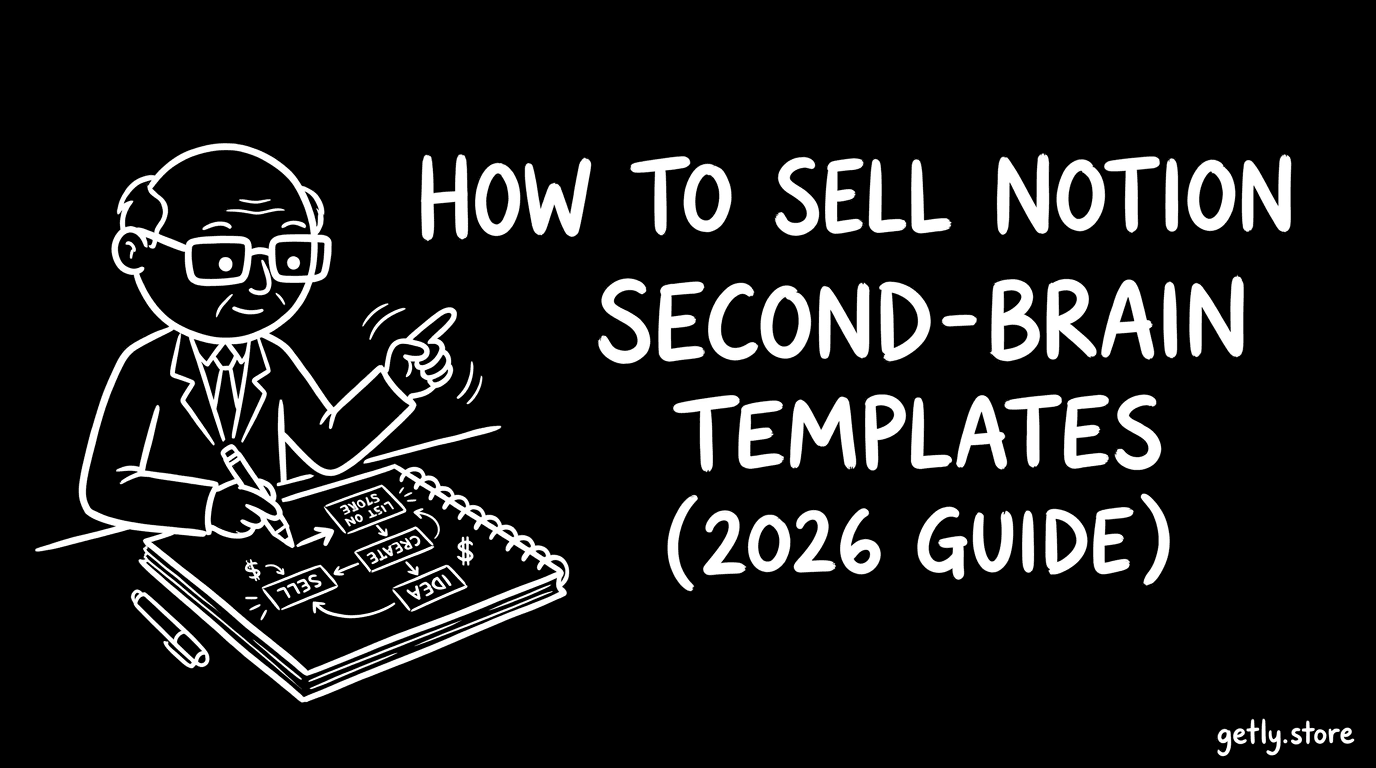
How to sell notion — a 2026 guide for creators. This guide shows you how to build and package Notion second-brain templates that buyers actually keep using, then list them in a notion marketplace without guesswork. You’ll learn what buyers expect (templates, docs, and support), how to price from intro to premium life-OS systems, and how to market to the specific communities that buy Notion setups. You’ll also get a practical packaging checklist for files, previews, README/docs, and licensing. Finally, you’ll see why Getly is a strong fit for selling digital notion templates—including creator revenue share and crypto payouts.
Who's selling notion right now?
Most successful sellers in this niche are solo creators or small teams who turn a personal system into a reusable template. They tend to be “workflow people” (students, founders, operators, coaches) who document how they capture, organize, and review information—not just how they design pages.
Another common group is agencies and Notion consultants who productize client setups. They’re good at mapping real requirements (KPIs, content calendars, client portals) into Notion databases and views, then packaging it into a clean template with onboarding.
Finally, there’s the side-project crowd: creators who publish consistently, iterate based on buyer questions, and improve templates over time. In 2026, buyers increasingly expect “versioned systems” (clear updates, not just a one-time upload) because they’re comparing templates like software.
What buyers expect
Notion second-brain buyers are looking for usable structure on day one. That means linked databases, sensible default views, and templates that don’t break when duplicated or used on a new workspace. Quality here is less about aesthetics and more about how quickly someone can start capturing notes, tasks, and projects.
Documentation also matters. Buyers expect a simple README that explains what’s included, how to duplicate, where to start, and how to customize key settings (tags, databases, automations if any, and page routing). Support expectations are usually “responsive but bounded”: quick answers to setup questions, plus clear guidance inside the docs for common fixes.
- Clear included pages (index/home page + system map)
- Database integrity (relations and rollups work after duplication)
- Setup instructions (what to do first, what to leave as-is)
- Changelog or version notes (what improved since last release)
- License clarity (personal vs commercial use if you sell tiers)
- Preview assets that show actual workflows (views, dashboards, flows)
Pricing playbook
For selling notion templates, a realistic starting range is usually $15–50 for single-system templates (one focus area like a content planner, study system, or lightweight second-brain starter). As you expand into broader “life-OS” coverage (multiple interconnected databases, routines, dashboards, and a clear workflow), buyers are more willing to pay in the $80–200 range for full systems.
A practical tier structure is to offer an intro, mid, and premium version of essentially the same core system—then let buyers choose complexity. For example: an intro template for one workflow path, a mid tier that includes more dashboards and automation-free routines, and a premium tier that includes the full second-brain architecture. If you sell digital notion at scale, bundling is also a lever: combine related templates into a “starter pack” so buyers don’t have to guess what pairs well.
Use license tiers to match intent. Common approach: a personal license for individual use, and a commercial license that allows usage in a business context (and optionally redistribution rules, depending on your policy). Be explicit in your listing so buyers understand what they can and can’t do with the template.
Packaging your notion
Your listing is effectively the “product UI.” Package your Notion second-brain templates so buyers can confirm they’re getting a complete system, not a half-built workspace.
- Notion template structure: a Home/Start Here page with a system map
- Core databases: notes, tasks/projects, routines/habits (as applicable)
- Relations + views: prebuilt filters and dashboards that demonstrate the workflow
- Preview assets: screenshots or short preview images showing key dashboards and navigation
- README/docs: duplication steps, setup checklist, customization options, and troubleshooting
- Version notes: what changed in this release so buyers can decide whether to update
- License file or license section: personal vs commercial terms, plus redistribution restrictions if you have them
- Support boundaries: what you help with (setup questions) and what’s out of scope (unrelated Notion questions)
Marketing channels that actually work
Notion template buyers hang out where they look for “ready-to-use systems.” Start by posting in Notion-creator communities and productivity subcultures, especially where people actively share setups and ask for template recommendations.
Practical places to promote this niche:
- Reddit: r/Notion, r/Productivity, r/bujo (bullet journal / capture workflows), r/ADHD (second-brain organization use-cases)
- Twitter/X: follow and reply to Notion creators and productivity accounts; post short workflow clips (dashboards + capture flow)
- Notion tutorial YouTube: create “how it works” walkthroughs focused on one buyer outcome (e.g., “capture → review → plan”)
- Discord communities: join Notion/productivity servers and share a template preview + a “how to start” snippet
- Creator collabs: do guest posts or co-made short guides with creators who already teach Notion workflows
Content that converts usually follows a simple format: show the problem, demonstrate the workflow using your template, then clearly state who it’s for and how to get started in minutes.
Why Getly?
Getly is built for creators selling digital goods: you keep 80% of every sale, while Getly takes a 20% platform fee. That creator-first split matters when you’re iterating templates and improving your catalog over time.
Getly also supports payouts via Stripe Connect plus crypto payouts (USDT/USDC on Tron, BSC, Polygon, Solana, Ethereum). For creators outside Stripe-supported countries, crypto can be the difference between getting paid and not being able to sell—so it’s a practical advantage for selling notion templates internationally.
Next step: pick one second-brain workflow you can make “day-one usable,” package it with a clear Start Here page + README, and list it with intro/mid/premium tiers so different buyers can self-select. Then publish one walkthrough showing the workflow from capture to review. Once you start getting setup questions, use them to create better docs and version notes—your template becomes easier to buy (and easier to update) with every release.