Getly
Getly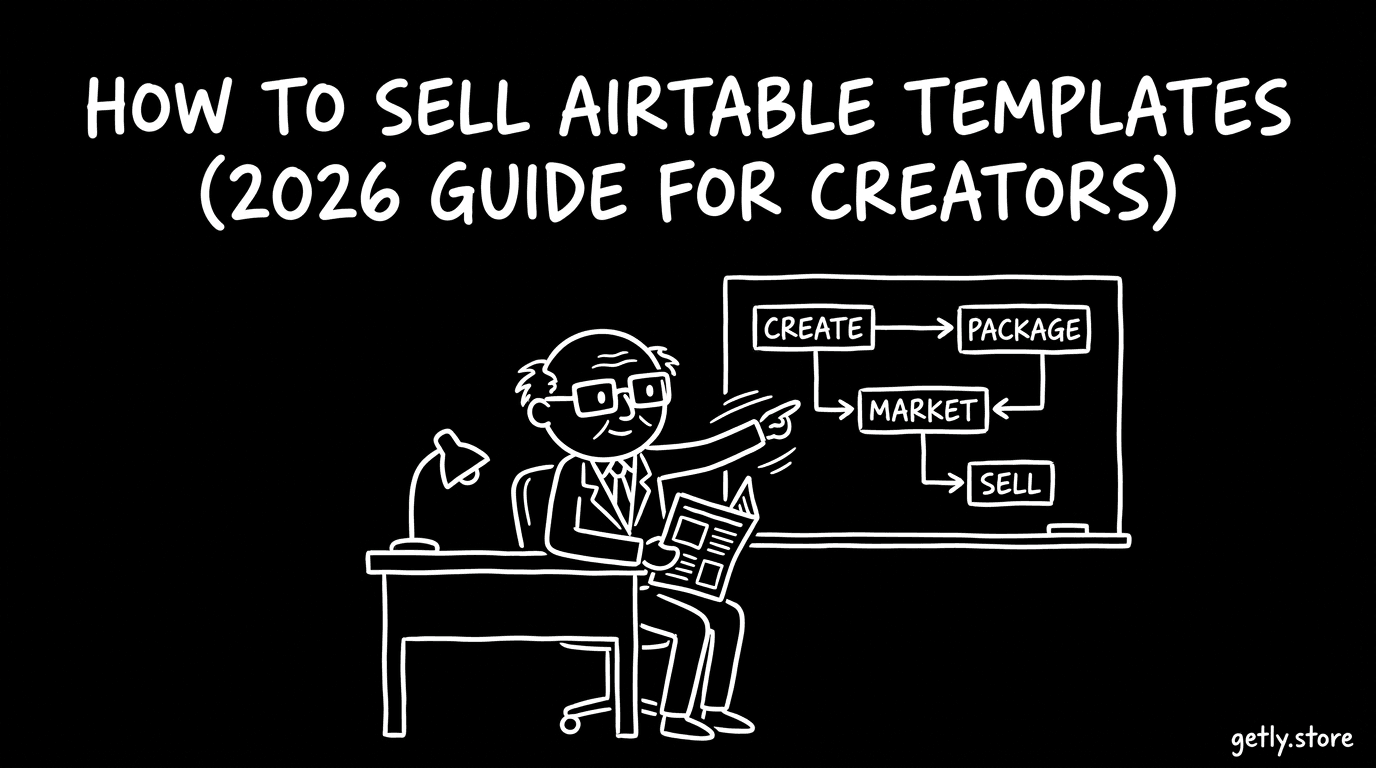
How to sell airtable - a 2026 guide for creators. This step-by-step guide shows you how to package Airtable templates so buyers can install them fast, understand what they’re getting, and trust the results. You’ll learn realistic pricing tiers (with $25–90 per base and $150+ for multi-base systems), how to structure license options, and how to bundle templates for higher perceived value. We’ll also cover marketing channels where Airtable builders actually hang out, plus how to support customers without drowning in tickets.
Who's selling airtable right now?
In 2026, most successful sellers of Airtable templates are solo creators who build one “use case” deeply (e.g., recruiting pipeline, client onboarding, editorial calendar) and publish updates regularly. They typically sell to small businesses, freelancers, and small teams that want a working system-not a blank database.
Another common profile is agencies or consultants who turn internal processes into reusable bases. They already understand workflows, fields, automations, and edge cases, then convert that knowledge into templates that other teams can adapt quickly.
Finally, there’s the side-project type: creators who start with “template for my own needs,” then expand into a small catalog once they see consistent buyer demand. If you’re in this group, your competitive advantage is iteration-collect buyer feedback and improve the next version.
What buyers expect
Buyers expect Airtable products to be immediately usable. That means sensible table structure, clear relationships, and automation logic that either works out of the box or is explained clearly so they can adapt it without guesswork.
Documentation quality is a major differentiator in the Airtable marketplace. Buyers want setup instructions, field meaning, how to connect views/smarts, and what to edit (especially where they’ll swap in their own names, statuses, and fields).
- Clean structure: tables, views, fields, and relations that make sense for the workflow
- Import-ready approach: everything organized so they can install without rebuilding from scratch
- README/docs: setup steps, “what you get,” and quick-start guidance
- Preview assets: screenshots or short demo walkthroughs showing key views and results
- Support expectations: a simple support policy and how/where you’ll respond to installation issues
Pricing playbook
Use pricing that matches how Airtable buyers shop: by “system size” and how specific the workflow is. A strong baseline is $25–90 per base. For multi-base systems (e.g., connected CRM + pipelines + reporting dashboards), price at $150+ because buyers see it as a fuller operating system.
Tier your catalog into an intro / mid / premium structure. Intro is a single base that covers one job-to-be-done. Mid adds integrations, additional views, and better documentation. Premium is your “all-in” package-often multi-base, includes reporting, and is easier to customize.
Also add license tiers so you can sell B2C and B2B without discounting everything. For example: Personal (single user / personal use) vs Commercial (team or client usage) with clear boundaries. If you include commercial rights, be explicit about what “commercial” covers in your license text.
Packaging your airtable
Packaging is what turns “a base” into a product. The goal: reduce buyer friction during setup and increase confidence that your template will work for their use case.
- One product = one outcome: name the template by the workflow (e.g., “Recruiting Pipeline System”)
- Preview assets: 6–12 screenshots or a short walkthrough (views, dashboards, automations)
- README + setup guide: what to import/copy, where to edit first, and how to make it yours
- Field dictionary: what each key field means and allowed values (statuses, tags, picklists)
- Automations notes: what triggers are included and what needs to be changed (emails, webhook URLs, etc.)
- License file: Personal vs Commercial terms, plus “what buyers can/can’t do”
- Version notes: what changed since the last release and any migration instructions
- Changelog + support contact: where to ask questions and what you can help with
Marketing channels that actually work
Airtable buyers discover templates through practical workflow content-tutorials, breakdowns, and “how to set up X in Airtable.” That means you should market where people already search for Airtable solutions and systems, not where they browse generic digital goods.
Focus on channels like:
- Reddit: r/airtable, r/Notion, r/operations, r/freelance (post “setup guides,” not just listings)
- Twitter/X: Airtable creators and automation/TB workflow accounts-share teardown threads (“Here’s how this CRM base is structured”)
- Airtable-focused Discord communities (often shared via creator networks)-offer free mini-walkthroughs and link your template as the full system
- YouTube: “Airtable CRM template” and “Airtable workflow setup” videos (even short 5–10 minute walkthroughs help)
- Creator-led tutorials: post templates as a downloadable example at the end of a tutorial (buyers trust working demonstrations)
Why Getly?
Getly is set up for digital goods sellers with a creator-friendly model: creators keep 80% of every sale, and the platform fee is 20%. You can also sell to a wider range of buyers thanks to crypto payouts in USDT/USDC on Tron, BSC, Polygon, Solana, and Ethereum-especially helpful if you’re outside Stripe-supported countries.
Payouts run on the 1st and 15th of each month. Getly also supports built-in growth tools like affiliate and referral programs (15% of a friend’s first purchase), plus search and discovery features designed to help buyers find relevant Airtable templates and bases.
Next step: pick one high-intent workflow (CRM, project tracking, onboarding, recruiting, content pipeline), build a clean base with solid docs, then package it with previews + a simple setup guide. Price it in the $25–90 range first, validate demand, then create a multi-base “premium” system at $150+ once you’ve ironed out customization and support.