Getly
DevOps e infraestructura
PowerShell Registry Backup with Rollback for Windows AdminsPowerShell Registry Backup with Rollback for Windows Admins
Este anuncio se muestra en su idioma original (inglés).
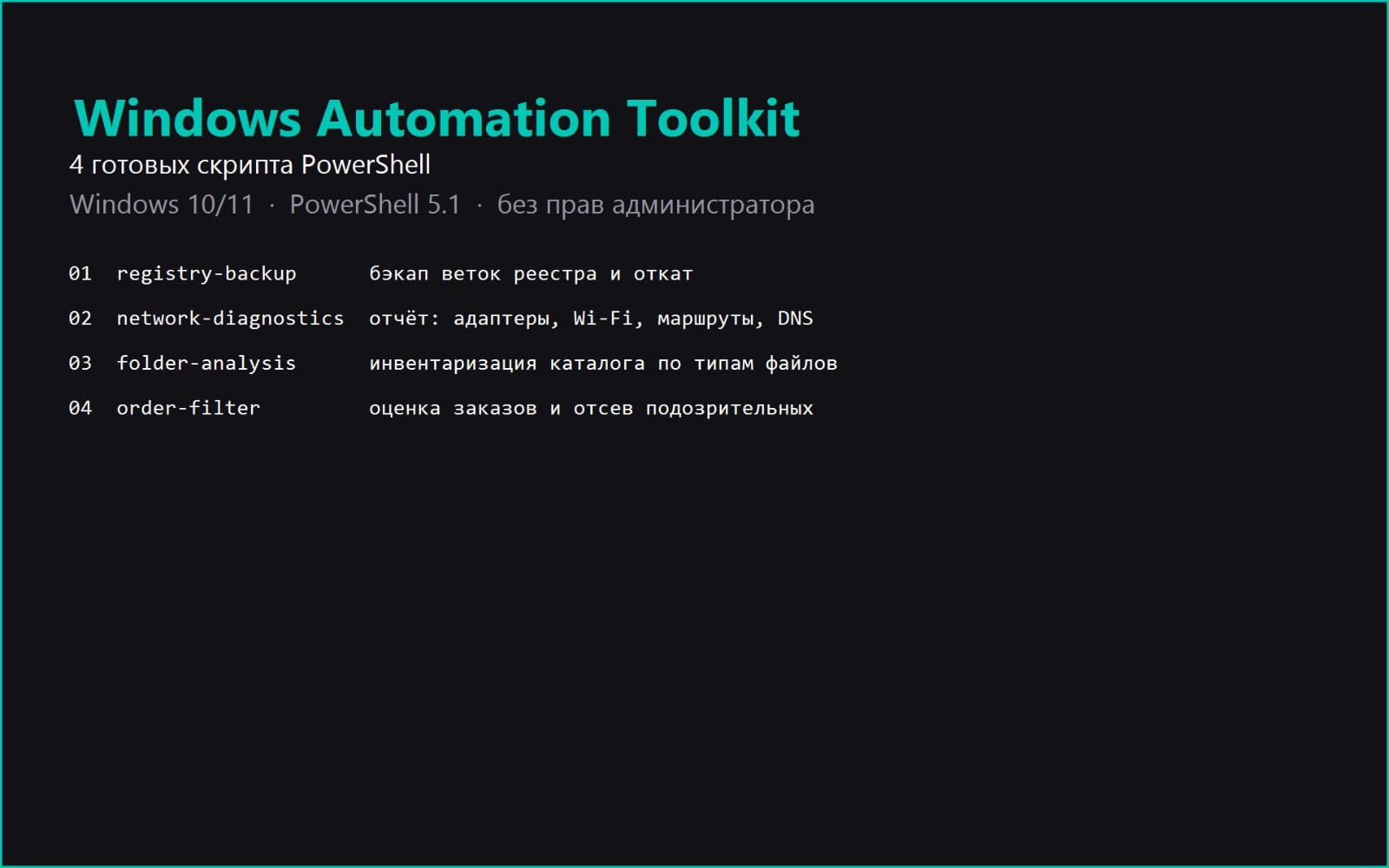
Automatically export registry keys before a Windows update or policy change, then roll back by double-clicking a .reg file. No admin rights needed.
Qué recibes: 1 archivo · 6.67 KB · ZIP
Ver opciones de compraDescripción del producto
Tired of exporting registry branches by hand before every Windows update or policy change?
This PowerShell script exports the key registry branches to a dated folder, writes a CSV report of what was saved, and shows how to roll back.
WHAT IT SOLVES
Manual export means opening regedit, finding the branch, right-click, export, inventing a filename, and hoping you typed the path correctly. Two minutes per branch and a real chance of a typo in the path.
The script does it in one command, names the folder with the date, and writes a report showing exactly which files were produced and how large they are.
WHAT IS INSIDE
- bekap-reestria.ps1, the script itself, PowerShell 5.1 and newer
- INSTRUKCIYA.md, launch, requirements, rollback and a table of common errors
- LIZENZIYA.txt, terms of use
- primer-vyvoda.txt, real output from an actual test run
REQUIREMENTS
Windows 10 or 11, PowerShell 5.1 which is bundled with Windows. No administrator rights required, the script only reads data and writes copies.
HOW TO RUN
powershell -ExecutionPolicy Bypass -File .\bekap-reestria.ps1
Then roll back by double-clicking any .reg file and confirming the import.
BUGS FOUND AND FIXED DURING DEVELOPMENT
1. reg.exe rejects a registry path containing a colon. The PowerShell provider requires a colon after HKLM while reg.exe rejects it and fails with invalid key name. Paths are stored in reg.exe syntax from the start.
2. A .ps1 file without a BOM is read as ANSI by PowerShell 5.1, which breaks Cyrillic comments and crashes the parser. Saved as UTF-8 with BOM.
Both were verified by re-running the script and comparing the output before and after the fix.
Qué recibes
1 archivo · 6.67 KB
- Windows-Registry-Backup-Pack.zipZIP · 6.67 KB
DevOps e infraestructura
PowerShell Registry Backup with Rollback for Windows AdminsPowerShell Registry Backup with Rollback for Windows Admins
Este anuncio se muestra en su idioma original (inglés).
Automatically export registry keys before a Windows update or policy change, then roll back by double-clicking a .reg file. No admin rights needed.
Incluido en Getly ProObtener Pro
Etiquetas
Preguntas frecuentes
¿Tengo acceso al instante?
Sí. Es un producto digital: puedes descargarlo justo después del pago, directamente desde tu biblioteca.
¿Puedo usarlo en proyectos comerciales?
Sí. Se permite el uso comercial: úsalo en tu propio negocio y en cosas que vendas. No puedes revender ni redistribuir el archivo en sí.
¿Cuál es vuestra política de reembolso?
Puedes pedir un reembolso dentro de 30 días. Si algo no va bien, solicítalo desde tu pedido y el equipo de Getly lo revisa.
¿Qué formatos y tamaños de archivo recibiré?
Descargarás 1 archivo - ZIP - 6.67 KB en total.
¿Recibo actualizaciones gratis?
Sí: cuando el vendedor publica una versión nueva, puedes volver a descargar los archivos más recientes desde tu biblioteca sin coste extra. Mira el registro de cambios para ver las últimas actualizaciones.
Precio
$9.99