Getly
Presets de Premiere Pro
K Motion Pro for Premiere Pro — Effects, Transitions, Titles, Handwriting, Audio Tools & Export in One Panel
Este anuncio se muestra en su idioma original (inglés).
Everything in K Motion Complete plus handwriting with draw-on animation, multi-size export, 45+ sound effects, audio tools and beat sync.
Qué recibes: 1 archivo · 104.14 KB · ZIP
Ver opciones de compraVista previa
Descripción del producto
Stop keyframing. Start stacking.
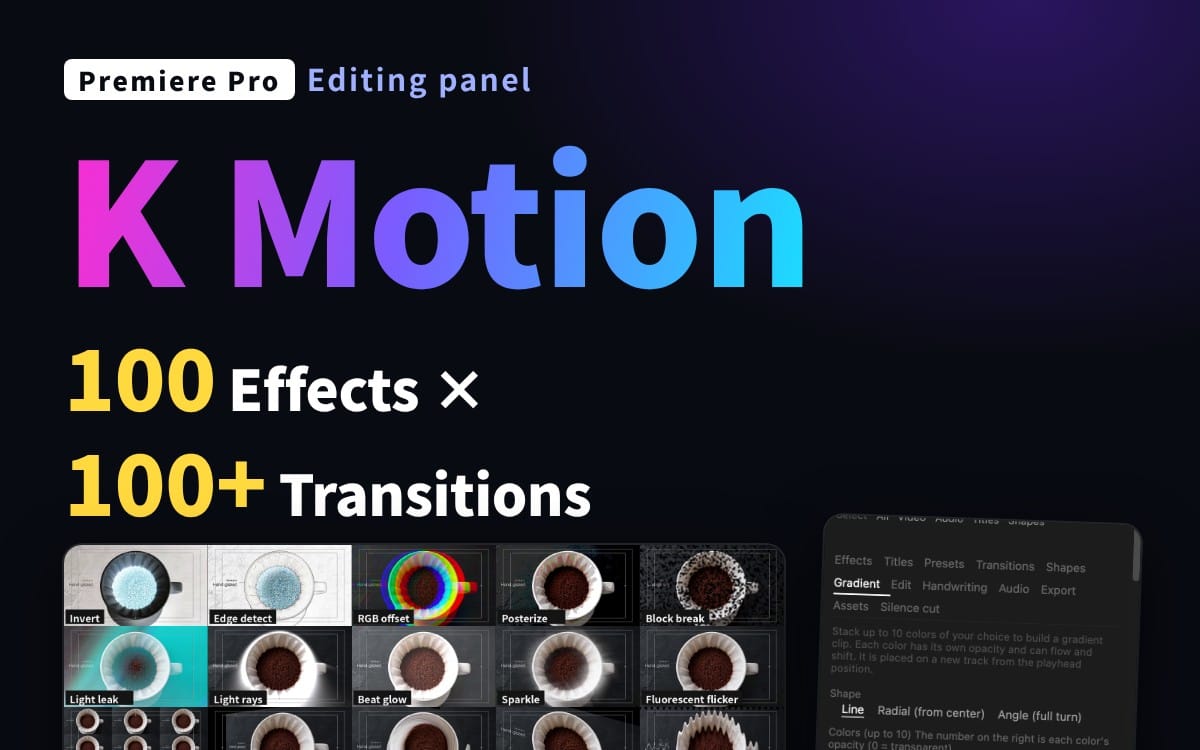
K Motion is a Premiere Pro panel that adds polished motion to your clips in one click and lets you fine-tune it with sliders. Select clips, click a motion, adjust the strength. That's it.
This is the Pro edition: everything in Complete, plus the Pro-only tools below.
What you get
100 effects (247 adjustable parameters): zoom, slide, bounce, shake, blur, glitch, glow, color looks and more
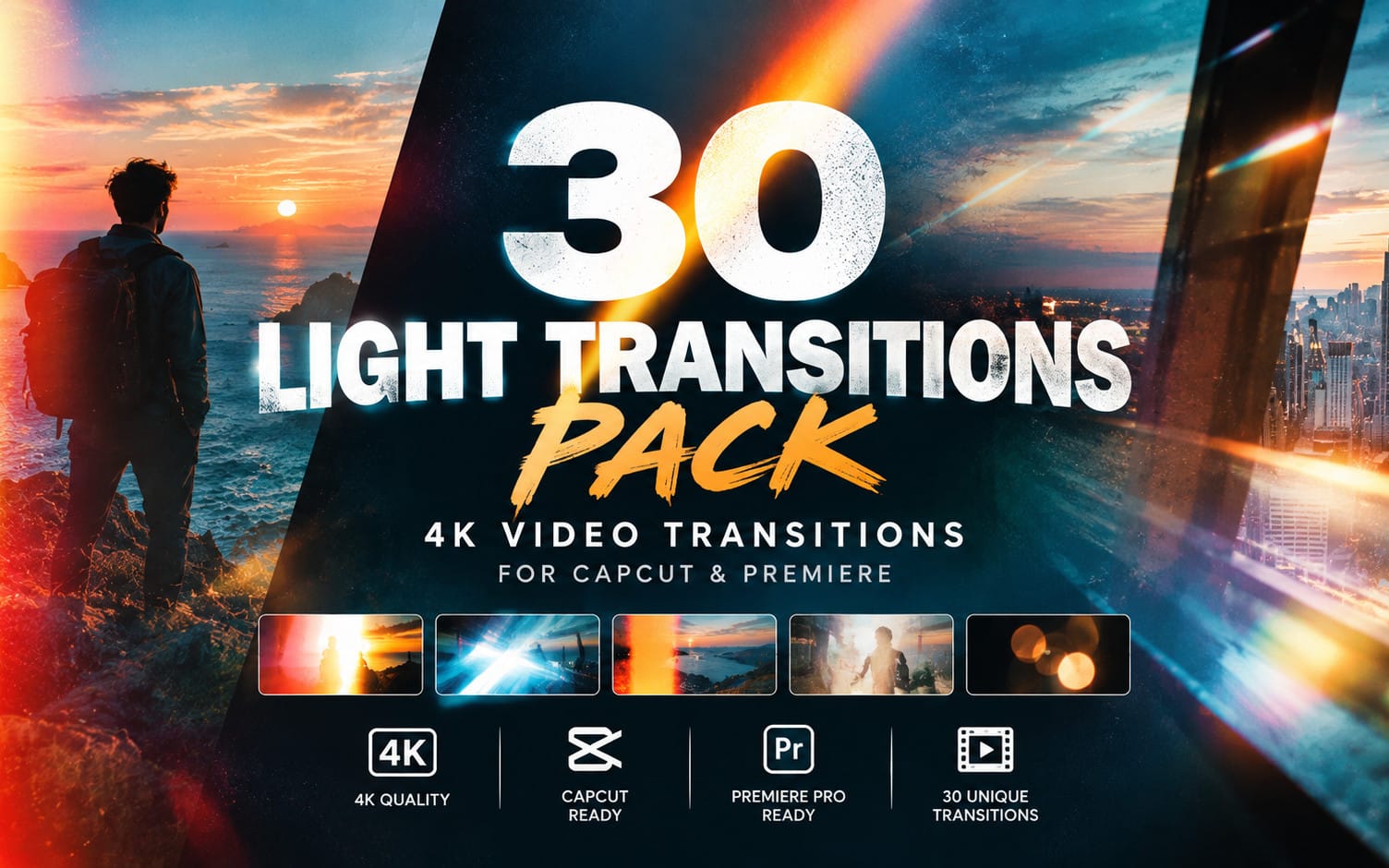
100+ transitions, added to the start, the end or both of a clip
75 title animations + speech-bubble emotions for text clips: in, out and emphasis
76 one-click presets, plus save your own
Gradient maker: stack up to 10 colors, animate them, delete with one click
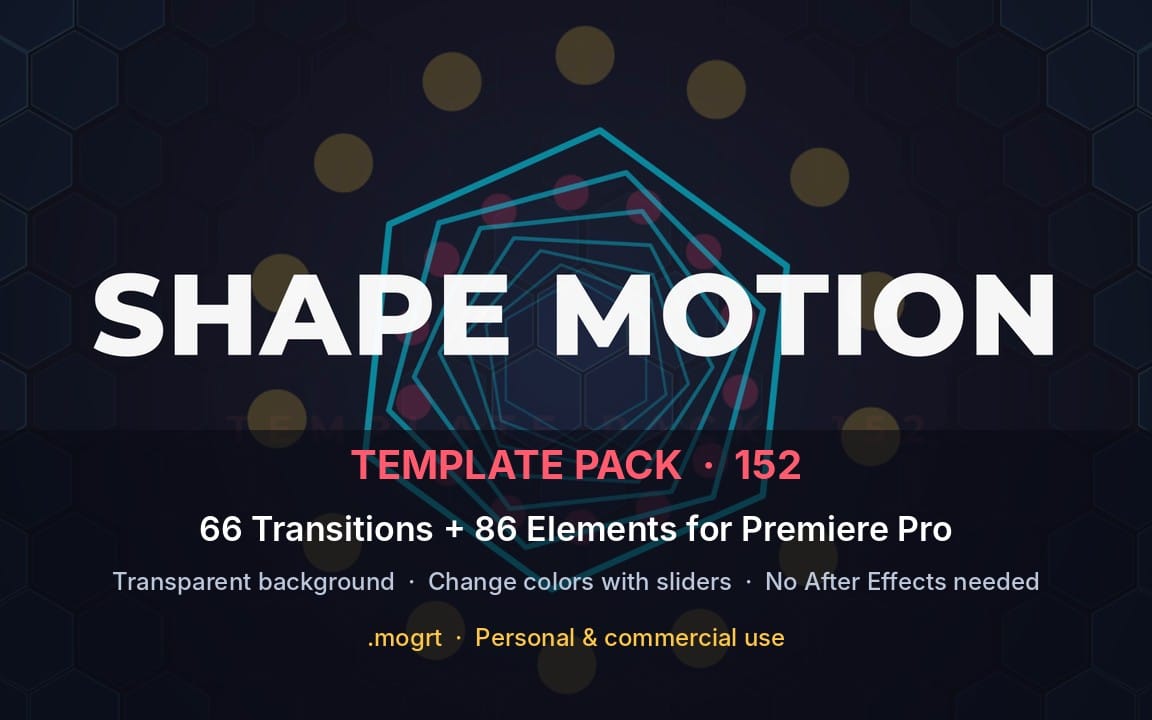
Shapes: animated circles, stars and more placed on new tracks
Stackable layers, copy / paste effect stacks, works on many clips at once
Search by name or keyword (English and Japanese keywords both work)
Only in Pro
Handwriting: draw on a canvas, place it on the timeline, with draw-on animation
Multi-size export: HD / Full HD / 4K, landscape and portrait, in one go
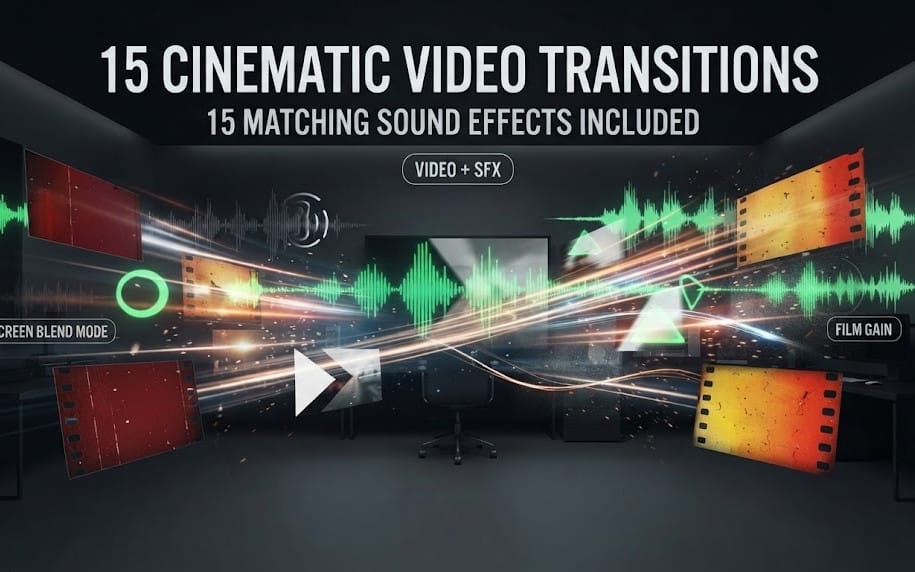
45+ sound effects generated on the spot and placed at the playhead
Audio tools: noise removal, voice changes, volume matching, beat sync (markers and zoom on the beat)
Asset maker: vignette, cinema bars, countdown and more
Which edition?
Lite: 10 basic motions
Complete: effects, transitions, titles, presets, gradients, shapes, edit tools
Pro: everything in Complete plus handwriting, export, assets, audio, beat sync
Requirements
Premiere Pro 25.6 or later (UXP-enabled), 26.x recommended
Tested on Premiere Pro 26.3.2 / macOS. Windows is not verified yet: it should work, but please try Lite first if unsure.
Some effects depend on the built-in effects of your Premiere version; unavailable ones are hidden automatically.
How to install
Double-click the included .ccx file, click Install in Creative Cloud, restart Premiere Pro, then open Window > UXP Plugins > K Motion. A step-by-step guide (README) is included.
License
Personal and commercial use OK, including client work. Redistribution, resale and file sharing are not allowed.
Notes
This is a tool that operates Premiere Pro's built-in effects. No third-party footage or effects are included. Premiere's own undo needs two presses per applied effect; use the panel's Undo for a one-step undo. Not affiliated with or endorsed by Adobe. Adobe and Premiere Pro are trademarks of Adobe Inc.
Qué recibes
1 archivo · 104.14 KB
- KMotion_Pro_EN_v1.0.zipZIP · 104.14 KB
Presets de Premiere Pro
K Motion Pro for Premiere Pro — Effects, Transitions, Titles, Handwriting, Audio Tools & Export in One Panel
Este anuncio se muestra en su idioma original (inglés).
Everything in K Motion Complete plus handwriting with draw-on animation, multi-size export, 45+ sound effects, audio tools and beat sync.
Preguntas frecuentes
¿Tengo acceso al instante?
Sí. Es un producto digital: puedes descargarlo justo después del pago, directamente desde tu biblioteca.
¿Puedo usarlo en proyectos comerciales?
Sí. Se permiten tanto trabajos comerciales como para clientes, incluidos productos con ventas ilimitadas. No puedes revender el archivo en sí.
¿Cuál es vuestra política de reembolso?
Puedes pedir un reembolso dentro de 30 días. Si algo no va bien, solicítalo desde tu pedido y el equipo de Getly lo revisa.
¿Qué formatos y tamaños de archivo recibiré?
Descargarás 1 archivo - ZIP - 104.14 KB en total.
¿Recibo actualizaciones gratis?
Sí: cuando el vendedor publica una versión nueva, puedes volver a descargar los archivos más recientes desde tu biblioteca sin coste extra. Mira el registro de cambios para ver las últimas actualizaciones.
Precio
$35.00